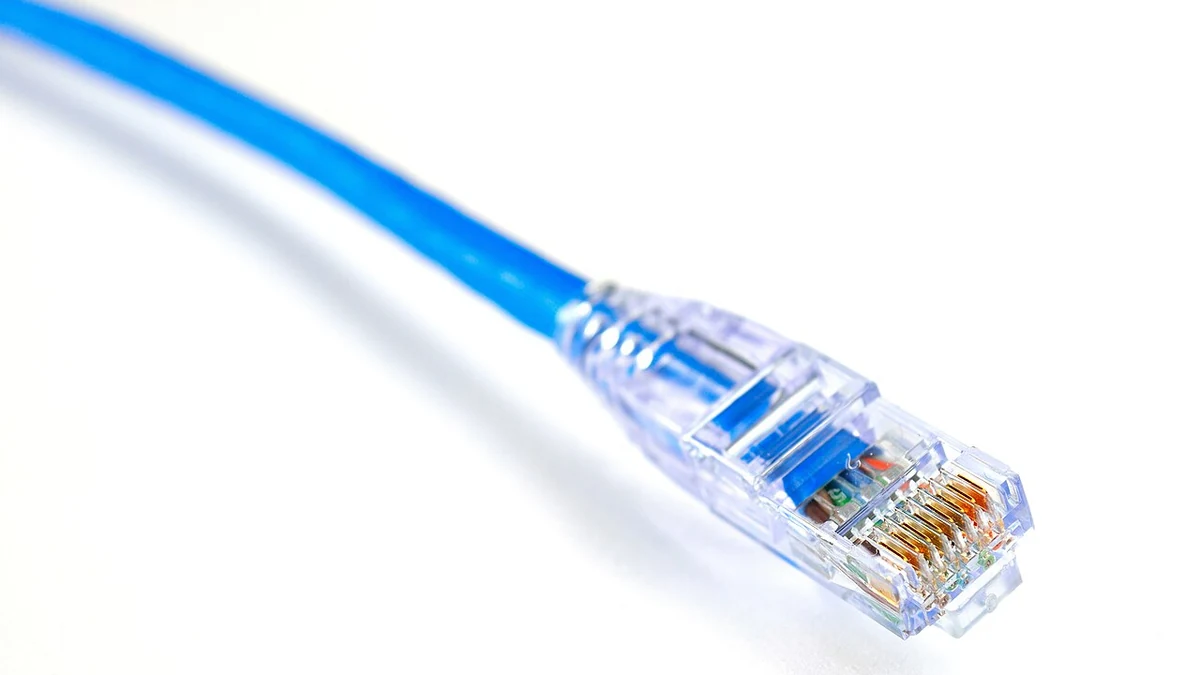
Ethernet Cables: The Wired Fix for Slow Wi-Fi in 2026
Ethernet cables are the simplest fix for slow Wi-Fi, and the one most people overlook. If your video calls freeze, your games lag, or your films buffer while the router sits in the next room, the problem is often the wireless connection itself, not your internet plan. A wired Ethernet cable gives your computer or TV a direct, stable link to the router, with speeds Wi-Fi can only promise.
The fix costs a few dollars and takes a minute to plug in. The hard part is buying the right cable: the categories, shielding, and lengths on the box all matter, and the wrong choice can cap your speed just as badly as Wi-Fi did. This guide explains which Ethernet cable to buy, and how to use it properly.
Key Takeaways
- A wired Ethernet connection is faster and steadier than Wi-Fi, with lower lag and no dead zones.
- Cat6 is the best choice for most homes in 2026, handling gigabit speeds with room to spare.
- Cat6a suits faster plans and longer runs, while Cat7 and Cat8 are overkill for nearly every home.
- Unshielded cable is fine for most homes; shielded cable only matters near heavy electrical interference.
- Buy the shortest cable that reaches comfortably, and check your ports before you pay for speed you cannot use.
Why a Cable Still Beats Wi-Fi
Wi-Fi is convenient, but it is a shared, invisible medium. Every wall, floor, neighbour’s network, and microwave between you and the router eats into your speed, and the connection changes from minute to minute. A wired link has none of that: the signal travels down copper to the router and back, at a steady speed, with almost no delay. For a work call or an online game, that steadiness matters more than the top speed on the box.
The difference shows up most clearly where Wi-Fi struggles. A TV at the far end of the house, a desktop in a basement office, or a games console two rooms from the router will all run better on a cable. Even a short cable helps: plugging a laptop into the router for a big download or an important call removes the weakest link in the chain. If your router sits far from where you work, our guide to the best routers of 2026 explains how to place it well, and a cable does the rest.
Cat5e, Cat6, Cat6a, Cat7, and Cat8: What the Categories Mean
Ethernet cables are sold by category, and the category sets the maximum speed and the distance it holds that speed over. Cat5e is the oldest cable still sold, and it handles gigabit speeds over short runs, which is enough for most homes today. Cat6 is a step up: it handles gigabit easily and can carry 10-gigabit speeds over runs up to about 55 metres. Cat6a doubles that 10-gigabit distance and is the sensible choice for a new home installation.
Cat7 and Cat8 sound better on the box, and they are, on paper. Cat7 handles 10-gigabit speeds with heavy shielding, and Cat8 handles 25 or 40 gigabits over short runs. In practice, almost no home needs either: home internet plans rarely pass 1 gigabit, and home devices rarely have ports faster than that. Buying Cat8 for a gigabit connection is like buying a motorway for a bicycle. Cat6 is the sweet spot for patch cables, and Cat6a is the sweet spot for cables run through walls.
| Category | Max Speed | Best For | Typical Price |
|---|---|---|---|
| Cat5e | 1 Gbps | Basic gigabit, short runs | Lowest |
| Cat6 | 10 Gbps to 55 m | Most homes, best value | Low |
| Cat6a | 10 Gbps to 100 m | Long runs, new installs | Moderate |
| Cat7 | 10 Gbps | Shielded installs | Higher |
| Cat8 | 25–40 Gbps | Data centres, short runs | Highest |
Shielded vs Unshielded: When It Matters
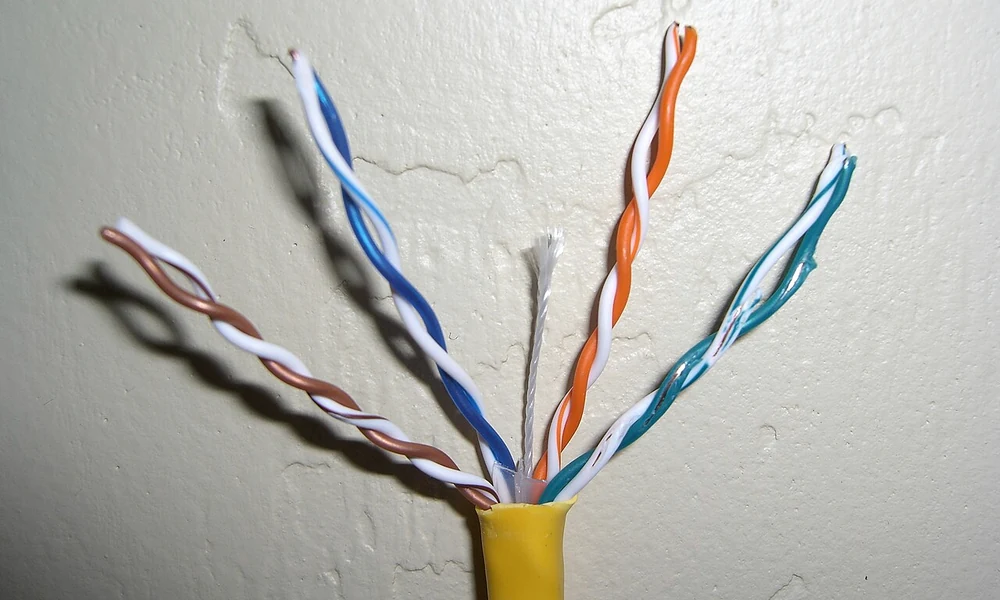
Most Ethernet cables are unshielded twisted pair, known as UTP. The four pairs of wires inside are twisted together, and that twisting cancels out most interference on its own. For a cable running across a living room or an office, UTP is all you need, and it is thinner, cheaper, and easier to bend around corners than shielded cable.
Shielded cable, known as STP or FTP, adds a foil or braided layer around the wires. It helps when a cable runs alongside mains power cables, through a factory floor, or past fluorescent lighting and heavy machinery. In a normal home, that extra shielding buys almost nothing and can even cause problems if it is not grounded properly at both ends. Save the money and the hassle: buy shielded cable only if your run passes close to mains wiring or large motors.
Length, Speed, and What Your Ports Allow
Length matters more than most buyers expect. A short cable is easy: at one or two metres, almost any cable in the right category performs perfectly. Past 50 metres, even good cable starts to struggle at its top speed, and past 100 metres, Ethernet stops working reliably altogether. For a home, that rarely matters, since few runs pass 30 metres, but it is worth knowing before you order a 50-metre cable for a 10-gigabit link.
The other limit is your own hardware. A cable cannot make a 100-megabit port faster, and it cannot make a gigabit internet plan faster than a gigabit. Before you buy, check the ports on your router, your computer, and your TV: the slowest port in the chain sets the speed for everything after it. If your router has gigabit ports and your plan is gigabit, a Cat6 cable gives you the full speed. If either is slower, a cheaper cable would have done the same job.
Patch Cables vs In-Wall Runs
A patch cable is the flexible cable you plug between a device and a wall socket or router. It has stranded copper wires inside, which bend easily and survive being plugged in and out, coiled, and moved. Patch cables are what you want for everything you can see: from the router to the TV, from the wall socket to the laptop, from the switch to the games console.
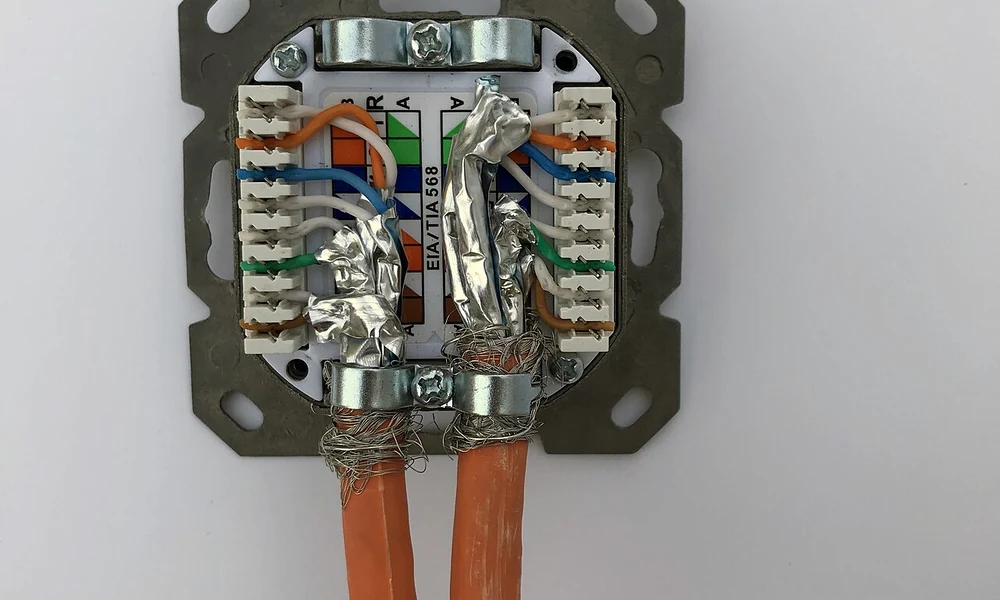
An in-wall cable is different: it has solid copper wires, which carry a signal further but snap if bent repeatedly. It is the cable you run through walls, under floors, and along lofts, terminated at a wall socket at each end. If you are wiring a home properly, run Cat6a in the walls and use short Cat6 patch cables at each end. Never use a patch cable inside a wall, and never use solid-core cable as a patch lead that you plug in and out daily. For a tidy desk setup, our guide to the best docking stations of 2026 covers hubs that turn one cable into a full desk connection.
Plugging In: Getting the Full Speed in Five Minutes
Plugging in is simple, but a few details decide whether you get the full speed. Push the connector firmly into the port until the clip clicks; a half-seated connector is the most common cause of a slow wired connection, and it often shows up as a link that drops to 100 megabits for no clear reason. If the cable does not click, the clip may be bent: replace the cable rather than forcing it.
Then check the speed your device reports. On a computer, the network settings will show the link speed: 1,000 megabits means a full gigabit link, while 100 megabits means something in the chain is limiting you, usually an old cable, an old switch, or a damaged connector. Swap the cable first, since it is the cheapest part to test. If the speed stays low, check the wall socket and the switch before blaming the internet plan. When Wi-Fi still cannot reach a room at all, our guide to the best Wi-Fi extenders of 2026 covers the wireless fix, but a cable beats it wherever you can run one.
Mistakes That Waste Money
The most common mistake is buying a category you cannot use. Cat8 is the classic example: it costs several times more than Cat6, and on a gigabit home network it performs exactly the same. Spend the difference on a better router, a longer run to the room that needs it, or a second cable for another device.
The second mistake is buying a cable that is far too long. A 30-metre cable coiled behind a TV is a trip hazard and a dust trap, and long cables are harder to route neatly. Measure the route the cable will actually take, around skirting boards and behind furniture, then add a metre for slack. A cable that reaches comfortably with a gentle curve will last years longer than one pulled tight.
The third mistake is running Ethernet alongside mains power. Power cables induce noise into nearby network cables, which slows the connection and can cause dropouts. Keep network cables at least 30 centimetres from mains wiring where you can, and cross power cables at right angles rather than running alongside them. If you must run them together, that is the one case where shielded cable earns its price.
Checklist: Before You Buy an Ethernet Cable
- Check the slowest port in your chain: router, switch, and device all set the speed together.
- Choose Cat6 for patch cables and Cat6a for long runs or cables inside walls.
- Buy unshielded cable unless the run passes mains wiring or heavy machinery.
- Measure the real route, around furniture and skirting, then add a metre for slack.
- Pick a flexible patch cable for anything you plug in and out, and solid-core cable only for walls.
- Test the link speed after plugging in: 1,000 megabits means a full gigabit link.
Frequently Asked Questions
Will an Ethernet cable make my internet faster?
It will make your connection faster and steadier, up to the speed of your internet plan. If your plan is 200 megabits and Wi-Fi only delivers 60, a cable will deliver the full 200. It cannot make the plan itself faster, but it removes the wireless bottleneck between you and the router.
Is Cat6 enough for gigabit internet?
Yes, Cat6 handles gigabit easily and can carry 10 gigabits over runs up to about 55 metres. For a gigabit plan, Cat6 is more than enough. Cat6a is worth it only for long runs or a new installation you want to last a decade.
Do I need Cat7 or Cat8 at home?
Almost certainly not. Cat7 and Cat8 are built for data centres and very fast networks, and no current home internet plan or home device needs them. A Cat6 or Cat6a cable performs identically on a home network and costs far less.
Can I use an Ethernet cable with a laptop that has no port?
Yes, with a small USB-to-Ethernet adapter, which plugs into a USB-C or USB-A port and gives the laptop a wired connection. The adapter itself can limit the speed, so choose one rated for gigabit if your plan and cable support it.
How long can an Ethernet cable be?
Ethernet works reliably up to 100 metres per run. Beyond that, the signal degrades and the connection becomes unreliable. For most homes, runs are far shorter, and the practical limit is keeping the cable tidy rather than the signal.
Does the colour or brand of the cable matter?
No, the colour is only the jacket, and the brand matters far less than the category printed on the cable. Buy from a reputable seller, check that the category is printed on the jacket, and avoid unbranded cables with no rating at all.
The Bottom Line
Slow Wi-Fi is often not your internet plan at all: it is the wireless link between you and the router. A Cat6 Ethernet cable, plugged in properly and measured to fit, gives you the full speed you already pay for, with less lag and no dead zones. It is the cheapest upgrade in home networking, and the one most people should try first.


