
Paper has a way of piling up. Receipts fade in drawers, old photos curl at the edges, and important documents hide in folders you stopped opening years ago. The best scanners in 2026 fix that problem for good, turning stacks of paper into clean, searchable digital files you can actually find again.
A good scanner is no longer a bulky office machine that only businesses need. Modern models are fast, quiet, and small enough to sit on a home desk, and many send scans straight to your phone or cloud storage with a single tap.
This guide compares the best scanners of 2026 by type, speed, image quality, and value. We cover flatbed models for photos, sheet-fed machines for big paper stacks, and portable scanners for life on the move, with honest advice on what matters and what does not.
Key Takeaways
- Flatbed scanners are best for photos, books, and fragile documents that cannot go through a feeder.
- Sheet-fed scanners with an automatic document feeder are the fastest choice for large stacks of paper.
- Portable scanners suit travellers and small desks, but they trade speed and quality for size.
- Look for at least 600 dpi optical resolution for documents and 1200 dpi or more for photos.
- Duplex scanning, which captures both sides of a page at once, saves more time than any other single feature.
The Main Types of Scanners
Every scanner on the market falls into one of four groups, and the right group depends entirely on what you scan most. Picking the wrong type is the single most common buying mistake.
Flatbed Scanners
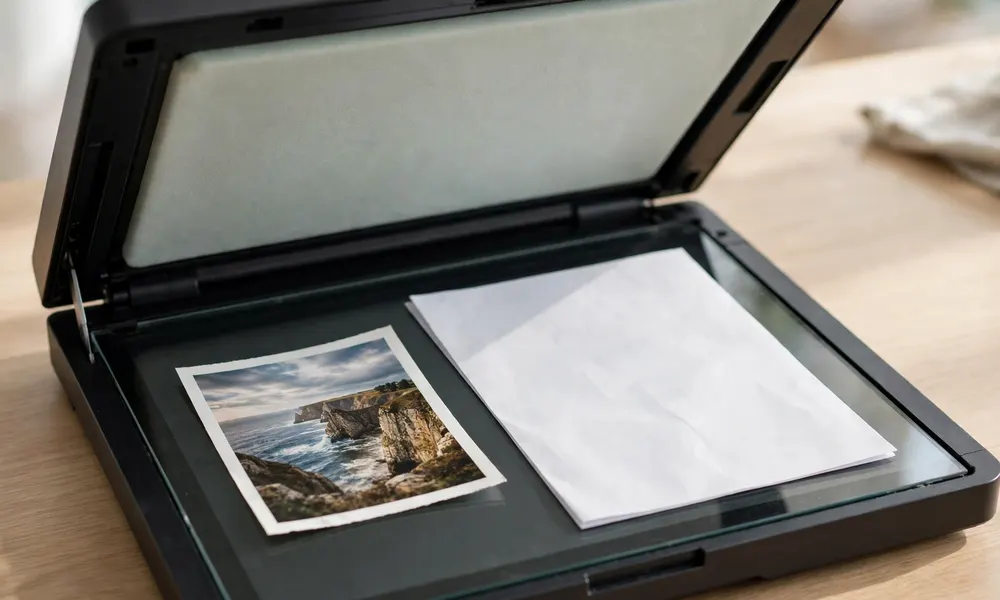
A flatbed scanner works like a photocopier. You lift the lid, place a page or photo face down on the glass, and the sensor moves underneath it. This design handles anything fragile, thick, or oddly shaped: old photographs, book pages, and certificates. The trade-off is speed. Scanning one page at a time is slow if you have hundreds of pages, but for quality and versatility nothing beats a flatbed.
Sheet-Fed Scanners
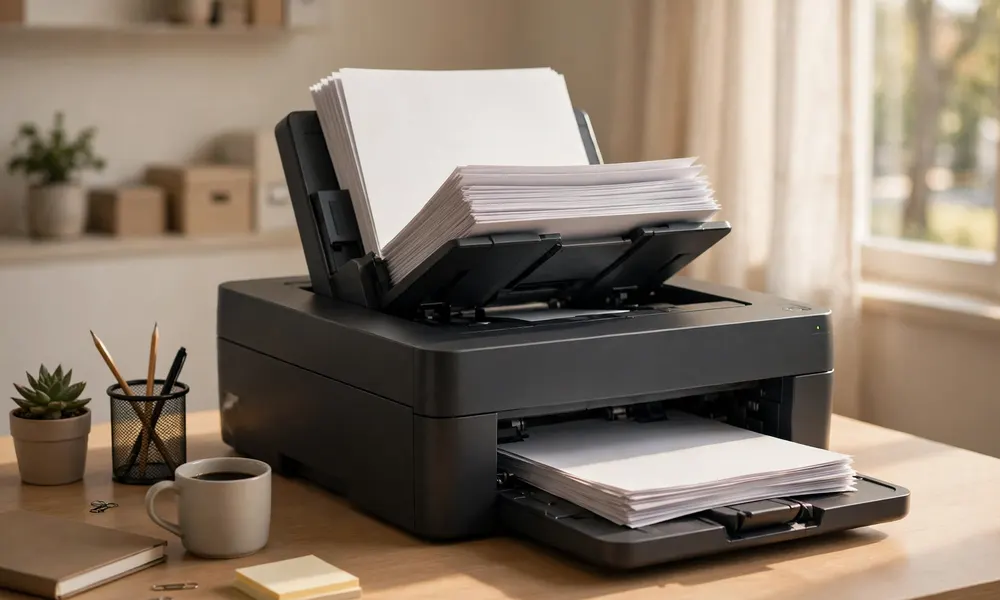
Sheet-fed scanners pull pages through the machine automatically, using an automatic document feeder, or ADF. Load a stack of fifty pages, press a button, and the scanner feeds them through one by one. Many models scan both sides of each page in a single pass. This is the right choice for offices, tax paperwork, and anyone clearing a filing cabinet. The limitation is that they cannot handle bound books, photos you care about, or anything thicker than ordinary paper.
Portable Scanners
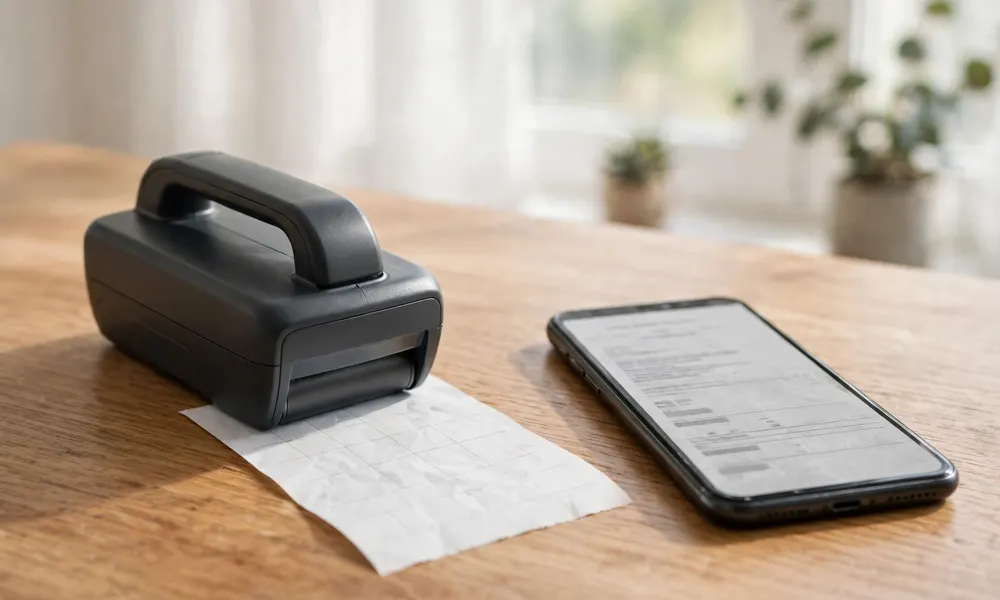
Portable scanners are small, light, and often battery powered. Some are wand-style devices you roll across a page, while others are compact sheet-fed units that fit in a laptop bag. They are ideal for receipts on the road, contracts at a client meeting, or a desk with no spare space.
Photo Scanners
Photo scanners are specialised flatbeds built for prints, negatives, and slides. They offer higher optical resolution, better colour accuracy, and holders that keep film flat during scanning. If your main goal is rescuing a family photo collection, a dedicated photo scanner will produce noticeably better results than a general-purpose model, especially with faded or damaged prints.
What to Look for Before You Buy
Scanner specifications can be confusing, because manufacturers love to advertise numbers that sound impressive but matter little in practice. These are the five things that actually affect your results.
Resolution
Resolution is measured in dots per inch, or dpi. For everyday documents, 300 dpi is plenty and produces crisp, searchable text. For photos you plan to print or enlarge, aim for 1200 dpi or higher. Pay attention to optical resolution, which is what the sensor genuinely captures, rather than interpolated resolution, which is software guesswork and adds no real detail.
Speed
Speed is usually quoted in pages per minute, and it matters most for sheet-fed models. A scanner rated at 30 pages per minute will clear a 300-page stack in about ten minutes. For home use, anything above 20 pages per minute feels quick.
Automatic Document Feeder and Duplex
An automatic document feeder turns scanning from a chore into a background task. A 50-sheet feeder is enough for most homes, while offices should look for 80 sheets or more. Duplex scanning, which reads both sides of a page at once, is even more valuable. If you deal with double-sided contracts, forms, or bank statements, duplex support will save you hours over the life of the machine.
Software and File Formats
The software bundled with a scanner matters as much as the hardware. Good scanning software creates searchable PDFs with optical character recognition, cleans up skewed pages, removes blank pages, and sends files directly to cloud storage or email. Before buying, check that the scanner supports the file formats you need, such as PDF, JPEG, and TIFF.
Connectivity
Most modern scanners connect by USB, Wi-Fi, or both. Wi-Fi is worth having if the scanner will sit away from your computer or be shared by several people in a household. Some models also scan directly to a USB stick or to cloud services without a computer at all. A scanner that works well with your laptop makes the whole setup smoother, so it is worth checking how it fits into your existing workspace alongside the rest of your gear, from your best laptops for 2026 to your printer.
Best Scanners 2026 at a Glance
The table below summarises the main types of scanner and who each one suits best, so you can narrow your choice in seconds.
| Scanner Type | Best For | Typical Speed | Best Resolution | Price Range |
|---|---|---|---|---|
| Flatbed | Photos, books, fragile documents | 1 page at a time | Up to 4800 dpi | Low to mid |
| Sheet-fed with ADF | Offices and large paper stacks | 25–40 pages per minute | 600 dpi | Mid to high |
| Portable | Travel, receipts, small desks | 5–15 pages per minute | 600 dpi | Low to mid |
| Photo scanner | Prints, negatives, slides | 1 photo at a time | Up to 6400 dpi | Mid to high |
| All-in-one | Home printing and occasional scans | 5–15 pages per minute | 1200 dpi | Low to mid |
Our Top Picks for 2026
We judged every category on scan quality, speed, ease of use, software, and value for money. These are the picks that stood out.
Best Overall: A Quality Flatbed Scanner
For most households, a well-made flatbed scanner is the best single purchase. It handles photos beautifully, copes with books and certificates, and produces the cleanest scans of any type. Modern flatbeds are slimmer than the models of a few years ago, and many now include one-touch buttons that scan straight to PDF or email.
Best for Offices: A Fast Sheet-Fed Scanner with Duplex
An office scanner lives or dies on its feeder. The best office models in 2026 combine a large automatic document feeder with duplex scanning, so a stack of double-sided paperwork becomes a searchable PDF in minutes rather than an afternoon. Look for a model with reliable paper handling, because a feeder that jams constantly will cost you more time than it saves. Pair it with a proper desk setup and a good screen, and the whole paperless workflow feels effortless, especially when your scans land in folders you can see clearly on one of the best monitors for 2026.
Best Portable: A Compact Scanner for Life on the Move
A portable scanner earns its keep when desk space is tight or work happens away from home. The best compact models weigh under a kilogram, run from a battery or USB power, and scan a receipt or contract in seconds. They are not the fastest or the sharpest scanners you can buy, but they are the ones you will actually have with you when a document needs capturing.
Best for Photos: A Dedicated Photo Scanner
If your goal is preserving old photographs, a dedicated photo scanner is worth the investment. These models use higher resolution sensors and better colour handling than general-purpose scanners, and they include holders for slides and film negatives. Many also come with software that repairs faded colours and removes dust and scratches automatically.
Best Budget: A Reliable All-in-One
If money is tight or you only scan occasionally, an all-in-one printer-scanner is the sensible choice. You get a flatbed scanner, a printer, and sometimes a copier in a single box for the price of a budget scanner alone. Scan quality is perfectly good for documents and casual photos, and the convenience of having one device instead of two is hard to beat. Just do not expect the speed or feeder capacity of a dedicated sheet-fed model.
How to Get Great Scans Every Time
Even the best scanner produces poor results if you use it badly. A few simple habits make a visible difference to every scan.
- Clean the glass or rollers regularly, because dust and smudges show up on every scan.
- Choose 300 dpi for documents and 600 dpi or higher for photos you want to keep.
- Scan in colour for photos and in greyscale or black and white for plain text to keep files small.
- Straighten pages before scanning, or use your software’s auto-deskew feature afterwards.
- Save documents as searchable PDFs so you can find them by typing a word, not by remembering a filename.
- Back up your scans in two places, such as an external drive and cloud storage, so a single failure cannot wipe out your archive.
Good scanning habits also make your digital filing system work harder for you. Once your documents are searchable PDFs, the next step is organising them, and the right tools make that easy. A solid set of best content management tools for 2026 can turn a pile of scans into a library you can search, share, and actually use.
Frequently Asked Questions
What is the best scanner for home use in 2026?
For most homes, a flatbed scanner is the best choice. It handles photos, books, and documents well, and it costs less than a fast office model. If you scan large stacks of paper regularly, choose a sheet-fed model with an automatic document feeder instead.
Do I need a scanner if I have a smartphone?
A smartphone camera can capture a document in a pinch, but a dedicated scanner produces sharper, flatter, and more consistent results, especially for photos and multi-page documents. If you scan more than a few pages a week, a real scanner is worth it.
What resolution should I scan photos at?
Scan photos at 600 dpi as a minimum, and 1200 dpi if you might print them larger than the original. Higher resolutions create much larger files with little visible benefit for ordinary prints.
What is duplex scanning?
Duplex scanning captures both sides of a page in a single pass through the machine. It is one of the most useful features for anyone dealing with double-sided documents, and it effectively halves the time spent scanning a stack.
Can a scanner make my documents searchable?
Yes, if it supports optical character recognition, usually called OCR. OCR reads the text in a scanned image and embeds it in the PDF, so you can search for words inside the document. Most modern scanners include OCR software, and it is a feature worth insisting on.
How long does it take to scan a box of photos?
It depends on the scanner and the resolution, but a realistic pace is roughly 100 photos per hour on a flatbed at 600 dpi. A dedicated photo scanner with a multi-photo feeder can be faster. Set aside a weekend for a large collection, and scan in batches to keep the job manageable.
The Bottom Line
The best scanner for you is the one that matches what you actually scan. A flatbed covers photos and fragile originals, a sheet-fed machine with duplex conquers paper stacks, a portable model keeps up with life on the move, and a dedicated photo scanner rescues memories that deserve the best quality. Pick your type first, check the resolution and feeder, and make sure the software creates searchable PDFs.


