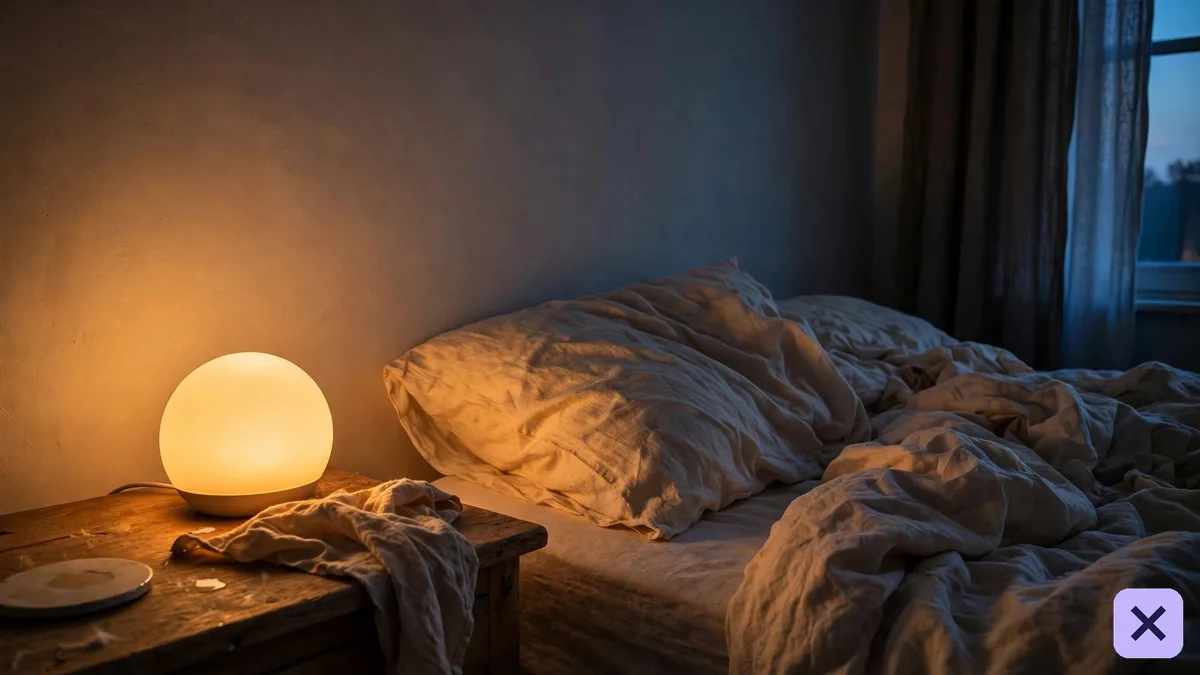
Smart bulbs are the easiest way to make an ordinary home feel like it belongs in the future, and in 2026 they have finally become simple enough for anyone to use. A smart bulb looks like a normal bulb, screws into a normal socket, and costs only a little more than a good LED bulb, yet it can change colour, dim itself, follow a schedule, and switch off when you leave the room. You do not need to rewire anything, hire an electrician, or learn a new system. You fit the bulb, open an app, and your living room, bedroom, and hallway start behaving the way you want them to, at the times you want them to. This guide explains what the best smart bulbs do well, where the cheaper ones fall short, and how to choose the right ones for your home without wasting money on features you will never use.
Key takeaways
- Smart bulbs are the simplest smart-home upgrade: they fit standard sockets, need no rewiring, and start working in minutes.
- Look for adjustable white light as well as colour, because you will use warm-to-cool white every day and colour only sometimes.
- Brightness matters more than colour count: aim for at least 800 lumens for main rooms, and check the real figure, not the marketing claim.
- Choose bulbs that work with the voice assistant and hub you already own, or pick a hub-free Wi-Fi bulb if you own neither.
- Start with the rooms you use most — living room, bedroom, and hallway — and add more only once you know which features you actually use.
What makes a smart bulb worth buying in 2026
A good smart bulb in 2026 does four things well. First, it produces good light: bright enough to read by, warm enough to relax under, and steady, with no flicker you can see. Second, it is easy to control, from an app, a voice command, or a schedule you set once and forget. Third, it connects reliably, without dropping off your network every few days. Fourth, it lasts, with a rated life of many years of normal use. The best bulbs do all four. The worst ones look impressive in a shop display and then frustrate you at home, with an app that crashes, colours that look wrong, or a connection that fails just when you want the lights off from bed.
Colour temperature is the second number, and it matters more than most people expect. A bulb that only makes one fixed white will feel harsh in the evening and dull in the morning. A bulb with adjustable white, usually from a warm 2,200K to a cool 6,500K, lets you match the light to the time of day: cool and bright while you work, warm and low while you wind down. Full-colour bulbs add millions of colours on top of that, which is fun for film nights and parties, but adjustable white is the feature you will use every day. If you have to choose between the two on a budget, choose adjustable white first.
Colour, white light, and why both matter
Colour changing is the feature that sells smart bulbs, and it is genuinely useful in small doses. A soft blue in a bedroom can feel calm, a warm amber in a dining room makes an evening meal feel special, and a gentle red at night is less disruptive if you get up in the dark. But colour is a seasoning, not the main meal. Most of the time you want white light, and you want it at the right warmth and brightness. The best smart bulbs make both easy: they switch between white and colour without fuss, remember your last setting, and let you save a few favourite scenes so you are not scrolling through a colour wheel every evening.
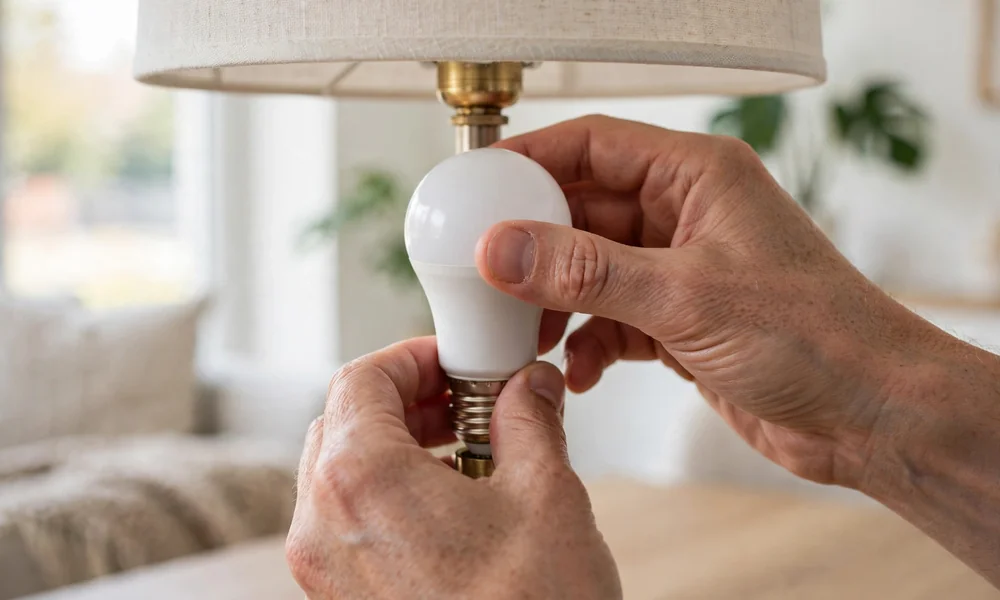
How smart bulbs connect: Wi-Fi, Bluetooth, Zigbee, and Matter
Connection is the part of smart lighting that confuses people most, and it is the part that causes most of the complaints. In 2026 there are four main ways a smart bulb talks to your home, and the right one depends on what you already own. Wi-Fi bulbs connect straight to your home network, need no extra hub, and are the simplest choice for a first purchase. Bluetooth bulbs connect directly to your phone, work well in a single room, but stop working when you walk away. Zigbee bulbs need a hub, but they are fast, reliable, and kind to your Wi-Fi network when you have many bulbs. Matter is the newer standard that lets bulbs from different brands work together, and it is now supported by most of the big smart-home platforms.
Smart bulbs compared: what to check before you buy
Comparing smart bulbs is easier when you look at the same five things every time: brightness in lumens, colour range and white range, connection type, app and voice support, and rated life. A bulb that wins on four of those and loses on one is usually still a good buy, as long as the one it loses on is not the one you care about most. A bulb that is bright, colourful, and cheap but needs an app you hate is a bad buy, because you will use the app every day. A bulb that is beautiful but dim is a bad buy for a main room, even if it is perfect for a bedside lamp.
| What to check | Good in 2026 | Watch out for |
|---|---|---|
| Brightness | 800 lumens or more for main rooms | Dim colour mode, inflated claims |
| White light | Adjustable 2,200K to 6,500K | Fixed white only, green or pink tint |
| Colour | Rich, distinct colours | Muddy pinks and blues, weak reds |
| Connection | Wi-Fi, Zigbee, or Matter | Bluetooth only for whole-house use |
| Control | App plus your voice assistant | App-only, no voice, clumsy app |
| Life | 15,000 hours or more | No rated life given |
Price is the last thing to compare, not the first. A bulb that costs twice as much but lasts three times as long, never drops offline, and makes your rooms look better is cheaper in the long run than a bargain bulb you replace after a year. That said, you do not need the most expensive bulb in every socket. A good plan is to buy the best bulb for the rooms you use most, and a simpler, cheaper bulb for the hallway, the porch, and the spare room, where the light is on for minutes rather than hours. Spend where you will see the difference, and save where you will not.

Smart bulbs and the rest of your smart home
Smart bulbs work best as part of a wider smart home, and they are the easiest part to start with. A bulb that works with your voice assistant can be part of a routine: one command that dims the lights, locks the door, and turns the heating down. A bulb that works with a smart home hub can react to a motion sensor in the hallway, or to the sun going down, without you doing anything at all. A bulb that works with your smart speaker can be controlled from the kitchen while your hands are full. None of this needs to be set up on day one, but it is worth buying bulbs that can grow with you, so you are not replacing them when you add the next device.
That is also why it helps to think about lighting alongside the other devices in a room. A desk lamp with a smart bulb is a better reading light than a fixed lamp, because you can change its brightness and warmth through the day. A living room with smart bulbs and a smart speaker is easier to control than a room with a dozen switches. And a bedroom with a smart bulb that fades up in the morning is a gentler start to the day than any alarm. The bulb is a small device, but it is the one that changes how a room feels, and that is why it is the best place to start.
Your smart bulb checklist
- Check the brightness in lumens: 800 or more for main rooms, 1,100 or more for large ones.
- Check the white range: adjustable from warm 2,200K to cool 6,500K is ideal.
- Check the connection: Wi-Fi for one or two bulbs, hub or Matter for a whole house.
- Check voice and app support: it must work with the assistant and phone you already own.
- Buy one bulb first, try it for a week in your main lamp, then buy the rest.
- Keep the wall switch on, group bulbs by room, and name each one clearly.
Frequently asked questions
Do smart bulbs work with a normal light switch?
Yes, a smart bulb fits a normal socket and works with a normal switch, but the switch must stay on for the smart features to work. If the switch is off, the bulb has no power and cannot respond to the app or to voice commands. Most people leave the switch on and control the bulb from the app, a voice command, or a schedule instead.
Do I need a hub for smart bulbs?
Not always. Wi-Fi smart bulbs work without a hub, which makes them the simplest choice for one or two bulbs. Zigbee bulbs need a hub, but they are more reliable when you have many bulbs, and they keep working even if your Wi-Fi is busy. Matter bulbs can work with a hub or with a compatible speaker, depending on the brand.
How long do smart bulbs last?
Most good smart bulbs are rated for 15,000 to 25,000 hours, which is many years of normal evening use. The LED itself usually outlasts the electronics inside, so the rated life is a guide rather than a promise, but a bulb from a reputable brand should last far longer than an old incandescent bulb.
Can smart bulbs save energy?
Yes. They are LEDs, so they use far less power than old bulbs, and their schedules and switch-off routines stop them being left on in empty rooms. The saving is modest for a single bulb but adds up across a house, especially in rooms where the lights are on for hours each evening.
Will smart bulbs work if the internet goes down?
It depends on the bulb. Wi-Fi bulbs often need the internet for app and voice control, though some still work on your local network. Hub-based bulbs usually keep working locally, so a routine or a switch still works even when the internet is down. Check the maker’s notes if this matters to you.
Are colour smart bulbs worth the extra cost?
They are worth it if you enjoy changing the mood of a room, hosting film nights, or using gentle colours at night. If you only ever want white light, an adjustable-white bulb costs less and does everything you need. Buy one colour bulb for the living room first, and decide from there.
The bottom line
Smart bulbs are the simplest way to make your home feel like the future in 2026, because they change the light you live in every day, without rewiring, without a hub if you do not want one, and without a big bill. Start with the living room and the bedroom, choose adjustable white light and enough brightness, buy one bulb first and test it for a week, and pick bulbs that work with the voice assistant you already own. Get those choices right, and your home will greet you with the right light at the right time, every day, for years to come.