The best smart doorbells in 2026 do far more than ring. They show you who is at the door in sharp video, let you talk to visitors from anywhere, and warn you about packages left on the porch. A good one turns the front door from a blind spot into the most watched part of your home.
Choosing the right model matters more than it used to. Video quality has improved, battery life has stretched to months, and subscription plans have become the real dividing line between models that look cheap and models that stay cheap.
This guide compares the best smart doorbells of 2026 on the features that matter in daily use: video clarity, motion detection, night vision, power, smart home support, and the true cost of ownership.
Key takeaways
- Look for at least 1080p with a wide, tall field of view that shows visitors head to toe and packages on the ground.
- Battery models are easier to install, while wired models never need charging and usually support continuous recording.
- Check the subscription first: cloud video history can add a meaningful monthly cost to a cheap-looking doorbell.
- Person, package, and vehicle detection cut false alerts dramatically compared with basic motion sensors.
- Match the doorbell to your smart home: Alexa, Google Home, or Apple HomeKit.
What Makes a Great Smart Doorbell in 2026
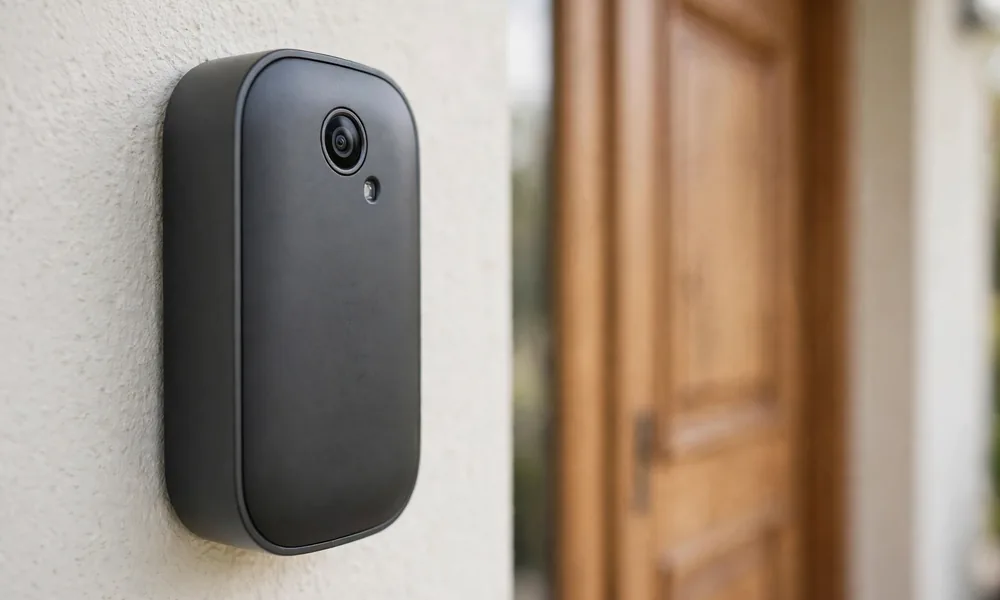
A great smart doorbell starts with the camera. 1080p is the minimum worth buying, and 2K shows noticeably more detail in faces and licence plates. A tall, vertical field of view matters too: it lets you see a visitor close to the door and a parcel on the step at the same time.
Night vision is the second test. Infrared works well in the dark, but colour night vision makes it far easier to describe a person or a vehicle. If your porch is dark, look for a model with a built-in light.
The best doorbells distinguish between people, packages, animals, and vehicles, so your phone is not buzzing every time a tree moves. Custom activity zones let you ignore the street and focus on the walkway and porch. Without these features, even an excellent camera becomes annoying within a week.
Two-way audio should be clear in both directions, and the live view should open fast: a doorbell that takes ten seconds to connect is useless when a courier is already walking away. A strong Wi-Fi signal at the front door is essential. Mounting the doorbell at chest height avoids many of the common home security mistakes that leave cameras pointing at the sky or the ground.
The Best Smart Doorbells of 2026
The picks below cover the best all-rounder, the best without a subscription, the best for Apple households, the best budget pick, and the best premium option.
Best Overall: The Balanced All-Rounder
The best overall smart doorbell of 2026 gets the fundamentals right without demanding a subscription for basic features. It records in sharp 2K video with a tall field of view, so you can see a visitor and a package in the same frame, and person and package detection work reliably, with alerts arriving within a couple of seconds. It works on battery or wired power, connects to Alexa and Google Home, and offers quick replies, activity zones, and quiet hours. The trade-off is the subscription: without one, recorded clips and detection history are limited.
Best Without a Subscription: The Local Storage Pick
Some buyers refuse to pay a monthly fee for a doorbell they already own, and this pick is built for them. It stores video locally on a home base station or a memory card, so there is no monthly charge for recording history, yet you still get motion alerts, live view, and two-way audio. Video is strong, with clear 2K recording and good colour night vision, and package detection flags deliveries. The compromise is narrower smart home support: it works well with Alexa and Google Home, but HomeKit support is limited.
Best for Apple Homes: The HomeKit Pick
Apple households have fewer choices, but the best HomeKit smart doorbell in 2026 is a strong one. It supports HomeKit Secure Video, which stores recordings in your iCloud plan with end-to-end encryption, and familiar face detection can tell you who is at the door by name. Alerts appear on your iPhone, Apple Watch, and Apple TV, and you can answer from any of them. The drawback is price: it costs more than most rivals, needs an iCloud plan and a home hub, and lacks some rivals’ package detection.
Best Budget Pick: The Value Doorbell
The best budget smart doorbell of 2026 proves you do not need to spend a fortune to watch your front door properly. It records in clear 1080p, has reliable person detection, and includes a built-in chime, so there is no extra box to buy. The battery version is one of the easiest to fit: mount the bracket, clip the doorbell in, and connect it to Wi-Fi. Where it saves money is in the extras: video tops out at 1080p, there is no package detection, and the field of view is narrower, so a parcel on the ground can sit out of frame.
Best Premium Pick: The Feature-Packed Flagship
The premium pick in 2026 is for buyers who want everything. It combines a dual camera system, with one lens watching visitors and a second aimed down at packages, with radar-based motion detection that almost never misses a person approaching the door. It also acts as a small security hub, sounding a siren and triggering other cameras and lights when it spots a stranger at night. The full feature set needs the top subscription tier, but nothing else in 2026 watches a front door this thoroughly.
Smart Doorbell Comparison Table
The table below summarises the key differences between the five picks.
| Pick | Video | Power | Subscription needed | Best for |
|---|---|---|---|---|
| Best Overall | 2K, tall view | Battery or wired | For recordings | Most homes |
| No Subscription | 2K, colour night | Battery or wired | No | Zero monthly cost |
| Apple Homes | 1080p, wide view | Wired | iCloud plan | HomeKit users |
| Budget Pick | 1080p | Battery or wired | For longer history | First-time buyers |
| Premium Pick | Dual camera, 2K | Wired or battery | For full features | Maximum security |
How to Choose the Right Smart Doorbell
Start with power. If you have existing doorbell wiring and a transformer of the right voltage, a wired model gives the most reliable performance and the widest feature set. If you rent, or your home has no wiring, choose a battery model, but check the claimed battery life and how easy the battery is to remove for charging.
Next, check the subscription. Add up the annual cost of the plan you would actually need, not the cheapest one advertised. Some plans cover one device, while others cover a whole home of cameras. If you hate subscriptions, a local storage model saves money every year.
Then think about your smart home. A doorbell that works with your voice assistant can announce visitors on your speakers, show the live feed on a smart display, and turn on the porch light after dark. A mismatch here is frustrating: many buyers discover too late that a clever gadget can become one of those smart home devices that cause more problems than they solve, simply because it does not fit the system the household already uses.

Privacy and Security Settings
A doorbell watches a public space, so privacy settings matter. Use activity zones to exclude the pavement and your neighbour’s garden, and privacy zones to block out windows across the street. Turn on two-factor authentication, use a strong unique password, and keep the firmware updated. If your doorbell offers local storage or end-to-end encryption, turn those features on.
Installation and Setup Tips
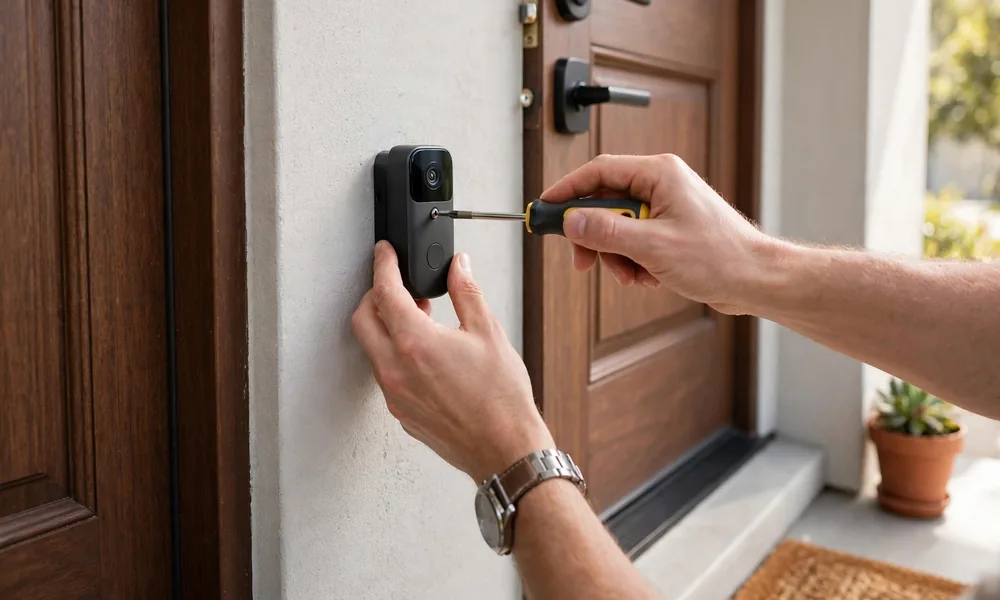
Most smart doorbells take fifteen to forty-five minutes to install. Battery models are quickest: fix the bracket to the wall, clip the doorbell in, and connect it to Wi-Fi. Wired models take longer, because you must switch off the power, connect the wires to the chime circuit, and check the transformer voltage. If you are unsure about household wiring, hire an electrician.
Mounting height makes a real difference. About 120 centimetres from the ground, roughly chest height, gives the best view of faces and packages. Too high and you will see the tops of heads; too low and the camera will miss the approach path. If your door sits at an angle, a wedge mount can tilt the camera toward the walkway. Test the doorbell before you finish: walk the approach path and check that alerts arrive quickly.
Smart Doorbell Buying Checklist
Run through this checklist before you order.
- Check whether you have doorbell wiring and a compatible transformer, or need a battery model.
- Confirm it works with your voice assistant and smart home platform.
- Work out the true annual cost, including the subscription you need for video history.
- Measure the space beside your door, including any wedge mount.
- Test your Wi-Fi signal at the front door, and plan for an extender if it is weak.
- Decide where video is stored, cloud or local, and check the privacy and encryption settings available.
Frequently Asked Questions
Do smart doorbells need a subscription?
Not always. Most work without a subscription for live view, alerts, and two-way talk, but recorded video history and smart detection usually need a plan. A few models store video locally with no monthly fee. Always check what is included free before you buy, because the subscription is often the biggest long-term cost.
Do smart doorbells work without existing wiring?
Yes. Battery-powered doorbells need no wiring and install with a bracket and screws. They suit renters and homes without a doorbell circuit. You will need to recharge the battery every few months, or use a wired connection or solar charger to avoid that.
Can a smart doorbell replace a security camera?
Partly. A doorbell watches the front door very well, but it cannot see the garden, the driveway, or the back of the house. For full coverage, pair it with one or two outdoor cameras. It is the best single device for the entrance, but not a complete security system on its own.
Will a smart doorbell work with Alexa, Google Home, or HomeKit?
Most models work with Alexa and Google Home, but HomeKit support is much rarer. Check the exact model, not just the brand, because support varies within a range.
How long does a battery smart doorbell last between charges?
It depends on how busy your front door is. In a quiet household, a battery can last three to six months. On a busy street, it may last only a few weeks. Reducing motion sensitivity, narrowing activity zones, and shortening clip length all extend battery life.
Are smart doorbells easy to steal?
Theft is uncommon. Most doorbells use a security screw or locking bracket that makes removal slow and obvious, and the camera records anyone tampering with it. A stolen doorbell is usually useless, because it stays linked to your account. Mounting it firmly and keeping the area well lit are the best deterrents.
Pairing the doorbell with the rest of your home helps too. A chime on a smart speaker in the kitchen means you hear the door from anywhere, and a routine that switches on the porch light after dark makes the entrance feel watched even when you are away.
The Bottom Line
The best smart doorbell of 2026 for most homes is a balanced 2K model that works on battery or wired power, offers reliable person and package detection, and connects to Alexa and Google Home. Buyers who refuse a subscription should choose a local storage model, Apple households the HomeKit pick, and anyone on a tight budget the value doorbell.