The best smart locks for home use in 2026 do one simple job very well: they let the right people in and keep everyone else out. A good lock opens quickly when you arrive, locks itself when you leave, and still works when your phone battery dies or your internet drops. After a week, the best models feel ordinary.
That calm is worth paying for, but only if you choose the right type for your door and household. A lock that suits a flat can be a poor fit for a busy family home with children, guests, cleaners, and deliveries. Battery life, weather resistance, backup entry, and app quality matter as much as the unlocking method.
We focused on everyday use rather than novelty features: hands full of shopping, children coming home from school, a guest arriving while you are out, and a late return on a rainy night. The locks that score highest handle those moments without fuss and make it easy to change codes when someone no longer needs access.
Key takeaways
- Choose the unlocking method that fits your household first, then check door compatibility, battery life, and backup entry.
- A keypad or fingerprint reader is usually more reliable day to day than unlocking by phone alone.
- Look for auto-lock, temporary guest codes, activity history, and a physical key backup.
- Check backset, door thickness, and deadbolt type before ordering, because not every lock fits every door.
- Keep the firmware updated, use strong unique codes, and change guest codes after each visit.
What Makes a Smart Lock Good
A smart lock replaces or upgrades the deadbolt on your front door, but the best ones do not ask you to change how you live. They add convenience on top of a solid mechanical lock. The motor, the electronics, and the app should all support the same goal: a door that is locked when it should be locked and easy to open when it should not be.
Speed matters more than most buyers expect. A lock that takes ten seconds to respond feels broken. Look for one that unlocks in two or three seconds from a code or fingerprint, with a clear sound or light to confirm the result.
Reliability matters even more. A smart lock should keep working when the Wi-Fi is down, because the lock and your phone can usually talk directly over Bluetooth. Check that codes and fingerprints are stored on the lock itself, so a network problem does not leave you outside.
Battery life is the other quiet test. Most good locks run for six to twelve months on a set of batteries and warn you well before the power runs low.
Security Basics That Should Not Be Skipped
A smart lock is only as strong as the door and frame it sits on. A solid deadbolt, a reinforced strike plate, and screws long enough to reach the frame make a bigger difference than any app feature. If your door is hollow, warped, or badly fitted, fix the door first.
Choose a lock that encrypts its wireless connection, lets you create a separate code for each person, and records when each code is used. Avoid sharing one code with the whole household. A common home security mistake is to leave a single shared code in place for years, long after guests no longer need it.
Physical backup entry is not optional. Every household should have a way in that does not depend on batteries, electronics, or a phone, such as a traditional key held by a trusted neighbour. Test it before you need it.
The Main Types of Smart Lock
Most smart locks fall into four groups. A keypad lock suits households that want simple shared access. A fingerprint lock suits people who want the fastest entry. A phone-first lock suits homes already built around a smart home system. A retrofit lock suits renters who do not want to replace the outside hardware.
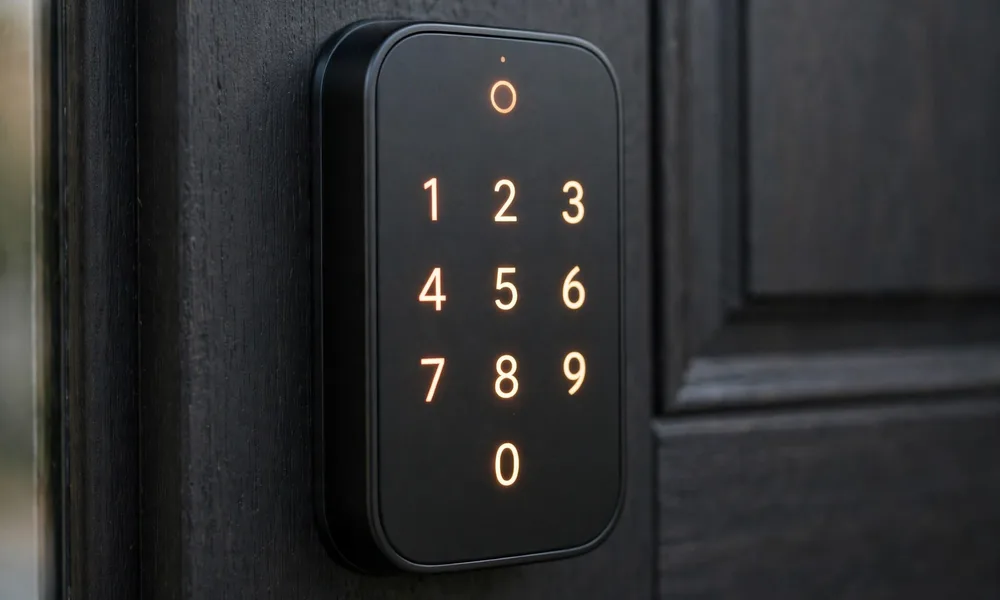
Keypad locks are the most popular choice for families. A four to eight digit code is easy to remember, share, and change. Children can use one without a phone, and guests can be given a temporary code that stops working after their visit.
Fingerprint locks are faster still, often opening in under two seconds. They are ideal when your hands are full, because there is nothing to type and nothing to carry. The best readers work with damp or cold fingers and store several prints per person.
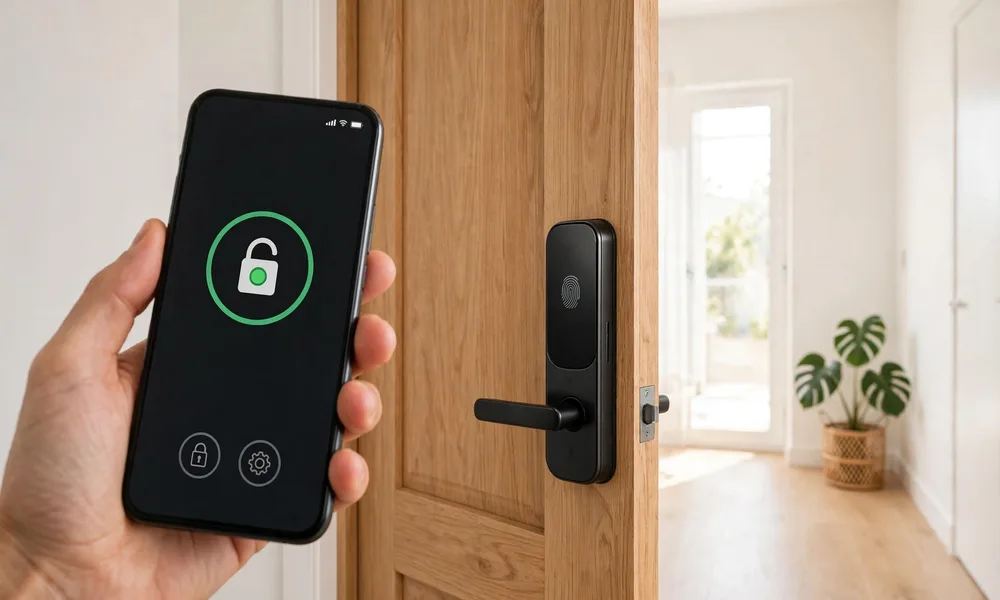
Phone and smart home locks open through an app, a voice assistant, or an automatic unlock when your phone comes close. This is convenient, but it should never be the only way in. A good phone-first lock still offers a keypad, a fingerprint reader, or a key, so a dead phone is an inconvenience rather than a crisis.
Retrofit locks fit over the existing deadbolt on the inside of the door, leaving the outside unchanged. They suit rented homes, but you still need a key from the outside unless you add a separate keypad, and the inside unit can look bulky on a narrow door.
Best Smart Locks for Home 2026: How the Top Choices Compare
The table below summarises the strengths of each type, so you can match a lock to your household rather than chasing the newest feature. There is no single winner for every home.
| Lock type | Best for | Main strength | Watch out for |
|---|---|---|---|
| Keypad | Families and guests | Easy shared access and temporary codes | Codes need regular changing |
| Fingerprint | Fast daily entry | Unlocks in seconds with no code to remember | Guests still need another method |
| Phone and smart home | Connected homes | Remote control and automation | Depends on phone and network |
| Retrofit | Renters and period homes | Keeps existing outside hardware | Often needs a separate keypad |
| Keypad and fingerprint combined | Busy households | Fast entry plus easy guest access | Higher price and more batteries |
Combined keypad and fingerprint locks are the best all-round choice for most homes in 2026. They give every member of the household a fast way in, while guests can use a code that you control. They cost more than a basic keypad lock, but the extra convenience is used every single day.
For a home that is already full of smart devices, look for a lock that works with the system you already use, whether that is a voice assistant, a hub, or a video doorbell. If you are building that setup from scratch, the best smart doorbells of 2026 are a natural companion, because the camera and the lock together cover seeing a visitor and letting them in safely.
For flats and smaller homes, a compact keypad lock is often enough. You do not need a fingerprint reader if only two people use the door, and a simpler lock means fewer batteries and fewer things to go wrong. Spend the saving on a better deadbolt and a reinforced strike plate.
What to Check Before You Buy
Measure your door before you order anything. Check the thickness, the backset, which is the distance from the edge of the door to the centre of the lock, and whether your deadbolt is a single or double cylinder.
Check the door alignment too. A smart lock motor is not strong enough to force a stiff bolt into place, and a door that needs a push or a lift to lock will drain batteries and wear the motor out. If the bolt does not slide smoothly, adjust the strike plate or the hinges first.
Installation and Setup
Most smart locks are designed for home installation and take between thirty and sixty minutes with a screwdriver. Remove the old deadbolt, fit the new one, attach the inside unit, connect the batteries, and follow the app to add the lock and create your first codes.
Create a separate code for each adult, add fingerprints for the people who will use them most, and set up auto-lock with a delay that suits your household. Thirty seconds is a good starting point: long enough to bring the shopping in, short enough that the door is never left unlocked for long.
Test every way in before you rely on the lock. Try the code, the fingerprint, the phone, and the physical key, from inside and outside. Try it in the dark and with wet hands. If anything is slow during testing, it will be worse on a busy morning, so fix it now.
Keeping a Smart Lock Secure
A smart lock needs the same small habits as any other part of home security. Use a code that is not your birth year, your house number, or a simple sequence. Change guest codes after each stay, delete codes for people who no longer need access, and review the activity history once a month.
Keep the software updated. Manufacturers release updates that fix security problems and improve battery life. Replace batteries promptly when the app warns you.
Think about who can see your codes. Do not write the main code on a note by the door or share it in a group chat. If you use a cleaner or a dog walker, give them their own code with limited hours. The worst smart home devices are often the ones that were set up once and never reviewed.
Smart Lock Checklist Before You Buy
Use this checklist when you compare models, and do not buy a lock that fails more than one of these points.
- Door fit confirmed: thickness, backset, and deadbolt type all match the lock.
- At least two ways in, including one that does not need a phone or the internet.
- Auto-lock, temporary guest codes, and activity history included.
- Battery life of six months or more, with a clear low-battery warning.
- Weather resistance suited to your door and local climate.
- Physical key backup tested, with a spare key held somewhere safe.
Frequently Asked Questions
Are smart locks safe?
Yes, when fitted to a solid door with a good deadbolt and set up properly. Use encrypted wireless communication, separate codes for each person, and a physical key backup. The biggest risks come from weak codes and doors that are not aligned.
What happens if the batteries run out?
Most locks warn you weeks before the batteries fail, and many have a USB port for a temporary charge from outside. If the batteries do run out, the physical key still works.
Can a smart lock be hacked?
Any connected device can be attacked, but a reputable lock is a hard target when it is kept updated and protected by strong codes. Keep the firmware current and use a unique code. A burglar is far more likely to try a weak door or an open window.
Do smart locks work without Wi-Fi?
Yes, for day-to-day use. Codes and fingerprints are stored on the lock, and your phone can connect directly over Bluetooth. Wi-Fi is only needed for remote control and notifications while you are away.
Can I use a smart lock in a rented home?
Often, yes, especially with a retrofit lock that fits over the existing deadbolt and leaves the outside unchanged. Check your tenancy agreement first and keep the original lock and parts so you can restore them.
How long do smart locks last?
A well-made smart lock should last five to ten years. Battery life is usually six to twelve months, depending on how often the door is used and how well it is aligned. Replace the lock if the motor sounds strained or the bolt sticks.
The Bottom Line
The best smart lock for your home in 2026 is the one that fits your door, suits the people who use it every day, and keeps working when the internet does not. For most households, that means a combined keypad and fingerprint lock with auto-lock, temporary guest codes, and a physical key backup. Measure your door, choose two ways in, and test everything before you rely on it.