The best smart doorbells for homes in 2026 do far more than ring when someone is at the door. They show you who is there in sharp video, let you talk to visitors from anywhere, record deliveries, and warn you about movement before anyone presses the button. For many households, it has become the most useful piece of home security.
Choosing the right one is not as simple as picking the most popular model. A doorbell that works beautifully on a wired house can be a poor fit for a flat with no transformer, and a camera with excellent daytime video can be nearly useless at night.
This guide compares the strongest options for 2026 and explains what each one does best, so you can match a doorbell to your home instead of adapting your home to a doorbell. Every pick below is judged on video quality, reliability, installation, features, and running costs.
Key Takeaways
- The best smart doorbells for homes in 2026 combine sharp video, reliable alerts, and two-way talk.
- Wired doorbells suit homes with existing wiring; battery models suit flats, rentals, and homes without a transformer.
- Look for at least 1080p video, a wide field of view, and good night vision.
- Check subscription costs first, because cloud video history is often a monthly extra.
- A doorbell works best paired with strong Wi-Fi and a good smart lock.
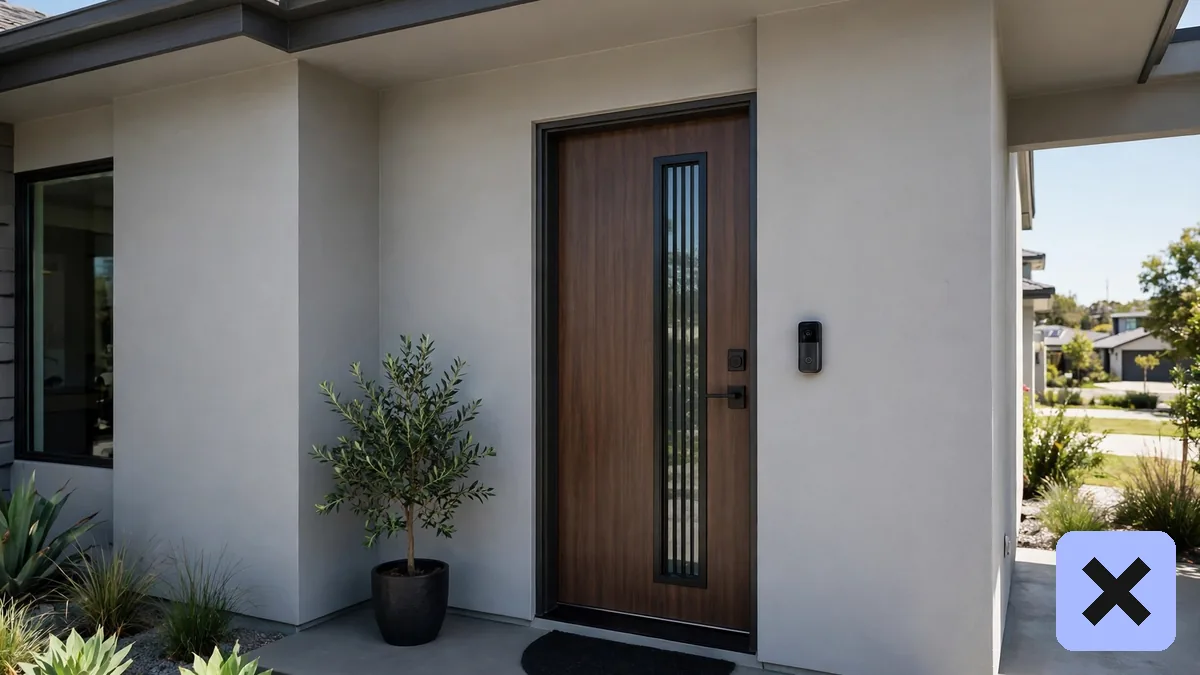
What Makes a Great Smart Doorbell
A smart doorbell has one job: to show you clearly what is happening at your front door, day and night, in any weather.
Video Quality and Field of View
Sharp video is the difference between recognising a visitor and guessing at a blurry shape. Look for at least 1080p resolution, and consider 2K if your front door faces a long path or a busy street. A wide field of view matters too, because a narrow camera can miss parcels left to one side of the door. Colour night vision keeps some colour in the picture after dark.
Power: Wired or Battery
Wired doorbells draw power from your existing doorbell wiring, so they never need charging and can usually record continuously. Battery doorbells are far easier to install and work anywhere, but they need recharging every few weeks or months depending on how busy your front door is. Some accept a solar charger. Renters usually do better with battery power; homeowners with wiring often prefer wired models.
Smart Alerts and Detection
Modern doorbells can tell the difference between a person, a parcel, an animal, and a passing car. That matters: a doorbell that alerts you for every passing car soon gets ignored. Person detection, package detection, and custom activity zones are the three features that cut false alerts most effectively.

Best Smart Doorbells for Homes 2026 Compared
The table below gives a quick side-by-side view of the five strongest doorbells for homes this year.
| Doorbell | Best For | Video | Power | Standout Feature |
|---|---|---|---|---|
| Ring Video Doorbell Pro 2 | Best overall | 1536p HD | Wired | 3D motion detection, head-to-toe view |
| Google Nest Doorbell (Battery) | Best battery model | 1080p HD | Battery | Free intelligent alerts |
| Arlo Video Doorbell 2K | Best video quality | 2K | Wired or battery | Sharp 2K video, 180-degree view |
| Eufy Video Doorbell S330 | Best without a subscription | 2K | Battery | Local storage, no monthly fee |
| Aqara Video Doorbell G4 | Best for smart homes | 1080p HD | Battery or wired | Apple HomeKit, Alexa, Google Home |
The Best Smart Doorbells for Homes in Detail
Each doorbell below earns its place for a different reason.
1. Ring Video Doorbell Pro 2 — Best Overall
The Ring Video Doorbell Pro 2 remains the strongest all-rounder for homes with doorbell wiring. Its 1536p video is sharp enough to read a face clearly, and the tall, head-to-toe field of view catches parcels on the ground as well as faces at eye level. Its 3D motion detection tells an approaching visitor from a passing car, cutting pointless alerts. Two-way talk is clear, the app is polished, and it works neatly with Alexa. The drawback is the subscription: without a Ring Protect plan you cannot save video clips.
2. Google Nest Doorbell (Battery) — Best Battery Model
The Google Nest Doorbell in its battery version is the easiest smart doorbell to live with if you have no wiring. Installation takes minutes, the design is slim and discreet, and the battery typically lasts several weeks between charges. Person, package, animal, and vehicle detection are free, with three hours of event video history stored at no cost. Video is 1080p rather than 2K, but clean and reliable in low light, and it pairs naturally with Nest speakers and displays.
3. Arlo Video Doorbell 2K — Best Video Quality
If video quality is your top priority, the Arlo Video Doorbell 2K is hard to beat. Its 2K sensor captures noticeably more detail than 1080p rivals, and the 180-degree view covers a wide sweep of the doorstep. It comes in wired and battery versions and works with Arlo’s wider security system of cameras and floodlights in one app. The best features, including longer cloud storage, sit behind an Arlo Secure subscription.
4. Eufy Video Doorbell S330 — Best Without a Subscription
The Eufy Video Doorbell S330 is the pick for anyone who dislikes monthly fees. It stores video locally, so there is no subscription to pay and footage stays in the home. Dual cameras cover the visitor and the ground below, making package detection genuinely reliable. Video is 2K, the battery is long-lasting, and two-way talk is loud and clear even in a noisy street. The app is less polished than Ring’s or Google’s, but over two or three years the savings exceed the price of the doorbell.
5. Aqara Video Doorbell G4 — Best for Smart Homes
The Aqara Video Doorbell G4 is the most flexible doorbell here. It is the only one that works natively with Apple HomeKit, Amazon Alexa, and Google Home, making it the obvious choice for mixed smart home gear and automations such as turning on the hall light when someone rings. It can run on battery power or from existing wiring, and it supports local storage on a microSD card as well as cloud options. Video is 1080p, a step behind the 2K models, but the 162-degree view covers the doorstep well. Setup takes more patience than the big-brand rivals, but no other doorbell integrates as smoothly into a mixed smart home.
Wired or Battery: Which Suits Your Home?
The power question decides more than any other feature. A wired doorbell needs an existing doorbell transformer, usually 16 to 24 volts. If your home already has one, the swap is straightforward; if not, installing one means hiring an electrician. Battery doorbells mount with two screws, connect to Wi-Fi, and start working within minutes. The cost is maintenance: you will recharge the battery every one to three months depending on motion events. If you are unsure, a battery model with a solar panel option is the safest starting point.
Features Worth Paying For
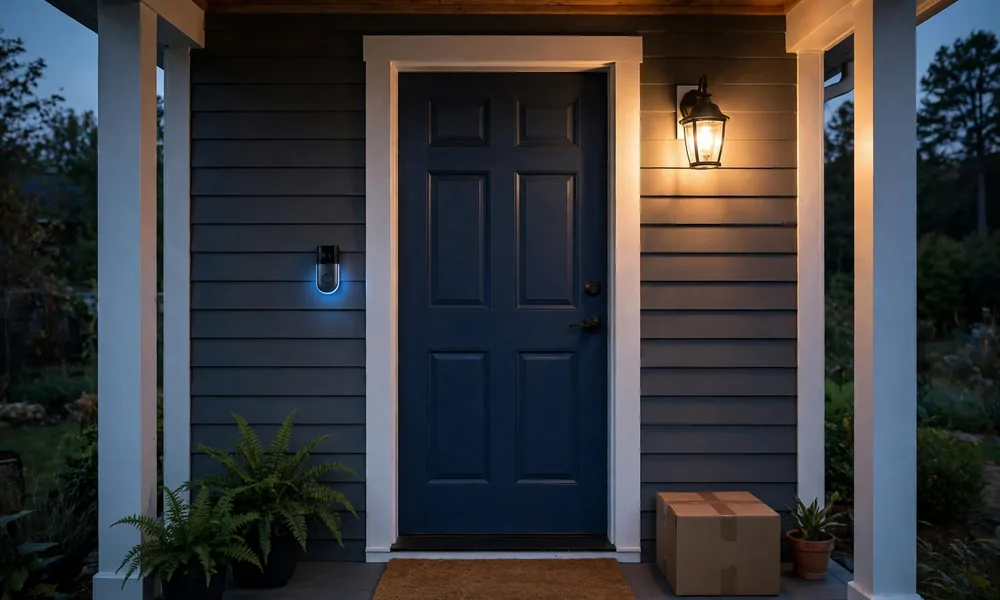
Package detection alerts you when a parcel arrives and warns you if it is picked up. Two-way talk lets you speak to visitors from your phone, and quick replies play a message when you cannot answer. Local storage keeps clips at home for free, while cloud storage is convenient but usually costs a monthly fee.
Strong Wi-Fi at the Front Door
A smart doorbell is only as good as its connection. Front doors are often the furthest point from a router, so a weak signal causes delayed alerts, frozen video, and missed recordings. Before blaming a doorbell, check your Wi-Fi strength at the door. If it is weak, a mesh system will transform the experience, and our guide to the best WiFi routers for home explains which setups cover a whole house reliably.
Pairing Your Doorbell With the Rest of Your Home
A doorbell works best as part of a connected front door. Paired with a smart lock, it lets you see a visitor, speak to them, and unlock the door without leaving the sofa, which is useful for letting in a cleaner or a trusted neighbour while you are out. Choose products that work in the same ecosystem, whether Ring and Alexa, Google Home, Apple HomeKit, or a platform-neutral setup. Our round-up of the best smart locks for home covers the locks that pair most smoothly with the doorbells in this guide.
Mistakes to Avoid With a Smart Doorbell
The most common mistake is mounting the doorbell too high or too low. Mount it at roughly chest height, around 120 centimetres from the ground, and test the view in the app before fixing the mount permanently. The second mistake is ignoring privacy: angle the camera at your own property, use privacy zones to block out a neighbour’s windows, and tell household members that it records video. The third mistake is buying on price alone: a cheap doorbell with an expensive subscription can cost more over two years than a pricier doorbell with free local storage. It is also worth reading about the worst home security mistakes households make, because a doorbell cannot fix a weak lock, an unlit porch, or a spare key hidden under the doormat.

Installation Checklist
- Check Wi-Fi signal strength at the front door before you buy.
- Confirm you have existing wiring and a suitable transformer for a wired model.
- Mount the camera at chest height, about 120 centimetres up, for the best view of faces and parcels.
- Test the live view before fixing the mount, and adjust the angle so the doorstep and path are visible.
- Set up activity zones and person detection so you only receive alerts that matter.
- Decide on storage on day one, cloud, local, or both, so no clip is lost.
Frequently Asked Questions
Do smart doorbells need a subscription?
Not always. Some store video locally for free, and some include limited free cloud history. Others need a subscription for any video history, so check the storage terms first.
Can I install a smart doorbell in a rented home?
Yes, in most cases. Battery models need only two small screws and leave minimal marks, and some mount with a no-drill bracket. Check your tenancy agreement first.
Do smart doorbells work without Wi-Fi?
Most need Wi-Fi to send alerts and video to your phone. A few can record locally without a connection, but you will not get notifications until it returns.
How long does a battery doorbell last between charges?
Most last one to three months on a charge, depending on motion events and cold weather. A busy door facing a pavement drains the battery faster than a quiet one.
Are smart doorbells safe from hackers?
They are safe when set up properly: use a strong, unique password, turn on two-factor authentication, and keep the software updated. Avoid reusing passwords.
Will a smart doorbell work in the rain and cold?
Yes, the doorbells in this guide are weather-resistant and designed for outdoor use. A porch roof helps keep the lens clear.
The Bottom Line
The best smart doorbells for homes in 2026 match your home: a wired Ring Pro 2 for the most complete setup, a Google Nest for easy battery living, an Arlo for the sharpest video, a Eufy for zero subscription costs, and an Aqara for a mixed smart home. Pick the power source first, check your Wi-Fi, weigh the subscription, and the right doorbell will make your front door safer and more convenient every day.