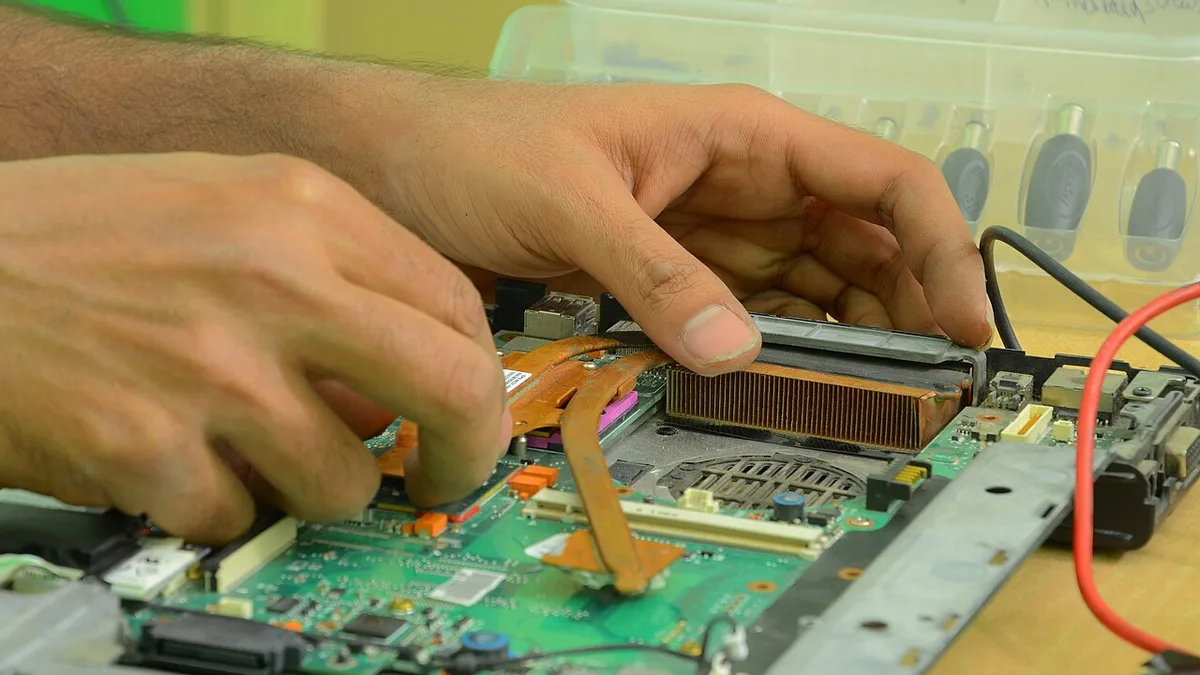
Avoid the Worst Computer Repair Shops of 2026
Avoid the worst computer repair shops of 2026 before you hand over the machine that holds your work, your photos and your passwords. A shop may promise a fix while you wait, a price lower than the competition, and a technician who sounds certain. The warning signs only appear afterwards: a laptop returned with its files wiped, a desktop that still crashes, a bill that doubled, or a warranty that was never written down. This guide sorts the worst kinds by the damage they do, so you can recognise them at the counter.
Key takeaways
- Insist on a backup and a written promise that nothing will be erased without your agreement, because a wipe is the one repair that cannot be undone.
- A diagnosis should come before any part is ordered, and the shop should be able to explain the fault in plain words before it charges you.
- Ask whether parts are new or used, ask to see them, and get the serial numbers written on the job sheet.
- Get the full price, the expected wait and the warranty in writing before the machine leaves your hands.
- A shop that keeps your computer for weeks without an update, or that finds a new fault every time you call, is stalling or upselling.
How the worst computer repair shops were ranked
The ranking below rests on five tests. Diagnosis comes first: does the shop find the real fault, or does it change parts until the problem goes away at your expense? Data handling is second, because a computer holds years of work and family photos. Parts practice is third: are parts new or used, do they suit the machine, and are the old ones returned? Pricing and time are fourth: the honest total and the honest wait. Aftercare is fifth: a warranty in writing, a receipt with the serial number, and a shop that still answers a month later.
No individual shop is named here, because the same poor habits show up in many workshops, and the useful skill is spotting the habit. A one-room workshop can be excellent and a large store careless, so size tells you nothing. Judge the counter, the paperwork and the answers you get. If you are weighing a replacement instead of a repair, our guide to the best laptops in 2026 explains which machines are worth fixing and which are cheaper to replace.
Comparison table: the worst computer repair shops of 2026
| Rank | Shop type | Main failure | Biggest cost to you |
|---|---|---|---|
| 1 | The wipe-first workshop | Operating system reinstalled before diagnosis | Files and settings lost for good |
| 2 | The parts lottery | Used parts sold as new | New price for a worn part |
| 3 | The slow queue | Weeks of waiting, no updates | Weeks without your computer |
| 4 | The upsell desk | Every fault becomes a new motherboard | Paying for upgrades you never asked for |
| 5 | The remote-access rush | Quick remote fixes, weak passwords left behind | Your files and accounts exposed |
| 6 | The no-diagnosis guessers | Parts changed one by one at your cost | A pile of parts bills, fault still there |
| 7 | The vanishing warranty | Spoken warranty, no paperwork | No claim when the repair fails |
The worst computer repair shops of 2026
1. The wipe-first workshop: a fresh install is not a diagnosis
The wipe-first workshop reaches for the reinstall before it reaches for a test. Whatever the symptom, slow boot, strange noises, a crashing program, the answer is the same: wipe the drive and start again. A wipe takes your documents, saved passwords and unbacked-up photos in minutes. A careful technician tests the drive health, checks the memory, looks at the logs, and only suggests a reinstall after explaining what will be lost and getting your written agreement. A wipe-first shop skips that conversation entirely. Never leave a machine anywhere without a backup of your own, and never accept a reinstall as the first step of a repair.
2. The parts lottery: used hardware at new prices
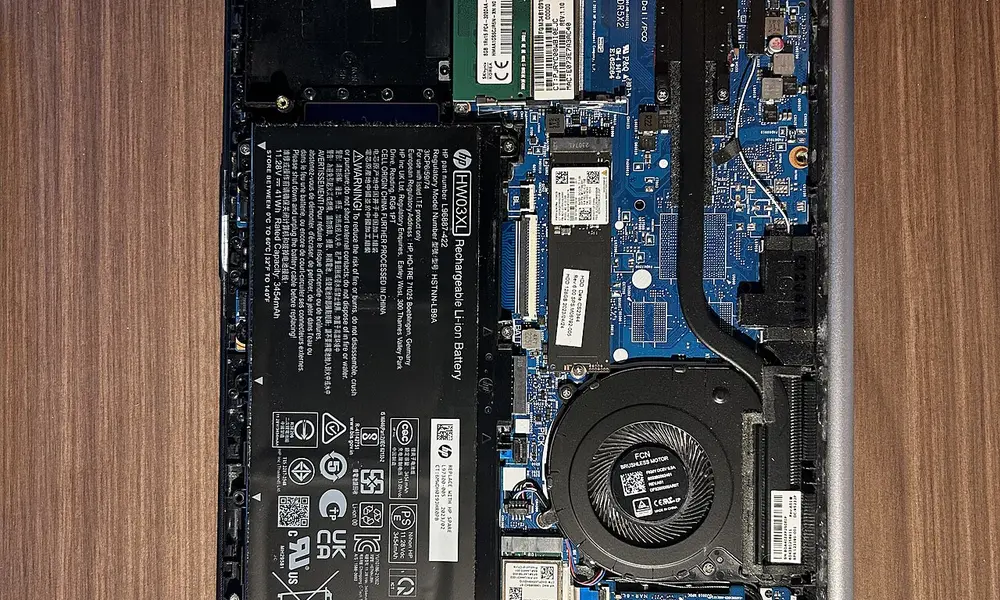
The parts lottery shop buys cheap, fits whatever is on the shelf, and charges the price of a new part. The hard drive may be a pulled unit with thousands of hours already on it, the memory may be a mismatched stick from another machine, and the replacement fan may be the one that was taken out of the last customer’s laptop. The clues: no packaging, no serial number on the job sheet, a dusty part with old screw marks. A straight workshop tells you plainly when a part is refurbished, prices it accordingly, and writes the serial number down. If the shop cannot say whether the part is new, it is not new.
3. The slow queue: your laptop, their shelf, your wait
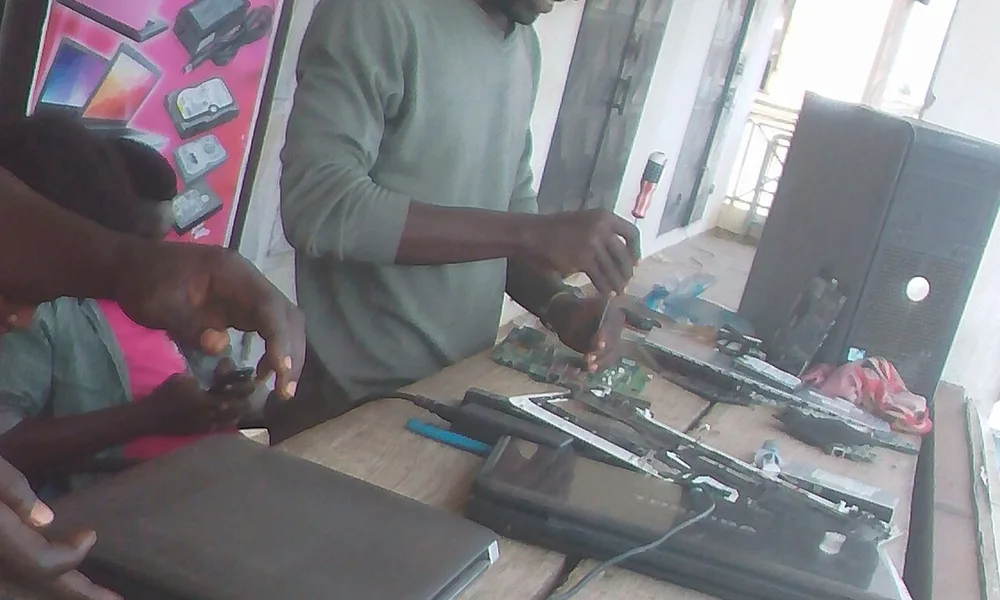
The slow queue shop takes your computer, gives you a ticket, and then goes quiet. Days pass with no call, then a week, then two, and each time you ring, the machine is nearly ready, or the part is nearly here, or the technician is nearly free. Meanwhile your work, your study and your messages sit on a shelf you cannot reach. Some delay is honest, but the difference is communication. Before you leave a machine, get the expected date in writing and agree what happens if it slips. If the shop will not commit to a date, or will not call you back, take the machine to a shop that will.
4. The upsell desk: every fault needs a new motherboard
The upsell desk turns a small fault into a large sale. A loose cable becomes a new motherboard, a dusty fan becomes a full cooling system, and a slow laptop becomes a reason to buy more memory, a bigger drive and a new battery all at once. The fault is the logic: the cheapest fix that solves the problem is never offered, because it earns the shop the least. Our guide to the best ultrabooks in 2026 explains why slim laptops cost more to fix. Ask for the fault in plain words and the cheapest sound fix, and get a second opinion before you agree to a motherboard.
5. The remote-access rush: fast fixes with the door left open
The remote-access rush shop fixes your computer from afar, and that convenience comes with a risk that is easy to miss. A technician connects to your machine, changes settings, installs tools, and leaves behind a remote program, a shared password, or an account you never asked for. A careful remote service uses a one-time session, removes its tools when the job ends, and tells you exactly what was changed. Before any remote session, ask how the technician will connect, what will be removed afterwards, and whether you can watch the session. Change your passwords once the work is done, and remove any program you do not recognise.
6. The no-diagnosis guessers: changing parts until something works
The no-diagnosis guessers treat your computer like a puzzle to solve with your wallet. They change the memory, then the drive, then the power supply, charging you for each step, until the fault disappears or you run out of patience. Real diagnosis tests the memory, reads the drive’s health report and rules faults out before ordering anything. The result is a machine full of parts it never needed and a bill for all of them. Ask the shop to explain the fault before it orders a part, and ask what test pointed to that part.
7. The vanishing warranty: a promise that leaves with you
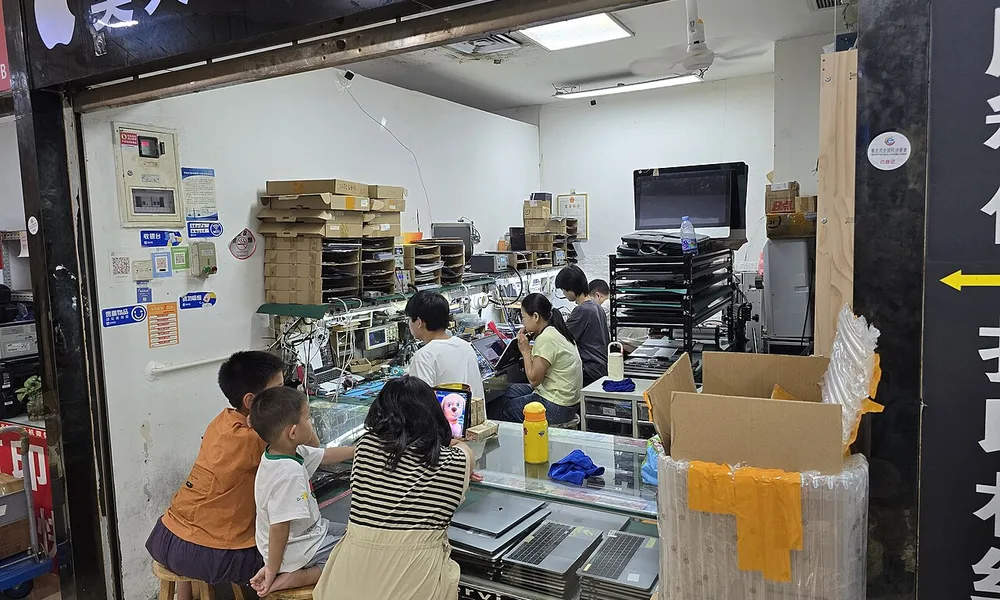
The vanishing warranty is spoken warmly at the counter and forgotten the moment you leave. Ninety days, the technician says, or six months, or a year on parts, and you take the machine home reassured. A warranty that is not written on the receipt is not a warranty at all. Good workshops write it down without being asked, because a written warranty protects both sides. If the shop will not write it down, assume the repair carries no warranty, and decide whether the price is still worth paying on that basis.
What to check before you leave a computer for repair
Five checks will save you most of the trouble on this list. First, the backup: copy your files to a drive you keep before the machine leaves the house. Second, the diagnosis: ask what is wrong, what test supports that, and the full cost. Third, the parts: new or used, shown before fitting, serial numbers on the job sheet, old parts returned. Fourth, the wait: a date in writing, and a call if it slips. Fifth, the warranty: length and coverage written on the receipt, with the serial number. Our guide to the worst keyboards in 2026 shows that one failing part does not mean the whole machine is finished.
Checklist: handing your computer to a repair shop
- Back up every file you care about to a drive you keep.
- Get the diagnosis, the full price and the expected date in writing.
- Ask whether each part is new or used, ask to see it, and get serial numbers on the job sheet.
- Agree in writing that nothing will be wiped or reset without your permission.
- Ask for the old parts back, and check your files are there at pickup.
- Get a receipt with the machine’s serial number, the parts fitted and the warranty terms in writing.
Frequently asked questions
Should a repair shop wipe my computer?
Only with your written agreement, after you have backed everything up, and only when the fault genuinely needs it. A wipe should never happen as a surprise at pickup.
How do I know if a fitted part is used?
Look for dust, old screw marks, worn labels and missing packaging, and check whether the serial number is written on your job sheet. A used drive will often show thousands of hours of use in its health report.
How long should a laptop repair take?
A common repair, such as a fan, a battery or a memory upgrade, should take a few days once the part is in hand. A week is reasonable if a part must be ordered.
Is remote repair safe?
It can be, if the session is one-time, you can watch it, and the tools are removed when the job ends. It is not safe if the technician leaves remote software behind, uses a shared password, or cannot tell you what was changed.
What should a computer repair warranty cover?
The parts fitted and the labour, for a stated period, written on the receipt. It should cover the same fault returning and any damage the repair itself caused.
When is a computer not worth repairing?
When the repair costs more than half the price of a sound replacement, when the machine is old enough that another part will fail next, or when the shop cannot guarantee the work. A second opinion is cheap.
Bottom line
The worst computer repair shops of 2026 are not the ones with the oldest benches or the smallest signs. They are the ones that wipe before they diagnose, fit used parts at new prices, keep your machine for weeks without a word, or promise a warranty they never write down. A sound shop does the reverse: it diagnoses first, explains the fault plainly, shows you the parts, writes down the price, the date and the warranty, and hands back a machine with your files still on it. Spend ten minutes on those checks before you leave your computer behind, and the cheapest quote in town will stop looking like a saving.