The worst gaming headsets for comfort turn a hobby that should feel easy into a slow ache. The sound can be excellent, the microphone can be clear, and the price can look fair, yet after an hour the top of your head hurts, your ears feel hot and squeezed, and you keep shifting the headset instead of playing the game. Comfort is not a small extra. It decides whether a headset disappears while you play or keeps reminding you it is there.
A headset is worn, not just used. It presses on skin, bone and cartilage for hours at a time, and small design mistakes add up. A headband that is too stiff, ear cushions that are too shallow, a clamp that is too strong or a cup that traps heat can each ruin a long session on their own. Put two or three of them together and even a short game becomes a test of patience.
This guide looks at the worst gaming headsets for comfort through the problems that actually cause pain, fatigue and frustration. It explains what goes wrong, why it goes wrong, and how to spot the warning signs before you spend your money. The goal is simple: help you avoid a headset that sounds good for ten minutes and hurts for three hours.
Key takeaways
- Comfort fails slowly: pressure, heat and weight build up over an hour, not in the first five minutes.
- Thin headband padding, stiff clamps and shallow ear cushions are the three most common comfort faults.
- Heavy headsets and poor balance cause neck strain, even when the ear cups feel soft at first.
- Sealed ear cups trap heat and sweat, which makes long sessions sticky and irritating.
- Always check clamping force, cushion depth, weight and headband design before you buy, not after.
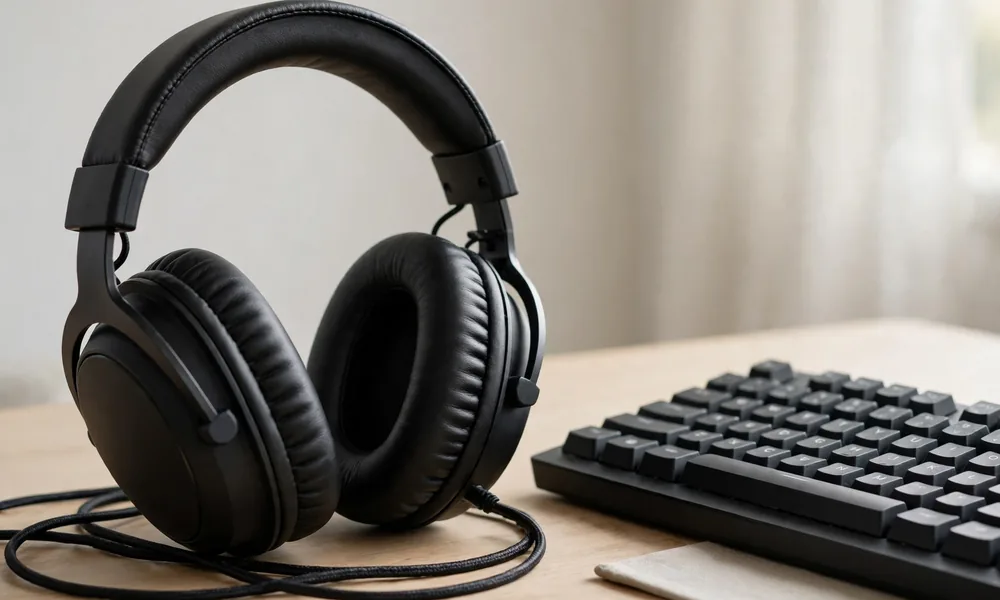
Why Comfort Matters More Than Sound Specs
Sound quality gets most of the attention in headset reviews, and that is understandable. Clear footsteps, deep bass and a clean microphone matter in competitive games. Yet none of those strengths help if you take the headset off halfway through a session because your head hurts. A headset you cannot wear comfortably is one you will not use.
Comfort also affects performance. When a headset pinches or presses, you lose focus. You adjust it during quiet moments, you loosen it during tense ones, and you start thinking about the pressure instead of the game. That distraction adds up to missed cues and slower reactions. A comfortable headset lets you forget about the hardware and stay inside the game.
The Headband Problem: Pressure, Weight and Hot Spots
The headband carries most of a headset’s weight, so its design matters more than any other single part. A good headband spreads weight evenly across the top of the head. A bad one concentrates it in one narrow strip, and that strip becomes a hot spot within an hour. The pain is often described as a headache, even though the cause is pressure, not sound.
Thin padding is the most common fault. Some headsets use a strip of foam so thin that it flattens completely under the headset’s own weight. Once it flattens, the hard band underneath presses directly on the skull. Others use padding that looks thick but is too firm, so it never moulds to the shape of your head. It feels fine for a few minutes, then starts to dig in.
Ear Cushions That Turn Against You
Ear cushions decide how a headset feels against the most sensitive part of the fit. They should surround the ear without pressing on it, seal gently without squeezing, and stay cool enough for a long session. The worst cushions fail on at least one of those points, and often on all three.
Shallow cushions are a frequent problem. If the cushion is not deep enough, the hard driver housing inside the cup presses against the ear. At first it feels like a light touch. After an hour it feels like a constant poke. Gamers with larger ears notice this fastest, but even average ears suffer when the cushion compresses and the gap disappears.
Material choice matters as much as depth. Leather-like coverings look premium and block outside sound well, but they trap heat and sweat. Fabric and velour covers breathe better and stay cooler, yet they can feel scratchy if the weave is rough, and they let more sound in and out. Neither material is always right. The mistake is choosing a sealed, heat-trapping cover for a headset that will be worn for hours in a warm room.
It helps to compare these problems with other personal audio gear. The same cushion and fit issues that make some earbuds tiring over a long day show up in headsets too, only spread across a larger area. Reading about the worst wireless earbuds for everyday use is a useful reminder that a small fit fault becomes a big problem when you wear something for hours.
Clamping Force: Too Tight, Too Loose, Never Right
Clamping force is the pressure the ear cups apply to the sides of your head. It holds the headset in place and helps the cushions seal, which improves bass and blocks outside noise. Too little clamp and the headset slides, the seal breaks and the sound thins out. Too much clamp and the headset squeezes your head like a vice.
Strong clamps are one of the most common reasons people return gaming headsets. The pressure often sits just above the ears, near the temples, and it builds into a headache that lingers after the headset comes off. Glasses wearers suffer most, because the arms of their glasses get pressed into the skin behind the ears. A headset that is merely snug for one person can be painful for another with a wider head or thicker glasses.
Heat, Sweat and Sealed Ear Cups
Heat is the quiet comfort killer. A headset that feels fine in a cool shop can become unbearable in a warm room after an hour of play. Sealed ear cups trap warm air against the ears, and the skin underneath starts to sweat. The cushions grow damp, the seal slips, and the inside of the cups feels sticky.
Leather-like cushions are the worst for heat. They seal well, which helps sound, but they do not breathe at all. In summer, or in a room without good airflow, they turn the ears into a warm, damp pocket. Fabric cushions breathe better, yet some gaming headsets use fabric that is thick and dense, which keeps almost as much heat in.
The same sealed-cup problem appears in other headsets built for immersion. Virtual reality headsets press a warm, enclosed display against the face, and the pressure and heat faults overlap with gaming headsets in useful ways. The guide to the worst VR headsets for comfort shows how weight, pressure points and trapped heat combine when a device is worn close to the skin for a long time.
How to Spot an Uncomfortable Headset Before You Buy
Avoiding the worst gaming headsets for comfort starts before you pay. The most useful checks are simple, and they take only a few minutes. The first is weight: look for the stated weight and be cautious above 350 grams unless the headband is genuinely well padded. The second is cushion depth: press the cushion with a finger and see how far it compresses before you feel the hard cup underneath. If your finger reaches the hard part easily, your ear will too.
The third check is the headband. Press the padding and feel how thick and soft it is. A thin strip that flattens under light pressure will not protect your head for hours. A wide, well-padded band spreads weight better than a narrow one. If the headset uses a suspension strap, pull it gently and see whether it feels firm and even or loose and saggy.
The fourth check is clamping force. Put the headset on and wear it for at least ten minutes in the shop, longer if you can. Notice whether the pressure eases or grows. If it grows, walk away.
| Comfort fault | What you feel | When it appears | How serious it is |
|---|---|---|---|
| Thin headband padding | Pressure and pain on top of the head | After 30 to 60 minutes | High |
| Shallow ear cushions | Hard cup pressing on the ear | After 20 to 40 minutes | High |
| Strong clamping force | Squeeze at the temples, headache | After 15 to 45 minutes | High |
| Sealed, heat-trapping cups | Hot, sweaty ears | After 45 to 90 minutes | Medium to high |
| Heavy, unbalanced design | Neck strain, headset sliding | After one to two hours | Medium |
| Stiff cable or microphone boom | Tugging, pressure on the cheek | Throughout the session | Medium |
That standard is worth keeping in mind across all personal audio. Some headphones get the balance of sound, fit and comfort right, and the guide to headphones that matter shows what a thoughtful fit looks like when comfort is treated as a feature, not an afterthought.
Comfort Checklist Before You Buy
Use this checklist before you spend money on a gaming headset. It takes a few minutes and can save you a return.
- Weigh it: be cautious above 350 grams unless the headband padding is wide and genuinely thick.
- Press the cushions: check that your finger does not reach the hard cup underneath after light pressure.
- Test the headband: look for padding that stays soft under pressure instead of flattening to the hard band.
- Wear it for ten minutes or more, with your normal glasses on, and notice whether the pressure grows.
- Check the heat: prefer breathable fabric cushions for long sessions in warm rooms, and avoid sealed leather-like cups if you run hot.
- Confirm the fit: the headset should sit still without a strong squeeze, and the ear cups should surround your ears without pressing on them.
Frequently Asked Questions
How long should a comfortable gaming headset last in one session?
A comfortable headset should feel fine for two to three hours without a break. If you feel relief the moment you remove it, the fit is working against you.
Do gaming headsets get more comfortable over time?
Some do, a little. Foam softens, and a stiff headband can relax slightly over weeks. Yet a headset that hurts in the first hour rarely becomes comfortable.
Are heavier gaming headsets always less comfortable?
Not always, but weight makes comfort harder. A heavy headset needs a better headband, better balance and softer cushions to stay comfortable. A light headset can be comfortable with simpler padding.
Are leather cushions or fabric cushions better for comfort?
Leather-like cushions seal better and block more outside sound, but they trap heat and sweat. Fabric cushions breathe better and stay cooler, yet they let more sound in and out. For long sessions in a warm room, fabric is usually more comfortable.
Can I fix an uncomfortable gaming headset?
Sometimes. Replacement cushions can fix shallow or worn foam, and a lighter clamp can be eased by careful stretching, but these are partial fixes. A bad headband shape, excessive weight or poor balance cannot be fixed with new cushions.
Should I choose a wired or wireless headset for comfort?
Wired headsets are usually lighter, because they carry no battery, while wireless headsets remove the cable tug but add weight. If you move around a lot, wireless freedom can feel more comfortable.
The Bottom Line
The worst gaming headsets for comfort fail in the same quiet ways: thin headbands, shallow cushions, strong clamps, trapped heat and too much weight. None of these faults shows up in a quick sound test, which is why so many people only discover them after the return window feels too far away. Judge a headset by how it feels after two hours, not how it sounds in the first ten minutes. Choose a wide, well-padded headband, deep cushions, a gentle clamp and a weight you can forget, and the headset will disappear while you play. That is what comfort is for.