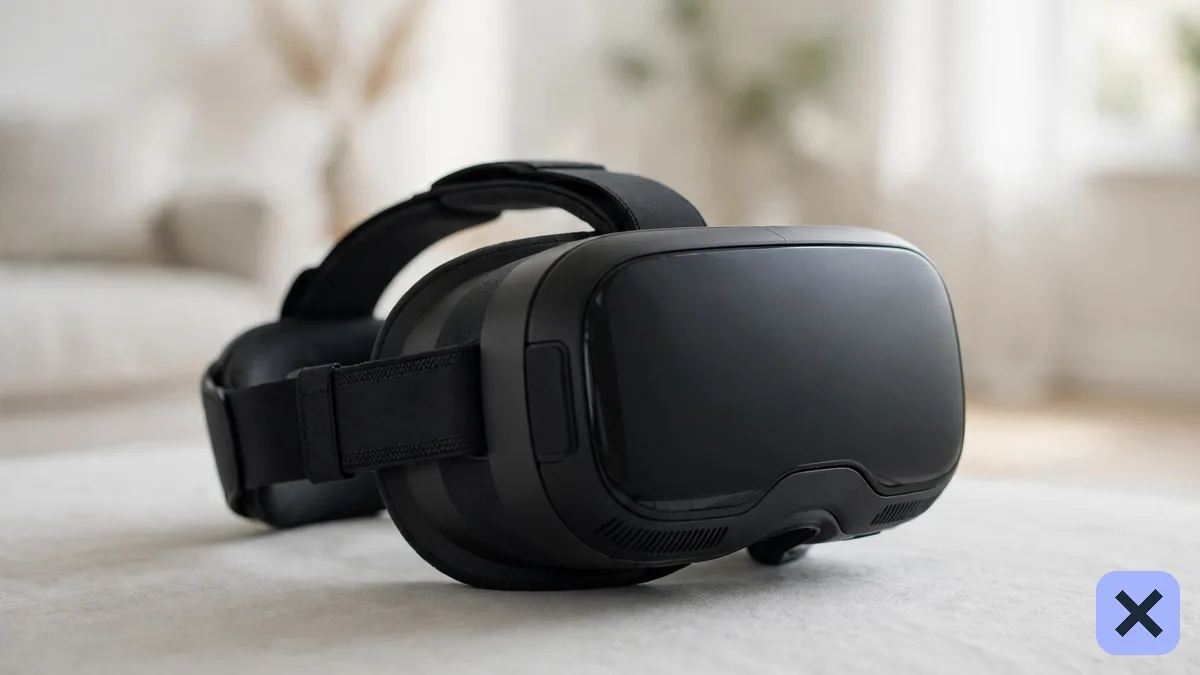
Comfort decides whether a virtual reality headset becomes a daily habit or an expensive box on a shelf, and the worst VR headsets for comfort fail that test within the first half hour. A headset can have sharp displays and a library full of games, but none of it matters if the weight presses on your forehead, the strap digs in behind your ears, or the lenses fog up ten minutes into a session.
The problem is easy to miss in a shop or a short demo. A headset that feels fine for five minutes can become miserable by minute forty, when the heat builds up and the front-heavy design pulls down on the bridge of your nose. People do not stop using virtual reality because the games got boring. They stop because their neck ached, or they dreaded putting the thing on again.
This guide looks at the worst VR headsets for comfort through the design choices that cause the pain: front-heavy balance, cheap facial interfaces, straps that were never tested on a real head for more than a few minutes, poor ventilation, and lenses that punish anyone who wears glasses.
Key takeaways
- Front-heavy headsets cause the most common complaint: pressure on the forehead and nose, and neck strain after thirty minutes.
- A thin, non-removable facial interface is a warning sign, because sweat, heat and pressure have nowhere to go.
- Straps matter as much as weight: a soft strap spreads the load, while a narrow strap concentrates it in one painful spot.
- Poor ventilation leads to fogged lenses, a hot face and shorter sessions, whatever the display quality.
- Comfort can sometimes be improved with a better strap, but a badly balanced headset rarely becomes a comfortable one.
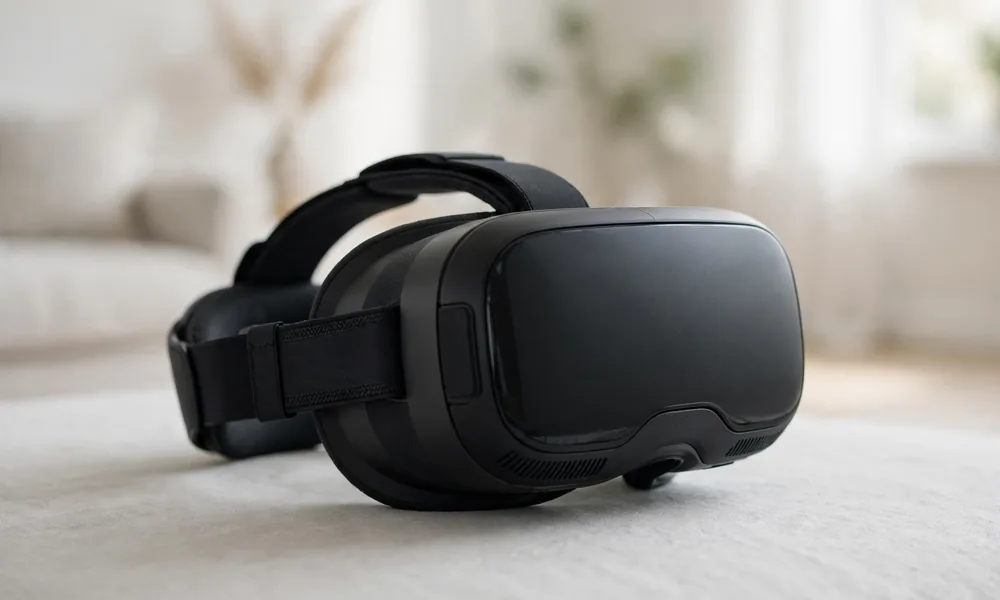
Why Comfort Decides Whether a VR Headset Gets Used
Virtual reality asks more of your body than almost any other technology. A phone sits in your hand and a television sits across the room, but a VR headset hangs from your head, presses against your face, and moves every time you move. Most standalone headsets weigh between 500 and 700 grams, which sounds modest until you remember that almost all of it sits in front of your eyes, ahead of the natural balance point of your head. When a headset is comfortable you forget you are wearing it. When it is not, every annoyance pulls you back out, and once a headset has trained you to expect pain, you stop reaching for it.
What Makes a VR Headset Uncomfortable
Uncomfortable headsets rarely fail for one reason alone. They combine several small compromises into an experience that wears you down.
Front-Heavy Design
The biggest comfort problem in virtual reality is front-heavy design. When the display, lenses, battery and processors all sit in the visor, the strap must grip hard to stop the headset sliding down, pressing the facial interface into your cheeks and forehead, while your neck pulls back constantly to keep your head level. Good headsets fight this by moving weight backwards, with a rear battery, a counterweight, or a halo headband. The worst skip all of that and rely on a tight strap, trading one problem for another.
The Facial Interface Problem
The facial interface is the part that touches your face, and it is where cheap design shows up first. A good one uses soft, breathable foam or silicone, shaped to spread pressure evenly, with a gap at the nose that lets a little air through. A bad one uses a single thin pad of rough foam, glued in place, that flattens within weeks and leaves a hard edge pressing into your skin.
Straps That Fight Your Head
A good strap spreads the load across the back of the head and the crown, adjusts smoothly with one hand, and stays where you put it. A bad strap is a narrow band of elastic that digs in, slips down, or slowly loosens so the image drifts out of focus. The pattern will be familiar to anyone who has worn cheap earbuds that never quite sit right, and the worst wireless earbuds for everyday use show the same story in miniature, with devices that sound fine but hurt after an hour. Halo straps are usually the most comfortable for long sessions, because they take the weight off the face entirely.
Heat, Sweat and Fogged Lenses
Your face is sealed inside a warm, enclosed space, with a screen generating heat inches from your eyes, and the result is sweat. A headset with no ventilation turns into a small sauna within minutes, and the first thing to suffer is the lenses. Warm, moist air hits the cooler lens surface and condenses, fogging the view just as a car windscreen fogs on a cold morning. Some headsets have vents or fans that keep air moving. Others have no airflow at all, and the only fix is lifting the headset away from your face every few minutes.
The Worst VR Headsets for Comfort
The headsets below are grouped by design, because the pattern matters more than any single model name. These are the kinds of headset that consistently produce the same complaints: sore necks, marked faces, fogged lenses, and sessions cut short.
The Phone-Slot Viewer
The phone-slot viewer is the cheapest way into virtual reality, and the least comfortable. It is a plastic shell that holds your phone in front of your eyes, with a strap that does little more than keep it from falling off. The phone is heavy, it sits entirely at the front, and the shell usually has a single thin foam pad pressing hard against the face. There is no ventilation, so the phone heats up, the lenses fog, and the whole thing becomes unpleasant within fifteen minutes.
The Budget Standalone With a Flimsy Strap
The budget standalone headset is the most common comfort trap on sale today. The price looks tempting and the specifications look respectable, but the problem only appears once you wear it for a full session: a thin, unpadded strap that concentrates all the weight on a narrow strip across the back of your head, and a facial interface one thin layer of foam away from hard plastic. A rigid strap and a better interface can transform them, but the accessories can cost a third of the headset’s price.
The Feature-Packed Headset That Forgot the Face
There is a kind of headset that reads brilliantly on a specification sheet and feels terrible on a face. It has eye tracking, face tracking, a high refresh rate and mixed reality cameras, but the facial interface is an afterthought and the strap is a compromise. Every feature added weight and heat to the front, and nobody in the design process seems to have worn the finished product for an hour. More features do not mean a better experience when the basics are wrong, and feature overload follows exactly this pattern, where a product keeps adding capabilities while the thing you actually touch every day gets worse.
How the Worst Headsets Compare on Comfort
Weight alone does not explain the ranking, because balance, ventilation and the strap matter just as much. The table below summarises the main comfort factors for each type, so you can see at a glance which problems are fixable and which are built into the design.
| Headset type | Main comfort problem | Typical session limit | Fixable with accessories? |
|---|---|---|---|
| Phone-slot viewer | All weight at the front, no ventilation | 10 to 15 minutes | No |
| Budget standalone, flimsy strap | Narrow unpadded strap, thin foam | 25 to 40 minutes | Yes, with a rigid strap and new interface |
| Feature-packed flagship | Weight and heat from extra sensors | 30 to 45 minutes | Partly, with a better strap |
| Sealed headset, no airflow | Heat build-up and fogged lenses | 15 to 25 minutes | Partly, with a vented interface |
The shortest sessions come from structural problems: weight in the wrong place, or air with nowhere to go. Accessories can rescue a cheap strap, but not a design whose balance is wrong from the start.
How to Test Comfort Before You Buy
Comfort is personal, and the only reliable test is wearing a headset yourself, for longer than a shop demo allows. A five-minute try tells you almost nothing, because most headsets feel fine for five minutes.
Comfort Checklist
- Wear the headset for at least forty-five minutes, doing the things you actually plan to do.
- Check for red marks on your forehead, cheeks and nose after you take it off.
- Notice whether your neck feels tired, or you tilt your head back to fight front weight.
- Play an active game for ten minutes and see whether the lenses fog or your face overheats.
- If you wear glasses, test with them on for a full session, checking temple pressure and fogging.
- Adjust the strap, take the headset off, and put it back on to see how fast a good fit returns.
The red-mark test is the most honest comfort test there is, because it shows exactly where the headset is pressing, and marks that last more than a few minutes mean the pressure is too high. The worst tech trends that aged badly share a similar pattern, an exciting launch, a short honeymoon, and then a slow realisation that the everyday experience was never as good as the announcement suggested.
Frequently Asked Questions
What is the most common cause of VR headset discomfort?
Front-heavy balance. When most of the weight sits in the visor, the strap must grip hard to hold the headset up, pressing the facial interface into your face and making your neck work constantly.
How long should you be able to wear a VR headset comfortably?
A comfortable headset should be wearable for at least an hour without pain, lasting red marks, or noticeable neck strain. If you need to take a headset off after twenty minutes because something hurts, the fit or the balance is wrong for you.
Can a better strap really fix an uncomfortable headset?
Often, yes, but only up to a point. A rigid or halo strap changes how weight is distributed, and that can transform a headset whose only real fault is a cheap strap. It cannot fix one that is far too heavy, runs very hot, or has a facial interface pressing on the wrong places.
Why do VR lenses fog up?
Lenses fog when warm, moist air from your face meets a cooler lens surface and condenses, exactly like a car windscreen on a cold morning. Sealed headsets with no ventilation fog fastest, and active games make it worse because you sweat more.
Are VR headsets comfortable for glasses wearers?
It depends entirely on the headset. Some have a wide facial interface, an adjustable lens distance or a glasses spacer, and work well with most frames. Others squeeze the frames against your temples and fog the glasses within minutes.
Is a heavier VR headset always less comfortable?
No. Balance matters more than total weight. A heavier headset with a rear battery, a rigid strap and a well-shaped facial interface can feel lighter and stay comfortable far longer than a lighter headset with all its weight hanging off the front.
The Bottom Line
The worst VR headsets for comfort fail in the same ways: too much weight at the front, a strap that concentrates pressure instead of spreading it, a facial interface that is too thin or too hard, and no airflow to deal with heat and sweat. Comfort is not a secondary feature in virtual reality. It is the difference between a headset you reach for every evening and one you quietly stop using, so choose the headset your neck, your face and your patience can live with, and let the specifications come second.