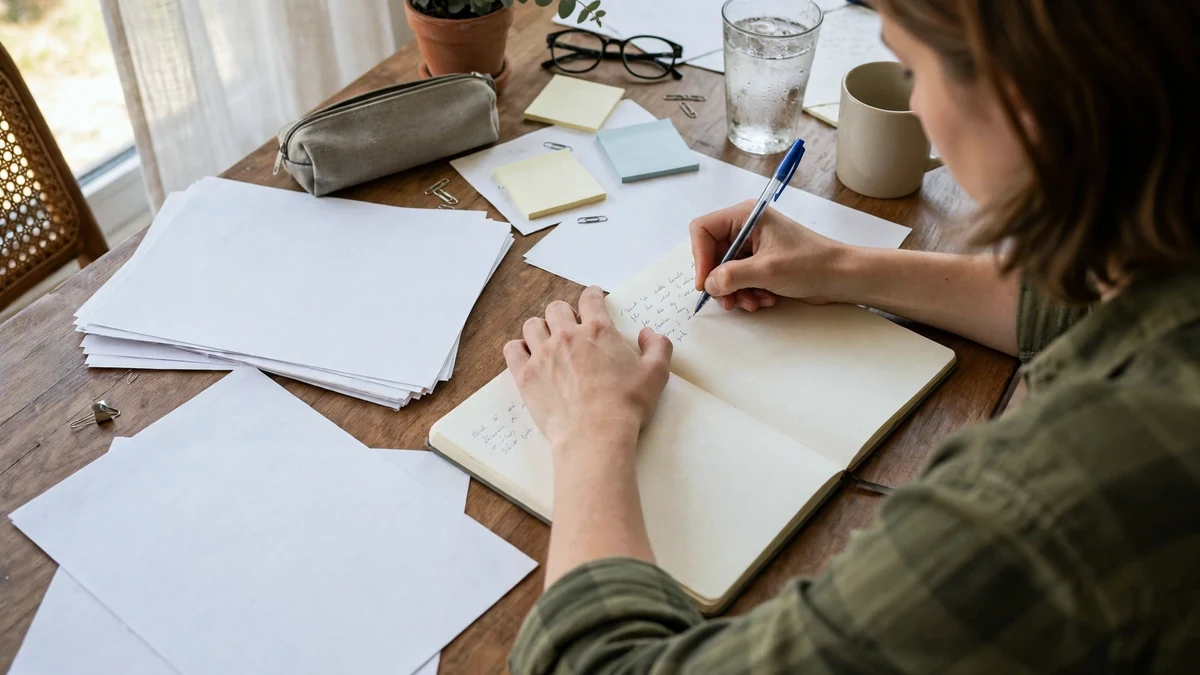
A label maker for home has one job: to print clear, readable labels that stick where they are put, so a pantry, a file box, or a toy shelf stays organised. The worst label makers for home in 2026 fail at it in ways that leave a home with faded labels, labels that peel off in days, or a machine that jams every time it prints. They print too faintly to read, use tapes that fall off, or have keyboards too small to use comfortably. People buy them hoping for an organised home. What they get is a machine that frustrates, a machine that wastes tape, or a machine that ends up in a drawer. A machine that is bought for an organised home should be judged after a month, not on the first label, because the first label is always the easiest to print.

Print Too Faint to Read
A label must be readable, and the worst label makers print too faintly to read. The print is pale grey instead of black, the letters are thin and uneven, or the machine prints at a low contrast that fades further in sunlight. A label that cannot be read is worse than no label, because it looks organised while telling you nothing. The problem is worst with cheap thermal printers, which rely on heat to darken the tape, and which print faintly when the battery is low or the head is dirty. A home that cannot read its labels is a home that is not organised. A label that cannot be read from across the room is a label that will not be read at all, and an unread label is no better than no label.
Test the print before you commit to a machine: print a label with small text and hold it at arm’s length. A good label is dark, even, and readable from across the room, while a bad one needs to be held close and squinted at. Keep the print head clean, and use fresh batteries or a full charge, because a weak battery prints faintly even on a good machine. If the print is faint even with a full battery and a clean head, the machine is at fault, and no amount of cleaning will fix it. A print head that is dirty will print faintly even on a good machine, so a quick clean is worth doing before blaming the printer.
Labels That Peel Off in Days
A label must stay where it is put, and the worst label makers use tapes that peel off within days. The adhesive is too weak for the surface, so labels lift at the corners on a plastic box, fall off a glass jar, or slide off a curved bottle. Some tapes stick well to paper and badly to everything else, so a label that works on a file folder fails on a pantry jar. A home that finds its labels on the floor every morning is a home that gives up on labelling altogether. A label that falls off a jar will be found on the shelf below it, and a home that finds labels on the floor will stop labelling altogether.
Match the tape to the surface before you buy. A good home label maker offers tapes for different surfaces, including a strong adhesive for plastic and glass, and the labels should survive a wipe with a damp cloth. Test a label on the surface it will live on, and check it after a day, a week, and a month. If the corners lift within a day, the tape is wrong for the job. A label that stays put is the whole point of the machine, and a label that falls off is a waste of tape and time. A tape that sticks to paper may not stick to glass, so the test must be done on the surface the label will actually live on.
Tapes That Jam in the Machine
A label maker must feed its tape smoothly, and the worst ones jam. The tape twists inside the machine, the cutter sticks, or the tape feeds crookedly so every label comes out slanted and half-cut. The jam is worst with cheap third-party tapes, which are slightly the wrong size for the machine, but some machines jam even with their own brand of tape. A machine that jams every third label wastes more tape than it prints, and a home that has to open the machine to free a jam will stop using it. A tape that twists inside the machine will twist again, because a feed that jams once has already shown it cannot be trusted.
Use the tape the maker recommends, at least until you know the machine well, because a tape that is a fraction of a millimetre too wide will jam. Keep the cutter clean, and cut the label fully before pulling it, because a half-cut label tears and jams the next one. If the machine jams even with the right tape and a clean cutter, the feed mechanism is faulty. A machine that feeds smoothly is a machine that gets used, and a machine that jams is a machine that gets put away. A stapler that jams is just as frustrating, and our guide to the best staplers of 2026 covers the staplers that feed smoothly and close cleanly. A third-party tape that is a fraction too wide will jam the machine, and the money saved on the tape will be lost in wasted labels.
Keyboards Too Small to Use
A home label maker is typed on, and the worst ones have keyboards too small to use comfortably. The keys are tiny, cramped together, and hard to press, so typing a label takes three times as long as it should and every other label has a typo. Some machines use a QWERTY layout shrunk to the size of a credit card, while others use an alphabetical layout that slows everyone down. A label maker that is hard to type on is a label maker that gets used once and then forgotten. A keyboard that is hard to type on will slow every label, and a slow label maker is one that gets used once and then forgotten.
Try the keyboard before you buy, and type a full label, not just a single word. A good home label maker has keys that are large enough to press without hitting two at once, with a layout you already know. A machine with a phone-style app can be easier, because typing on a phone is faster than typing on a tiny keyboard, but only if the app works well. If the keyboard makes typing a chore, the machine will not get used, however good its print is. An app that works well can be faster than a tiny keyboard, but only if the app connects reliably every time it is opened.
Batteries That Die in a Week
A label maker should be ready when it is needed, and the worst ones are always flat. The batteries drain even when the machine is off, so a maker that worked last month is dead today, or the rechargeable battery holds so little charge that it dies after a dozen labels. Some machines use expensive batteries that cost almost as much as a roll of tape, so every labelling session costs more than it should. A machine that is always flat is a machine that never gets used, because nobody wants to hunt for batteries before labelling a jar. A machine that is flat when it is needed is a machine that never gets used, because nobody wants to hunt for batteries before labelling a jar.
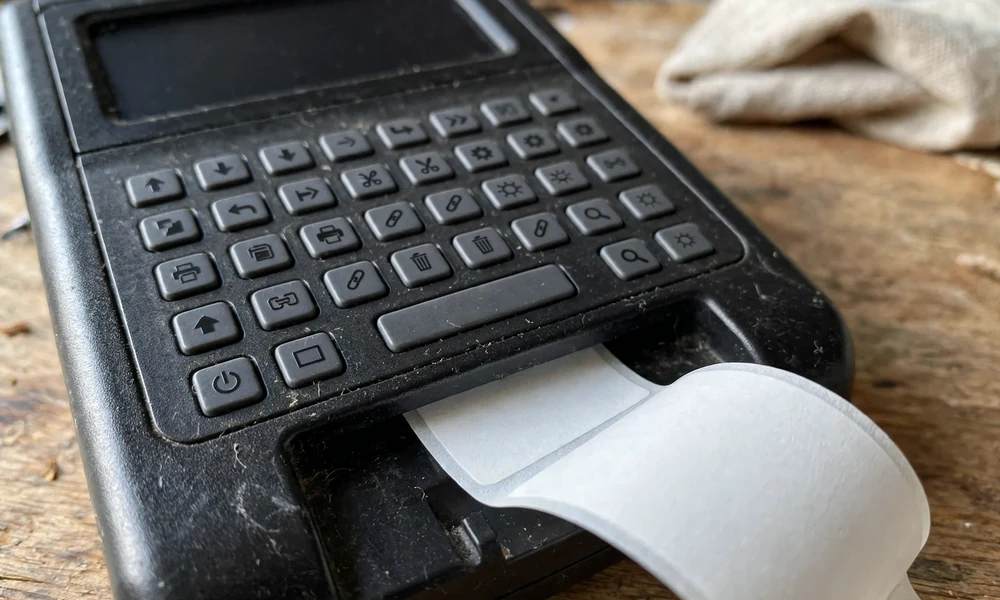
Look for a machine with a rechargeable battery that holds its charge for weeks, or one that runs on mains power as well as batteries. Check whether the machine drains its battery when it is off, and store it with the batteries removed if it does. A good machine should print dozens of labels on a single charge, and it should warn you before the battery dies, not in the middle of a label. If the battery dies after a handful of labels, the machine is not fit for a home.
Machines That Only Take One Tape Size
A home label maker should print labels in different sizes, and the worst ones only take one tape width. The machine prints labels that are too narrow for a storage box and too wide for a spice jar, so half the jobs in the house cannot be done. Some machines lock you into a single brand of tape at a high price, so every label costs far more than it should. A machine that only takes one tape size is a machine that can only do one job, and a home needs many. A machine that only takes one tape size can only label one kind of thing, and a home has many kinds of things to label.
Before you buy, check which tape widths the machine takes and what they cost. A good home label maker takes at least two widths, so it can label a jam jar and a storage box, and its tapes are reasonably priced. If the machine only takes one size, and that size is expensive, the machine will cost more over a year than a better one would have. A label maker that handles many sizes is a label maker that earns its place in the home.

What to Buy Instead
The label makers worth buying share a short list of features, and none of them is expensive on its own. Dark, even print that stays readable for months. Tapes that stick to plastic, glass, and paper, with a strong adhesive option. A feed that does not jam, a keyboard that is comfortable to type on, and a battery that holds its charge for weeks. Tapes in more than one width, at a fair price. If a machine fails any one of those checks, keep looking.
Fit matters as much as build, and the machine should suit the home in front of you rather than the home in the photograph. A small flat needs a compact machine with a few tape widths, while a large family home needs a machine that can label everything from spice jars to storage boxes. Print a test label before you buy, and check it after a week on the surface it will live on. If you need the rest of the desk organised too, our guide to the best desk organizers of 2026 covers the trays and boxes that give a label maker a proper home.
The Bottom Line
The worst label makers for home in 2026 share a pattern: print too faint to read, labels that peel off in days, tapes that jam in the machine, keyboards too small to use, batteries that die in a week, and machines that only take one tape size. Avoid those six failures and you avoid almost every label-maker regret. Print a test label, stick it where it will live, and check it after a week. Do that, and the machine you buy will be the one that keeps the pantry organised for years. And if you need labels that stay put on textbook pages too, our guide to the best sticky notes of 2026 covers the notes that stick without leaving residue.