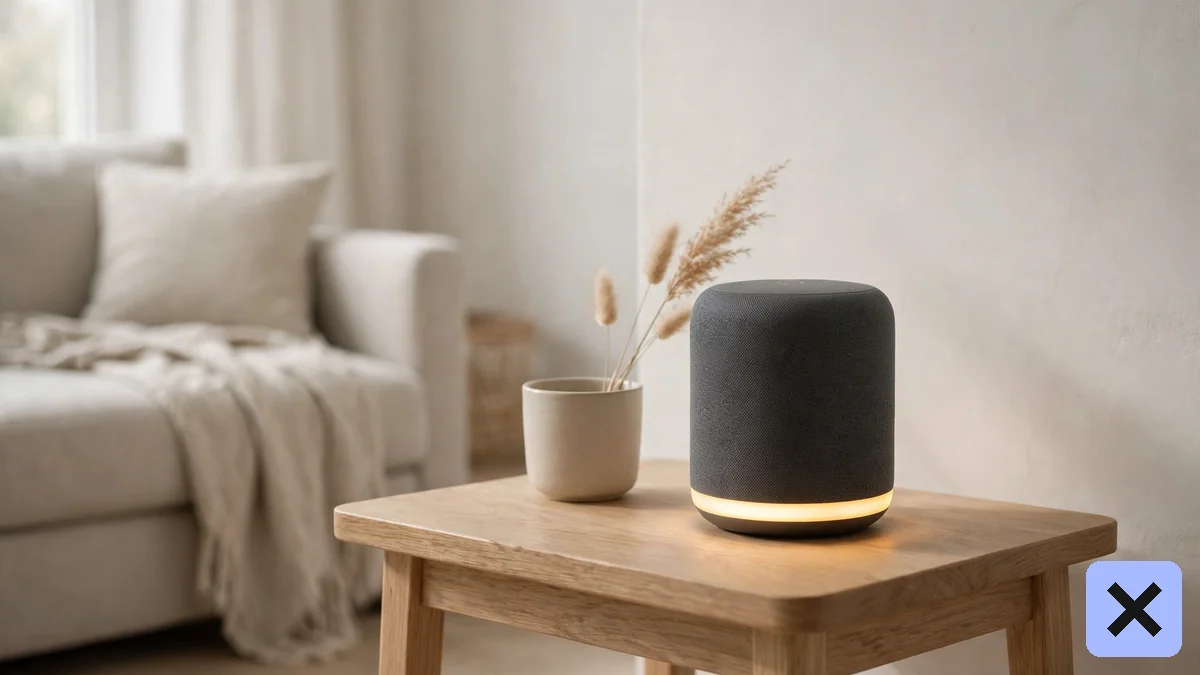
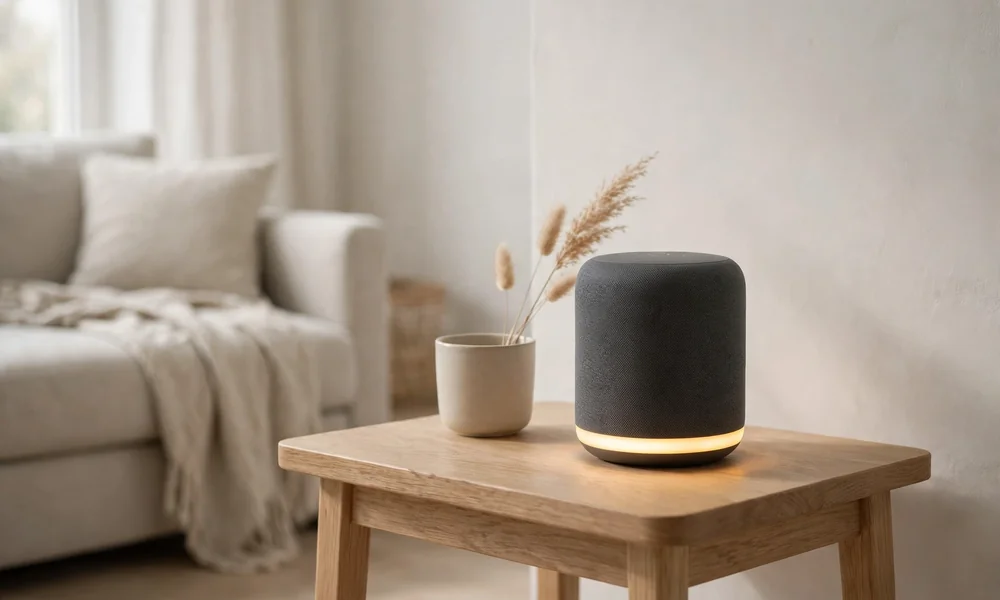
A smart speaker sits quietly on the kitchen counter, waiting for a word it recognises. It feels helpful, almost invisible. That invisibility is exactly the problem. The worst smart speakers for privacy are not the ones that sound bad or look cheap. They are the ones that listen too much, store too much and share too much.
Every smart speaker has a microphone that is always on. That is how it hears a wake word. The difference between a good speaker and a bad one is what happens next: how much audio goes to the cloud, how long it is kept, who can review it, and whether you can delete any of it. The worst offenders fail on most of those points at once.
This guide looks at the smart speakers that deserve the most suspicion and the checks that separate a reasonable device from a privacy liability. Read it before you buy a speaker, or use it to judge the one already sitting in your home.
Key takeaways
- The worst smart speakers record more than they need to, keep recordings too long, and make deletion hard to find.
- Speakers with cameras, screens and third-party skills collect far more data than a voice-only speaker.
- A missing or fake mute button is a red flag. A real mute cuts the microphone and shows a clear indicator.
- Budget speakers from unknown brands often have vague policies and no way to delete your data.
- Check the companion app, the default settings and the data-sharing options before you buy.
Why Smart Speakers Are a Privacy Problem
A smart speaker is a microphone connected to the internet, placed in the most private room in your home. That single fact explains most of the risk. In the best case, what it hears stays short, encrypted and under your control. In the worst case, it is shared with companies you have never heard of.
Always Listening, By Design
To hear a wake word, a smart speaker must listen continuously. It processes audio locally for a fraction of a second and sends a clip to the cloud only when it thinks it heard the trigger. In practice, wake-word detection is imperfect. Televisions, radio and background chatter can all trigger it, sometimes many times a day.
What Gets Recorded, and Where It Goes
A voice command is never just a command. It carries your voiceprint, your accent, your vocabulary and the time you spoke. Over time, that adds up to a voice profile that can identify you across devices.
The Worst Smart Speakers for Privacy
There is no single model that deserves the title of worst smart speaker for privacy. The worst offenders share a pattern: always-on microphones, weak controls, vague policies and data-hungry business models. Below are the types to be most wary of.
The Always-On Budget Speaker
The cheapest smart speakers are often the most expensive in privacy terms. A speaker that costs less than a takeaway dinner has to make its money somewhere, and that somewhere is usually your data. Budget models from little-known brands often ship with no local processing at all, so every command and false activation goes straight to a remote server.
These speakers often have vague privacy policies, no way to view or delete your recordings, and no one to contact when something goes wrong. Firmware updates may never arrive, so security flaws stay open for the life of the device. Watch for no named company, no plain-language policy, no mute button, and an app that asks for too many permissions.
The Speaker With a Camera and a Screen
A voice-only speaker collects audio. A speaker with a camera and a screen collects audio and video, and usually far more of both. Smart displays sit in kitchens and bedrooms, where they can see and hear the most private parts of your life. They add video calling, face recognition and room sensing to a device that is already listening all day.
That camera can be activated by mistake, by a software bug or by a compromised account. Face recognition builds a biometric profile of everyone in the household, including guests. The best displays have physical camera shutters; the worst have none.
The Speaker With No Real Mute Button
A mute button is the simplest privacy feature a smart speaker can have, and the easiest one for a manufacturer to fake. A real mute cuts power to the microphone and lights up a clear red indicator. A fake mute may lower the volume or show a small icon that is easy to miss, while the microphone keeps listening.
Some of the worst speakers have no mute button at all. Others use a soft touch sensor with no feedback, so you cannot tell whether it worked. A few make you dig through app menus to mute the microphone, which means nobody does it. A mute that is hard to use is a mute that never gets used.
The Kids’ Speaker That Collects Too Much
Speakers marketed to children deserve the closest scrutiny of all. They are placed in bedrooms, they talk to children by name, and they collect the voices of people who cannot consent to data collection. A speaker designed for a child should collect the absolute minimum and give parents complete control. The worst kids’ speakers do the opposite.
Some collect voice recordings by default, build profiles of a child’s interests and speech patterns, and share data with third-party content providers. Parental controls may be limited to a bedtime setting, with no way to review or delete what was recorded. If the answers are vague or missing, the speaker does not belong in a child’s room.
The Speaker That Shares With Too Many Partners
Some speakers are not just speakers. They are platforms for third-party skills, apps and services, each of which can request access to your voice, your location, your contacts and your smart home. The worst speakers make this sharing invisible, with no central place to see who has access to what.
The companion app is often the weakest link. It may request your location, contacts, photos and phone microphone, even when none of those are needed. Some apps drain your battery and collect data in the background long after you have stopped using them.
How Your Voice Data Gets Used
Voice data is more valuable than most people realise. The table below shows what a smart speaker can collect, what each type reveals, and who typically gets access to it.
| Data collected | What it reveals | Who can see it |
|---|---|---|
| Voice recordings | Your words, voiceprint, background noise | The maker, reviewers, some partners |
| Transcripts | Your questions, habits and interests | The maker, advertisers, analytics firms |
| Usage patterns | When you wake, leave and sleep | The maker, smart home partners |
| Location data | Your address, routines and travel | The maker, app partners, advertisers |
| Smart home activity | Which devices you own and use | The maker, device manufacturers |
| Voice profiles | Who is speaking, including guests | The maker, linked services |
Red Flags to Spot Before You Buy
The worst offenders load the device with extras nobody asked for. Feature overload adds risk without adding value when every extra sensor, skill and service becomes another way for your data to leak.
- No physical mute button, or one with no clear light to confirm it worked.
- No way to view, download or delete your voice recordings from an app or a website.
- A privacy policy that is vague about who receives your data and how long it is kept.
- A companion app that asks for location, contacts or photos it does not need.
- No automatic deletion option for recordings, and no setting to limit how long they are stored.
- No camera shutter or indicator on a model with a camera or screen.
If a speaker fails two or more of these checks, it is a poor choice for any room where private conversations happen. If it fails three or more, do not buy it at all.
What to Do If You Already Own One
Lock Down the Settings
Start by opening the companion app and finding the privacy section. Turn on automatic deletion and set the shortest retention period available. Turn off human review if the option exists, then delete your existing recordings and transcripts.
Next, review the skills and linked accounts, and remove anything you do not use. Check the app permissions on your phone and remove access to location, contacts and photos unless the speaker genuinely needs them.
It is also worth reviewing the rest of your smart home. Some of the worst smart home devices cause more problems than they solve because they share the same habits: vague policies, weak security and data collection far beyond what the device needs.
When to Unplug It for Good
Some speakers are not worth saving. If the manufacturer has stopped providing updates, if there is no way to delete your data, or if the company behind the brand has disappeared, unplug it. A device that cannot be updated cannot be secured, and a device that cannot be secured should not have a microphone in your home.
The same applies if the speaker was free or heavily discounted by an advertising company. A free microphone is rarely free: the cost is paid in data. Replacing a bad speaker need not be expensive. A simple Bluetooth speaker with no microphone covers music and podcasts without listening to your home.
Frequently Asked Questions
Do smart speakers record everything I say?
No, but the distinction matters less than it sounds. A smart speaker listens continuously for its wake word and sends audio to the cloud when it thinks it heard it. Accidental activations happen regularly, so private conversations can be recorded.
Can I delete my smart speaker recordings?
Usually yes, but it is not always easy. Most major brands let you delete recordings from an app or a website, and some offer automatic deletion after a set period. The worst speakers offer no deletion option at all, or they delete the audio but keep the transcript.
Is the mute button enough to protect my privacy?
A real mute button helps a great deal, because it cuts power to the microphone. A fake or unclear mute does not. Test it by speaking the wake word while it is on. If the speaker still responds, the mute is not doing its job.
Are smart speakers with cameras safe in bedrooms?
They are a poor choice for a bedroom. A camera there is a serious privacy risk, even with a shutter, because it can be opened by mistake, by a software bug or by a compromised account. Choose a voice-only model with a physical mute button and no camera instead.
Do cheap smart speakers collect more data than expensive ones?
Often, yes. A very cheap speaker has to make money somehow, and data is the most common answer. That does not mean every expensive speaker is safe, but price is a useful signal. Check the privacy policy and the data controls instead.
Should I worry about human reviewers hearing my recordings?
Yes, enough to check the setting. Several voice assistants have used human reviewers to improve accuracy, and in some cases users did not know. Look for an option to opt out of human review. If there is no such option, that is a bad sign.
The Bottom Line
The worst smart speakers for privacy listen too much, explain too little, share too widely and give you too little control. They are the budget models with no clear maker, the smart displays with cameras and no shutters, the speakers with fake mute buttons, and the kids’ models that profile children.
Choose a speaker that processes as much as possible on the device, keeps recordings for the shortest time, deletes them automatically, and lets you mute the microphone with a single physical press. If the speaker you own fails those tests, unplug it. Your home should be the one place where you are not being recorded.