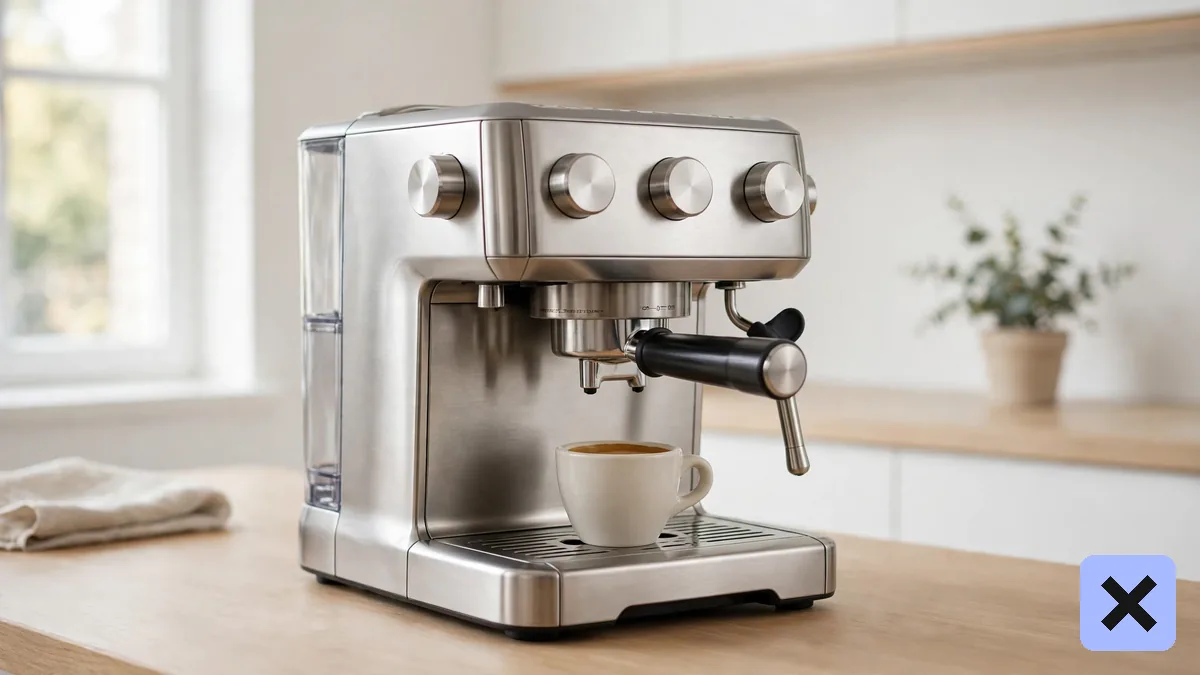
The best smart plugs for home automation in 2026 turn ordinary appliances into smart ones for less than a takeaway dinner. A smart plug sits between your wall socket and any standard appliance, giving you remote control, scheduling, and voice control over lamps, fans, coffee makers, and more. No rewiring, no electrician, and no need to replace the appliances you already own.
If you have ever wished your coffee maker would start itself, your lamps would switch off when you leave, or your gadgets would stop draining power overnight, a smart plug is the answer. Setup takes about two minutes.
This guide rounds up the best smart plugs for home automation in 2026, comparing them on compatibility, energy monitoring, design, and value — plus how to choose, set up, and automate with them.
Key Takeaways
- Smart plugs are the cheapest and easiest entry point into home automation, with most top models costing under $25.
- Look for Matter support and compatibility with Alexa, Google Home, and Apple HomeKit so your plugs work with the voice assistant you already use.
- Energy monitoring is worth paying extra for to find vampire power drain and cut your electricity bill.
- Compact designs matter: a bulky plug can block the second socket on a standard outlet, so check the dimensions before buying.
- Outdoor-rated plugs are essential for garden lights and holiday decorations — indoor plugs should never be used outside.
What Is a Smart Plug and How Does It Work?
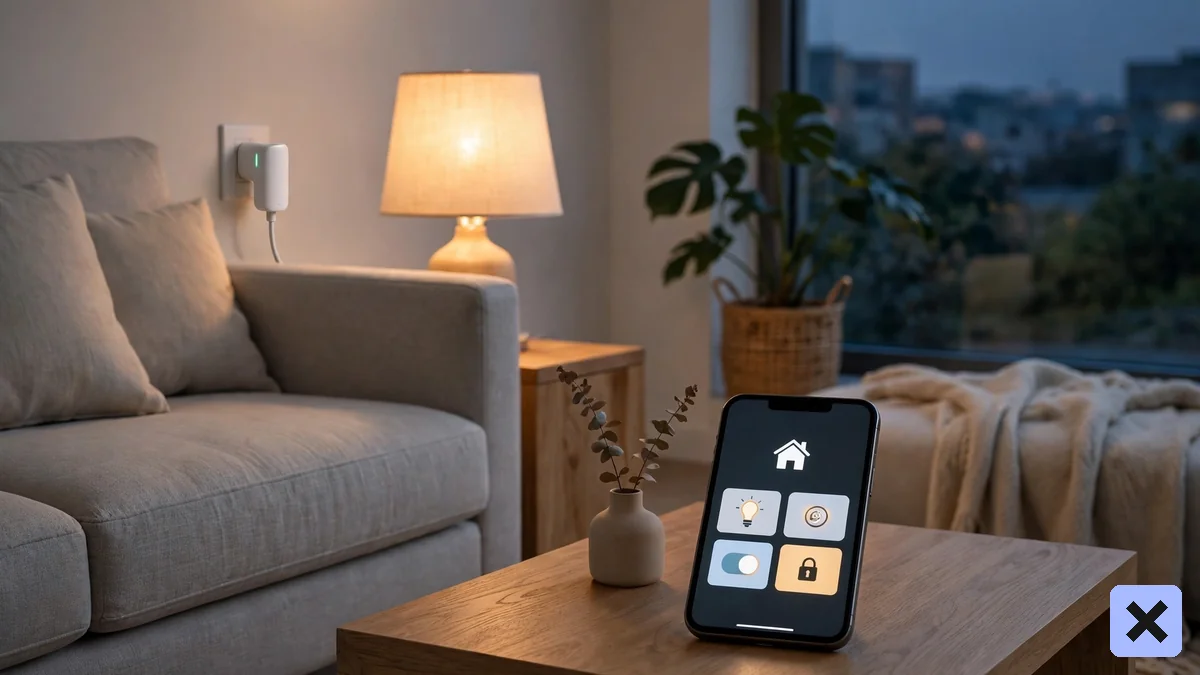
A smart plug is a small adapter that adds remote control to any plug-in appliance. Plug it into a wall socket, plug your lamp or coffee maker into it, and control the power from an app on your phone. Most plugs connect directly to 2.4 GHz Wi-Fi, so they need no hub. Voice control is where they shine: linked to Alexa, Google Assistant, or Siri, a spoken command switches devices on or off, and routines can start the coffee maker and switch on the lights with one “good morning”. Schedules let lamps switch on at sunset and lights randomise while you are on holiday, and many plugs track electricity use.
The Best Smart Plugs for Home Automation in 2026
Here are our top picks for 2026, with a quick comparison table first.
| Smart Plug | Best For | Voice Assistants | Energy Monitoring | Hub Required | Price |
|---|---|---|---|---|---|
| TP-Link Kasa KP125M | Overall best | Alexa, Google, Siri | Yes | No | $20 |
| Amazon Smart Plug | Alexa households | Alexa | No | No | $25 |
| Meross MSS110 | Budget pick | Alexa, Google, Siri | No | No | $13 |
| Eve Energy | Apple HomeKit | Siri | Yes | No | $40 |
| Leviton Decora Smart | Whole-home control | Alexa, Google, Siri | Yes | No | $35 |
| TP-Link Kasa KP401 | Outdoor use | Alexa, Google | No | No | $25 |
TP-Link Kasa KP125M — Best Overall
The Kasa KP125M is our top pick because it does almost everything well. It supports Matter, so it works with Alexa, Google Home, Apple Home, and Samsung SmartThings from one setup. Energy monitoring is built in, the compact design rarely blocks the second socket, and the Kasa app is one of the best in the category.
Amazon Smart Plug — Best for Alexa Households
If your home already runs on Alexa, the Amazon Smart Plug is the most frictionless option available. There is no separate app to install and no third-party account to create: the plug is discovered automatically by your Echo device. The trade-off: no energy monitoring, and Alexa only. But for homes with an Echo speaker, the simplicity is worth it. Pair it with the best smart speakers of 2026 to build a voice-controlled home where every lamp and appliance answers to a single command.
Meross MSS110 — Best Budget Pick
The Meross MSS110 proves you do not need to spend much to automate your home. At around $13, often cheaper in packs of four, it delivers remote control, scheduling, timers, and voice control. It supports Alexa, Google Assistant, and Apple HomeKit, which is unusual at this price. The compromises are modest: no energy monitoring and a slightly wider body.
Eve Energy — Best for Apple HomeKit
The Eve Energy is the standout choice for Apple households. It connects over Thread, Apple’s preferred low-power protocol, making it fast and reliable, and works entirely within the Apple Home app — no third-party account required. Energy monitoring is included, and Eve processes everything locally, a genuine privacy advantage. At around $40 it is the priciest plug here, but for a HomeKit home the integration justifies it.
Leviton Decora Smart — Best for Whole-Home Control
The Leviton Decora Smart plug is aimed at people automating a whole house rather than a single room. It is built to a higher standard than most budget plugs, with a robust design, energy monitoring, and support for Alexa, Google, and Apple HomeKit. The app allows detailed scheduling and grouping, so you can control every plug in a room — or the whole house — with one tap. At around $35, it suits a larger project.
TP-Link Kasa KP401 — Best Outdoor Smart Plug
Garden lights, fountains, and holiday decorations all need power outside, and the Kasa KP401 is built for exactly that. It is weather-resistant, with two independently controlled outlets in one rugged housing, so two sets of lights can run on different schedules from one plug. At around $25, it is the easiest way to bring your garden into your smart home.
How to Choose the Right Smart Plug
Check Voice Assistant Compatibility First
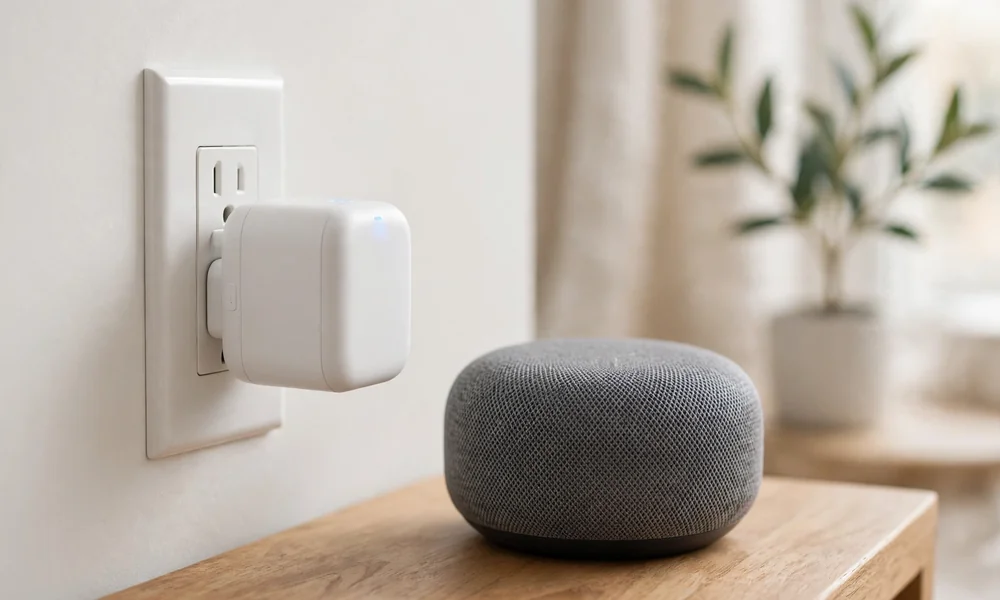
Confirm the plug works with the voice assistant you actually use. A plug that only supports Alexa is useless in a Google Home household, and vice versa. Matter-certified plugs are the safest bet in 2026 because Matter works across all major platforms.
Wi-Fi or Hub: What Is the Difference?
Most modern smart plugs connect directly to Wi-Fi and need no hub, which keeps setup simple and costs down. Hub-based plugs, usually using Zigbee or Thread, can be more reliable in large homes because they form a mesh network. For most homes, Wi-Fi plugs are fine. If your Wi-Fi is patchy, a strong network matters more than the plug itself — see our guide to the best Wi-Fi routers for home if your signal struggles to reach every room.
Energy Monitoring: Worth Paying Extra?
Energy monitoring plugs measure the electricity flowing through them and report it in the app. This is genuinely useful for spotting vampire power drain — the standby power drawn by televisions, game consoles, and chargers that sit idle for hours. Seeing your old television draw 15 watts on standby makes it easy to switch it off properly.
Indoor vs Outdoor Ratings
Never use an indoor smart plug outside. Outdoor plugs are sealed against rain and dust, rated for a wider temperature range, and built to survive in the garden all year. Indoor plugs used outdoors are a safety risk and fail quickly. For garden lights or a fountain, buy an outdoor-rated plug with a weatherproof cover.
Setting Up Your Smart Plugs: A Simple Checklist
Setup is quick, but a little preparation prevents the most common frustrations.
- Check your Wi-Fi is 2.4 GHz — most smart plugs do not connect to 5 GHz networks.
- Update your plug’s firmware after setup for the latest features, security fixes, and Matter support.
- Give every plug a clear name and room — “living room lamp” is far easier to control by voice than “Plug 3”.
- Group plugs by room in your smart home app, so one command controls a whole room.
- Create a “good morning” routine and a “good night” routine first, then add more.
- Test schedules for a week before relying on them, especially for security lighting while you are away.
Smart Plug Ideas for Every Room
Living Room
Lamps are the classic smart plug use case. A lamp on a smart plug can switch on at sunset and off when you leave the house, while a television on a smart plug can be switched off completely at night to stop standby drain. Our guide to the best robot vacuums for pet hair shows how to automate cleaning alongside your lighting and heating.
Bedroom
In the bedroom, smart plugs are brilliant for gentle wake-ups. A bedside lamp that switches on softly at your alarm time is far kinder than a blaring alarm, and a fan that switches off an hour after you fall asleep saves energy without you noticing.
Kitchen
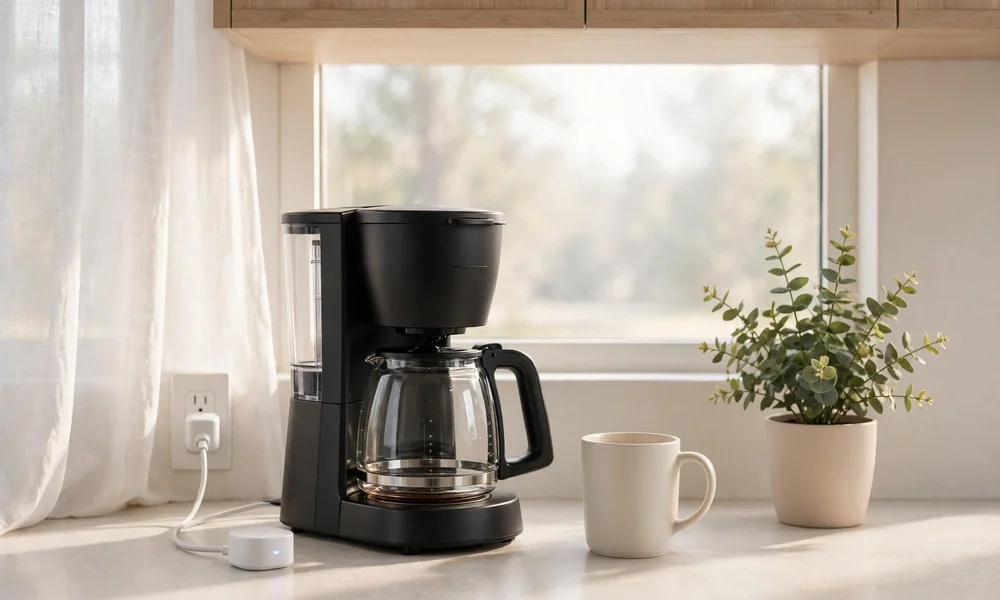
The kitchen is where smart plugs save the most time. A coffee maker on a smart plug can start brewing before your alarm goes off, so coffee is ready when you walk in. Slow cookers, kettles, and air fryers can all be scheduled, and a plug with energy monitoring can tell you what your old fridge costs to run. Just never automate anything that could be a fire risk.
Garden and Outdoors
Outdoor smart plugs bring the garden into your smart home. String lights can switch on at dusk and off at midnight, a fountain can run while you are outside and rest overnight, and holiday lights can follow a festive schedule without you touching a timer.

Common Mistakes to Avoid
Smart plugs are simple, but a few mistakes crop up again and again. The first is buying a plug that does not work with your voice assistant — always check compatibility before ordering. The second is putting a smart plug on a high-power appliance it was not designed for, such as a space heater or air conditioner. Most plugs are rated for 10 to 15 amps, and exceeding that rating is a safety risk. The third is overloading your Wi-Fi network: each plug is another device on it, and a house full of them can strain an old router. Finally, never automate appliances that should not start unattended, such as irons and heaters.
Frequently Asked Questions
Do smart plugs work without Wi-Fi?
Most need Wi-Fi for remote control and voice commands, but many will still follow a schedule stored on the plug if your internet goes down. Bluetooth-only plugs work without Wi-Fi but only when your phone is nearby.
Do smart plugs use electricity when switched off?
Yes, but very little — typically 0.5 to 1 watt on standby to keep the Wi-Fi radio alive. That is far less than the standby power of most appliances it controls, so a plug switching off a television saves far more than it consumes.
Can I use a smart plug with any appliance?
Almost any plug-in appliance works, as long as it stays within the plug’s maximum power rating and is safe to start automatically. Lamps, fans, coffee makers, and televisions are ideal. High-power appliances such as air conditioners may exceed the rating, so check the label.
Are smart plugs safe?
Smart plugs from reputable brands are safe when used within their rated load. Buy plugs with recognised safety certifications, never exceed the maximum wattage, and do not use indoor plugs outdoors.
Can I control smart plugs when I am away from home?
Yes. As long as your home Wi-Fi is running and the plug is connected, you can control it from anywhere through the app — handy for switching lights on before you get home and making your home look occupied.
How many smart plugs do I need?
Most people start with two or three — a living room lamp, a bedroom lamp, and the coffee maker — and add more once they see the benefit. A typical home ends up with five to ten plugs.
The Bottom Line
The best smart plugs for home automation in 2026 make your home more convenient, more energy-efficient, and a little more magical, for the price of a few cups of coffee. The TP-Link Kasa KP125M is our overall pick for its Matter support, energy monitoring, and fair price, while the Meross MSS110 is the best budget option and the Eve Energy is the finest choice for Apple households. Start small and build one or two routines — you will wonder how you lived without them.