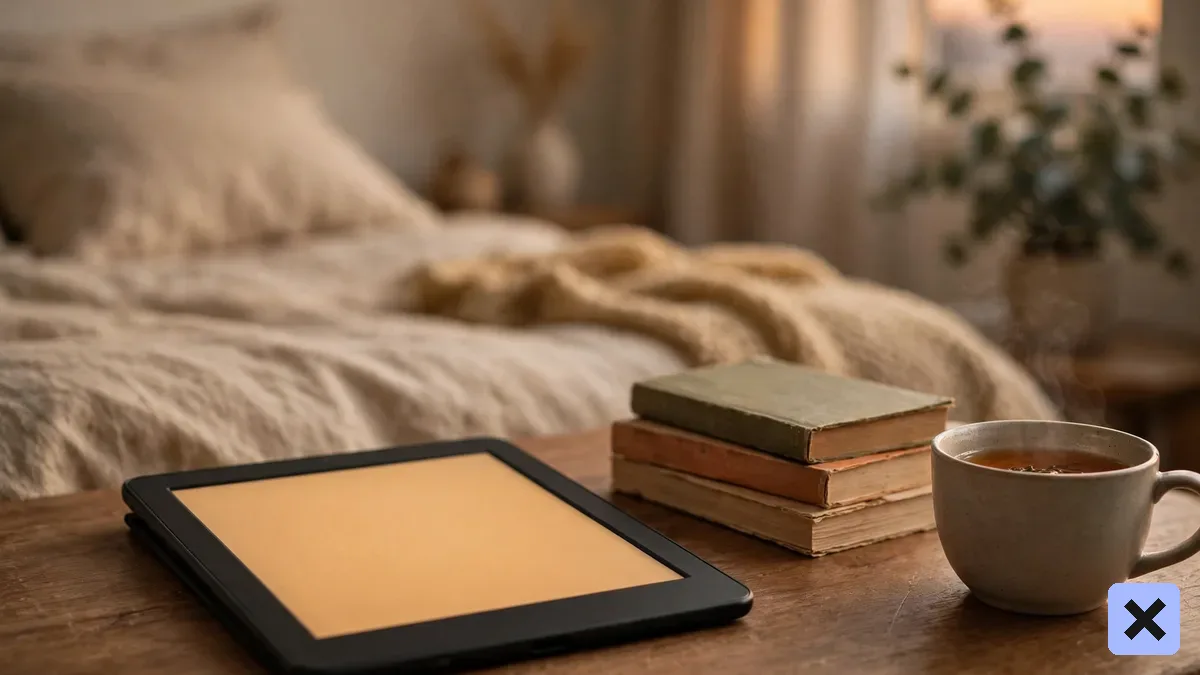
The best Kindles in 2026 make reading feel effortless. They are light enough to hold for hours, their screens look like printed paper in any light, and a single charge lasts for weeks rather than days. Whether you read novels in bed, carry a library on holiday, or want a screen that never distracts you, there is a Kindle built for the way you read.
Choosing between them is less about finding one perfect device and more about matching the screen, size, and features to your reading habits. A basic Kindle is all most readers need. A Paperwhite adds a bigger, sharper screen and waterproofing. A premium model adds wireless charging and more storage, while a stylus model turns the reader into a notebook. The differences are real, but they are easy to sort out once you know what matters.
This guide compares the best Kindles of 2026 side by side, explains what each one does well and where it falls short, and helps you pick the right one without paying for features you will never use. Every recommendation below is based on the reading experience itself: screen comfort, weight, battery life, storage, and how the device feels in your hand after an hour with a good book.
Key takeaways
- The Kindle Paperwhite is the best Kindle for most readers in 2026, with a sharp 7-inch screen, warm lighting, and waterproofing.
- The basic Kindle is the best value pick: it does the core job brilliantly at the lowest price, with a 6-inch glare-free screen.
- The Paperwhite Signature Edition is the best premium choice, adding wireless charging, 32 GB of storage, and an auto-adjusting light.
- The Kindle Scribe is the best Kindle for note-takers, pairing a large 10.2-inch screen with a stylus for writing in the margins.
- Buy the model that matches how you read, not the one with the longest feature list, and check the screen size and storage before you check the price.
Best Kindles 2026 at a Glance
| Kindle | Best for | Screen | Storage | Waterproof |
|---|---|---|---|---|
| Kindle (basic) | Best value | 6-inch, 300 ppi | 16 GB | No |
| Kindle Paperwhite | Best overall | 7-inch, 300 ppi | 16 GB | Yes |
| Kindle Paperwhite Signature Edition | Best premium | 7-inch, 300 ppi | 32 GB | Yes |
| Kindle Colorsoft | Best for colour books | 7-inch colour, 300 ppi | 16 or 32 GB | Yes |
| Kindle Scribe | Best for notes | 10.2-inch, 300 ppi | 16 to 64 GB | No |
| Kindle Kids | Best for children | 6-inch, 300 ppi | 16 GB | No |
Best Kindle Overall: Kindle Paperwhite
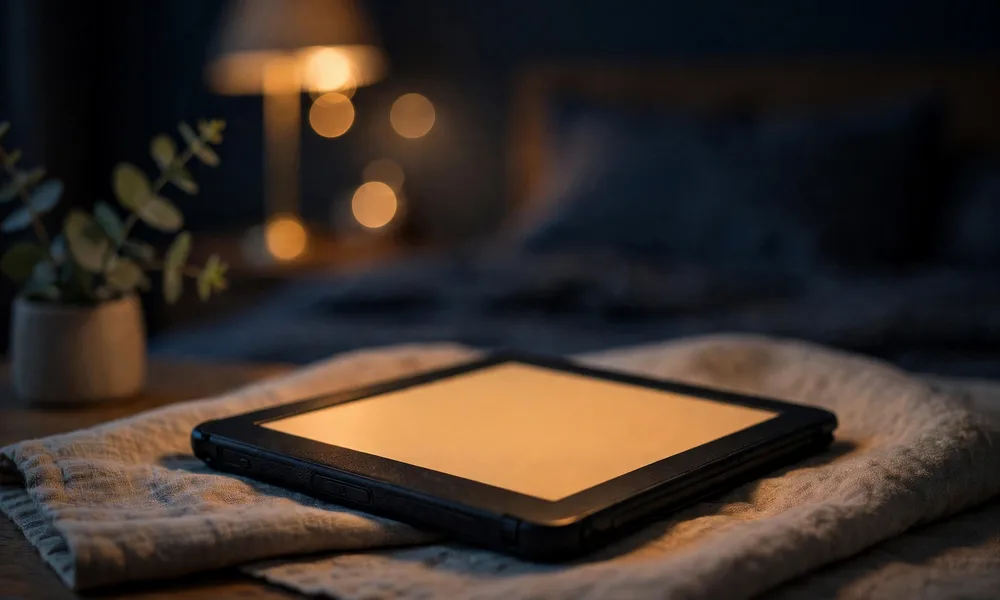
The Paperwhite is the Kindle most people should buy. Its 7-inch screen is large enough for comfortable reading without making the device heavy, and the 300 ppi resolution keeps text crisp at any font size. The warm light lets you shift the page from cool white in the morning to amber at night, which makes a real difference to tired eyes.
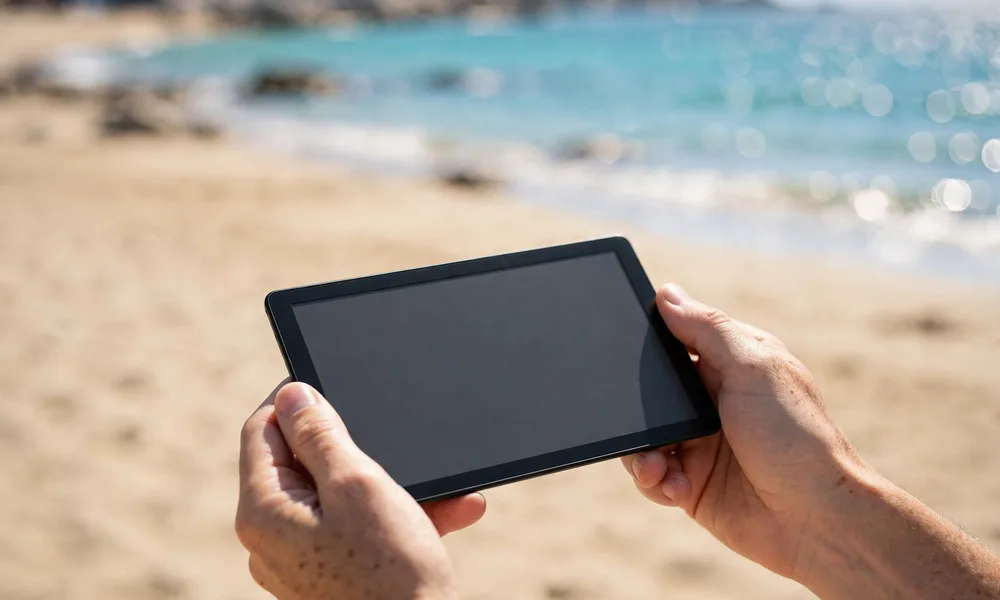
Waterproofing is the Paperwhite’s quiet superpower. It survives a splash by the pool, a spill on the kitchen table, and a dropped-in-the-bath accident, which is exactly the kind of protection a device you carry everywhere needs. The battery lasts up to ten weeks on a single charge with typical reading, and the USB-C port means it charges with the same cable as your phone.
Best Value Kindle: Kindle (Basic)
The basic Kindle proves that the core reading experience does not need a premium price. It has the same sharp 300 ppi screen as its more expensive siblings, the same front light, and the same access to the full book store. For pure novel reading, it is genuinely hard to tell apart from the Paperwhite in normal use.
What you give up is screen size and a few comforts. The 6-inch display shows fewer words per page, so you turn pages slightly more often. There is no warm light adjustment, no waterproofing, and the storage is fixed at 16 GB, though that still holds thousands of books. The device is also a little lighter and smaller, which some readers actually prefer, since it slips into a jacket pocket without a second thought.
Best Premium Kindle: Kindle Paperwhite Signature Edition
The Signature Edition takes the standard Paperwhite and removes its small frustrations. Storage doubles to 32 GB, which matters if you keep a large library, download audiobooks, or read graphic novels. An auto-adjusting light sensor tunes the brightness to your surroundings, so you never fiddle with settings when you move from a sunny room to a dark one.
Wireless charging is the other headline feature. Drop the device on a charging pad at night and it is full by morning, with no cable to hunt for. It is a small luxury, but it fits the way a premium device should feel: it takes care of itself so you can simply pick it up and read.
Best Kindle for Colour Books: Kindle Colorsoft
For years, Kindle screens were black and white, which was fine for novels and a real limitation for everything else. The Colorsoft changes that with a colour E Ink display that shows book covers, comics, and illustrated guides in soft, paper-like colour while keeping the same glare-free reading experience.
Colour makes the biggest difference in comics, graphic novels, cookbooks, and children’s picture books, where the images carry as much of the story as the words. The screen is still an E Ink panel, so colours are gentler and more muted than on a tablet, but that is the point: it looks like a printed page, not a glowing screen. It keeps the warm light, the waterproofing, and the weeks-long battery of the Paperwhite range.
Best Kindle for Notes: Kindle Scribe
The Scribe is a different kind of Kindle. Its 10.2-inch screen is nearly twice the size of a standard model, and it comes with a stylus that lets you write directly on the page. You can scribble in the margins of a book, keep a handwritten journal, annotate documents, and sketch ideas, all on the same paper-like screen.
Best Kindle for Kids: Kindle Kids
The Kindle Kids is built around one idea: reading should be easy to start and hard to interrupt. It comes with a cover, a year of the kids’ book subscription, and a parent dashboard that sets reading goals and bedtime limits. There are no notifications, no games, and no web browser to wander into.
How to Choose the Right Kindle
Start with how you read. If you read novels for an hour before bed, the basic Kindle or the Paperwhite will both make you happy. If you read in the bath, by the pool, or on a rainy commute, waterproofing moves the Paperwhite to the top of the list. If your books are full of colour or you take notes, the Colorsoft or the Scribe are the only models that truly fit.
Storage is simpler than it looks. 16 GB holds thousands of books, so it is enough for almost every reader. Step up to 32 GB only if you download a lot of audiobooks or read graphic novels, which take far more space than text. And if you are torn between a Kindle and a general-purpose device, our comparison of Kindle vs tablet for bedtime reading explains why a dedicated reader wins after dark, while our Kindle vs Kobo e-readers guide compares the Kindle range against its closest rival.
Kindle Battery Life, Storage, and Screen Explained
Battery life
Every current Kindle lasts for weeks on a single charge with typical reading, because the E Ink screen only uses power when the page changes. The exact number depends on your brightness setting and how much you use the wireless connection, but a month of regular reading without charging is normal. Keep the wireless off when you are not downloading books, and the battery stretches even further.
Screen and lighting
Kindle screens use E Ink, which reflects light like paper instead of shining it into your eyes. The front light is built into the bezel and shines across the page, so the screen stays matte and glare-free in bright sunlight. Higher-end models add a warm light that shifts the page towards amber, which is gentler on the eyes in the evening and easier to read in a dark room.
Storage and audiobooks
Storage matters most for audiobooks and illustrated books, which are far larger than novels. A 16 GB Kindle holds thousands of ebooks but only a modest audiobook collection, so heavy audiobook listeners should consider the 32 GB Signature Edition. Pairing the Kindle with wireless headphones turns it into a capable audiobook player, and once you have a book you love, our roundup of the best mystery novels for beginners is a good place to find your next read.
Kindle Buying Checklist
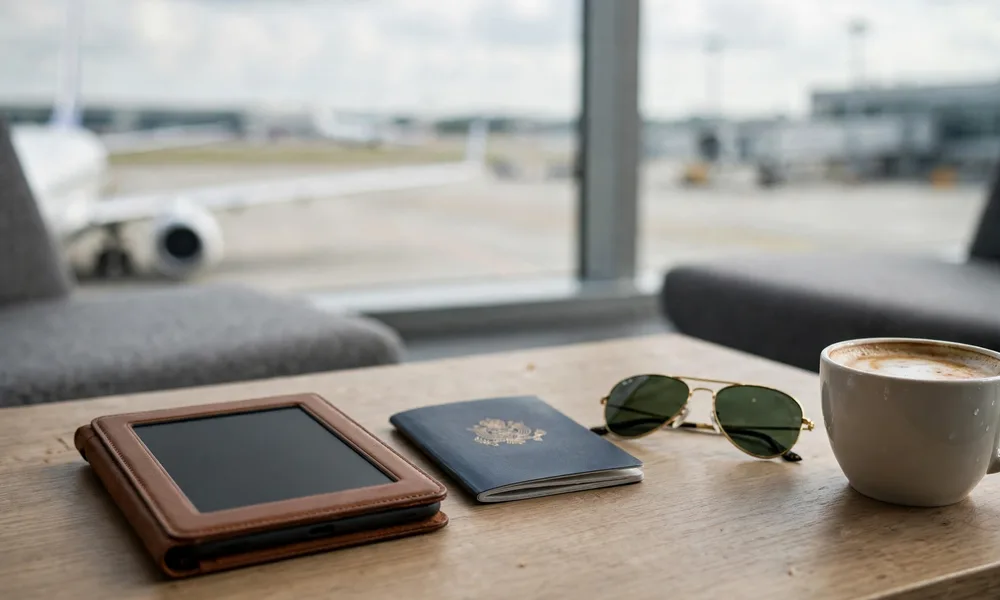
Run through this list before you buy, and you will end up with the right Kindle the first time.
- Pick your screen size first: 6 inches for portability, 7 inches for comfort, 10.2 inches for notes and documents.
- Decide whether you need waterproofing for the bath, the beach, or the pool.
- Check the warm light if you read at night, since it makes evening reading far easier on the eyes.
- Choose 16 GB for ebooks only, or 32 GB if you download audiobooks or graphic novels.
- Think about colour only if your reading list includes comics, cookbooks, or illustrated books.
- Compare the price of the device with the case and charger you actually need, not the headline price alone.
Frequently Asked Questions
Which Kindle is best for most people in 2026?
The Kindle Paperwhite is the best choice for most readers. Its 7-inch sharp screen, warm light, waterproofing, and weeks-long battery cover every common reading situation, and it costs far less than the premium models while feeling like a complete device.
Is the basic Kindle good enough?
Yes. The basic Kindle has the same sharp 300 ppi screen as the more expensive models and the same access to the full book store. It lacks a warm light and waterproofing, but for reading novels at home it is genuinely excellent and the best value in the range.
Do Kindles work in bright sunlight?
Yes, and this is one of their biggest advantages. The E Ink screen reflects light like paper, so it gets easier to read in bright sunlight rather than harder. There is no glare, and you never need to shade the screen the way you would with a phone or tablet.
How long does a Kindle battery last?
With typical reading, a Kindle lasts for several weeks on a single charge. The screen only draws power when the page changes, so the battery drains very slowly. Turning off the wireless connection when you are not downloading books extends it further.
Can I read audiobooks on a Kindle?
Yes. Modern Kindles play audiobooks through wireless headphones, and you can switch between reading and listening in the same book. Audiobooks take more storage than ebooks, so if you listen often, consider a 32 GB model.
Should I buy a Kindle or a Kobo?
Both make excellent e-readers, and the right choice depends on where you buy your books and which features you value. Kindles have the largest book store and the widest range of models, while Kobo devices offer more open file support and a different store. Compare the two directly before deciding, and choose the ecosystem you will be happiest living in.
The Bottom Line
The best Kindle in 2026 is the one that matches how you actually read. For most people, that is the Paperwhite: a sharp, warm-lit, waterproof reader that disappears into the story. Budget readers get nearly the same experience from the basic Kindle, colour readers finally have the Colorsoft, note-takers have the Scribe, and children have a Kindle built just for them. Pick your screen, check the waterproofing and storage, and then stop comparing and start reading.