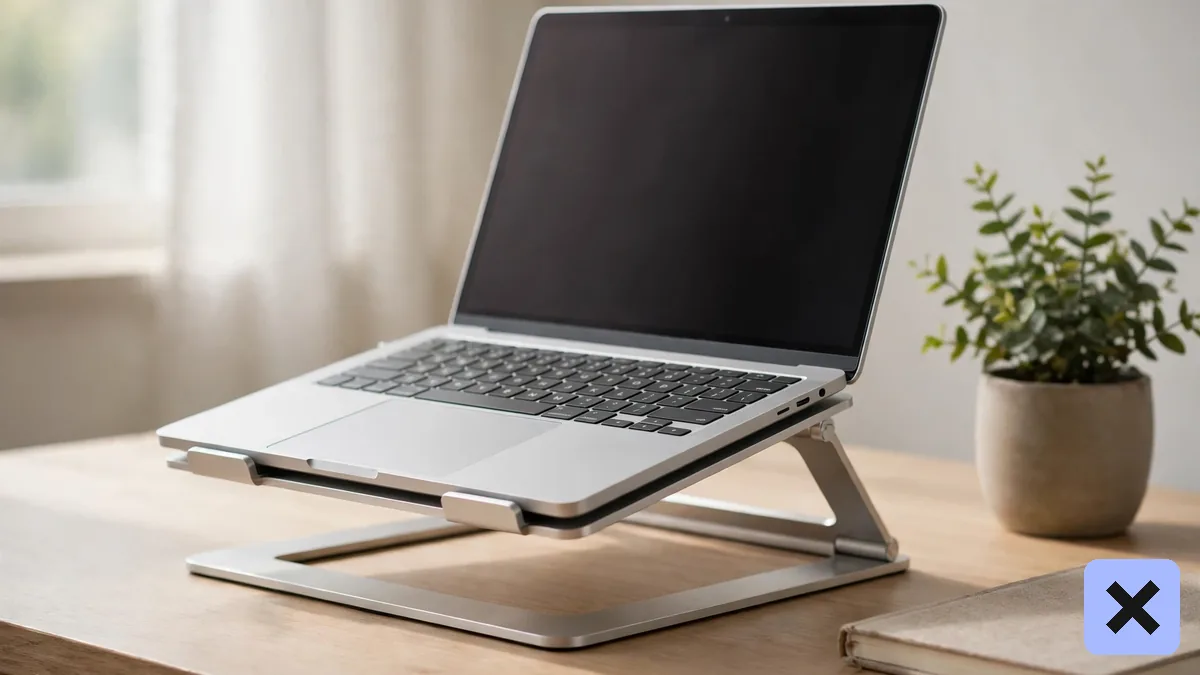
A good laptop was never designed to sit flat on a desk. When the screen sits too low, your neck bends forward, your shoulders round, and by mid-afternoon your whole upper body is paying for it. The best laptop stands for desks 2026 fix that with a simple lift: they raise the screen to eye level, open up airflow underneath, and free the space below for a keyboard or a tidier desk.
We judged these stands the way a real desk worker would: stability under typing, height and angle, heat handling, and whether each survives being folded, moved, and used daily. The nine below cover every desk, from a cramped apartment corner to a full dual-monitor setup.
A few inches make a real difference: lifting your screen by just 15 centimetres can straighten your posture, cool your laptop, and make a small desk feel twice as big. The wrong stand wobbles with every keystroke; our list keeps only the steady ones.
Key takeaways
- Raise the screen so the top of the display sits at or just below eye level — that alone does more for your neck than any chair upgrade.
- Fixed aluminium stands are the most stable for a permanent desk; adjustable stands win when several people share one workstation.
- Open, ventilated designs keep laptops cooler than solid platforms — important for ultrabooks and gaming machines.
- Check the weight limit first: a stand rated for 13-inch ultrabooks will sag under a 16-inch laptop.
- The best stand is the one you will keep using — stability and a comfortable angle beat extra features.
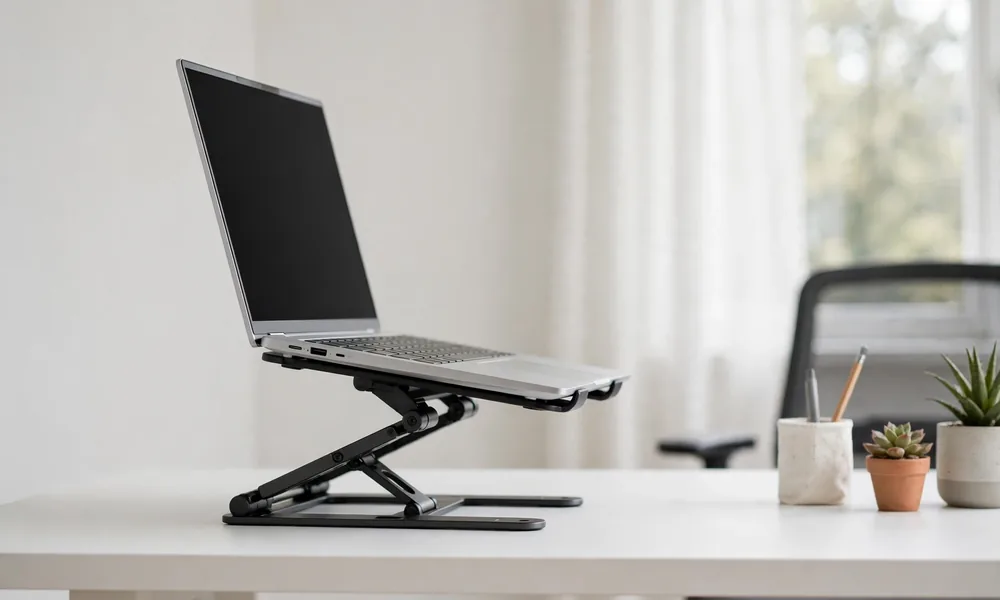
How to Choose a Laptop Stand for Your Desk
Start with your laptop. Measure its width and weight, then check the stand’s rated capacity and platform size. A 17-inch gaming laptop needs a wide, reinforced platform; a 13-inch ultrabook will sit happily on almost anything. A vertical dock saves the most space if you use your laptop closed with an external monitor.
Next, think about height. Ergonomists recommend the top of the screen at eye level, which usually means lifting the laptop base by 12 to 18 centimetres. Fixed stands give you one height and total stability; adjustable stands let you fine-tune the angle, which helps if you switch between sitting and standing. Aluminium stands are the most rigid and dissipate heat best; whatever the material, insist on rubber feet and a front lip so nothing slides.
Best Laptop Stands for Desks 2026 at a Glance
| Stand | Best for | Type | Height range | Max load |
|---|---|---|---|---|
| Rain Design mStand | Overall | Fixed aluminium | 15 cm fixed | Up to 17-inch laptops |
| Twelve South Curve | Premium design | Fixed aluminium | 15 cm fixed | Up to 16-inch laptops |
| Nexstand K2 | Portability | Folding adjustable | 15–32 cm | Up to 15.6-inch laptops |
| Roost V3 | Tall setups | Folding adjustable | 15–28 cm | Up to 17-inch laptops |
| Lamicall Adjustable | Budget | Adjustable aluminium | 10–17 cm | Up to 15.6-inch laptops |
| BoYata N19 | Heavy laptops | Adjustable aluminium | 9–22 cm | Up to 17-inch laptops |
| Soundance | Value | Fixed aluminium | 15 cm fixed | Up to 15.6-inch laptops |
| Twelve South BookArc | Closed-lid mode | Vertical dock | Upright storage | Up to 16-inch laptops |
| Klim Wind | Cooling | Ventilated with fan | Adjustable tilt | Up to 17-inch laptops |
The 9 Best Laptop Stands for Desks in 2026
1. Rain Design mStand — Best Overall
The mStand has been the default recommendation for more than a decade, and in 2026 it still earns that spot. A single piece of sandblasted aluminium lifts the laptop 15 centimetres at a gentle angle. There is nothing to adjust, nothing to fold, and nothing to break.
It also has a rear cable holder, rubber pads that grip the desk, and a front lip that holds the laptop without scratching it. If your desk never moves, this is the buy-once stand.
2. Twelve South Curve — Best Premium Design
The Curve is the stand for people who care how their desk looks. Its smooth, sculpted aluminium arc raises the laptop to the same comfortable height as the mStand, and the open design leaves the entire underside exposed to air.
It is fixed-height, superbly stable, and finished to match Apple hardware almost exactly. It works best with an external keyboard. For a design-led desk, nothing here looks better.
3. Nexstand K2 — Best Portable Stand
The Nexstand K2 folds down to the size of a small ruler and weighs barely more than a paperback — ideal for kitchen tables, hotel rooms, coworking hot desks, and airport lounges. Despite the featherweight build, it adjusts through eight height settings up to about 32 centimetres.
The trade-off is stability: heavy typing on a 16-inch machine can introduce a little flex. With a separate keyboard, it is superb.
4. Roost V3 — Best for Tall Setups
The Roost V3 is the stand that standing-desk users and tall people keep coming back to. It folds flat, opens in seconds, and lifts a laptop to a genuine eye-level height that most portable stands cannot reach. The carbon-fibre-reinforced frame feels far sturdier than its weight suggests, and the wide feet grip the desk even during aggressive typing.
It costs more than most stands here, but it solves a real problem: a screen that sits too low even on a raised stand. Pair it with a wireless keyboard and your screen finally meets your eyes.
5. Lamicall Adjustable — Best Budget Stand
The Lamicall proves that a good laptop stand does not need to cost much. This adjustable aluminium stand offers six height settings, a ventilated open back, and rubber pads on every contact point, all for roughly the price of a takeaway lunch.
It is not the most rigid stand here — hard typing at the highest setting reveals a little give — but with an external keyboard it is rock solid. Our guide to the worst laptop stands we tested shows exactly what goes wrong when a cheap stand cuts the wrong corners, and the Lamicall avoids every one of those mistakes.

6. BoYata N19 — Best for Heavy Laptops
Big laptops need a stand that does not flinch. The BoYata N19 is built from thick aluminium alloy with a reinforced hinge and a wide base, rated for machines up to 17 inches and several kilograms. It adjusts through a wide range of angles, and the hinge holds its position firmly.
The open frame also leaves room underneath for a notebook or a slim drive. It is heavier than the portable stands here, so it belongs on a permanent desk.
7. Soundance — Best Value Fixed Stand
Soundance makes a fixed aluminium stand that does the essential job — lift the screen, cool the base, stay still — for a fraction of the price of the premium options. The design is simple: a tilted platform with a front lip, rubber feet, and an open back for airflow and cables.
There is no height adjustment, and the platform suits laptops up to about 15.6 inches. Within those limits it is genuinely hard to fault. A tidy desk helps too, and pairing this stand with well-chosen desk organizers keeps the space underneath it genuinely useful instead of becoming a cable graveyard.
8. Twelve South BookArc — Best for Closed-Lid Mode
The BookArc takes a different approach: instead of lifting an open laptop, it holds a closed laptop upright like a book on a shelf. If you work with an external monitor, keyboard, and mouse, your laptop becomes a slim vertical tower that takes up almost no desk space. The silicone-lined cradle grips the machine without marking it.
This is a specialist pick: you lose the laptop screen entirely, so it only makes sense in a proper external-monitor setup. But there it is transformative — the desk gains clear space and the arrangement looks deliberately designed.
9. Klim Wind — Best for Cooling
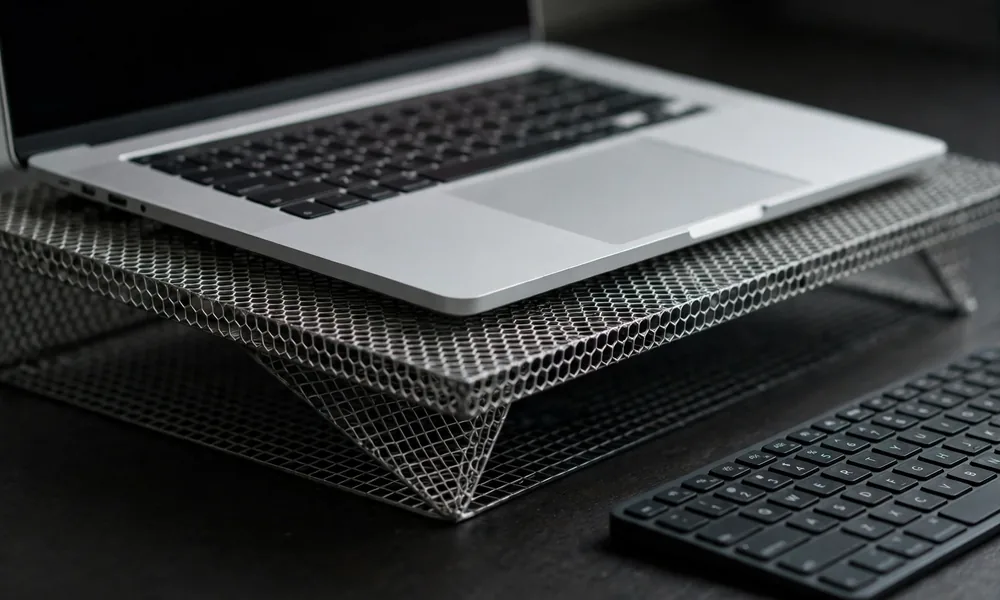
Gaming laptops and thin ultrabooks both run hot under sustained load, and the Klim Wind attacks that problem directly. It is a ventilated stand with a large built-in fan that pulls cool air across the base of the laptop, and the mesh platform keeps air moving even when the fan is off. Four tilt settings cover most wrists.
The fan is quiet at low speed and genuinely effective — sustained workloads ran several degrees cooler than on a solid desk surface. It needs a USB port for power, a fair trade.
What to Check Before You Buy
Measure twice. Check your laptop’s width against the stand’s platform, and its weight against the rated load. A stand that is too narrow lets the laptop overhang and wobble; a stand rated too low will slowly sag at the hinge. If you use a laptop case, add its thickness — snug vertical docks are the usual casualty.
Think about your keyboard. Any stand that lifts the screen above about 15 centimetres makes the built-in keyboard uncomfortable for long typing — the ergonomic setup is a raised screen plus a separate keyboard and mouse. If you will not use an external keyboard, choose a low, gently angled stand instead.
Finally, consider your desk as a whole. A stand is one piece of an ergonomic setup, and it works best alongside a chair at the right height and an external monitor. If you are rebuilding the whole workspace, our roundup of the best standing desks for home offices in 2026 covers the other half of the equation.
Checklist: Getting the Most From Your Laptop Stand
- Set the screen so the top of the display is at or just below eye level.
- Keep the laptop about an arm’s length away from your eyes.
- Use an external keyboard and mouse when the screen sits high.
- Leave the space under the stand clear so air can flow around the laptop.
- Check the rubber feet and front lip monthly — worn pads let the stand slide.
- Fold portable stands flat when travelling so the hinges are not stressed in your bag.
Frequently Asked Questions
Are laptop stands actually good for your posture?
Yes. Raising the screen to eye level stops the forward head tilt that causes neck and shoulder strain — but pair the stand with an external keyboard, since typing on a raised built-in keyboard cancels the benefit.
What height should a laptop stand be?
For most adults at a standard desk, the laptop base needs to sit 12 to 18 centimetres above the desk so the top of the screen reaches eye level. Taller people and standing desks need more height.
Do laptop stands help with cooling?
Yes. Lifting the laptop exposes its underside to moving air, and ventilated or mesh designs improve that airflow. A fan-assisted stand like the Klim Wind adds active cooling on top — expect a few degrees of improvement, more under heavy load.
Can a laptop stand hold a 17-inch laptop?
It depends on the stand. Fixed aluminium stands like the Rain Design mStand and heavy-duty adjustable stands like the BoYata N19 are rated for 17-inch machines. Light folding stands usually top out at 15.6 inches.
Is a fixed or adjustable laptop stand better?
Fixed stands are more stable and simpler — nothing moves, nothing loosens. Adjustable stands suit shared desks, standing desks, and people who switch positions during the day. If only one person uses one desk, fixed is the better buy.
Should I use a laptop stand with an external monitor?
Yes — it is one of the best uses for a stand. The laptop becomes a second screen beside the monitor, or goes into closed-lid mode in a vertical dock like the BookArc.
The Bottom Line
The best laptop stands for desks 2026 all do the same simple job — they put the screen where your eyes already are. The Rain Design mStand remains the best all-round choice for a permanent desk, the Nexstand K2 and Roost V3 cover life on the move, and the BoYata N19 handles the heaviest machines. Pick the stand that matches your laptop’s size, your desk, and whether you will use an external keyboard. Get those three right, and the stand disappears into your working day — exactly what the best desk accessories do.