The best standing desks for home offices in 2026 do one simple thing: they let you change position without changing your workflow. A good sit-stand desk glides from sitting to standing height in seconds, holds your monitor steady at either level, and stays quiet enough that you forget the motor is there. That flexibility is exactly what a home office needs, with one small room serving deep-focus work, calls, and long afternoons alike.
Standing desks have moved well beyond the wobbly novelty they once were. The strongest models in 2026 use dual motors, three-stage lifting columns, and memory presets that return the desktop to your exact sitting and standing heights with one touch. Sizes now suit real homes, from compact 100 cm tops for a spare bedroom corner to generous 160 cm surfaces for dual monitors, and prices have come down enough that a solid electric desk no longer costs a fortune.
This guide explains how to choose the right standing desk for your space, your body, and your budget: the features that matter, the setup mistakes that cause sore shoulders and tired feet, and a short checklist to run through before you buy. The short version: the best standing desk for most home offices is a full-size electric model with a dual motor, a weight capacity of at least 100 kg, and memory presets.
Key takeaways
- Choose an electric desk with a dual motor and memory presets.
- Match the desktop size to your room and monitor setup first.
- Check weight capacity and height range against your body and equipment.
- Stability matters more than speed: a wobbling desk at standing height is useless.
- Alternate sitting and standing rather than standing for hours at a time.
Why a Standing Desk Earns Its Place in a Home Office
A home office asks a lot of one small room: meeting room, library, and workshop in turn. A standing desk earns its place because it adapts to each role instead of forcing your body to adapt to it. Raise the desktop for a call, lower it for focused writing, and the room works with you. A short standing spell after lunch sharpens attention.
The health case for standing more
Sitting for eight hours without a break is hard on the body: hips tighten, shoulders round forward, and the lower back takes the strain. Standing for part of the day breaks that pattern, encouraging small movements and giving the spine a chance to lengthen. Most people notice the difference within a week.
How to Choose the Best Standing Desk for Your Home Office
Choosing a standing desk means matching numbers to your reality: your height, your room, and the equipment on the desktop. Marketing pushes speed figures and gadgets, but the fundamentals decide whether you will still love the desk.
Electric or manual height adjustment
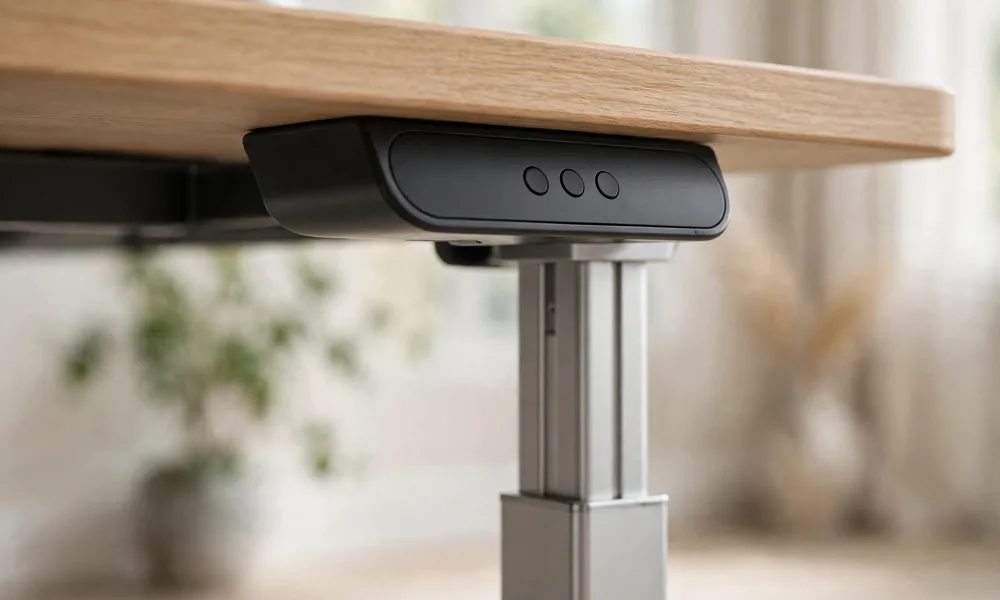
Electric desks use one or two motors to adjust height at the touch of a button, and they are the best choice for most home offices. Dual-motor models lift more smoothly, handle heavier loads, and usually include memory presets. Single-motor desks cost less and suit lighter setups, but lift more slowly and can strain under a heavy monitor arm.
Manual desks use a hand crank or a gas-lift mechanism. They cost less, have no motor to fail, and suit a desk that rarely changes height. The trade-off is effort: cranking a loaded desk up and down several times a day gets old quickly, and most people end up leaving it at one height. If you switch position more than once or twice a day, electric is worth the extra cost.
Size, weight capacity and stability
Measure your space first. A 120 cm desktop suits a single monitor and a laptop; 140 to 160 cm handles dual monitors comfortably. Depth matters too: 60 cm is the minimum for a healthy viewing distance, while 80 cm gives keyboard, papers, and forearms room to breathe. Leave at least 10 cm of clearance behind the desk for cables.
Add up your monitors, monitor arm, laptop, and speakers, then choose a desk rated comfortably above that total; 100 kg is a sensible floor for a home office. Stability separates good desks from disappointing ones: look for a crossbar or wide feet, because a desk that sways when you type at full height will annoy you every day. Pairing your desk with one of the best home office chairs also matters, because the chair and the desk set your posture together.
Desktop materials and finishes
Laminate desktops are the practical default: affordable, easy to clean, and available in finishes that suit most rooms. Solid wood and bamboo tops cost more but feel warmer and age gracefully, and suit a desk in a living space. Whatever the material, look for rounded front edges, which are kinder to forearms, and a finish that resists coffee rings and scratches. A light finish brightens a small room, while a darker top hides wear.
The Best Standing Desks for Home Offices in 2026
The best standing desk is the one that fits your room, your height, and your working style. The categories below cover the choices that make sense for most home offices.
| Desk type | Typical size | Height range | Weight capacity | Best for |
|---|---|---|---|---|
| Full-size electric | 140–160 cm | 62–128 cm | 100–125 kg | Dual monitors, daily use |
| Compact electric | 100–120 cm | 62–128 cm | 80–100 kg | Small rooms, one monitor |
| L-shaped electric | 150–180 cm | 62–128 cm | 110–150 kg | Corner offices, big setups |
| Entry electric | 120 cm | 71–121 cm | 70–80 kg | First desk on a budget |
| Manual crank | 120–140 cm | 73–123 cm | 70–90 kg | Occasional changes, no power |
Best overall: a full-size electric desk
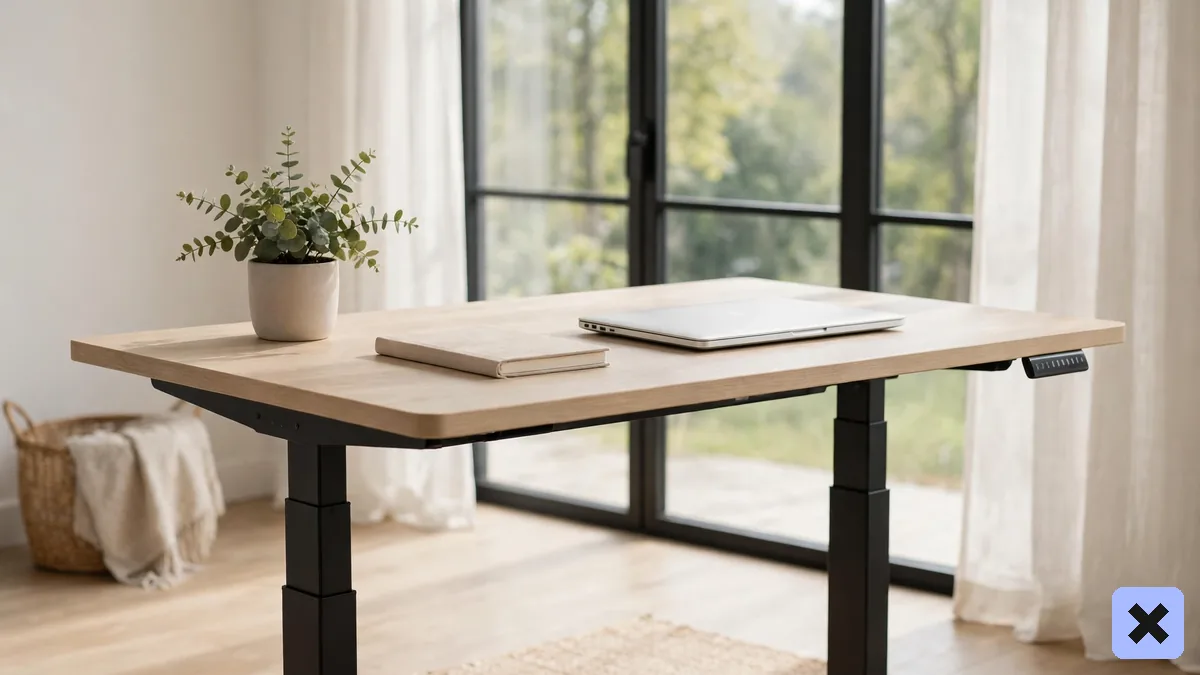
A full-size electric desk with a dual motor is the best standing desk for most home offices in 2026. The height range suits people from about 150 cm to 195 cm tall, the desktop holds two monitors without crowding, and memory presets make switching position a one-touch habit. Look for a three-stage lifting column, which gives a wider height range and better stability than a two-stage column. Anti-collision sensors are a useful bonus with children or pets at home.
Best for small spaces: a compact electric desk
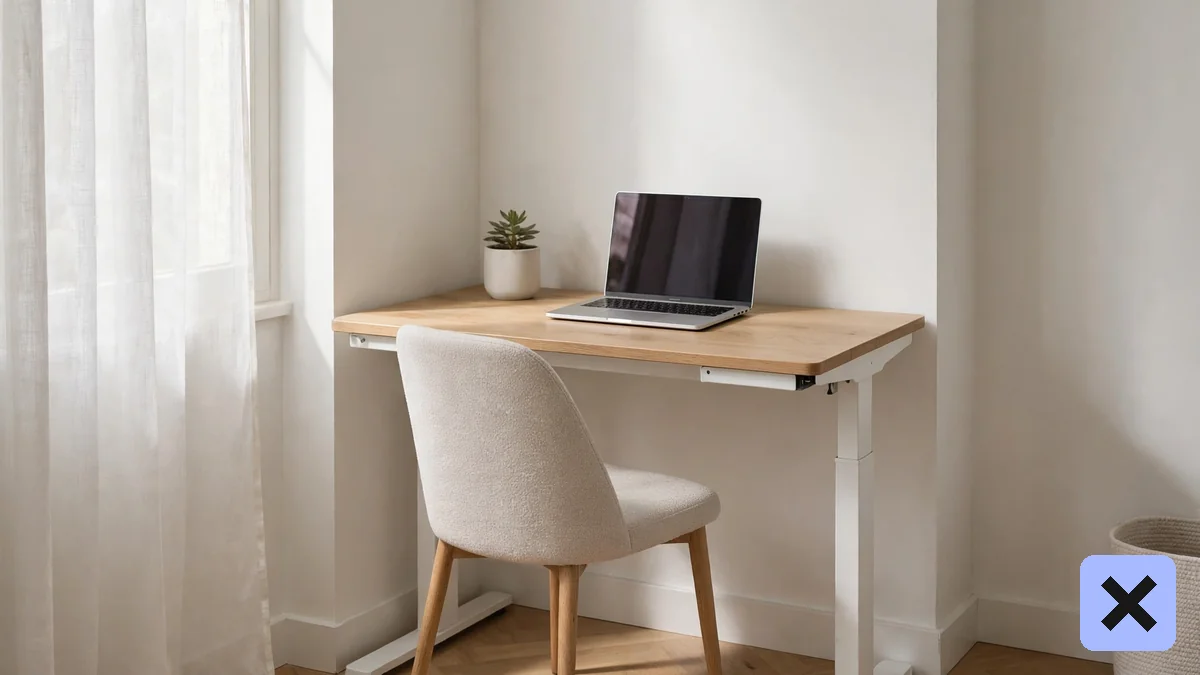
Small rooms reward careful choices. A compact electric desk with a 100 or 120 cm top fits a bedroom corner or an alcove, and the best compact models keep the same dual-motor lift and memory presets as their larger siblings. Pair it with a monitor arm to free up desktop space, keep cables tidy with an under-desk tray, and choose a light finish to keep the room open. Good lighting helps too: the right desk lamps for your home office make a small corner feel like a proper workspace.
Best value: entry electric and manual desks
If the budget is tight, an entry-level electric desk with a single motor still delivers the core benefit: easy height changes at a fair price. Expect a narrower height range and a lower weight capacity, so keep the desktop load light and skip the heavy monitor arm. A manual crank desk is the cheapest route of all and suits a desk that changes height once a day or less. Either way, spend the saving on a supportive chair and a monitor at the right height.
Setting Up Your Standing Desk for Good Posture
Buying the desk is the easy part. Setting it up correctly is what turns a piece of furniture into a healthier way to work: a neutral posture in both positions, elbows near ninety degrees, shoulders relaxed, and the top of the screen at or just below eye level.

Desk height and screen position
Set the standing height so your forearms rest lightly on the desktop with elbows near ninety degrees. Your monitor should sit at arm’s length, with the top of the screen at eye level, so you look slightly down at the centre of the display. A monitor arm makes this far easier than a stack of books and frees desktop space. When sitting, the same rules apply: feet flat on the floor, knees near ninety degrees, and the screen at the same relative height. If a laptop is your main machine, add a laptop stand and an external keyboard.
The sit-stand rhythm that actually works
The rhythm matters more than the total hours. Start with short standing spells of fifteen to twenty minutes, two or three times a day, and build up gradually over two weeks. Stand for calls and routine tasks, sit for deep work, and listen to your feet and lower back: mild tiredness is normal, pain is a signal to sit down and adjust something. An anti-fatigue mat helps on hard floors.
Common Standing Desk Mistakes to Avoid
The most common mistake is standing all day. A standing desk is a sit-stand desk, and treating it as standing-only trades one fixed posture for another. The second is setting the monitor too low, which strains the neck; a monitor arm or a riser fixes this in minutes. The third is ignoring cable management: cables that snag when the desk rises are a hazard, so route them through a tray with slack for the full range. Finally, a standing desk cannot fix a bad chair, poor lighting, or a screen placed off to one side. When planning the display, the guide to choosing between a smart TV and a monitor for a home office helps you decide what belongs on the desk.

Buyer Checklist
- Measure your room and confirm the desktop size, including clearance for cables.
- Check the height range against your sitting and standing elbow height.
- Confirm the weight capacity covers your monitors and accessories.
- Choose dual-motor electric with memory presets if you switch position daily.
- Look for a three-stage column, a crossbar or wide feet, and anti-collision protection.
- Plan cable management, monitor placement, and lighting before it arrives.
Frequently Asked Questions
Are standing desks worth it for a home office?
Yes, for most people who work at a desk all day. The value is flexibility: stand for calls and lighter tasks, sit for focused work, which reduces stiffness and keeps energy steadier. The benefit depends on switching position, so memory presets are worth the extra cost.
How long should I stand at a standing desk each day?
Two to four hours of standing spread across the day suits most people. Build up gradually from short spells of fifteen to twenty minutes, and sit down when your feet or lower back start to complain. Short, frequent changes beat one long standing session.
What size standing desk do I need?
A 120 cm desktop suits a single monitor and a laptop, while 140 to 160 cm handles dual monitors comfortably. Depth should be 60 cm or more, and 80 cm is better if you have room. Measure your space first, including clearance for cables.
Is a single-motor or dual-motor standing desk better?
A dual-motor desk lifts more smoothly, handles heavier loads, and includes memory presets and a wider height range. A single-motor desk costs less and suits lighter setups with one monitor. For daily sit-stand use with dual monitors, dual-motor is the better buy.
Can a standing desk fit in a small room?
Yes. Compact electric desks with 100 or 120 cm tops fit bedroom corners and alcoves, and a monitor arm frees up desktop space. Choose a light finish, keep cables in a tray, and avoid overloading the surface.
Do I need an anti-fatigue mat with a standing desk?
It helps, especially on hard floors. A mat cushions your feet, encourages small shifts in weight, and makes standing spells more comfortable. It is not essential for short sessions, but it is one of the cheapest upgrades.
The Bottom Line
The best standing desk for your home office in 2026 is a dual-motor electric model sized to your room, rated for your equipment, and stable at full height. Set the screen at eye level, switch between sitting and standing, and let the desk adapt to your work.