How to Choose a Phone Cooler That Actually Drops Temperatures in 2026
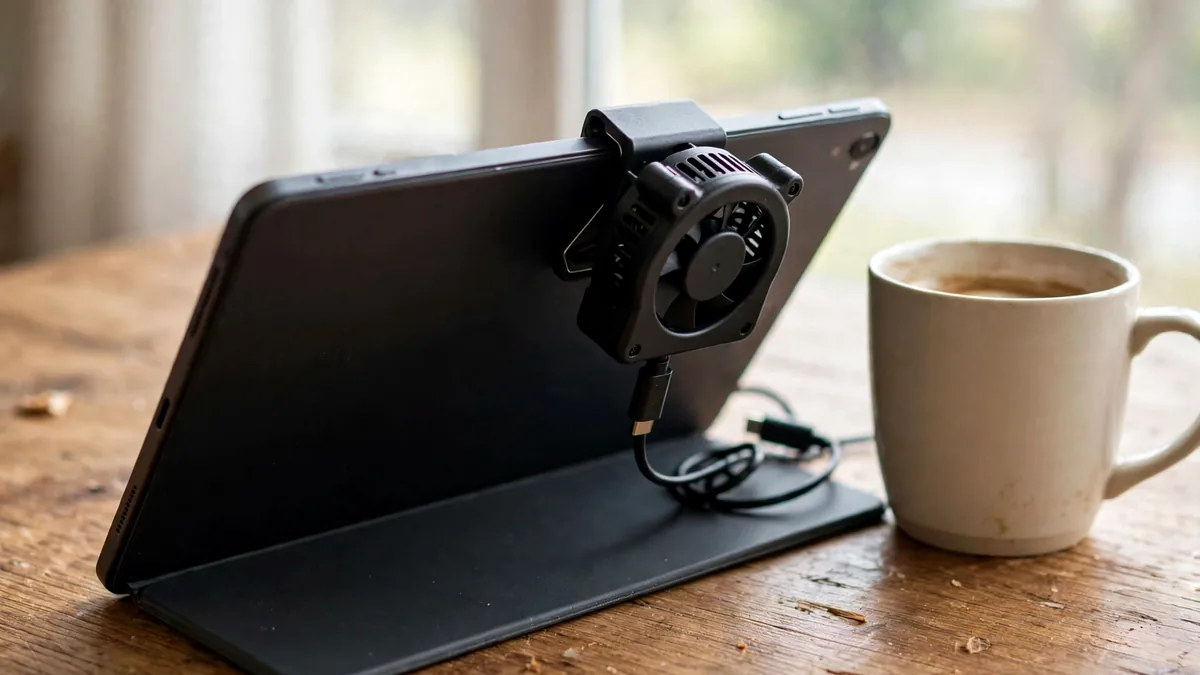
Phone coolers are the clip-on gadgets that stop a hot phone from slowing down mid-game, and choosing the right one matters more than the price tag suggests. A good cooler drops the temperature of the back of your phone by several degrees, keeps the frame rate steady through a long session, and does it quietly. A bad one rattles, blocks your fingers, and cools the air more than the phone. This guide explains how phone coolers work, compares the types that cool against the ones that only blow air, and shows how to match one to your phone and your games.
Start with the problem. A modern phone packs a processor that throws off several watts of heat in a body a few millimetres thick, and the only way out is through the glass back and the metal frame. When the chip hits its limit, usually around 43 to 45 degrees on the outside, it slows itself down. That is thermal throttling, and it is why a smooth game turns choppy after half an hour. A phone cooler pulls warmth off the back before it builds up. The same idea cools bigger machines, and our guide to laptop cooling pads for hot laptops shows how fan size and placement decide whether cooling actually happens.
Key Takeaways
- Thermoelectric (TEC) coolers drop temperatures further than fan-only coolers, typically 8 to 12 degrees against 3 to 6, but cost more and need power.
- Fit comes first: a cooler must sit flat over the hottest part of your phone, usually the upper half of the back, without covering the camera or the buttons.
- Clip-on coolers fit almost any phone, while magnetic coolers are slimmer but need a magnetic ring or MagSafe-style back.
- Check the noise figure before you buy, because a cooler rated above 35 decibels will be audible in a quiet room and on voice calls.
- Remove thick cases before gaming, because a case insulates and stops the cold reaching the phone.
Why Phones Get Hot, and Why It Costs You Frames
A phone gets hot because its processor and graphics chip work hard in a sealed box with no fan. A demanding game pushes the chip to full power for minutes at a time, and the heat escapes only through the back panel and into your hand. The phone copes in two ways, and both hurt your game. First it throttles, cutting processor speed by 20 to 30 percent, which shows up as stuttering and frame drops. Then it dims the screen, because the display is the other big source of heat.
A cooler breaks that cycle by giving the heat somewhere to go. A fan cooler blows air across the back, carrying heat away faster than still air can. A thermoelectric cooler goes further: a small plate gets cold when powered and pulls heat straight out of the phone by contact. A phone that reached 44 degrees after 30 minutes of gaming sat at 38 to 39 degrees with a fan cooler, and at 32 to 35 degrees with a TEC cooler.
The Three Types of Phone Cooler Compared
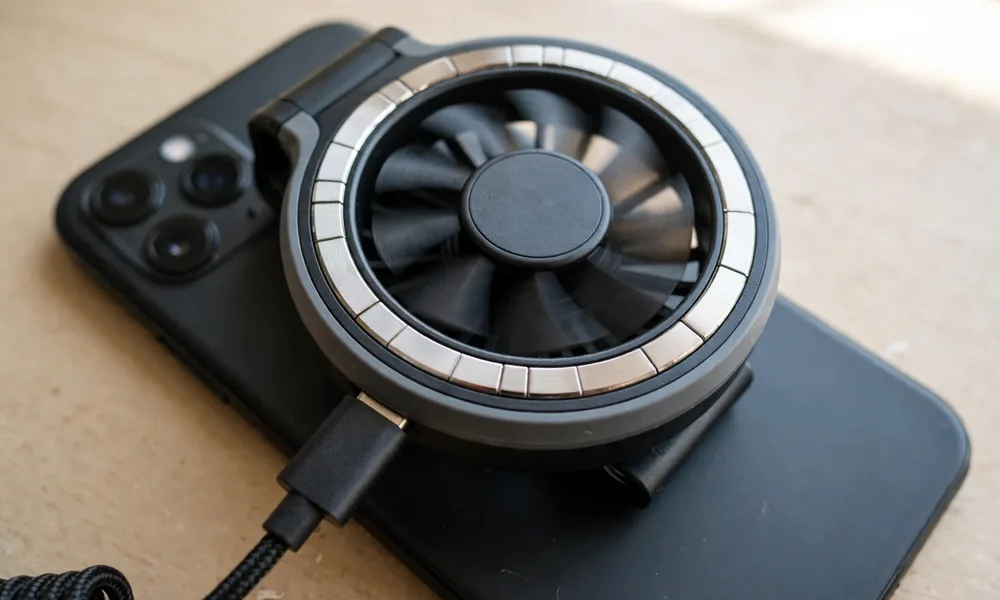
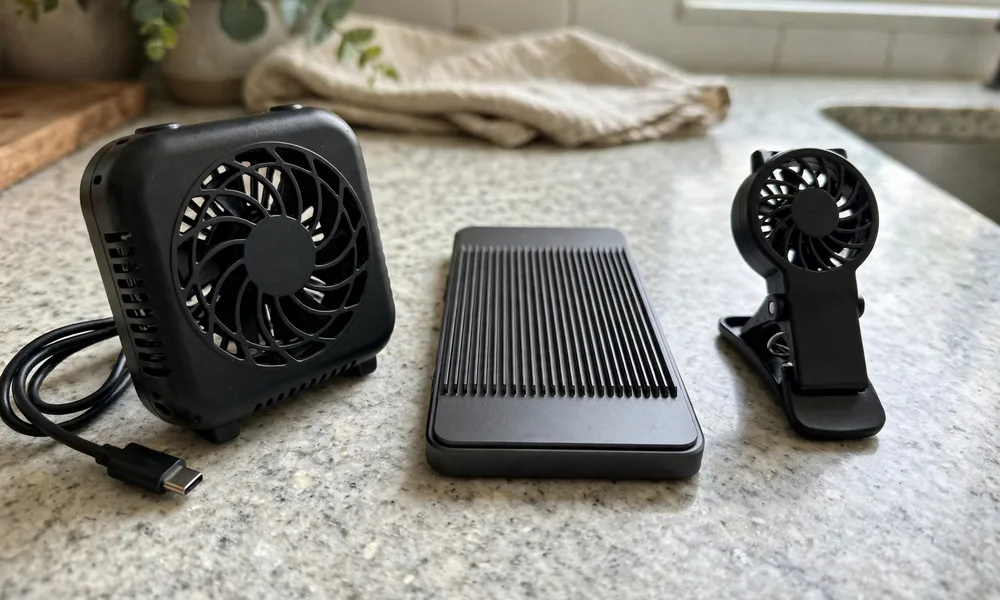
Fan coolers are the simplest type: a small fan in a housing that clips to the back of the phone and blows air across it. They are light, cheap, and quiet enough for most rooms, and they suit casual gamers who play in short sessions. Their limit is physics: moving air only cools the surface, so expect a drop of 3 to 6 degrees, enough to delay throttling but not to stop it.
Thermoelectric coolers, usually called TEC or semiconductor coolers, add a cold plate. Power runs through a semiconductor chip, one side gets hot and the other gets cold, and the cold side presses against the phone while a fan blows heat off the hot side. They are heavier, hungrier for power, and louder than fan-only models, but they cool far harder, dropping temperatures by 8 to 12 degrees. They suit competitive play and long ranked sessions. Watch for condensation: a very cold plate in humid air can gather moisture, so wipe it dry after a session.
Clip-on and magnetic are mounting styles rather than cooling methods, but the distinction matters when you shop. A clip-on cooler grips the phone with spring-loaded arms, so it fits almost any phone and works with most thin cases. A magnetic cooler snaps onto a metal ring, sits flatter, and is easier to take on and off, but it needs the ring fitted first. If you change phones often, buy clip-on; if you want the slimmest setup, buy magnetic.
How to Choose a Phone Cooler That Fits Your Phone
Fit is the first test, because a cooler on the wrong part of the phone cools nothing. The hottest part of most phones is the upper half of the back, around the processor, just below or beside the camera module. Hold your phone after a long game and feel where it is warmest: that is where the cooler belongs. Measure the width of your phone, including any case, and check it against the cooler’s stated range. Most clip-on coolers fit phones 65 to 85 millimetres wide.
Check the camera before you buy. A cooler that overlaps the lenses will block photos and can scratch the glass, so look for a cooler with a cut-out or a body narrow enough to sit clear of the module. Large camera bumps are the commonest fitting problem, especially on flagships where the module takes up a third of the back. If the cooler presses on the bump, it sits at an angle, the cold plate touches at one edge only, and cooling falls by half.
Weight matters more than the specifications suggest. A TEC cooler can weigh 60 to 80 grams, which sounds small until it hangs off the back of a phone you hold for an hour. The extra weight shifts the balance toward the top, and your fingers tire faster. If you play with a controller grip, the weight matters less, because the grip carries it. If you hold the phone bare-handed, favour a lighter fan cooler, or use a stand. Our guide to phone stands for desk, bedside and video calls covers stands that take the weight off your hands.
Phone Coolers at a Glance
| Type | Temperature drop | Noise | Weight | Best for |
|---|---|---|---|---|
| Fan cooler | 3 to 6 degrees | 25 to 32 decibels | 30 to 50 grams | Casual gaming, short sessions |
| TEC cooler | 8 to 12 degrees | 32 to 40 decibels | 60 to 85 grams | Competitive play, long sessions |
| Clip-on cooler | Depends on fan or TEC | Depends on model | 40 to 80 grams | Any phone, frequent swaps |
| Magnetic cooler | Depends on fan or TEC | Depends on model | 35 to 70 grams | Slim setup, magnetic cases |
| Cooler with RGB lighting | Same as base type | Same as base type | 5 to 10 grams extra | Looks, not cooling |
Noise, Power, and the Practical Details
Noise is the detail most buyers forget until the first quiet evening. A cooler fan spins at several thousand revolutions per minute, and the sound is a steady whine that a game’s audio can hide but a voice call cannot. Look for a stated noise figure and treat anything above 35 decibels as audible in a quiet room. The best coolers offer two or three speed settings, so you can run quietly for a casual game and turn it up for a ranked match.
Power is the second practical question. Almost every phone cooler runs off USB-C, from a power bank, a wall charger, or the phone itself. Running it from the phone drains the battery and adds heat from charging, which partly cancels the cooling, so a separate power bank is the better habit. A TEC cooler draws 5 to 10 watts against 2 to 3 watts for a fan cooler, so a small power bank will empty faster than you expect.
Phone Coolers and Cases: What Works Together
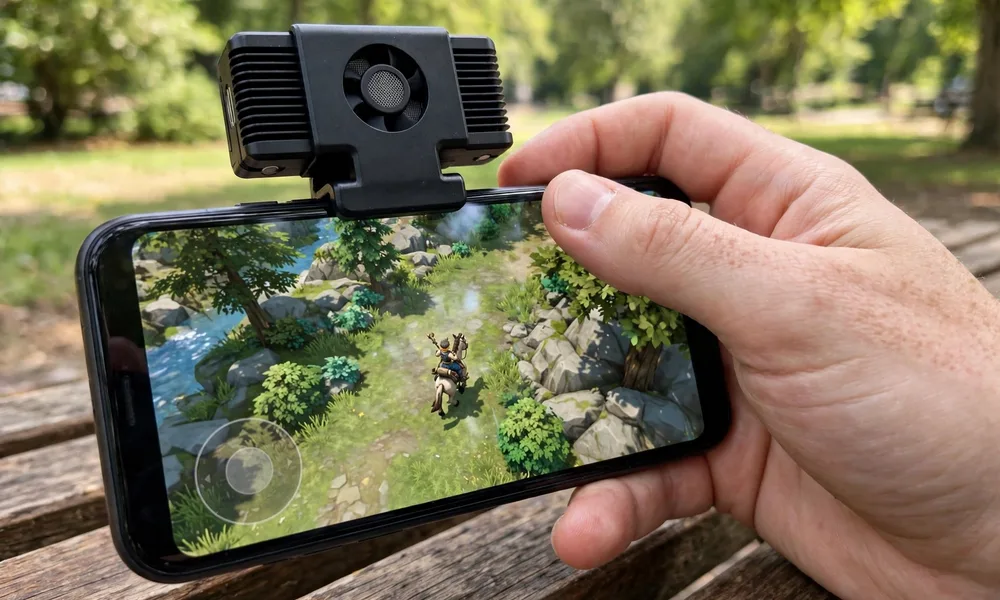
Cases and coolers are natural enemies, because a case is a layer of plastic or silicone between the cooler and the phone, and that layer insulates. A thick rugged case can cut a cooler’s effect by half or more, since the cold plate cools the case instead of the phone. The fix is simple: take the case off for long gaming sessions, or use a thin case with a large cut-out on the back. Our guide to phone cases that protect best compares the case types, and the thinnest protective cases pair most easily with a cooler.
Your Phone Cooler Checklist
- Measure your phone’s width and check it against the cooler’s stated range before you order.
- Find the hottest part of the back after a long game, and make sure the cooler sits flat over it.
- Check that the cooler clears the camera lenses and does not press any button.
- Read the noise figure and pick a model under 35 decibels if you play in quiet rooms or on calls.
- Plan the power: a separate power bank beats running the cooler from the phone itself.
- Remove thick cases for long sessions, or buy a cooler built to work over a case.
Frequently Asked Questions
Do phone coolers actually work?
Yes, when they fit properly and touch the hottest part of the phone. A fan cooler typically drops the back temperature by 3 to 6 degrees, and a thermoelectric cooler by 8 to 12 degrees. That is enough to delay or stop thermal throttling in most games. A cooler that sits at an angle, or runs through a thick case, will do far less.
Will a phone cooler damage my phone?
No, when it is used as intended. The cold plate on a TEC cooler gets cold, not freezing, and the phone is built to handle temperature changes. The risks come from misuse: running a TEC cooler on an idle phone in a humid room can cause condensation, and a clip on the camera lens can scratch it. Switch it off when you stop playing.
Can I use a phone cooler with a case on?
You can, but it works less well. A case insulates the phone, so the cooler cools the case instead of the phone, and the effect can fall by half. Thin cases work best. For the best cooling, take the case off for long sessions, or choose a cooler designed to grip over a case.
Are magnetic or clip-on coolers better?
Clip-on coolers fit almost any phone and hold firmly, which suits people who change phones or use thick cases. Magnetic coolers are slimmer, lighter, and quicker to attach and remove, but they need a magnetic ring and can slip if the phone is knocked. If you want a cooler that fits anything, go clip-on.
How loud is a phone cooler?
Most fan coolers run at 25 to 32 decibels, about the level of a quiet room, and TEC coolers run at 32 to 40 decibels, which is audible in silence. Models with speed settings let you trade cooling for quiet. If you play on voice calls, pick a cooler under 35 decibels.
Do I need a phone cooler if I do not play games?
Probably not. Phones only throttle under sustained heavy loads, and everyday apps, calls, and browsing rarely push a phone that far. A cooler helps with 4K video recording, long navigation in a hot car, and video calls in warm rooms, but for most people a cooler is a gaming accessory.
The Bottom Line
The best phone cooler in 2026 is the one that fits your phone flat over its hottest spot, cools hard enough for the way you play, and stays quiet enough for the room you play in. Fan coolers suit casual players, thermoelectric coolers suit competitive players, and clip-on mounts suit anyone who changes phones. Measure the phone, check the camera clearance, read the noise figure, and power it from a separate bank.