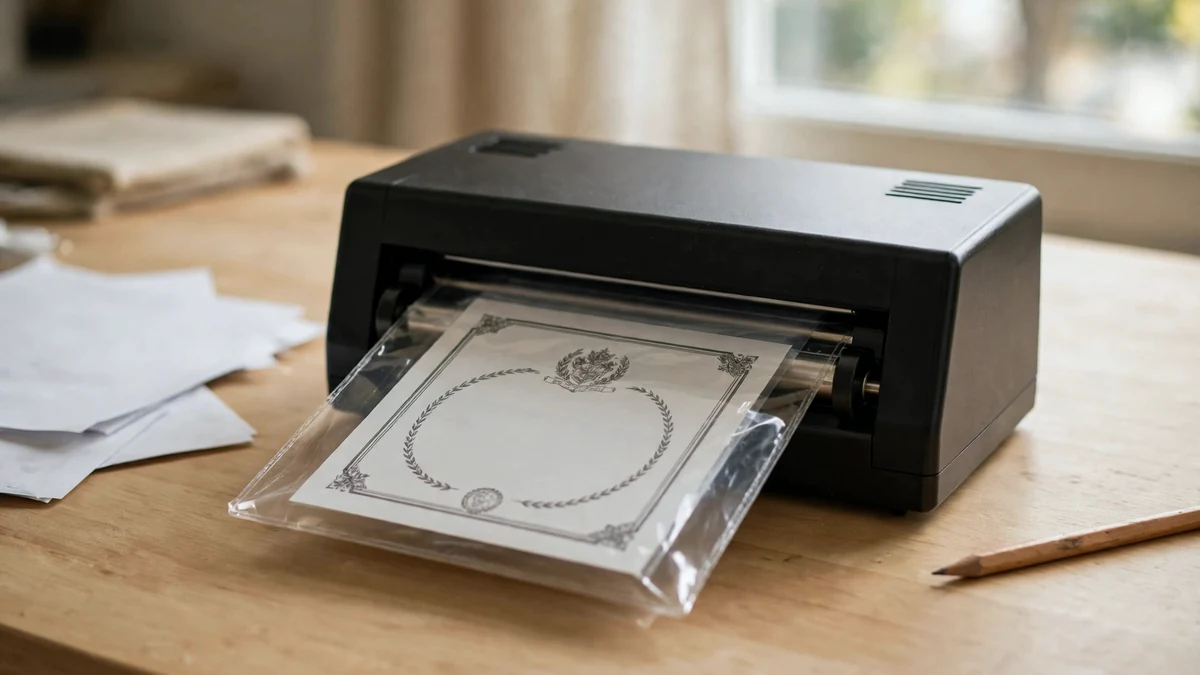
The best printers 2026 are easier to live with than the printers of a few years ago. Wireless setup is faster and ink costs are easier to predict. The best printer for you is not the one with the longest feature list. It is the one that matches how often you print, what you print, and how much patience you have for refills and paper jams.
That is why this guide starts with your habits, not a shopping list. A family printing school worksheets and the occasional photograph needs something very different from a home office printing contracts every day, and both need something different again from a photographer who wants rich, accurate colour on glossy paper. Once you know your pattern, the choice becomes simple.
Below is a clear comparison of inkjet, laser, tank, and photo printers, a side-by-side table, and practical advice on setup and maintenance. Every recommendation is judged on print quality, speed, running cost, reliability, wireless features, and fit for a real desk and budget.
Key Takeaways
- Match the printer to your volume first: light users suit a simple inkjet, heavy users suit a laser or a tank printer.
- Inkjet printers give the best colour and photo quality for the price, while laser printers are faster and cheaper per page for black-and-white documents.
- Tank printers cost more upfront but can cut ink costs dramatically if you print regularly in colour.
- Check the real cost per page, not just the price of the printer, because cheap printers often carry expensive cartridges.
- Good Wi-Fi, automatic double-sided printing, and a decent paper tray matter more in daily use than a slightly faster headline speed.
How to Choose the Right Printer
Choosing a printer is easier when you answer three questions honestly. How many pages do you print in a typical month? Do you print mostly text, mostly colour, or mostly photographs? And where will the printer live? A family-room printer needs to be quiet and compact; a home-office printer needs to be fast and reachable from every device.
A printer works best beside the rest of your workspace, with room for paper and a clear output tray. If you are refreshing a home office, our guide to the best laptops 2026 is a useful companion, because the laptop you print from shapes how smoothly wireless printing, scanning, and cloud documents work day to day.
Inkjet vs Laser: The Big Decision
Inkjet printers spray tiny droplets of ink onto paper. They are excellent for colour, photographs, and mixed documents, and usually the cheapest printers to buy. Their weakness is running cost: standard cartridges can be pricey, and ink can dry out if the printer sits unused for weeks. If you print photos or colourful documents, an inkjet is usually the right starting point.
Laser printers use toner powder and a heated roller. They are fast, sharp, and very economical for black-and-white text, and toner does not dry out the way ink does. A laser printer can sit untouched for a month and still print perfectly on the first try. Colour laser printers exist, but they are bigger, pricier, and rarely match an inkjet for photos.
Tank vs Cartridge: What Ink Really Costs
Traditional inkjet printers use small cartridges that you replace when they run out. Tank printers have large built-in ink reservoirs that you top up from bottles. The bottles cost more than a single cartridge, but they hold far more ink, so the cost per page can fall to a fraction of the cartridge price.
Tank printers make sense if you print colour regularly, perhaps fifty pages a month or more; for very light users, the higher price takes too long to pay back. Before you buy any printer, look up the price of its replacement ink or toner and divide it by the number of pages it is rated to print. That simple sum tells you more about the true cost than any discount on the printer itself.
What Speed and Quality Really Mean
Manufacturers quote speeds measured in ideal conditions with simple documents. In real life, the first page takes longer and colour is slower. For home use, ten to fifteen black-and-white pages per minute is comfortable. For a busy home office, look for twenty pages per minute or more, plus automatic double-sided printing.
For text, any modern printer is sharp enough. For photographs, check sample prints for colour accuracy, skin tones, and shadow detail. A printer that handles glossy paper well and prints borderless photos beats one with a higher resolution but washed-out colour.
The Best Printers 2026 at a Glance
The table below compares the strongest printer types for 2026. Use it to narrow your choice, then read the sections that follow for the best fit.
| Printer Type | Best For | Strengths | Watch Out For |
|---|---|---|---|
| All-round inkjet | Families and mixed use | Great colour, scanning and copying, low price | Cartridge costs add up |
| Mono laser | Home offices and text-heavy work | Fast, sharp text, low cost per page | No colour photos |
| Tank inkjet | Heavy colour printing | Very low ink cost, good photos | Higher upfront price |
| Photo printer | Photographers and memory keepers | Rich, accurate colour prints | Slow and costly for documents |
| Compact printer | Small desks and students | Small footprint, simple setup | Smaller paper tray |
| Colour laser | Small businesses | Fast colour documents, durable output | Large, heavy, pricier toner |
Best All-Round Inkjet for Home Use
The best all-round inkjet is the printer most families should buy first. It prints, scans, and copies, connects over Wi-Fi, and handles everything from homework to boarding passes. Colour is vivid, text is clean, and setup takes only a few minutes through a phone app.
What separates a good all-round inkjet from a frustrating one is the everyday details: a proper paper tray, an automatic document feeder if you scan multi-page documents, and a screen that makes it easy to check ink levels and fix a jam.
Best Laser Printer for a Home Office
A good mono laser printer is the quiet workhorse of the home office. It wakes quickly, prints a sharp first page, and powers through long documents without smudging or running out of ink at the worst moment. Because toner is a dry powder, it does not dry out or clog, so a laser printer is ideal if you print in bursts with quiet weeks in between.
The best home-office laser printers add automatic double-sided printing, a generous paper tray, and reliable Wi-Fi. Some also scan and copy. Before you buy, check the size and noise, and measure your desk, leaving room for the output tray. A well-placed laser printer makes a home office feel finished, and our guide to the best monitors 2026 can help you plan the rest of that workspace.

Best Tank Printer for Heavy Colour Printing
If you print a lot in colour, a tank printer can be the smartest money you spend all year. Instead of small cartridges, it uses large refillable tanks that hold months of ink at a time. The printer itself costs more, but the cost per colour page can be dramatically lower, and refilling is a simple pour from a bottle rather than a fiddly cartridge swap.
Tank printers suit families, teachers, and crafters who print colour documents every week. Quality is generally excellent, and many models scan, copy, and print double-sided. The trade-off is size, so measure first. One warning: tank printers reward regular use; if you print only a handful of pages a month, the higher price may never pay for itself.
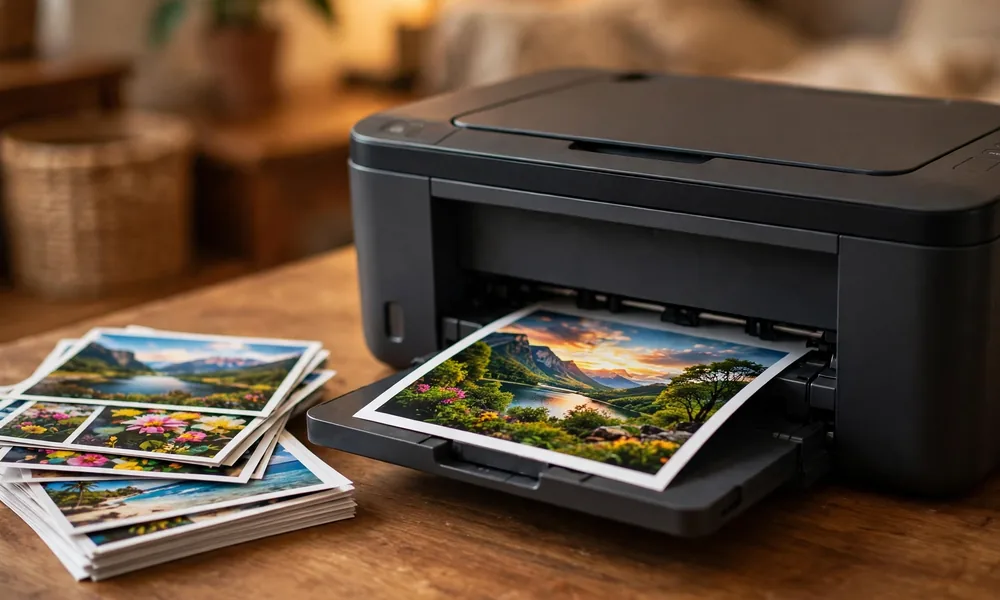
Best Photo Printer for Prints Worth Keeping
A dedicated photo printer is a different kind of machine: not fast or cheap at documents, but built to produce prints with rich colour and fine detail that look right in a frame or an album. For photographers, travellers, and families who love printed memories, that focus is exactly the point.
The best photo printers handle glossy and matte paper well, print borderless photos, and reproduce skin tones and landscapes accurately rather than oversaturating them. Photo printing costs more per page than document printing, but the value is a print you can hold, frame, and keep, rather than another image lost in a phone gallery.

Best Compact Printer for Small Spaces
Not every home has room for a full-size printer. Compact printers are designed for small desks, student rooms, and shared flats, where every centimetre counts. They print, scan, and copy in a footprint not much larger than a laptop, and they tuck neatly onto a shelf when they are not in use.
The compromise is capacity: smaller trays, fewer sheets, and slightly slower printing. That is a fair trade if you print a few pages a week and value a tidy desk over speed. If you are short on room, our guide to the best desks 2026 has ideas for desks that make room for a printer without crowding your laptop, books, and lamp.
Setting Up Your New Printer
Place the printer on a flat, stable surface with space for paper to feed and exit cleanly. Connect it to Wi-Fi through the manufacturer’s app, and update the firmware when offered, because updates often fix wireless problems.
Install the printer on every device that will use it and test it with a real document. Keep spare ink or toner and good paper nearby, stored flat and dry. Finally, print something at least once a week to keep ink flowing, and clean the paper path and scanner glass gently when you notice streaks.
Printer Buying Checklist
- Count your monthly pages honestly, including colour pages, before you compare any models.
- Work out the cost per page from replacement ink or toner prices, not from the printer’s sale price.
- Choose inkjet for photos and colour, laser for fast black-and-white text, and tank for heavy colour use.
- Check for Wi-Fi printing, automatic double-sided printing, and a paper tray that fits your volume.
- Measure your desk space and leave room for the output tray and for loading paper comfortably.
- Read the setup app reviews and confirm the printer works with your phone, laptop, and operating system.
Frequently Asked Questions
Are inkjet or laser printers better for home use?
It depends on what you print. Inkjet printers are better for colour and photographs, while laser printers are better for fast, economical black-and-white documents. Families printing mixed documents usually suit an inkjet; home offices printing mainly text usually suit a laser.
How much should I spend on a printer?
Most homes are well served by a budget to mid-range printer, while heavy users should spend more upfront on a tank or laser model to save on running costs. Always compare replacement ink or toner prices alongside the printer price.
Do tank printers really save money?
Yes, for regular colour printing, because bottled ink costs far less per page than small cartridges. For very light users, the saving takes too long to appear.
Can I print from my phone without a computer?
Yes, almost all modern printers support wireless printing from phones and tablets through Wi-Fi, an app, or a cloud service.
Why does my printer use so much ink?
Printers use ink for cleaning cycles as well as printing, especially if they sit unused. Printing regularly, using draft mode, and choosing high-yield cartridges or a tank printer all reduce replacements.
How long should a printer last?
A well-looked-after home printer should last several years. Print at least once a week, keep it clean, update its firmware, and replace ink or toner promptly when warned, rather than waiting until prints fade.
Bottom Line
The best printers 2026 reward a simple decision: choose the printer that fits your real printing habits, check the cost per page before you buy, and give it a proper place in your workspace. A good all-round inkjet suits most families, a laser suits a busy home office, a tank suits heavy colour use, and a photo printer suits anyone who wants prints worth framing. Pick the right type, set it up properly, and keep it clean.