Office floors take a beating. Every day, dozens of shoes track in dust, coffee drips land beside the break room, and meeting rooms collect crumbs. The best robot mops for offices in 2026 handle all of that quietly, on a schedule, without pulling anyone away from real work.
A good office robot mop is not the same as a home model. It needs a bigger water tank, longer battery life, smart mapping for open-plan layouts and glass walls, and a dock that cleans its own pads. The models below were chosen for exactly those demands.
In this guide, we compare the strongest robot mops for offices this year, explain what matters for commercial spaces, and give you a checklist to pick the right one for your floor plan and budget.
Key takeaways
- Office robot mops need large water tanks and self-cleaning docks to run unattended for full workdays.
- LiDAR mapping matters more than suction power in open-plan offices with desks and glass partitions.
- Rotating mop pads clean hard floors better than vibrating pads, especially on dried coffee and footprints.
- Schedule mopping for early mornings or after hours so wet floors never slow your team down.
- Budget one mop per 1,500 to 2,500 square feet of hard flooring for reliable daily coverage.

Why Offices Need a Robot Mop in 2026
Clean floors shape how people feel about a workplace. Visitors notice them in the first ten seconds, and employees notice them every day. Yet mopping is one of the easiest tasks to postpone when the cleaning crew is stretched thin or the budget is tight.
That is where a robot mop earns its place. It runs the same route every night and never calls in sick. For offices with hard flooring, it keeps the shine between deep cleans and stretches the value of every professional cleaning visit.
The Cost of Dirty Office Floors
Dust and grit do more than look bad. They scratch hard floors, dull the finish, and shorten the life of expensive flooring. A daily robot mop pass removes that grit before it grinds in, which protects the floor and keeps the space looking sharp.
Office floors also collect allergens, pollen, and fine dust that settles into the air when people walk. Regular mopping cuts that load down, and a robot that runs overnight does it without anyone breathing in the dust it stirs up.
What Makes an Office Different From a Home
Offices are harder on a robot mop than homes. The floor area is bigger, the foot traffic is heavier, and the obstacles are stranger: chair legs everywhere, cables under desks, and glass walls that confuse cameras.
That is why the best office models carry bigger batteries, larger tanks, and mapping that updates quickly when furniture moves. A home robot mop covering 800 square feet per charge will not survive a 3,000-square-foot office floor.
How We Picked the Best Robot Mops for Offices
We judged every model on what matters in a real workplace. Battery life and tank size came first, because a robot that stops halfway through the floor is worse than no robot at all. Navigation came second: LiDAR mapping handles offices far better than camera-only systems, which struggle with glass and low light.
We also weighed mopping performance on dried stains, noise levels, dock cleaning, and how easy the app is to schedule and monitor. Price mattered too, but only after the basics were covered. A cheap mop that needs constant rescue is not a bargain.
The Best Robot Mops for Offices 2026
These five models stood out for office use this year, handling large hard-floor areas, mapping complex layouts, and running with minimal supervision.
Best Overall: Roborock Saros Z70
The Roborock Saros Z70 leads this list because it does everything an office needs, quietly. Its dual spinning mop pads scrub dried coffee and muddy footprints, while LiDAR mapping builds an accurate floor plan that survives moved chairs and rearranged desks.
The self-cleaning dock washes the pads with hot water and dries them with warm air, so the mop never goes back out with a dirty pad. Battery life covers around 2,500 square feet per charge, and the app lets a manager set no-go zones around server rooms and cable runs.
Best for Large Open-Plan Offices: Dreame X50 Ultra
Big open floors are the Dreame X50 Ultra’s home turf. Its large water tank and long runtime let it cover wide spaces without stopping to refill, and its obstacle avoidance steers around chair legs, bags, and power strips without getting stuck.
The mop pads lift automatically on carpet, which matters in offices that mix hard floors with rug areas. Its mapping handles multi-room layouts well, and the dock empties, washes, and dries everything itself. For offices over 3,000 square feet, it is the most capable unit we found.
Best Value: Ecovacs Deebot T30S Combo
The Ecovacs Deebot T30S Combo delivers most of the premium experience at a friendlier price. Its rotating pads mop well, its LiDAR navigation is reliable in open offices, and its dock washes and dries the pads.
Coverage is a little smaller than the top picks, around 1,800 square feet per run, suiting small to medium offices best. Small offices can also borrow ideas from robot mops made for small apartments, where compact docks and short runtimes suit tight spaces. But for a startup or a single-floor office on a budget, it is hard to beat. The app is simple enough that anyone on the team can start a clean.
Best for Hardwood and Polished Concrete: Narwal Freo Z Ultra
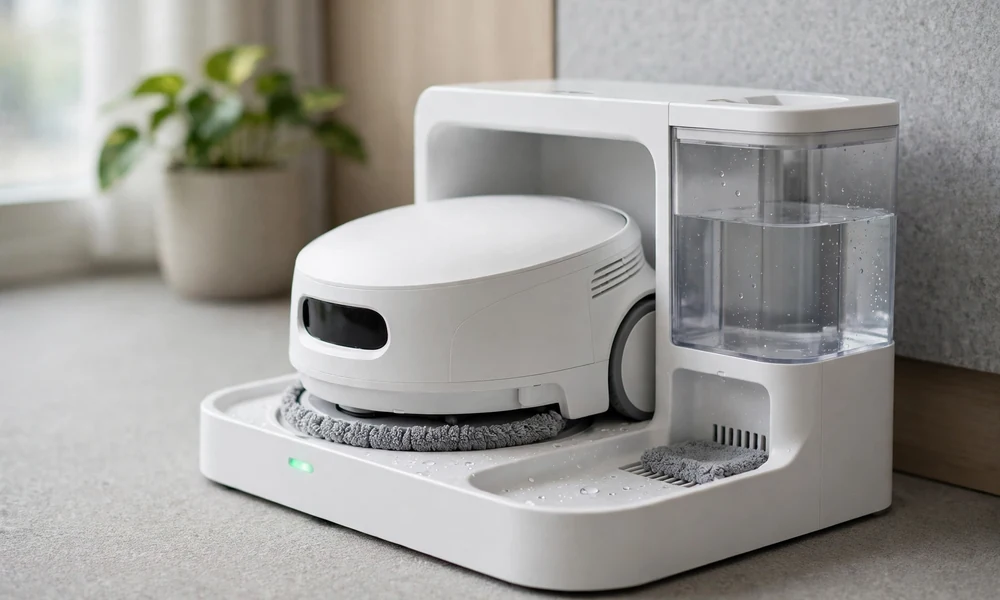
The Narwal Freo Z Ultra shines on delicate hard floors. Its triangular spinning pads apply even pressure without scratching, and its sensors detect dirt and re-mop spots that are still dirty, which is what polished concrete and hardwood need after a busy day.
The dock washes and dries the pads and keeps clean and dirty water separate. Noise is low, so it can run during the day without bothering anyone on calls.
Best Quiet Performer: iRobot Roomba Combo j9+
The iRobot Roomba Combo j9+ is the quietest strong performer on this list, making it the best choice for offices that mop while people work. Its retractable mop pad lifts fully clear of the floor on rugs, and its Dirt Detect system spends extra time on the dirtiest patches near entrances and break rooms.
The Clean Base dock auto-empties the dustbin and stores clean water, and setup is easy. It covers less ground per charge than the Dreame, so it fits medium offices best.
Robot Mops for Offices Compared
| Model | Coverage per charge | Mop type | Self-cleaning dock | Best for |
|---|---|---|---|---|
| Roborock Saros Z70 | ~2,500 sq ft | Dual spinning pads | Yes | Overall office use |
| Dreame X50 Ultra | ~3,000 sq ft | Dual spinning pads | Yes | Large open-plan offices |
| Ecovacs Deebot T30S Combo | ~1,800 sq ft | Rotating pads | Yes | Value and small offices |
| Narwal Freo Z Ultra | ~2,200 sq ft | Triangular spinning pads | Yes | Hardwood and polished concrete |
| iRobot Roomba Combo j9+ | ~1,600 sq ft | Retractable pad | Yes | Quiet daytime cleaning |
What to Look for Before You Buy
Buying a robot mop for an office is a facilities decision, not a gadget purchase. The wrong model will sit unused in a corner within a month, while the right one becomes part of the daily routine and quietly pays for itself.
Floor Type and Coverage Area
Start by measuring your hard floor area, not your total office size. Carpeted zones do not need mopping, and counting them will push you toward a bigger model than you need. Most offices need one robot per 1,500 to 2,500 square feet of hard flooring.
Check the flooring itself too. Polished concrete and hardwood want gentle, even pressure and clean pads, while tile and vinyl can take a firmer scrub. If your office mixes floor types, pick a model whose pads lift over carpet and whose pressure suits the most delicate surface you have. If your office allows dogs, the same logic applies: robot mops designed for pet owners handle hair, muddy paws, and food spills well, and those strengths transfer to high-traffic office floors.
Navigation and Mapping
LiDAR mapping is the single most important feature for offices. It builds a precise map in the dark, handles glass walls better than cameras, and updates quickly when furniture moves. Camera-only robots can get confused by reflections and low light.
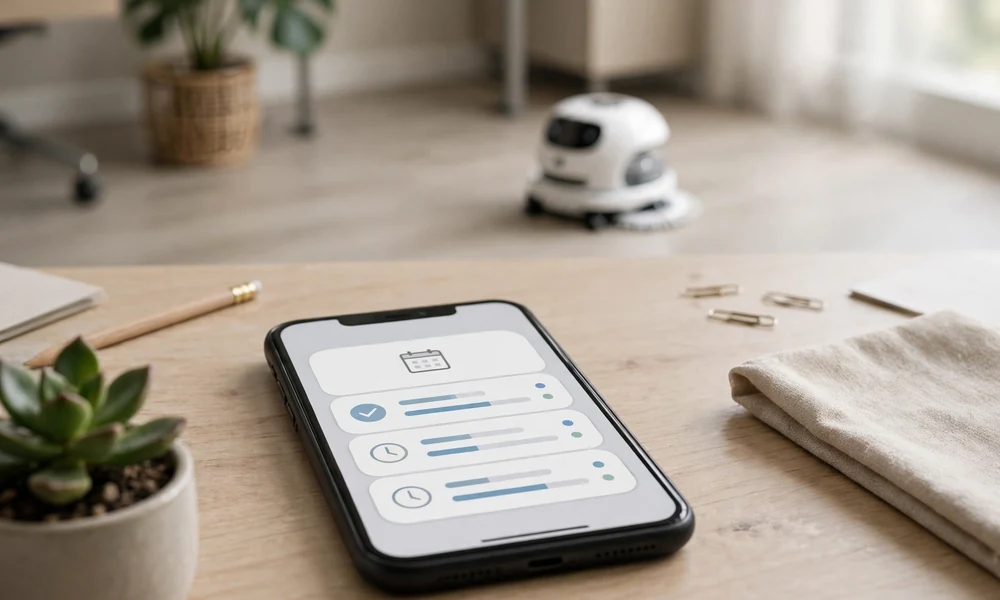
Look for an app that lets you draw no-go zones, name rooms, and schedule different zones on different days. That control turns a robot mop from a toy into a facilities tool. It also helps to compare with robot vacuums built for office spaces, since many offices pair a vacuum and a mop.
Dock, Tanks, and Maintenance
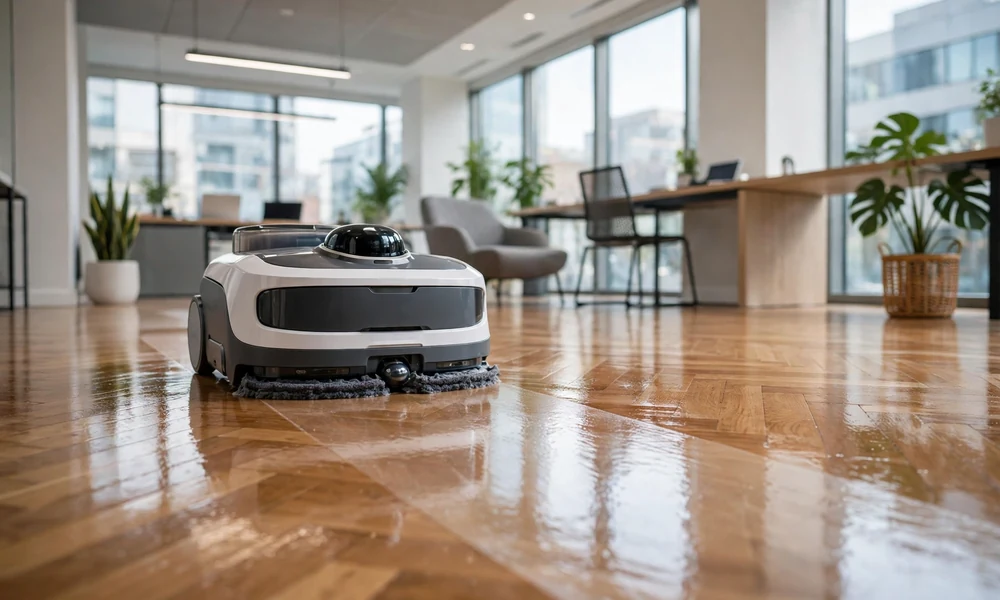
The dock decides how much work the robot saves. A self-cleaning dock means the facilities team only touches the robot to refill clean water and empty dirty water, usually once or twice a week. A basic dock means someone washes pads by hand, which defeats the purpose.
Tank size matters just as much: a small tank forces the robot to return mid-run, and every return is a gap in coverage. For offices, look for a clean-water tank of at least 3 litres and a self-refilling dock. Check pad replacement costs too.
Office Mopping Checklist
Use this checklist before you order, and again when the robot arrives.
- Measure the hard floor area and count the rooms to cover.
- Confirm the floor type in every zone.
- Pick a dock spot near a power outlet with room for the robot to exit.
- Set no-go zones around server rooms and cable runs.
- Schedule the first runs after hours until the map is accurate.
- Assign one person to refill water and check pads weekly.
Frequently Asked Questions
Can a robot mop replace a professional cleaning service?
No, and it should not try. A robot mop handles daily surface cleaning brilliantly, but it cannot move furniture or deep-clean grout. Think of it as the daily maintenance layer between professional visits, not a replacement for them.
How many robot mops does an office need?
Plan on one robot per 1,500 to 2,500 square feet of hard flooring. A small office under 2,000 square feet usually needs one, while a large open-plan floor of 5,000 square feet needs two or three, ideally one per zone.
Are robot mops safe around office equipment?
Yes. Use the app to draw no-go zones around server racks, under-desk cable clusters, and loose wiring. Modern models avoid obstacles well, but a no-go zone is the only guarantee, and it takes two minutes to set.
Do robot mops work on carpet?
They do not mop carpet. Good office models lift their pads or avoid carpeted areas entirely. If your office is mostly carpet with small hard-floor zones, a robot vacuum is the better tool.
How loud is a robot mop during work hours?
Most models run at 55 to 65 decibels while mopping, about the level of normal conversation. Quieter models like the iRobot Roomba Combo j9+ are fine during the day, and for the quietest operation, schedule mopping before the team arrives or after they leave.
What maintenance does an office robot mop need?
Very little, if the dock does its job. Refill clean water and empty dirty water weekly, replace mop pads every two to three months, and wipe the sensors monthly. The app flags most of this, and the routine takes under ten minutes a week.
The Bottom Line
The best robot mop for most offices in 2026 is the Roborock Saros Z70: it covers a large area, maps complex layouts reliably, and its self-cleaning dock keeps maintenance to a minimum. Large offices should look at the Dreame X50 Ultra, and budget-conscious teams will be happy with the Ecovacs Deebot T30S Combo. Measure your hard floors first, place the dock wisely, and let the robot run every night. Clean floors every morning, with no extra work from your team, is the whole point.