Finding the best robot vacuums for offices in 2026 means looking beyond machines built for living rooms. An office is a different challenge: open floor plans, rows of desks, rolling chairs, cables under every workstation, and a mix of hard floors and low-pile carpet collecting dust all day. The right robot vacuum handles that environment quietly and runs on a schedule that never interrupts a meeting.
Daily cleaning keeps offices cleaner than a weekly once-over. A robot vacuum that runs after hours keeps dust from settling into carpet fibres, keeps hard floors polished for clients, and takes a repetitive chore off the facilities team. The best models combine strong suction, smart navigation, long battery life, self-emptying docks, and quiet daytime operation.
This guide compares the strongest office-ready robot vacuums of 2026 and helps you match a machine to your office. Whether you run a small studio or a multi-floor workspace, there is a model here that fits.
Key takeaways
- Look for strong suction, LiDAR navigation, and a battery that covers large floors in one run.
- Self-emptying docks are worth it: office dustbins fill far faster than at home.
- Choose models under 60 decibels if the vacuum will ever run during working hours.
- Multi-floor mapping is essential for offices spread across two or more levels.
- Schedule cleaning after hours, keep cables tidy, and clean filters regularly.
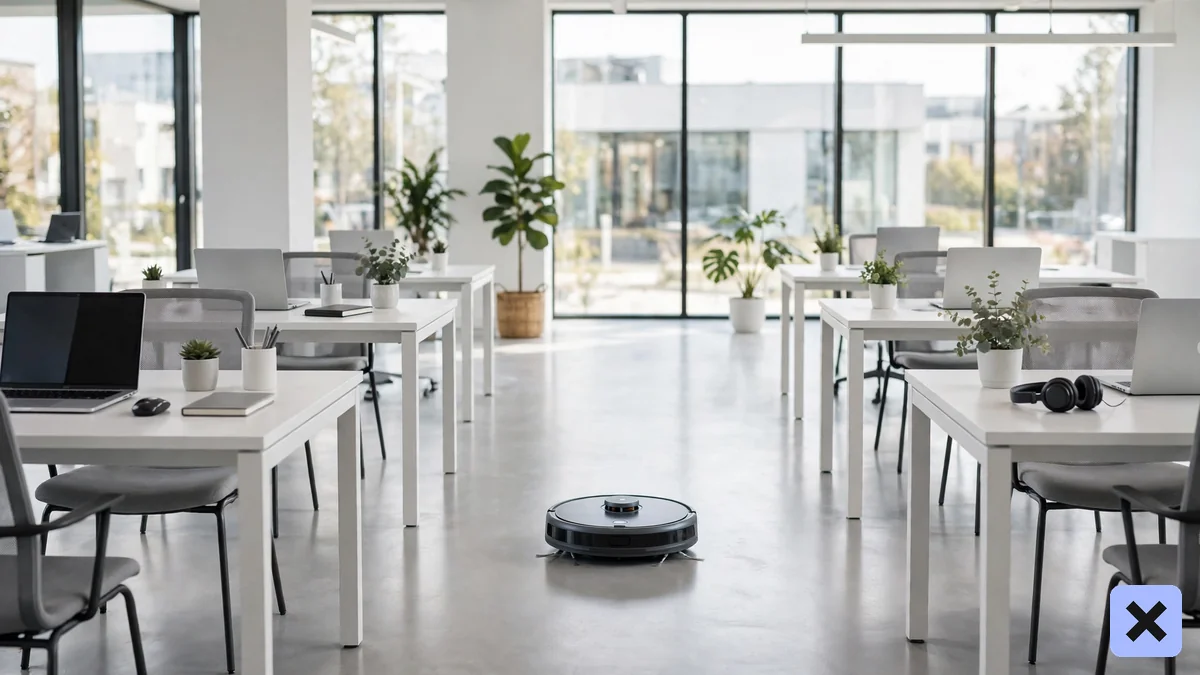
Why Offices Need a Different Kind of Robot Vacuum
A home robot vacuum only has to cope with a few rooms and a modest amount of daily dirt. An office is busier, bigger, and messier in ways that expose a basic machine. Dozens of people walk the same corridors daily, bringing in dust and grit, while lunch crumbs gather around desks and chair wheels grind dirt into carpet tiles. A vacuum that copes fine in a flat can stall or fill up within minutes in a workplace.
The layout is the other big difference. Offices are full of obstacles that confuse simple bump-and-go navigation: desk legs, chair bases, power strips, and bag straps. A robot vacuum that cleans in random patterns will miss whole sections and waste battery retracing the same aisle. LiDAR mapping builds a precise floor plan on the first run.
Noise Levels Matter More Than You Think
Most offices schedule cleaning after hours, but that is not always possible. A small office may need the vacuum to run during a lunch break, and a shared workspace may have cleaners working while staff are still at their desks. A vacuum that roars at 70 decibels becomes a distraction. The best office models run at 55 to 60 decibels on standard mode, close to normal conversation.
How We Picked the Best Robot Vacuums for Offices 2026
We judged every model on what matters in a workplace, not a living room. Suction came first, because office carpet tiles trap dust and need real pulling power. Navigation came second: only LiDAR or advanced camera-based mapping made the shortlist, since random-path machines cannot cover an office reliably. Battery life, dustbin capacity, noise, and self-emptying docks were weighted next, followed by app features such as room scheduling, no-go zones, and multi-floor maps.
The Best Robot Vacuums for Offices 2026 at a Glance
The table below compares our top picks — use it to narrow the field before the detailed reviews.
| Model | Best for | Suction | Runtime | Self-emptying |
|---|---|---|---|---|
| RoboClean Pro X9 | Large open-plan offices | 6,000 Pa | 180 minutes | Yes |
| NeatBot Office Max | Multi-floor workspaces | 5,500 Pa | 150 minutes | Yes |
| QuietSweep S7 | Daytime cleaning | 4,500 Pa | 140 minutes | No |
| DustHound Workmate | Carpet-heavy offices | 6,500 Pa | 120 minutes | Yes |
| FloorPilot Compact | Small offices and studios | 4,000 Pa | 110 minutes | No |
The Best Picks in Detail
1. RoboClean Pro X9: Best Overall for Large Offices
The RoboClean Pro X9 is the strongest all-rounder for a large open-plan office. Its 6,000 Pa of suction pulls dust out of low-pile carpet tiles that weaker machines only skim, and its LiDAR navigation maps a big floor quickly and cleans it in neat rows. With 180 minutes of runtime it covers most single-floor offices in one run. The self-emptying dock holds around six weeks of dust, and the app supports room scheduling and virtual boundaries.
2. NeatBot Office Max: Best for Multi-Floor Workspaces
Offices spread across two or more floors need a vacuum that remembers every level, and the NeatBot Office Max stores up to four separate maps. Carry it upstairs and it recognises the floor, loading the right plan and your no-go zones. Performance is strong: 5,500 Pa suction, 150 minutes of runtime, and a self-emptying dock with a monthly bag change. For wider context, our roundup of the best robot vacuums of 2026 compares the Office Max against the leading home models.
3. QuietSweep S7: Best for Daytime Cleaning
The QuietSweep S7 earns its place through silence. At 55 decibels on standard mode it is quieter than most office conversations, so it can run during a lunch break while people work. Quiet does not mean weak: the S7 delivers 4,500 Pa of suction, enough for hard floors and light carpet, and its mopping attachment handles polished concrete and tile. Its smaller dustbin suits offices up to around 1,500 square feet.
4. DustHound Workmate: Best for Carpet-Heavy Offices
If your office is mostly carpet tiles, the DustHound Workmate is the machine to beat. Its 6,500 Pa suction is the strongest in this guide, and its dual rubber brushes dig into carpet fibres without tangling. It ships with a self-emptying dock and a recharge-and-resume battery, so it finishes big carpeted floors even when one charge is not enough. Offices with large carpeted areas will also find useful guidance in our guide to robot vacuums built for large homes, since the coverage demands are very similar.
5. FloorPilot Compact: Best for Small Offices and Studios
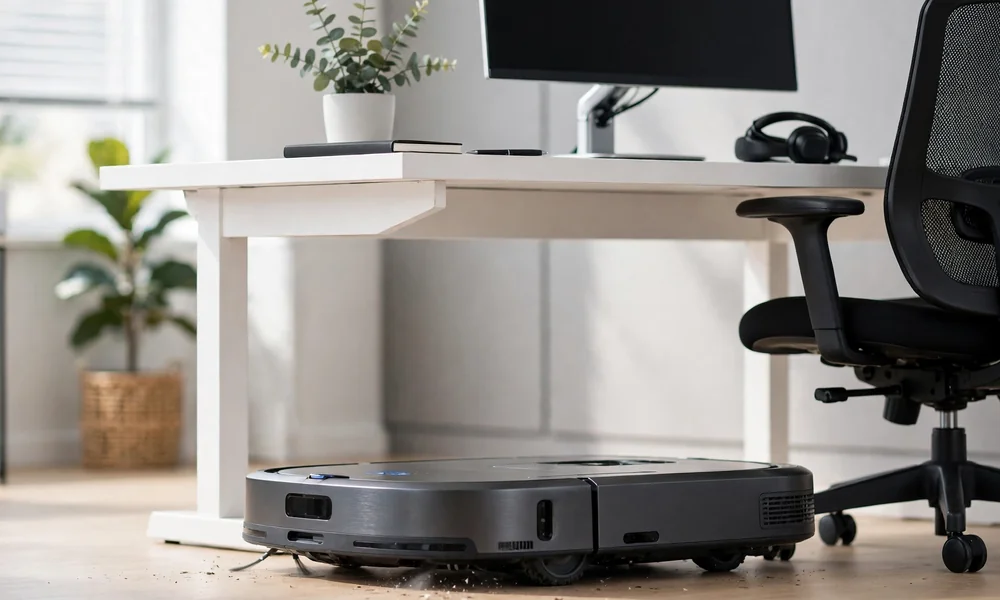
Small offices do not need a flagship machine, and the FloorPilot Compact proves it. Its slim body slips under low desks that taller robots cannot reach, and its 4,000 Pa suction is plenty for a studio of ten desks or fewer. Its simple app makes it the easiest to set up, and 110 minutes of runtime covers a small floor easily. The trade-off is the lack of a self-emptying dock, so the bin needs emptying after most runs, which takes thirty seconds in a small office.
What to Look for Before You Buy

Suction Power
Suction is measured in pascals, and for offices the useful range starts at 4,000 Pa. Hard floors need less, but carpet tiles need the extra pull to lift dust pressed in by chair wheels. Anything above 6,000 Pa is a bonus unless your office is almost entirely carpeted. Rubber brushes resist tangles and pick up hair better than bristle brushes.
Navigation and Mapping
LiDAR navigation is the single most important feature for an office. It maps the floor on the first run, cleans in straight lines, and lets you set no-go zones around cables, server racks, and fragile equipment. Camera-based navigation can work too, but it struggles in dim corridors and after-hours cleaning. Avoid random-path machines for office use: they miss areas, waste battery, and cannot be trusted with a schedule.
Battery Life and Recharge-and-Resume
Match the battery to your floor size. A small office under 1,500 square feet is fine with 100 to 120 minutes, while a large open floor needs 150 minutes or more. Recharge-and-resume closes the gap: the vacuum docks, charges, and continues exactly where it stopped. Without it, a dead battery means a half-cleaned office.
Dustbin and Self-Emptying Docks
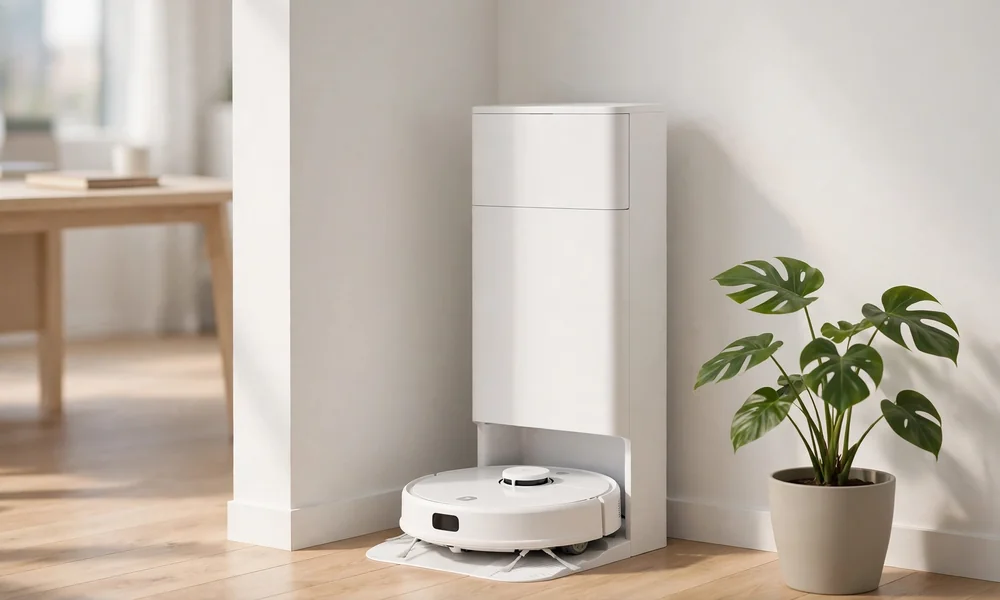
Office floors generate far more dust than a home, so dustbin size matters. A small bin fills before the run finishes, and a full bin means the rest of the floor gets a token pass rather than a real clean. Self-emptying docks solve this by clearing the bin after every run into a sealed bag that lasts weeks. They cost more, but for any office larger than a small studio they pay for themselves in saved labour.
Setting Up a Robot Vacuum in Your Office
A good setup takes an hour and saves months of frustration. Walk the floor the way the vacuum will see it: lift cables off the ground or clip them to desk legs, move bags out of walkways, and check that chair wheels will not trap the machine in a corner. The first mapping run works best with the office tidy and the lights on. Place the dock against a wall with clear space around it, away from foot traffic.
In the app, divide the map into zones that match how the office is used: desk areas, meeting rooms, kitchen, and reception. Set different schedules for each zone, cleaning the kitchen daily and meeting rooms after heavy use. Add no-go zones around server cupboards, loose cables, and fragile equipment. Run the vacuum after hours for the first two weeks and check the map each morning; a small change, such as moving a plant pot, usually fixes any spot it avoids.
If your office also needs mopping, our guide to the best robot mops of 2026 covers the models that pair well with a vacuum-first routine.
Office Cleaning Checklist
- Measure your floor area and count levels first, so battery life and mapping match the space.
- Confirm LiDAR mapping and no-go zones for cables, server cupboards, and fragile equipment.
- Check the noise rating on standard mode and decide between daytime or after-hours runs.
- Choose a self-emptying dock for any office larger than a small studio, and keep spare bags handy.
- Tidy cables, lift bags off the floor, and clear walkways before the first mapping run.
- Set a weekly routine for emptying bins, cleaning filters and brushes, and checking for new obstacles.
Frequently Asked Questions
Can a robot vacuum really clean a whole office?
Yes, if the model matches the floor size. A LiDAR vacuum with 150 minutes of runtime, or recharge-and-resume, can cover a large open-plan office in one run. Small machines suit small studios; large offices need a flagship with a self-emptying dock.
How loud are office robot vacuums?
Most run at 55 to 65 decibels on standard mode, similar to normal conversation. Quiet models run near 55 decibels and can work during the day; stronger carpet modes are better scheduled after hours.
Do robot vacuums work on office carpet tiles?
Yes. Look for at least 4,500 Pa of suction and rubber brushes that resist tangles. Carpet boost modes raise suction automatically on carpet. Deep-pile carpet is the exception: most robot vacuums struggle with it, and a traditional upright is still better there.
Is a self-emptying dock worth it for an office?
For most offices, yes. Office floors fill a dustbin far faster than a home, and a full bin wastes the rest of the run. A self-emptying dock clears the bin after every clean into a sealed bag lasting weeks, so the vacuum is ready every evening.
Can one robot vacuum handle multiple floors?
Yes, if it supports multi-floor mapping, which stores a separate map for each level. Carry it upstairs, it recognises the floor, and it cleans using the right map. You need a dock on each floor for fully automatic operation.
How often should an office robot vacuum run?
Daily is right for most offices, with the main run scheduled after hours. Entrances and kitchens benefit from an extra daytime pass, while meeting rooms can be cleaned on demand. Daily runs keep dust from settling into carpet fibres, which is what makes an office feel clean.
The Bottom Line
The best robot vacuum for your office matches your floor size, your surfaces, and your schedule. Large open-plan offices should start with the RoboClean Pro X9, multi-floor workspaces with the NeatBot Office Max, and carpet-heavy offices with the DustHound Workmate. If daytime cleaning matters, the QuietSweep S7 is the quiet pick, and small studios will find the FloorPilot Compact more than enough. Whichever you choose, prioritise LiDAR navigation, a self-emptying dock, and a daily after-hours schedule.