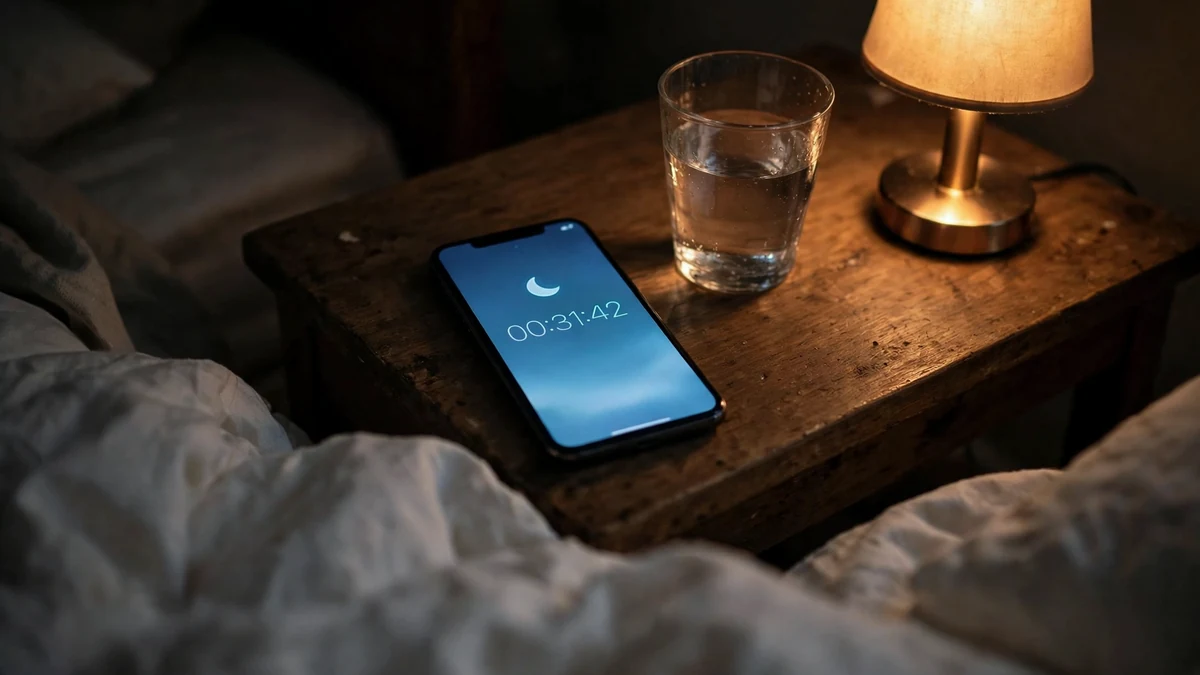
A sleep app is one of the simplest tools you can add to your night, and one of the easiest to get wrong. The best ones quietly do their job: they play a sound that helps you drift off, wake you at a gentler moment, or show you in the morning how the night actually went. The worst ones do the opposite. They keep the screen glowing, nag you with notifications, lock the one feature you wanted behind a subscription, and leave you more tired than you started. The best sleep apps of 2026 are not the ones with the longest feature lists. They are the ones that help you fall asleep faster, wake up easier, and understand your nights without turning bedtime into another chore.

What a Sleep App Actually Does
Most sleep apps do one of three things, and the good ones are honest about which job they are doing. Some track your sleep, using the phone microphone, the accelerometer, or a connected watch to estimate when you fell asleep, how often you stirred, and when you woke. Some play sound, from rain and white noise to guided stories and slow breathing exercises, to help you switch off. And some manage waking, with smart alarms that try to catch a lighter moment in your sleep cycle instead of jolting you awake in the middle of a deep phase. A few apps try to do all three, and a handful do it well, but most apps are strongest at one of these jobs and merely adequate at the others.
The Main Types of Sleep App
Sleep trackers are the data-first option. They sit on your nightstand or read data from your watch, then show you a timeline of the night: when you went to bed, when you seem to have fallen asleep, the times you moved or woke, and when you finally got up. The best trackers present this simply, with one clear summary and a chart you can read at a glance. The weaker ones drown you in graphs and nightly scores that change for reasons nobody explains. A tracker is at its best when it shows trends over weeks, because a single night tells you almost nothing. Look for one that records automatically, syncs with the health data your phone already collects, and lets you add notes about late coffee or a late night so patterns become visible over time.
Sound and white noise apps are the simplest kind, and often the most useful. They play steady sound through the night: rain, a fan, ocean waves, or plain white noise that masks the sudden sounds that wake people up, like a door closing or a car passing outside. The best ones let the sound fade gradually, run all night without stopping, and keep working with the screen off. Some offer mixed soundscapes, so you can combine rain with a low rumble or add a soft tone underneath. If you share a bed, a phone speaker at low volume usually works, but a small bedside speaker is often better than a phone. A good sound app should be boring in the best sense: it starts, it plays, and you forget it is there. For the hardware side of the same idea, a dedicated machine can be a better fit, and our guide to the best white noise machines covers the ones that work best through the night.
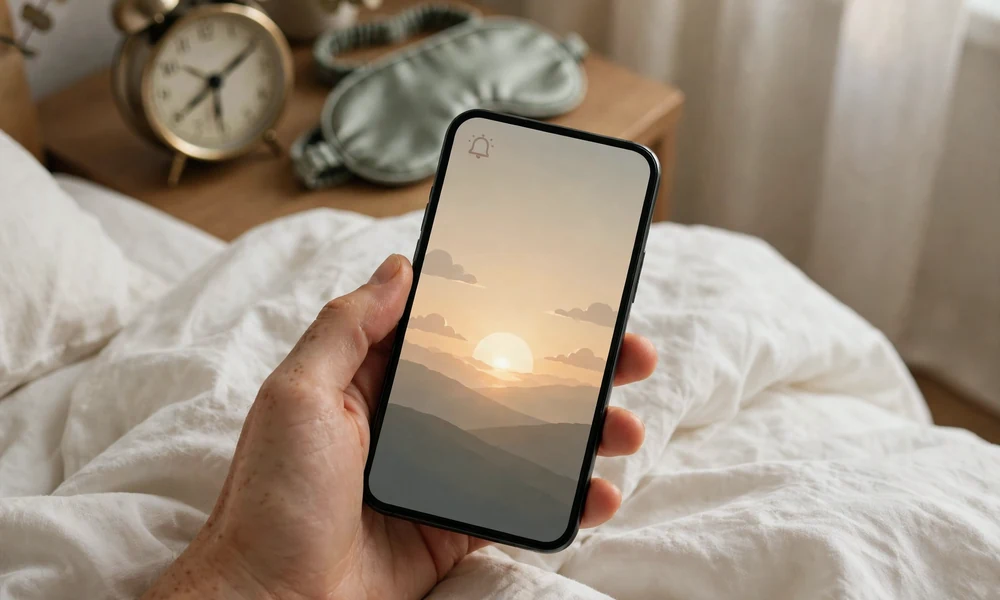
Smart alarm apps aim to fix the worst part of the morning: being woken from deep sleep. They watch your movement in the last half hour or so before your set time and ring when you seem to be in a lighter phase, so you wake feeling less groggy. In practice the effect is real but modest. The alarm still rings, and you still have to get up. What makes a smart alarm worth having is the gentleness of the wake-up: a sound that builds slowly, a sunrise-style glow on the screen, or a vibration pattern that eases you out of sleep instead of a klaxon. Avoid apps that force you to solve puzzles or take a photo to silence the alarm unless you genuinely need that kind of discipline, because on a tired morning that friction is more likely to make you delete the app than to make you punctual.
Sleep story and wind-down apps take a different approach: they give your mind something calm to follow so it stops replaying the day. A narrator reads a slow story, a voice guides you through breathing, or a sequence of sounds carries you from wakefulness toward sleep. These apps overlap with meditation, and if that style appeals to you, our guide to the best meditation apps covers the apps with the strongest guided sessions. For sleep specifically, the best story apps keep the voice slow and low, end the story gently rather than stopping abruptly, and offer a sleep timer so playback stops once you are out. The worst ones are chatty, bright, or packed with upsell prompts at the exact moment you are trying to relax.
All-in-one apps try to combine tracking, sounds, stories, and alarms in a single package. When they work, they are convenient: one app, one subscription, one place for everything about your nights. When they do not, they feel bloated, with features you never open and menus that take three taps to reach the one button you need at midnight. The test is simple. Open the app at bedtime and count the taps to start your usual routine. If it takes more than two or three, the app is working against you. The best all-in-one apps let you set a bedtime routine once, then start it with a single tap or automatically at a set time, and they keep the morning summary to one screen.
What to Look For Before You Download
Start with how the app handles the night itself. It should work with the screen off, keep playing sound without interruptions, and not drain the battery so badly that the phone dies before morning. Most good apps use a few percent of battery overnight when the screen is off; anything that regularly takes a quarter of your charge is doing something wrong. Check whether it needs the phone on the bed, on the nightstand, or connected to a watch, because an app that wants the phone under your pillow is a poor fit if you would rather keep the phone across the room. And look at the permissions it asks for. A tracker needs the microphone or motion sensors, but a sound app has no reason to ask for your contacts or your location.

Free Versus Paid: What the Subscription Buys
The honest answer is that most people do not need to pay for a sleep app. Free sound apps and the built-in sleep features on modern phones cover the basics well: a steady sound through the night, a bedtime reminder, and a simple record of when you slept. What a subscription usually buys is breadth and convenience: a larger library of sounds and stories, longer sleep history, smarter alarms, and syncing across devices. Those are real benefits, but only if you use them. A library of five hundred sounds is worthless if you play the same rain loop every night, and a year of sleep history is only useful if you actually look at it.
Our Picks by Need
For tracking, pick the app that asks the least of you. The best tracker is the one that records your nights automatically, shows a clean weekly trend, and syncs with the health app your phone already has. If you wear a watch to bed, an app that reads from the watch will usually be more accurate than one that relies on the phone microphone alone, and it will not care whether the phone is charging across the room. Judge a tracker after two weeks, not two nights: by then you should be able to see whether late nights, late meals, or long evenings are connected to restless sleep. If the app cannot show you that pattern, it is a diary, not a tool.
For falling asleep, pick the app with the sound or story you actually return to. The catalogue size does not matter; what matters is that there is one sound that reliably helps you drift off and that the app can play it all night, fade it out gently, and start it with one tap. If you like stories, choose the narrator whose voice you find soothing rather than the app with the most famous names. Test the sleep timer carefully, because a story that ends with a sudden silence or a loud advert will wake you just as you were dropping off. And if you fall asleep with earbuds in, look for an app with a timer that stops playback and a volume that stays low and steady.
For everything in one place, pick the all-in-one app only if you will genuinely use at least three of its features. If you track, listen, and wake with the same app every night, the convenience is real and the subscription can be worth it. If you only use the sound player, a simpler free app will serve you better and cost you nothing. The best all-in-one apps also play well with the rest of your health data, so your sleep sits alongside your activity and heart rate in one picture. Our guide to the best fitness apps covers the apps that handle that wider health picture best, which is useful if you want your sleep data to mean something in context rather than sitting alone in a separate app.
How to Get the Most Out of Any Sleep App
The app is the easy part; the routine around it is what does the work. Set a regular bedtime and a regular wake time, even on weekends, and let the app remind you when it is time to wind down rather than deciding in the moment. Start your sound or story at the same time each night, and keep the phone face down or across the room once it is playing, so the screen does not pull you back in. Use the morning summary as a prompt, not a verdict. A bad night after a late evening is information, not failure, and one poor score should never set the tone for your day.
The Bottom Line
The best sleep app of 2026 is the one that fits the way you actually sleep. If you need data, choose a tracker that records automatically and shows honest weekly trends. If you need help switching off, choose a sound or story app with one reliable favourite and a sleep timer that works. If mornings are the problem, choose a smart alarm that wakes you gently. And if you want it all in one place, choose an all-in-one app that starts your routine in a tap or two. Keep it simple, try the free version for a week, and pay only for the features you use every night. Sleep is not a project to optimise; it is a habit to protect. The right app protects it quietly, night after night, and then gets out of the way.


