
The best smart TVs for living rooms in 2026 do more than show a sharp picture. They anchor the room, carry the evening film and the weekend match, and do it without demanding constant fiddling with settings. A good set disappears into the furniture when it is off and takes over the wall when it is on, which is why choosing one deserves more thought than picking the biggest screen on sale.
That choice has become harder, not easier. OLED, QLED, Mini-LED, and a dozen smart platforms now compete for the same wall, and the differences that matter most are rarely the ones shouted loudest on the box. Brightness in a sunny room, viewing angles from the side sofa, and motion handling during sport will shape your experience far more than a single specification number.
This guide cuts through that noise: how to match screen size to your seating distance, how each panel type behaves in a real living room, which smart features are genuinely useful, and which sizes suit different rooms.
Key takeaways
- Measure your seating distance first: 55 inches suits 1.7 to 2.3 metres, 65 inches suits 2 to 2.7 metres, and 75 inches suits 2.3 to 3 metres.
- OLED wins on contrast and viewing angles; Mini-LED QLED wins on brightness in sunny rooms and costs less at larger sizes.
- Look for 4K, HDR10 and Dolby Vision support, a 120Hz panel for sport and gaming, and at least three HDMI 2.1 ports.
- The smart platform matters daily: choose one with the apps you use, fast menus, and a simple remote.
- Budget for sound separately if you watch films often: even excellent televisions have thin speakers that struggle with dialogue.
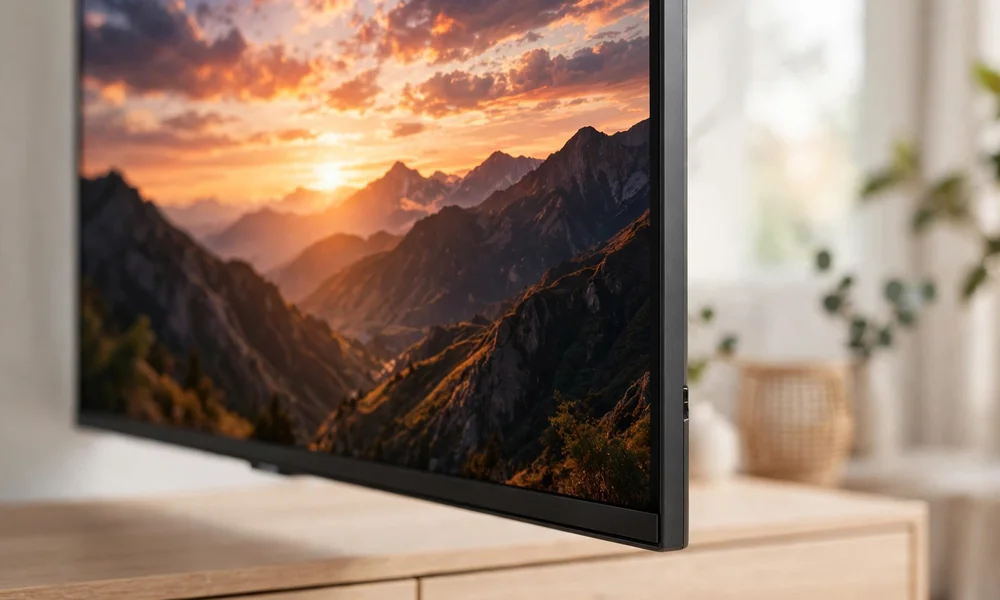
What Makes a Great Living Room TV
A living room television faces demands that a bedroom screen never meets. It is watched from several seats, at different angles, in changing light, by people with different tastes: one wants a film in the dark, another wants daytime news with the curtains open, and a third wants to play a game after dinner. The best set handles all three without a trip into the settings menu.
Picture quality is the starting point. Contrast decides whether a night scene looks deep or flat and grey, colour accuracy decides whether skin tones look natural, motion handling decides whether a football stays crisp, and brightness decides whether the picture survives a bright afternoon.
Picture Quality First
Start with the panel, because no amount of software can rescue a weak one. Contrast gives the picture depth, brightness keeps it visible in daylight, and colour volume keeps colours rich even in bright scenes, where cheaper screens wash out. Resolution is settled: buy 4K, and spend the difference over 8K on a better panel or better sound. Built-in speakers have improved, but physics limits what a slim screen can do, so look for a dialogue enhancement mode.
Choosing the Right Size
Size is the decision most buyers get wrong, and it is usually in the direction of too small. In the shop, every screen looks enormous because you stand close to it. At home, viewed from a sofa two or three metres away, the same screen can feel modest. As a rule, buy the largest screen your wall and budget allow, provided the seating distance supports it. With 4K content, you can sit closer without seeing individual pixels, and a larger screen fills more of your field of vision.
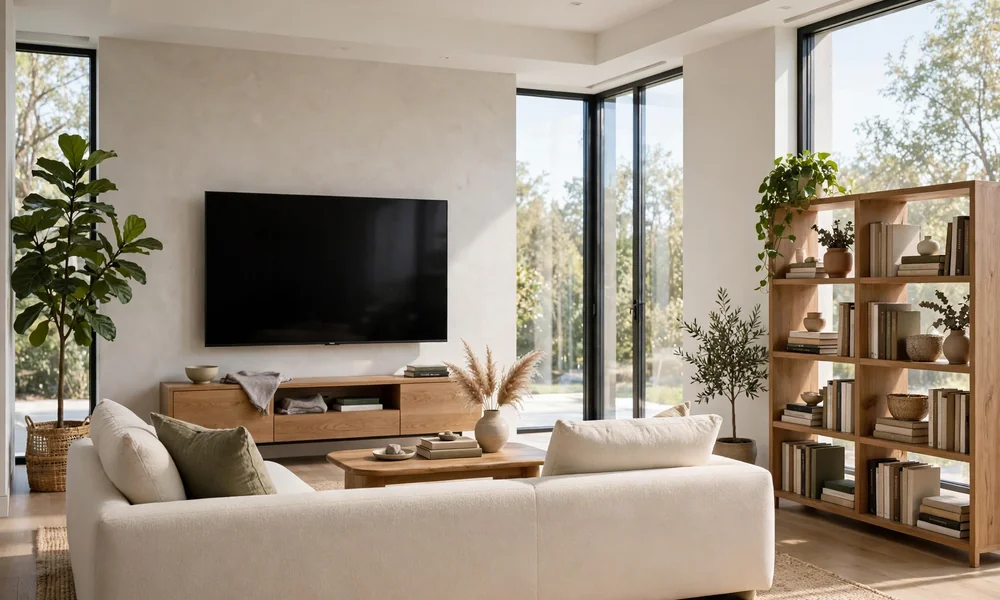
Size and Seating Distance Guide
| Screen size | Ideal seating distance | Best for |
|---|---|---|
| 43 inches | 1.3 to 1.8 metres | Small flats and second rooms |
| 50 inches | 1.5 to 2.1 metres | Compact living rooms |
| 55 inches | 1.7 to 2.3 metres | Most average living rooms |
| 65 inches | 2.0 to 2.7 metres | Family rooms and film nights |
| 75 inches | 2.3 to 3.0 metres | Large open-plan spaces |
| 85 inches | 2.6 to 3.5 metres | Dedicated viewing walls |
If your room falls between two sizes, choose the larger one when the budget allows, and mount it at eye level from your usual seat, about 105 to 115 centimetres from the floor.
OLED, QLED, and Mini-LED Compared
OLED panels switch each pixel off individually, which produces perfect blacks, superb contrast, and wide viewing angles. A film watched from the side sofa looks almost as good as from the centre seat, so OLED is the best choice for evening viewing and for rooms where people sit off to the sides.
QLED and Mini-LED televisions use a backlight behind a quantum-dot layer. The best Mini-LED sets get far brighter than OLED, which makes them the stronger choice for bright, sunlit rooms, and they tend to offer better value at 75 inches and above. Their weakness is contrast: blacks can look slightly grey in a dark room, and viewing angles are narrower. For most living rooms, the decision comes down to light: a dark room favours OLED, while a bright room with large windows favours Mini-LED QLED. Burn-in, the image retention that worried early OLED buyers, is far less of a concern on 2026 models, though a Mini-LED set remains the safer pick if yours shows the same channel logo for many hours every day.
Best Smart TVs for Living Rooms 2026: The Shortlist
The shortlist below covers the sizes and situations that suit most homes. Prices move with sales, so treat this as a guide to what to look for in each bracket rather than a fixed price list.
Best Overall: 65-Inch OLED
A 65-inch OLED is the sweet spot for most living rooms: large enough to feel cinematic from a typical sofa, small enough to fit a standard wall, with the contrast and viewing angles that make films and drama look their best. Look for a 2026 model with a 120Hz panel, four HDMI 2.1 ports, and Dolby Vision. The best smart speakers for living rooms can fill the gap that even a premium television’s thin speakers leave behind, especially for dialogue and music.
Best for Bright Rooms: 75-Inch Mini-LED QLED
If your living room faces the sun, a 75-inch Mini-LED QLED is the better buy. Its brightness cuts through daylight, the larger screen suits open-plan spaces, and the price per inch is usually lower than OLED at this size. Choose a model with local dimming zones in the hundreds, a good anti-reflection screen, and a 120Hz panel for sport. At 75 inches, check the wall before you buy: the screen is roughly 167 centimetres wide.
Best Value: 55-Inch QLED
A 55-inch QLED is the best value pick for smaller living rooms and tighter budgets, with a bright, colourful 4K picture and enough HDMI ports for a console and a streaming stick. It suits seating distances under two metres. When comparing value models, check the refresh rate carefully: a genuine 120Hz panel is worth paying for if you watch sport or play games, while a 60Hz panel with motion smoothing marketed under a different name is not the same thing.
Best for Gaming and Sport: 65-Inch 120Hz Mini-LED
Gamers and sports fans should prioritise a 120Hz panel, low input lag, variable refresh rate, and HDMI 2.1 ports. A 65-inch Mini-LED with these features gives bright, punchy pictures for daytime matches and responsive play. If your household games on the living room screen, our guide to smart TV vs monitor for gaming explains when a big television beats a desk monitor and when it does not.
Smart Platforms and Features Worth Paying For
Every major brand now ships a capable smart platform, but they differ in speed, app coverage, and advertising. Google TV and webOS offer broad app support and good voice control, Tizen is fast and clean on Samsung sets, and Roku TV is the simplest interface of all. Before buying, confirm that your essential apps are available on that platform and that the interface does not bury them under sponsored content.
Ports, Connectivity, and Future-Proofing
Four HDMI 2.1 ports is ideal, leaving room for a console, a soundbar, and a streaming device without swapping cables, and at least one should support eARC for high-quality audio to a soundbar. Wi-Fi 6 helps with 4K streaming, and Bluetooth lets you pair headphones for late-night viewing.
Setting Up Your New TV
Good setup is free picture quality. Turn off the vivid shop mode and choose the film, cinema, or filmmaker picture preset, which is closer to how directors intended the picture to look. Then switch off motion smoothing for films, which creates the soap-opera effect that makes cinema look like daytime television. Mount the television at eye level from your usual seat, and give it a stable connection with a wired Ethernet cable where possible.

Pre-Purchase Checklist
- Measure the wall, the seating distance, and the delivery route through doors.
- Check that the screen size suits your seating distance using the guide above.
- Confirm your essential streaming apps are available on its smart platform.
- Count the HDMI 2.1 ports and make sure at least one supports eARC.
- Test the viewing angle from the side seats, and brightness if the room gets direct sun.
- Budget for a soundbar if you watch films often, and for a mount or stand if needed.
Mistakes to Avoid
The most common mistake is buying on screen size alone: a huge screen with a poor panel looks worse than a smaller screen with a good one. The second is trusting the shop floor, where bright lighting and flattering demo footage make every set look dazzling, so read reviews that test in real rooms and check the return policy. The third is ignoring the sound: a cheaper television plus a soundbar usually beats a premium television with no audio upgrade. Finally, do not overlook alternatives for the room itself. If your living room doubles as a cinema on summer evenings, portable projectors for movie nights can turn a garden wall or a blank wall into a screen far larger than any television.
Frequently Asked Questions
What size smart TV is best for a living room?
For most living rooms, 55 to 65 inches is the best range. Measure your sofa-to-wall distance first, then choose the largest size that fits that range and your wall.
Is OLED or QLED better for a living room?
OLED is better for dark rooms and wide seating, thanks to perfect blacks and wide viewing angles. Mini-LED QLED is better for bright rooms because it gets much brighter and usually costs less at larger sizes.
Do I need a 120Hz TV?
A 120Hz panel is worth having if you watch a lot of sport or play games, because it handles fast motion more smoothly and supports modern consoles properly. For films and drama alone, a good 60Hz panel is fine.
How high should I mount my living room TV?
The centre of the screen should sit at eye level from your usual seat, roughly 105 to 115 centimetres from the floor for most sofas. Mounting above a fireplace looks tidy but forces your neck up.
Is a soundbar necessary with a new smart TV?
It is not necessary, but it is the single biggest upgrade most households can make. Built-in speakers struggle with dialogue and lack bass, while even a modest soundbar improves both immediately.
How long should a smart TV last?
A good smart TV should last seven to ten years for the panel itself, though the smart platform may feel slow after five or six years. A streaming stick can refresh the apps cheaply when that happens.
The Bottom Line
The best smart TVs for living rooms in 2026 are the ones that fit your room, not the ones with the longest specification sheet. Measure your seating distance, match the panel to your light, insist on 4K with HDR and a 120Hz panel where it matters, and leave room for sound.


