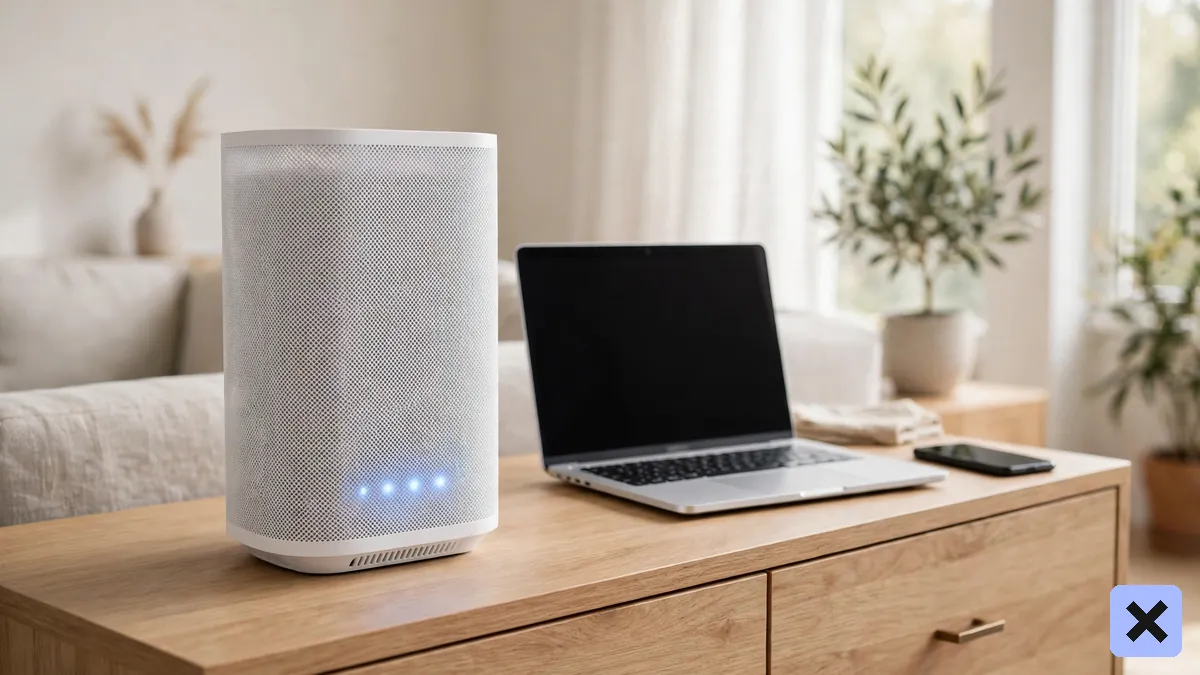
Choosing a laptop vs desktop for a home office sounds simple until you try to work on the wrong one. A laptop promises freedom, a tidy desk, and the chance to work from the sofa, the kitchen table, or the garden on a good day. A desktop promises power, a big screen, and a setup that feels serious the moment you switch it on.
The honest answer is that there is no single best computer for every home office. A writer who moves between rooms needs something different from a video editor who renders footage for hours. Your work, your space, your budget, and your habits matter far more than the brand on the box.
This guide compares a laptop vs desktop for a home office across the things that shape daily life: performance, comfort, screen space, cost, noise, and flexibility. It looks at where each one wins, where each one falls short, and which type suits different kinds of work, so you can choose with confidence.
Key takeaways
- A laptop wins on flexibility, saving space, and working anywhere in the house, while a desktop wins on power, screen size, and comfort for long fixed hours.
- For everyday office work such as email, documents, video calls, and browsing, a good modern laptop is more than fast enough.
- For heavy editing, design, coding, or data work, a desktop usually gives you more performance for the same money.
- Comfort matters as much as speed, so budget for a proper chair, a separate keyboard and mouse, and a screen at eye level.
- The best choice depends on how you work, not on which machine looks better on paper.

The Short Answer
Choose a laptop if you value flexibility, and choose a desktop if you value power and comfort at a fixed desk. A laptop with a good dock and a large monitor can feel very much like a desktop during the working day.
A laptop is the best choice when your home office is not one room. If you work at the kitchen table in the morning and move to a spare room for calls, a desktop simply cannot follow you. A desktop is the best choice when you sit in the same place for long hours and your work is demanding, giving you a larger screen, a full-size keyboard, and far more power for the money.
If you already own a good monitor, keyboard, and mouse, a desktop becomes better value, because you only pay for the computer itself. If you own none of those things, a laptop gives you a complete working setup in one box, which is hard to beat for a first home office.
Performance and Power
Performance is where the desktop usually pulls ahead, although the gap has narrowed a great deal. A desktop has room for a larger processor, a stronger graphics card, better cooling, and more memory. A laptop has to fit the same ideas into a thin case, so it often runs the same kind of chip at lower speeds.
For everyday work, that difference barely matters. Writing, spreadsheets, email, video meetings, and web research run smoothly on a mid-range laptop. A solid-state drive and enough memory matter far more than the fastest processor.
Everyday Office Work
If your day is built around documents, calls, and a browser with too many tabs open, either machine will cope easily. Choose based on comfort and flexibility rather than raw speed. Spend on memory, a fast drive, and a good screen instead.
Demanding Creative and Technical Work
Video editing, 3D design, large photo libraries, and software development are a different story. These tasks use the processor and graphics card for long stretches, and a desktop handles sustained work better because it can cool itself properly.
Screen, Keyboard and Comfort
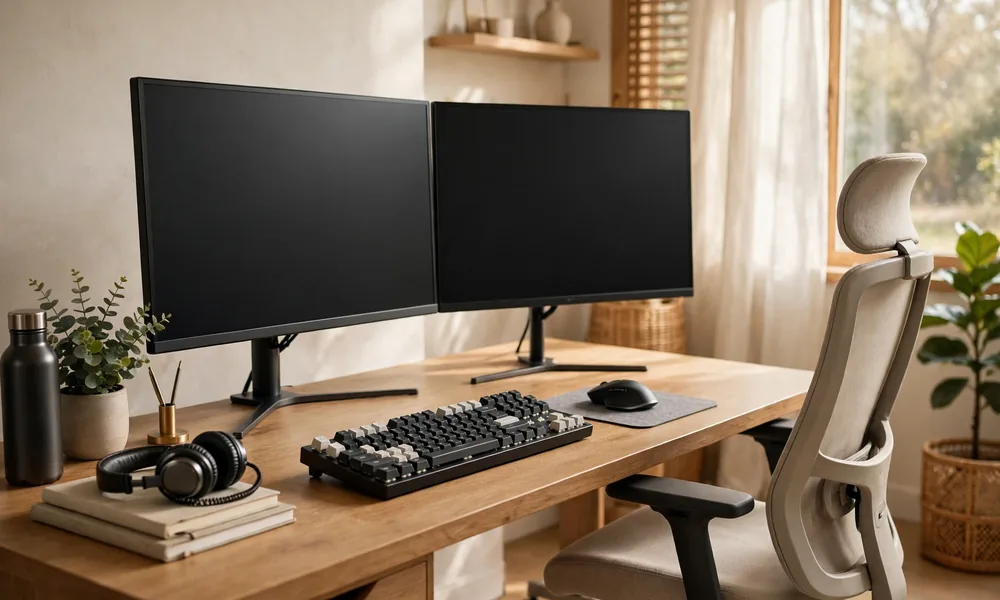
Comfort decides whether you enjoy your working day, and this is where desktops have a natural advantage. A desktop setup usually means a large monitor at eye level, a full-size keyboard, and a proper mouse. A laptop screen is smaller and lower, which forces a compromise in posture unless you add accessories.
That does not mean a laptop has to be uncomfortable. A laptop stand, an external monitor, and a separate keyboard and mouse transform a laptop into a comfortable desk machine in minutes. The best standing desks for home offices make this even easier, because you can adjust the height through the day and switch between sitting and standing without rebuilding your workspace.
Space and Setup
A laptop wins easily on space. It needs little more than a flat surface, it can be closed and put away at the end of the day, and it leaves your desk clear for other things. That matters in a small flat, a shared room, or a home where the office doubles as a guest room.
A desktop needs a permanent home. You need room for the unit, a monitor, a keyboard, a mouse, and all the cables that connect them, plus good airflow and a stable desk. Once it is set up, moving it is a chore, and rearranging the room means unplugging everything and starting again.
Portability and Flexibility
Portability is the laptop’s strongest card, and it is not a small one. A laptop lets you work from any room, take your work to a cafe or a library, and keep going when the power cuts out, thanks to its battery. Your files, settings, and software travel with you.
A desktop stays where it is. That is fine if your work never leaves the house, but it becomes a limitation the moment you need to work elsewhere. Think about how often you actually move. Some people buy a laptop and never take it off the desk, while others buy a desktop and wish they could work from the garden. Be honest about your habits, not your intentions.
Cost and Value Over Time
On price, desktops usually give you more for your money. A desktop with the same processor and memory as a laptop often costs less, because you are not paying for a battery, a built-in screen, and the engineering needed to make everything thin and light.
Laptops cost more for the same raw performance, and they are harder to upgrade. Most laptops let you add storage, but few let you change the processor or graphics card, so when the machine feels slow, the usual answer is a replacement. Count the full setup: a desktop needs a monitor, keyboard, and mouse, while a laptop includes all three. The smart TV vs monitor for a home office debate is worth reading if you are choosing a display, because the screen you pick shapes both the cost and the comfort of the whole setup.
| Factor | Laptop | Desktop |
|---|---|---|
| Typical cost for similar power | Higher | Lower |
| Portability | Excellent | None |
| Screen size | 13 to 16 inches | 24 inches or larger |
| Upgrades | Limited | Easy |
| Desk space needed | Small | Large |
| Best for | Flexible working | Fixed, heavy work |
Noise, Heat and Reliability
Desktops are usually quieter under heavy work because they have larger fans and more room for air to move. A laptop works harder to stay cool in a small case, so its fans can become loud during video calls or long editing sessions, and the machine itself can feel hot to touch.
Laptops have one reliability advantage: a built-in battery. If the power goes out, a laptop keeps running and your unsaved work survives, while a desktop stops instantly unless you add a separate battery backup. A desktop is easier and cheaper to repair, while a laptop repair often means a specialist and a bigger bill.
Which One Wins for Different People
The best choice depends on the person, not the product. A freelance writer who works from different rooms will love a laptop.
Best for Writers, Students and General Office Work
A laptop is the natural pick here. The work is light, the need to move around is real, and the ability to work anywhere outweighs the extra power of a desktop.
Best for Designers, Editors and Developers
A desktop usually wins for heavy creative and technical work. The larger screen, stronger cooling, and easier upgrades make long projects smoother, and the lower cost per unit of performance leaves money for a better monitor or more memory.
Best for Small Spaces and Shared Homes
A laptop is the clear winner when space is tight. It packs away at the end of the day, it works on a small table, and it does not demand a permanent corner of the house. The tablet vs laptop for remote work comparison shows how far portable machines have come.

Home Office Checklist
Whichever machine you choose, the setup around it decides how comfortable your working day feels.
- Measure your desk and your room, and check that the computer, screen, and chair all fit without crowding you.
- Set the top of your screen at eye level, whether that means a monitor arm, a stand, or a stack of books.
- Choose a chair that supports your lower back and lets your feet rest flat on the floor.
- Add a separate keyboard and mouse if you use a laptop at a desk for more than a couple of hours a day.
- Plan your cables, power sockets, and internet connection before the computer arrives, not after.
- Set up automatic backups on day one, so a lost or broken machine never means lost work.
Frequently Asked Questions
Is a laptop powerful enough for a home office?
Yes, for most home office work. A modern laptop with enough memory and a fast drive handles documents, email, video calls, and browsing with ease.
Is a desktop better than a laptop for working from home?
A desktop is better if you sit at one desk for long hours and need power, a large screen, and easy upgrades. A laptop is better if you move around, travel, or have limited space. Match the machine to your working pattern.
Can I use a laptop as a desktop?
Yes, and many people do. Connect it to a large monitor, a keyboard, and a mouse, add a stand or dock, and it feels very much like a desktop during the working day.
How much should I spend on a home office computer?
Spend enough to get a fast drive, enough memory, and a screen you enjoy looking at, and avoid the cheapest models, which often feel slow within a year.
Do I need a separate monitor with a laptop?
Not always, but it helps a great deal if you work at a desk for long hours. A larger screen reduces eye strain, lets you compare documents side by side, and improves posture when it is set at eye level.
Which lasts longer, a laptop or a desktop?
A desktop usually lasts longer and is cheaper to repair and upgrade, because its parts are standard and easy to replace.
The Bottom Line
For most people working from home, a good laptop with a monitor, keyboard, and mouse at the main desk is the best balance of power, comfort, and freedom. It handles everyday work easily, moves with you when life does, and feels like a proper desktop when you sit down to work. Choose a desktop instead if you work long fixed hours at one desk, your work is heavy and demanding, or you want the most power and the easiest upgrades for your money. Start with how you work, then pick the machine that fits that pattern, and your home office will feel right from the first day. Spend as much thought on your chair, screen, and setup as on the computer itself.