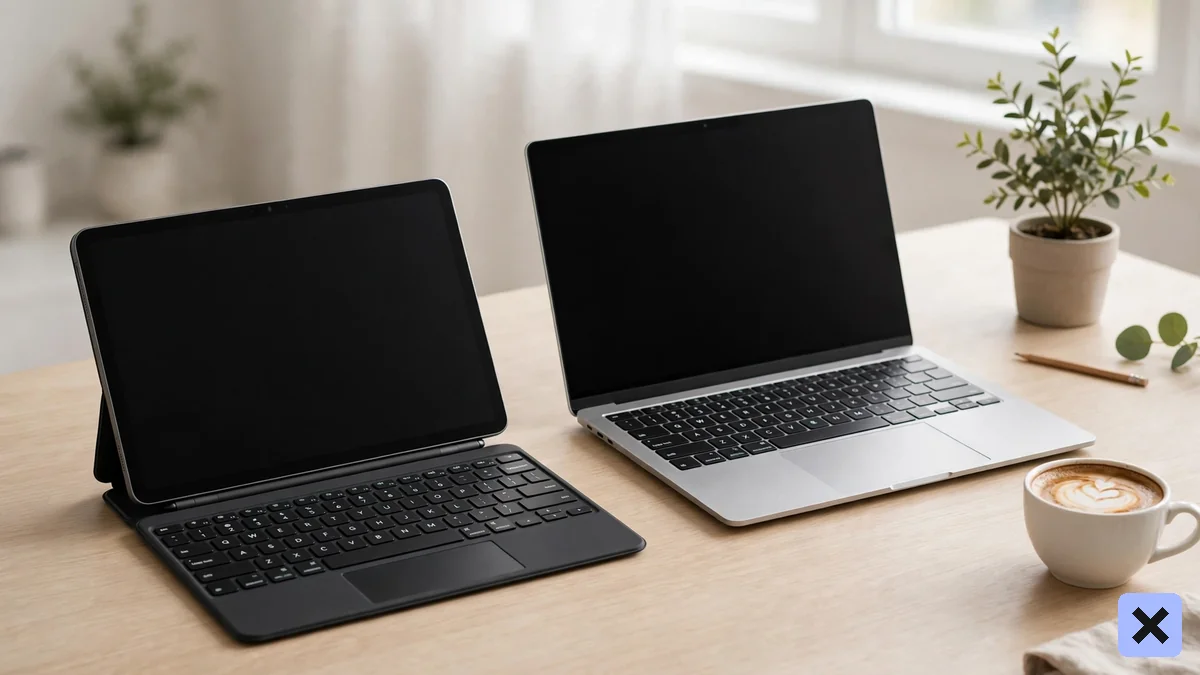
The tablet vs laptop remote work question has no single winner, because the right answer depends on how you actually spend your working day. A tablet is lighter and easier to carry to a café or a co-working space. A laptop is faster, more flexible, and far better at the heavy work that fills most remote jobs.
Remote work changed what a computer needs to be. Your office is now a kitchen table, a spare bedroom, a hotel desk, or a train seat, and the device you choose has to cope with all of those places. A laptop brings a full keyboard, a proper file system, and desktop software. A tablet brings a touchscreen, a stylus, and instant-on convenience.
This guide compares the two across portability, performance, typing, software, comfort, and cost. You will find an honest head-to-head table, the real trade-offs, and a simple checklist to help you decide.
Key takeaways
- Choose a laptop for heavy multitasking, spreadsheets, coding, video editing, or long writing sessions.
- Choose a tablet if you mostly read, annotate, take notes, and join video calls on the move.
- A tablet only replaces a laptop once you add a good keyboard, a stylus, and the right apps, which adds real cost.
- For a fixed home office, a laptop with a proper desk setup beats a tablet on comfort and speed.
- Many remote workers use a laptop as the main machine and a tablet as a notebook.
The Short Answer: Which One Wins for Remote Work?
For most remote workers, the laptop wins. It handles the full range of office work without workarounds and runs the desktop versions of the apps your job depends on. If you could only buy one device, a laptop is the safer choice.
That does not mean the tablet loses. If your work is mostly reading, annotating, sketching, and video calls, a tablet can be the better tool. Many remote workers eventually settle on both: a laptop on the desk and a tablet in the bag.
Tablet vs Laptop for Remote Work: Head-to-Head Comparison
The table below sums up the main differences at a glance.
| Feature | Tablet | Laptop |
|---|---|---|
| Portability | Excellent, under 700 grams | Good, 1 to 1.6 kilograms |
| Battery life | 10 to 15 hours of light use | 8 to 14 hours |
| Typing | Needs a keyboard case | Built-in keyboard and trackpad |
| Performance | Strong for apps, weak for heavy tasks | Strong for office and creative work |
| Software | Mobile apps | Full desktop apps |
| Multitasking | Two apps side by side | Many windows, external monitors |
| Note-taking | Excellent with a stylus | Typing only |
| Typical cost | Lower upfront, accessories add up | Higher upfront, fewer extras needed |
Portability and Everyday Carry
Portability is the tablet’s strongest argument. A tablet weighs about half as much as a laptop, slips into a small bag, and never needs a flat surface to be useful. You can read a report on a train or take notes in a meeting without unfolding anything.
Weight, Size, and the Commute Test
Pack the device, its charger, and everything else you need, then carry the bag for an hour. A tablet setup usually comes in under a kilogram, while a laptop setup is closer to two kilograms with charger and mouse. A tablet also works on a plane tray table, while a laptop needs more room.
Battery Life on a Full Workday
Tablets usually last longer on a single charge, often 12 to 15 hours of light work, because their mobile chips are built for efficiency. Laptops have caught up, and many now last 10 hours or more. If you often work away from power sockets, a tablet gives you more margin.
Performance: What Each Device Actually Handles
Performance is where the two devices split most clearly. A tablet is fast at opening apps instantly and running one or two apps at a time. A laptop is built for heavy, sustained work, with a processor, cooling, and memory designed to run demanding software for hours without slowing down.
Everyday Office Work
Email, documents, video calls, and web browsing run beautifully on both devices. A tablet handles them with instant wake and a touch interface. A laptop handles the same tasks with more room: you can keep email, calendar, and documents open side by side. That flexibility saves minutes every hour.
Heavy Workloads and Multitasking
Video editing, large spreadsheets, data analysis, coding, and design work belong on a laptop. These tasks need processing power, memory, and software that only exists in full desktop form. A tablet can edit a short video, but a large project will take longer. A laptop also lets you arrange as many windows as you like, while a tablet limits you to two apps side by side.
Typing, Software, and the Real Work Test
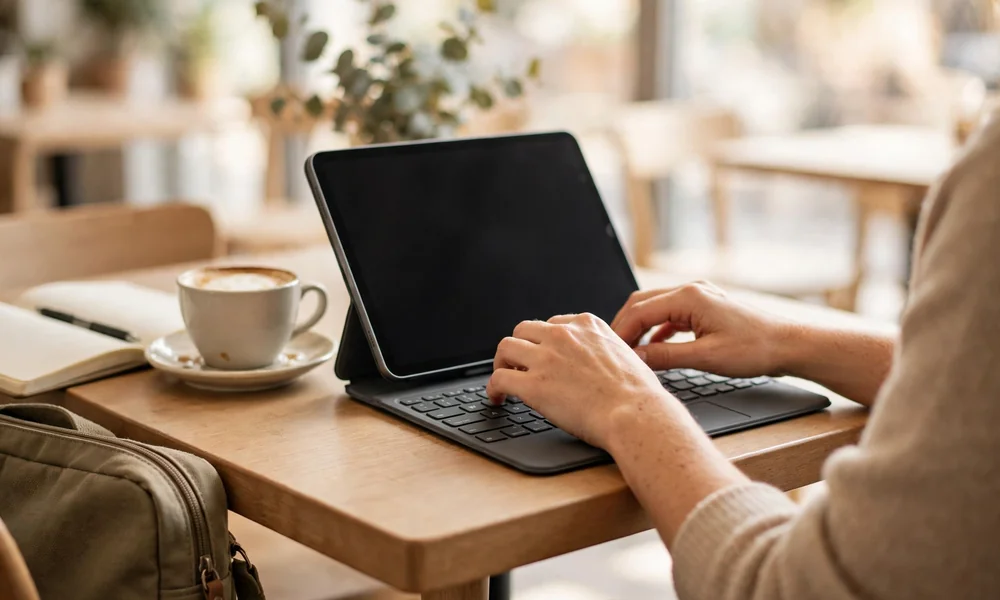
Typing is the biggest practical difference between the two devices. A laptop has a real keyboard and trackpad built in, ready the moment you open the lid. A tablet has a glass screen, and typing on glass is fine for short messages but slow and tiring for long documents. A keyboard case helps, but it adds cost and still does not match a proper laptop keyboard.
Keyboards and Trackpads
A good keyboard case can turn a tablet into a decent writing machine, but the best ones are expensive, and cheap cases are a false economy, with cramped keys and lagging trackpads. Budget for a good keyboard and try it in a shop first. Even an average laptop keyboard beats a tablet screen for serious writing.
Apps and File Management
Laptops run the full desktop versions of your work apps, with every feature and file format. Tablets run mobile versions that are often simpler or missing features. A laptop lets you see folders, move files, and attach anything in seconds, while tablets hide files inside apps. Check your must-have apps before you buy.
Screens, Comfort, and Your Workspace
At a fixed desk, the laptop has a clear advantage. Its screen sits at a better height, its keyboard is at the right angle, and it connects easily to an external monitor, keyboard, and mouse. A tablet can do some of this with a stand, but it is always a workaround.

Comfort is not only about the device. A good chair, a desk at the right height, and a screen at eye level matter more to your back and neck than the device itself. Our guide to the best home office chairs shows what to look for in a chair you will sit in for eight hours a day. A laptop on a good desk beats a tablet on a sofa.
Where Tablets Fall Short
Tablets have real limits for remote work. Mobile apps are simpler, and some desktop features never reach the tablet version. Multitasking stops at two apps side by side. Tablets also have fewer ports, so connecting a monitor and a headset at once usually needs a hub.
The limit nobody expects is this: bad tablets are truly bad. A cheap tablet with a dim screen and a slow chip will make every working day miserable. Before you buy, check the models to avoid, starting with the worst tablets for work and reading. Tablets are also harder to repair and impossible to upgrade.
Where Laptops Fall Short
Laptops have their own weaknesses. Even a slim laptop is heavier than a tablet and needs a bag, a charger, and a flat surface. A laptop is also a poor reading device, and marking up a document with a mouse is clumsy next to a stylus on a tablet. Many laptops still have mediocre webcams, while tablets usually have much better cameras.
Who Should Buy a Tablet
A tablet is the right first choice if your work is mostly reading, annotating, sketching, presenting, and talking to people. Teachers, designers, and salespeople will get more from a tablet than from a laptop, especially if they already have a desktop computer at home for heavy work. A tablet is also right if you travel constantly.

A tablet can also be a shared family device. If children will use it too, choose carefully. Read our guide to the worst tablets for kids before buying a tablet that will end up in small hands. Do not buy a tablet as your only computer if your job needs heavy office software.
Who Should Buy a Laptop
A laptop is the right first choice for most remote workers, and the only sensible choice if your job involves writing, spreadsheets, coding, data, design, or video. Buy the laptop first, and add a tablet later if you miss the portability and the stylus. If you already own a tablet and hit its limits more than once a week, the laptop will pay for itself in saved time within months.
Cost: What You Really Pay
The sticker price tells only half the story. A good tablet often costs less than a good laptop, but it needs a keyboard case, a stylus, and often a hub. Add those up, and the gap shrinks fast: a mid-range tablet with a good keyboard and stylus can cost as much as a solid laptop, and the laptop still does more. Laptops also last longer and hold their value better. Over four years, a laptop often works out cheaper per year, even if it costs more on the day you buy it.
Checklist: Choose the Right Device for Your Remote Work
Work through this checklist before you spend any money.
- List your five most-used work apps and confirm they run properly on the device you are considering.
- Count your daily typing hours and judge whether a glass screen would slow you down.
- Weigh your full bag and decide if the lighter tablet setup is worth the trade-offs.
- Test your real work on the device for a week, including calls, large files, and multitasking.
- Add up the full cost, including keyboard, stylus, case, and hub, before comparing prices.
- Check the returns policy, so a device that does not fit your work can go back without a fight.
Frequently Asked Questions
Can a tablet fully replace a laptop for remote work?
For some people, yes: email, reading, notes, and calls work fine on a tablet with a good keyboard. For most office jobs, no, because desktop software and heavy multitasking still need a laptop.
Is a tablet or laptop better for video calls?
Tablets usually have better cameras and simpler call apps, so they are great on the move. Laptops offer better call controls and screen sharing. For all-day calls, a laptop with a good headset is more comfortable.
Do I need a keyboard if I buy a tablet for work?
Yes, for anything beyond short replies. Typing long documents on glass is slow and tiring. Budget for a quality keyboard from the start and try it before you buy.
Which lasts longer, a tablet or a laptop?
A laptop usually lasts four to five years, because it can be repaired and upgraded. A tablet typically lasts three to four years before the battery weakens or support ends.
Is a tablet good for students working remotely?
A tablet is excellent for reading, annotating, and handwritten notes. For essays, spreadsheets, and course software, a laptop is usually the better main device. Many students use both.
Should I buy both a tablet and a laptop?
If your budget allows it, yes. A laptop as the main machine and a tablet as a portable notebook is the most flexible setup. If you can only afford one, buy the laptop first.
The Bottom Line
For most remote workers, a laptop is the better single device: it types better, multitasks better, and runs the full software your job needs. A tablet is the better second device, and the better first device only when your work is light and mobile. If you can afford both, buy both. If you can only afford one, buy the laptop.