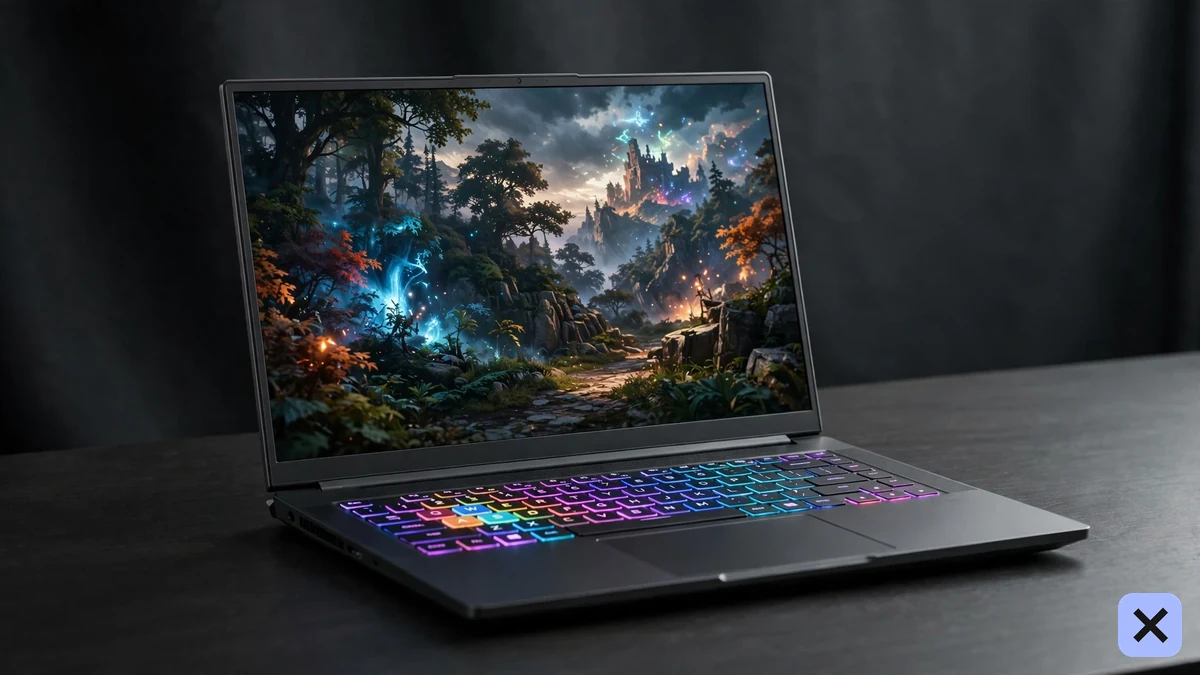
Buying a laptop is one of those purchases where the upgrade menu does most of the damage. The base model looks reasonable, then the configurator offers a faster processor, more memory, a sharper screen, and a bigger drive. Each extra sounds sensible on its own. By the time you reach the checkout, the price has climbed by hundreds of dollars.
The problem is that most laptop upgrades do not change how the machine feels to use. The screen still looks the same from a normal distance, everyday apps still open at the same speed, and the battery still runs out at roughly the same time. The money, however, is gone for good.
This guide looks at the worst laptop upgrades that are not worth the price. These are the options that cost the most, deliver the least, or solve a problem most people do not have. Skipping them will save you real money without making your laptop any worse to live with.
Key takeaways
- Most laptop upgrades offer poor value because the base model already covers everyday work, browsing, and streaming comfortably.
- Extra RAM, a top-tier processor, and a 4K screen are the most common money traps, costing hundreds for gains most people will never notice.
- A bigger SSD is useful only up to a point; beyond 1TB, most buyers pay for storage they will never fill.
- Manufacturer upgrades at checkout cost far more than the same parts bought separately.
- Spend your budget on screen quality, keyboard, battery life, and build you will notice every day instead.
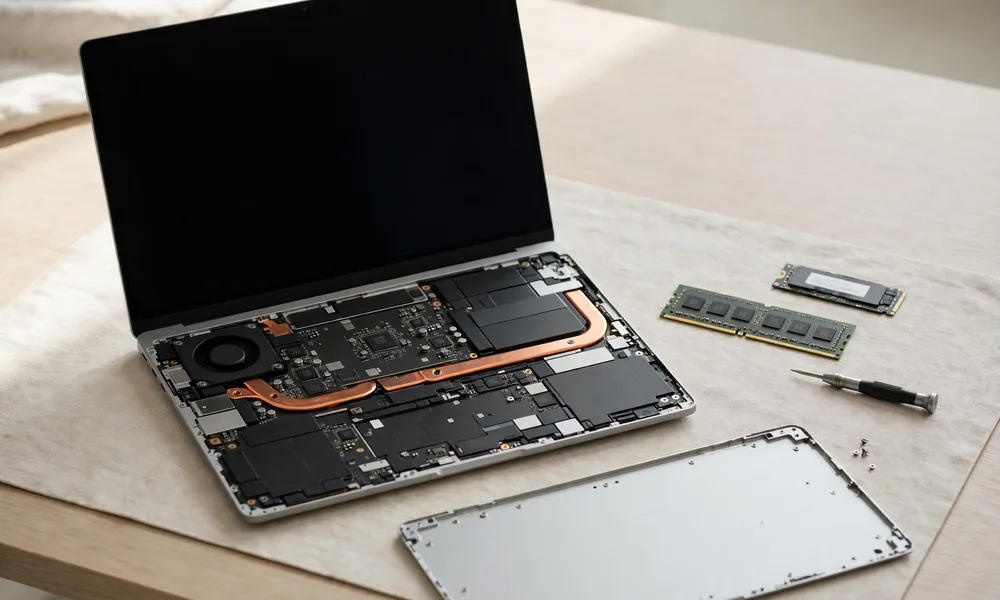
Why Laptop Upgrades Disappoint So Often
Laptop makers sell upgrades the way airlines sell seat selection: each one sounds small, and each one is priced to feel reasonable. The trouble is that a laptop has a fixed cooling system, a fixed battery, and a fixed screen. Those limits decide how much any single upgrade can help.
Take the processor. Most everyday tasks are not limited by it at all. Opening a browser, writing a document, or joining a video call uses only a small part of even a modest modern chip. The extra speed sits unused, waiting for a demanding task that never arrives. The same logic applies to memory. Once you have enough RAM, adding more changes nothing.
The Worst Laptop Upgrades That Are Not Worth the Price
The upgrades below are ranked by how much they cost against how little they change. Before paying for any of them, ask one question: will I notice this every day, or forget I paid for it within a week?
1. Extra RAM Beyond What You Actually Use
Memory is the classic laptop upsell. Moving from 16GB to 32GB, or from 32GB to 64GB, sounds like doubling your laptop’s power. In practice, extra RAM only helps when your current memory is full. If it is not full, the extra memory sits empty, doing nothing.
For most people, 16GB is enough for browsing with many tabs open, office work, and streaming at the same time. Going to 32GB makes sense if you edit large videos or run virtual machines. Going to 64GB makes sense for almost nobody outside professional video production. Check how much memory your current machine uses on a normal day first. If it never comes close to its limit, buying more will not make anything faster.
2. A Top-Tier Processor for Everyday Work
The most expensive processor in a laptop range can add four or five hundred dollars to the price, and for most buyers it adds almost nothing. Modern mid-range processors are already far faster than everyday work requires. They open apps quickly, handle video calls smoothly, and cope with dozens of browser tabs.
A top-tier chip only earns its price when your work keeps the processor busy for minutes at a time, such as rendering video or compiling large software projects. Writing emails and browsing the web are not that kind of work. Unless your work genuinely pushes a processor hard, the mid-range option is the smarter buy.
3. A 4K Display on a Small Laptop
A 4K screen sounds like the ultimate upgrade, and on a large monitor it can be impressive. On a 13-inch or 14-inch laptop, it is mostly a waste of money. At a normal viewing distance, the human eye cannot tell a 4K panel from a sharp 1440p panel on a screen that small. The extra pixels are there, but you cannot see them.
What you can see is the cost. A 4K display typically adds several hundred dollars, and it drains the battery faster. A laptop that could have lasted ten hours might last only seven. For everyone else, a good 1440p screen with accurate colours looks just as sharp, costs less, and leaves more battery at the end of the day.
4. A Powerful Graphics Card for People Who Do Not Play Games
A dedicated graphics card is essential for serious gaming and for professional 3D work and video rendering. It is also one of the most expensive upgrades a laptop can have, often adding five hundred dollars or more. For buyers who do not game, it is money spent on hardware that will spend its life idle.
Modern integrated graphics have improved enormously. They handle everyday tasks, video playback, photo editing, and even light gaming without trouble. They also run cooler and quieter, which means a thinner, lighter laptop with a longer battery life. Buy the graphics power you need for the work you do now.
5. Overpriced Storage Bought Through the Manufacturer
Storage is one of the few upgrades that can genuinely help, because running out of space is a real problem. The issue is where you buy it. Manufacturers charge a large premium for storage at checkout, and the gap between their price and the price of the same capacity elsewhere is often enormous.
Moving from 512GB to 1TB might cost two hundred dollars through the manufacturer, while the same capacity as a separate drive costs far less. Moving to 2TB can cost four hundred dollars or more, even though most buyers will never fill the first terabyte. For most people, 512GB is enough, and 1TB is comfortable.
How to Judge Any Laptop Upgrade
With so many upgrades on offer, a simple test helps before you pay. An upgrade should pass three questions before it earns your money.
First, will I notice it every day? A brighter screen, a quieter fan, and a keyboard that feels right pass this test easily. A faster processor or extra memory you never use does not. The upgrades worth paying for are the ones that change your daily experience, not the ones that only change a specification sheet. This is the same trap as paying for features you will never use, where the headline numbers look impressive and the real-world difference is close to zero.
Second, is the price fair compared with buying the same thing separately? Storage and memory fail this test most often, because manufacturers charge far more than the parts cost on their own. Third, does it solve a problem I actually have? A powerful graphics card solves a gamer’s problem. A 4K screen solves a video editor’s problem. If neither is your problem, the upgrade is not for you, however good it sounds in the configurator.
Laptop Upgrade Value Compared
The table below sums up the upgrades in this guide. Costs are typical ranges for a mid-range laptop. The pattern is consistent: the most expensive upgrades deliver the least visible benefit.
| Upgrade | Typical extra cost | Real benefit for most buyers | Verdict |
|---|---|---|---|
| RAM beyond 16GB | $150–$400 | None, unless memory is full | Skip |
| Top-tier processor | $300–$500 | None for everyday work | Skip |
| 4K display, 13–14 inch | $250–$400 | Invisible at normal distance | Skip |
| Dedicated graphics card | $400–$700 | None without gaming or 3D work | Skip |
| Storage above 1TB | $200–$400 | Low, unless you store huge files | Usually skip |
A buyer who ticks every box can easily add two thousand dollars to the price of a laptop, and end up with a machine that feels almost identical to the base model.
What to Spend On Instead
Skipping bad upgrades is only half the job. The other half is spending the money you save on the things that actually improve a laptop. These are rarely the most expensive options, but they are the ones you will notice every time you open the lid.
Screen quality comes first. Not resolution, but brightness, colour accuracy, and how the screen looks in a bright room. It is the part of the laptop you look at all day, so it deserves the largest share of your budget. The same principle applies more widely: it is worth spending on the things that actually change how a device feels to use, rather than on numbers that only look good on a specification sheet. Keyboard and trackpad quality come next, then battery life, build quality, and weight.
Checklist: Before You Pay for a Laptop Upgrade
Run through this checklist before you confirm any upgrade. If you cannot tick every box, the upgrade is probably not worth the price.
- Check how much RAM and storage your current laptop actually uses on a normal day, and buy only what you need beyond that.
- Compare the manufacturer’s upgrade price with the price of the same part bought separately, and refuse any upgrade that costs twice as much.
- Ask whether you will notice the upgrade every day, or only on a specification sheet.
- Choose a good-quality screen with accurate colours and decent brightness over a higher resolution you cannot see.
- Try the keyboard and trackpad in person if you can, and prioritise comfort over processor speed.
- Check the battery life with the upgrade fitted, because some upgrades shorten it noticeably.
Frequently Asked Questions
Is 32GB of RAM worth it for a laptop?
For most people, no. 16GB handles browsing, office work, streaming, and light photo editing comfortably. 32GB is worth it if you edit large videos or run virtual machines.
Does a faster processor make a laptop feel faster?
Only for demanding tasks. Everyday work such as browsing, writing, and video calls does not push a modern processor hard. You will notice a faster processor when rendering video or compiling code, and rarely otherwise.
Is a 4K laptop screen worth the extra cost?
On a small laptop, usually not. Most people cannot tell a 4K panel from a good 1440p panel on a 13-inch or 14-inch screen. The 4K screen also costs more and drains the battery faster, so a high-quality 1440p screen is the better choice.
Should I upgrade my laptop’s storage through the manufacturer?
Only if the price is fair. Manufacturers often charge two or three times the price of the same storage bought separately. Buy the capacity you genuinely need, and consider an external drive for files you rarely open.
Do I need a dedicated graphics card in a laptop?
Only if you play demanding games or do professional 3D work, video rendering, or machine learning. Modern integrated graphics handle everyday tasks and photo editing well, and they run cooler with a longer battery life. Like other gadgets that sound useful but mostly add weight, a graphics card you never use is dead money in your budget.
What is the single best laptop upgrade to spend money on?
Screen quality. A brighter screen with accurate colours improves everything you do on the laptop, every day. After that, prioritise a comfortable keyboard, a good trackpad, and a battery that lasts all day.
The Bottom Line
The worst laptop upgrades are the ones that cost the most and change the least. Extra RAM you never fill, a top-tier processor you never push, a 4K screen you cannot tell apart from a cheaper one, and a graphics card you never use are all money spent on numbers rather than on experience. Skip them, and spend on what you will notice every day instead.