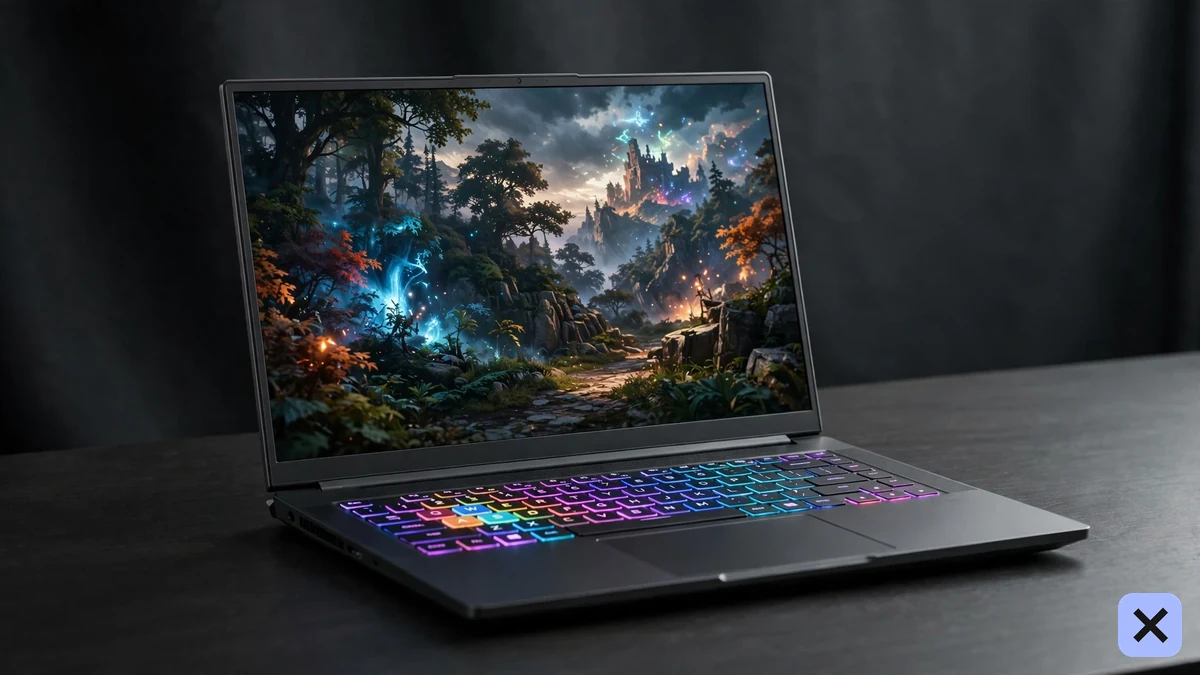
The best gaming laptops 2026 bring desktop-class power into machines you can carry in a bag, and the gap between a laptop and a full gaming PC has never been smaller. This year’s models pair efficient high-end graphics with fast, bright displays and cooling that finally keeps up with the hardware inside. Whether you play competitive shooters or open-world adventures, there is a laptop in this year’s line-up for you.
Choosing well matters, because gaming laptops now span a huge range of prices and designs. A slim 14-inch machine can run modern games beautifully at under two kilograms, while an 18-inch desktop replacement can rival a mid-range gaming tower. Match the graphics card, processor, screen and cooling to the games you actually play, rather than paying for power you will never use.
This guide compares the leading categories, explains what to look for, and walks through the decisions that matter most, so you can buy with confidence.
Key takeaways
- The graphics card is the single most important part of a gaming laptop, so choose it first and build the rest of the machine around it.
- Look for at least 16GB of RAM and a 512GB SSD, with 1TB preferred for large modern games.
- A 144Hz or faster display makes a visible difference, and a QHD panel is the sweet spot for most players in 2026.
- Cooling and noise matter as much as raw speed, because a hot laptop slows itself down exactly when you need it most.
- Match the laptop to your life as well as your games: weight, battery life and screen size decide how much you enjoy using it.

What Makes a Great Gaming Laptop in 2026
A great gaming laptop balances graphics power, processing speed, a good screen and cooling that sustains performance. A machine with a powerful graphics card but poor cooling will slow down during long sessions, while a beautiful display cannot rescue a laptop whose graphics chip is too weak for your games.
Graphics Power Comes First
The graphics card, or GPU, does most of the heavy lifting in games. It renders every frame you see, and its power decides whether you can play at high settings and smooth frame rates. In 2026, a mid-range laptop GPU handles 1080p gaming with ease and copes well at 1440p, while a high-end GPU suits 1440p at high refresh rates or 4K gaming on an external monitor. Modern laptop graphics also bring upscaling, which lifts frame rates in demanding games without a visible loss of quality, and ray tracing for realistic lighting in supported titles.
When comparing models, look at real game benchmarks, because the same graphics chip can perform very differently depending on how much power the laptop gives it.
The Processor Matters More Than You Think
The processor, or CPU, handles game logic, physics and background tasks, and it feeds data to the graphics card. A weak processor can hold back even a strong GPU, creating stutter in busy scenes. In 2026, a modern eight-core processor is the sensible minimum, and it keeps everyday work, streaming and multitasking smooth. Higher-end processors help most in simulation, strategy and open-world games.
Memory and Storage
In 2026, 16GB of RAM is the minimum for comfortable gaming, and 32GB is worth it if you stream, edit video or keep many apps open while you play. Two memory sticks in dual-channel mode perform noticeably better than one, so check the configuration before you buy. Storage matters too, because a single popular title can occupy more than 100GB, so a 1TB solid-state drive is the comfortable choice for most players.
The Best Gaming Laptops 2026 at a Glance
The table below summarises the main categories of gaming laptop available in 2026. Knowing which category fits you narrows the choice quickly.
| Category | What to Look For | Best For |
|---|---|---|
| Best overall | High-end GPU, 16-inch QHD 165Hz display, strong cooling | Players who want top portable performance |
| Best value | Mid-range GPU, 16GB RAM, 512GB SSD, 144Hz display | Most buyers who want smooth gaming for less |
| Best portable | 14-inch screen, under 1.9kg, efficient GPU, good battery | Travel, university and gaming on the move |
| Best desktop replacement | 18-inch display, top-tier GPU and CPU | Maximum power at home |
| Best budget | Entry-level GPU, 1080p 144Hz display, upgradeable RAM | Casual play and popular esports titles |
The best overall category is the natural starting point if your budget stretches to it, delivering high frame rates at 1440p and cooling that holds up in long sessions. The best value category is where most people should shop, covering the games that matter at high settings.
How to Pick the Right Screen
The screen is the part of a gaming laptop you look at for every second of play, yet it is often the last thing buyers think about. A good panel makes games look sharper, smoother and more vivid, while a poor one can dull even the fastest hardware.
Resolution and Refresh Rate
A 1080p display at 144Hz or 165Hz is a strong choice for competitive games, where smoothness matters most. A 1440p display at 165Hz or 240Hz is the sweet spot for most players in 2026, offering a clear step up in detail without the most expensive graphics card. Match the refresh rate to your graphics card, since a 240Hz screen brings little benefit if your games run at 90 frames per second.
Panel Type and Colour Accuracy
Most gaming laptops in 2026 use IPS-style panels, which offer wide viewing angles and good colour. Some premium models use OLED or mini-LED displays, which deliver deeper blacks and richer colour and look spectacular in cinematic games. A panel rated at 300 nits is usable indoors, while 400 nits or more stays comfortable in brighter rooms.
Cooling, Noise and Build Quality
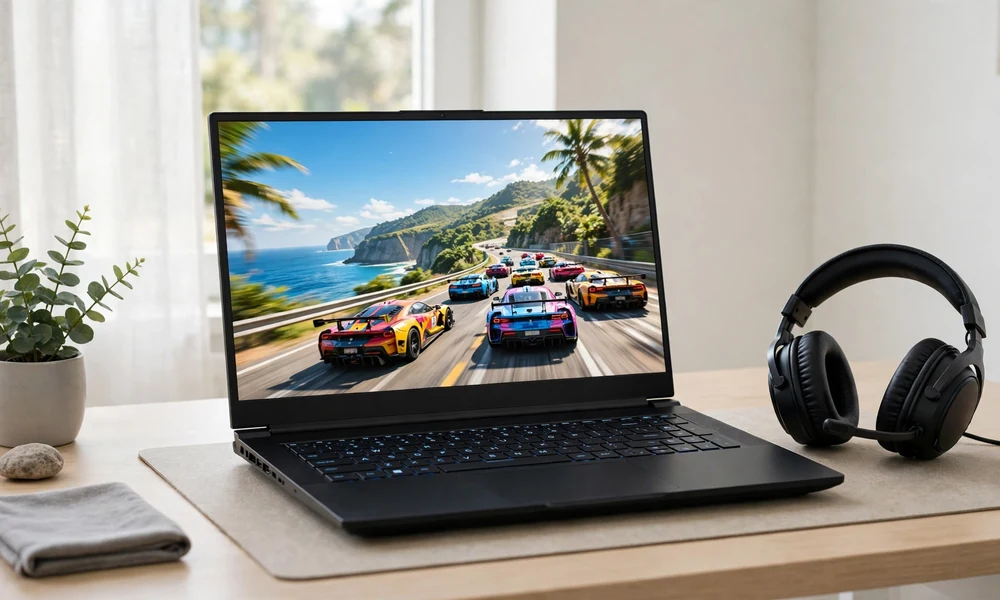
Cooling is the hidden specification that separates good gaming laptops from disappointing ones. A graphics card and processor generate a great deal of heat under load, and when cooling cannot move it away quickly, the laptop reduces its own speed and frame rates drop mid-game. Look for dual fans, generous vents and heat pipes or vapour chamber cooling, and read reviews that measure sustained performance over thirty minutes.
Fan noise matters too: a laptop that sounds like a hairdryer will wear thin during long sessions, so check noise measurements and whether the machine offers a quiet mode. A sturdy metal chassis usually manages heat better than a flexible plastic body, and a firm, responsive keyboard makes a real difference to everyday use.
Battery Life and Portability
Gaming laptops have never been known for long battery life, but 2026 models are better than their reputation suggests. A modern machine can last six to eight hours on light work such as browsing and documents. Heavy gaming on battery still drains a laptop in one to two hours and reduces performance, so plan to plug in for serious play.
Weight and size decide whether a laptop truly travels with you. A 14-inch model under 1.9kg slips easily into a bag, while a 16-inch machine around 2.3kg is a reasonable compromise. An 18-inch desktop replacement is best thought of as a portable desktop you move between rooms. Many 2026 models also support USB-C charging for light work, so you can top up with a compact charger.

Price Ranges and Getting Value for Money
Gaming laptops in 2026 fall into clear price bands. Budget models handle popular esports titles and older games well and suit casual players. Mid-range models are the value sweet spot, running most modern games at high settings. High-end models add the power for maximum settings and high refresh rates, while flagship machines offer the very best of everything at a premium price.
Timing your purchase can save a worthwhile amount, since new models often arrive early in the year and the previous generation drops in price soon afterwards. If your budget is tight, read our guide to the worst budget laptops for students before you buy, so you know which cheap machines to avoid. A laptop with upgradeable memory and a second storage slot will also serve you longer.
Upgrades and Long-Term Value
A gaming laptop is a long-term purchase, so think about how it will age. The graphics card and processor cannot usually be replaced, which is why they deserve the biggest share of your budget from the start. Memory and storage can often be upgraded later, and a laptop with accessible panels and spare slots gives you a cheap way to extend its life. Some upgrades are worth the money and some are not, which is why our look at the worst laptop upgrades for the price is a useful reality check before you spend.
Completing Your Setup
A gaming laptop is only part of the experience. A comfortable headset, a good mouse and a proper desk setup all make long sessions more enjoyable, and they are worth budgeting for alongside the laptop. A quality headset matters more than most buyers expect, and our guide to the worst gaming headsets for comfort shows which models to steer clear of. A second monitor and a laptop stand are popular additions too.
Buying Checklist
Use this checklist before you buy to avoid the most common mistakes.
- Choose the graphics card first, matched to the games you play and the resolution of your screen.
- Insist on at least 16GB of RAM in dual-channel mode, and 32GB if your budget allows.
- Pick a 1TB SSD where possible, or a 512GB drive with a second slot.
- Check the display: 144Hz or faster, with good brightness and colour for your room.
- Read reviews that test cooling and noise over long sessions.
- Confirm the ports, keyboard, warranty and weight fit how you will use the laptop.
Frequently Asked Questions
How much should I spend on a gaming laptop in 2026?
Most players get the best balance of performance and value in the mid-range, where a capable graphics card, 16GB of RAM and a fast display come together at a fair price. Budget models suit casual and esports play; high-end machines are for maximum settings.
Is 16GB of RAM enough for gaming in 2026?
Yes, 16GB is enough for the vast majority of games in 2026, provided it runs in dual-channel mode with two matched sticks. If you stream your games, edit video, or run heavy creative software at the same time, 32GB gives you welcome headroom.
Do gaming laptops overheat?
All gaming laptops get warm under load. A well-designed machine manages that heat with good fans, vents and heat pipes. Choose a model with strong cooling reviews, keep the vents clear, and use the laptop on a hard flat surface.
Can a gaming laptop replace a desktop PC?
For most players, yes. A 2026 gaming laptop with a strong graphics card and a fast display runs the same games as a desktop at similar settings, and it adds portability that a tower cannot match. A desktop still wins on upgradeability and price per unit of performance.
How long will a gaming laptop last?
A well-chosen gaming laptop typically plays new games comfortably for three to five years, with settings lowered gradually over time. The graphics card and processor set the lifespan, since they cannot be replaced, so buying a balanced machine with a strong GPU pays off.
Should I buy a gaming laptop now or wait for the next generation?
If you need a laptop now, buy now: there is always a new generation on the horizon, and waiting rarely ends. The best reason to wait is a confirmed launch within a few weeks, or a major sale on the model you already want.
The bottom line: the best gaming laptops 2026 offer something for every kind of player, from slim portable machines to powerful desktop replacements. Choose the graphics card first, insist on 16GB of RAM and fast storage, pick a screen with a high refresh rate, and check cooling before you buy.


