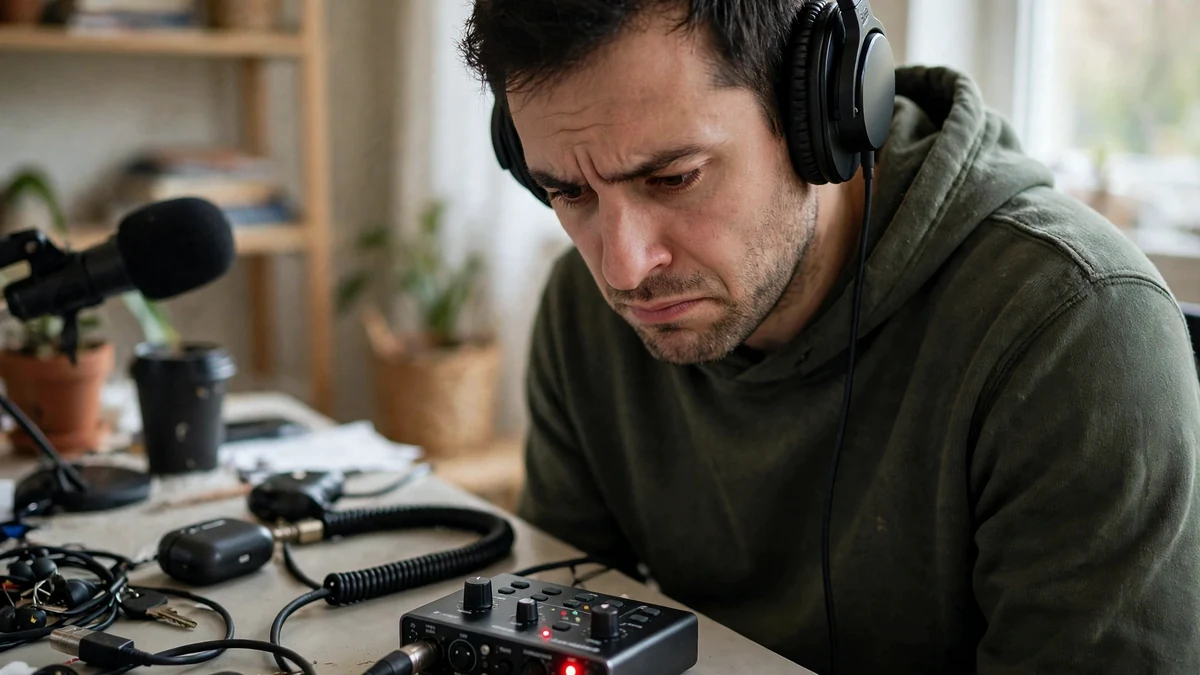
A studio monitor looks simple from the outside: a box with a speaker in it, sitting on a desk, playing back what you recorded. What nobody tells a first-time producer is that the speaker decides how much of that actually happens. A good studio monitor tells the truth: it plays back exactly what was recorded, so a mix that sounds good on it sounds good everywhere. A bad one lies: it boosts the bass, hides the mids, and hisses when nothing is playing. The worst studio monitors of 2026 make mixing harder, ruin mixes, and wear out before the first year of tracks ends. A producer deserves speakers that tell the truth, not ones that flatter a bad mix and hide a good one.

What Makes a Studio Monitor Bad
A studio monitor has one job above all others: it must tell the truth. A mix played through a good monitor sounds the same as the recording, with no part of the sound boosted or hidden. Bad monitors fail this test on the first listen. Their bass is boosted to sound impressive in the shop, so a mix that sounds full on them sounds thin everywhere else. Their mids are scooped out, so vocals and guitars vanish, and their treble is harsh, so cymbals sound like breaking glass. The producer ends up mixing to fix problems that are not in the recording, and the mix gets worse with every change. A monitor that lies is worse than no monitor at all, because it teaches the ears to trust a false picture.
The second problem is hiss, which is where cheap monitors cut the deepest corners. A good monitor is silent when nothing is playing, with only the faintest breath of noise if you press your ear to the tweeter. A bad one hisses loudly enough to hear across the room, and the hiss gets worse as the volume goes up. The hiss is there in every session, and it makes quiet passages unlistenable, because the noise sits under the music like a radio tuned between stations. Cheap monitors also fatigue the ears quickly, because their treble is harsh and their bass is muddy, so a long mixing session ends with a headache. A speaker that hurts to listen to will not be used for long, and a producer who cannot listen cannot mix.
The Main Types of Studio Monitor, and Where They Go Wrong
Five-inch nearfields are the usual first recommendation, and they are the hardest to get badly wrong, which is exactly why the bad ones stand out. A good five-inch monitor has a clean woofer, a smooth tweeter, and a cabinet that does not resonate. A bad one has a woofer that distorts at normal volume, a tweeter that is harsh, and a cabinet made of thin board that buzzes with every bass note. The bass port is often the giveaway: a good port is tuned to the cabinet, while a bad one chuffs and whistles like a kettle.
Eight-inch monitors are sold as the step up, a speaker with real bass for a bigger room. A good one has a large woofer that stays clean, a tweeter that matches it, and enough power for the whole room. A bad one has a woofer that is large but sloppy, so the bass is loud but undefined, and a tweeter that cannot keep up, so the top end sounds dull. The cabinet is often too small for the woofer, so the bass is boomy in one narrow band and absent everywhere else. Because the speaker is heavy, the buyer cannot see how badly it is built until it is already on the desk, and the first sign of trouble is a mix that sounds boomy in the studio and thin everywhere else.
Small desktop monitors are the third common type, and they split sharply between decent ones and dreadful ones. A good desktop monitor is small but honest, with a clear midrange and enough bass to judge a mix. A bad one is a plastic box with a tiny driver, no bass at all, and a treble that is all sizzle and no substance. The speakers are often sold as a pair, but the pair does not match, so the left and right channels sound different, and the stereo image wanders. They are cheap, small, and easy to sell to a beginner in a hurry, but a producer who tries to mix on them usually discovers their limits in the first week, when a mix that sounds fine on the desk falls apart on headphones.
How to Spot a Bad Monitor Before You Buy
Start with the silence, because everything else follows from it. Switch the monitor on with nothing playing, and listen from your normal seat: a good monitor is quiet, with only the faintest hiss if you press your ear to the tweeter, while a bad one hisses loudly enough to hear across the room. Turn the volume up and down: the hiss should stay low, and the speaker should not buzz or hum. Check the drivers, and look at the woofer and tweeter: they should be clean, with no dents, tears, or loose surrounds.
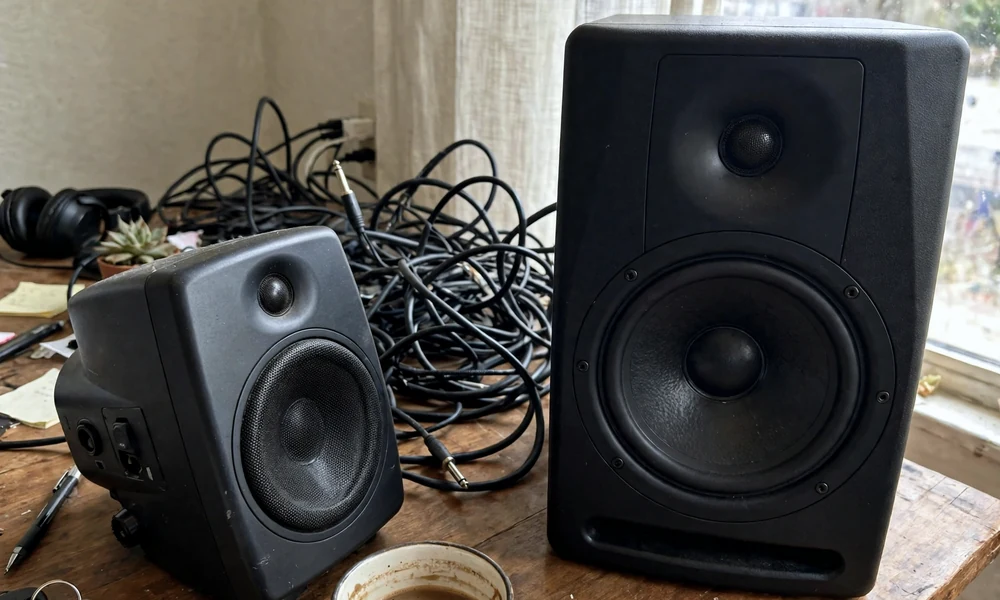
Next, listen to a recording you know well, because it is where cheap monitors cut corners. Play a track you have heard a hundred times: it should sound the way you remember it, with the bass, mids, and treble in balance. If the bass booms, the vocals vanish, or the cymbals hurt, the monitor is lying. Play the same track on both speakers, one at a time: they should sound identical, with no difference in volume or tone. Then check the rear panel, which should have solid inputs that hold a cable firmly, and a power socket that does not wobble.
The Most Common Faults, One by One
Boomy bass is the fault producers notice first, and it is also the hardest to fix after purchase. A monitor with boomy bass cannot be cured by turning the volume down or moving it, because the problem is the cabinet and the port. The bass is loud in one narrow band and absent everywhere else, so a mix that sounds full on the monitor sounds thin on headphones. The producer ends up cutting bass that was never there, and the mix gets thinner with every change.
Hiss comes next, and it is the fault that makes the most producers quit. A hissing monitor will ruin every quiet passage, and the hiss is there in every session, sitting under the music like static. Cheap monitors use the cheapest amplifiers they can find, and those amplifiers add noise that no amount of turning down will remove. The hiss gets worse as the monitor warms up, so a long session ends with more noise than it started with. A monitor that hisses will not be used, and a monitor that is not used teaches nobody anything.
Port noise is the fault that ruins the most mixes, because it adds a sound that is not in the recording. A bass port that chuffs and whistles will add a low rumble to every bass note, and the producer will hear a problem that does not exist. The cheapest ports are just holes in the cabinet, with no tuning at all, and they whistle at exactly the frequencies where the bass lives. The rumble is often mistaken for room acoustics, so the producer treats the room, moves the speakers, and buys foam, when the fault was in the box all along. A good port is silent, with a smooth flow of air and no whistle.
Who Gets Hurt Most by a Bad Monitor
Beginners suffer most, because a bad monitor confirms every doubt they brought to their first mix. A producer who is already unsure about their ears does not need speakers that lie, and a producer who is already nervous about finishing a track does not need hiss under every note. The result is often a few bad mixes followed by monitors that sit on a desk for years, and a producer who decides mixing is not for them, when the truth is that the monitors were not for anyone. A good monitor is kind to its owner, and kindness is the whole point of a first pair: it should make mixing feel possible, not impossible.

Budget producers are the next group a bad monitor punishes, because they are the ones who buy in a hurry, often online, and discover the faults at home. The monitors are bought in a bright box that promises flat response and studio quality, and the buyer finds that the bass booms, the hiss never stops, and the manual explains nothing. The room is often blamed first, and the producer buys foam and stands, only to find the same faults. Anyone buying first monitors should listen to them in a shop first, with a recording they know well, and ignore any seller who says the numbers on the box are all that matter.
What to Buy Instead
The fix is to buy for honest sound and solid build first, and worry about the size of the woofer later. A monitor with a flat response and a quiet amplifier will carry a producer through the first year of mixes, even if it has only a handful of extra features. Drivers that stay clean at working volume are worth paying for, because they keep the mixes honest from the start. A cabinet that does not resonate and a port that does not whistle are not luxuries; they are the difference between a speaker that lasts years and one that lasts a month.
If the budget is tight, good used monitors from a known maker are almost always a better buy than new cheap ones, because a well-made driver holds its quality for years while a cheap one is tired after one season. Check used monitors the same way you would check new ones: listen to the silence, play a recording you know well, and test both speakers one at a time. The right guide helps here too, and our look at the best speakers of 2026 covers the speakers that get the basics right, from honest sound to solid build, so the first mix feels like the start of a skill rather than a test of patience.
The Bottom Line
The worst studio monitors of 2026 share the same faults: bass that booms, amplifiers that hiss, and ports that whistle. They are easy to spot once you know what to look for, and they are easy to avoid. Listen to the silence, play a recording you know well, and test both speakers before you pay. The same thinking applies to the rest of the setup: the other gear matters just as much, which is why our guides to the best headphones of 2026 and the best microphones of 2026 start from the same advice, check the sound, check the quality, and never trust speakers you have not heard.