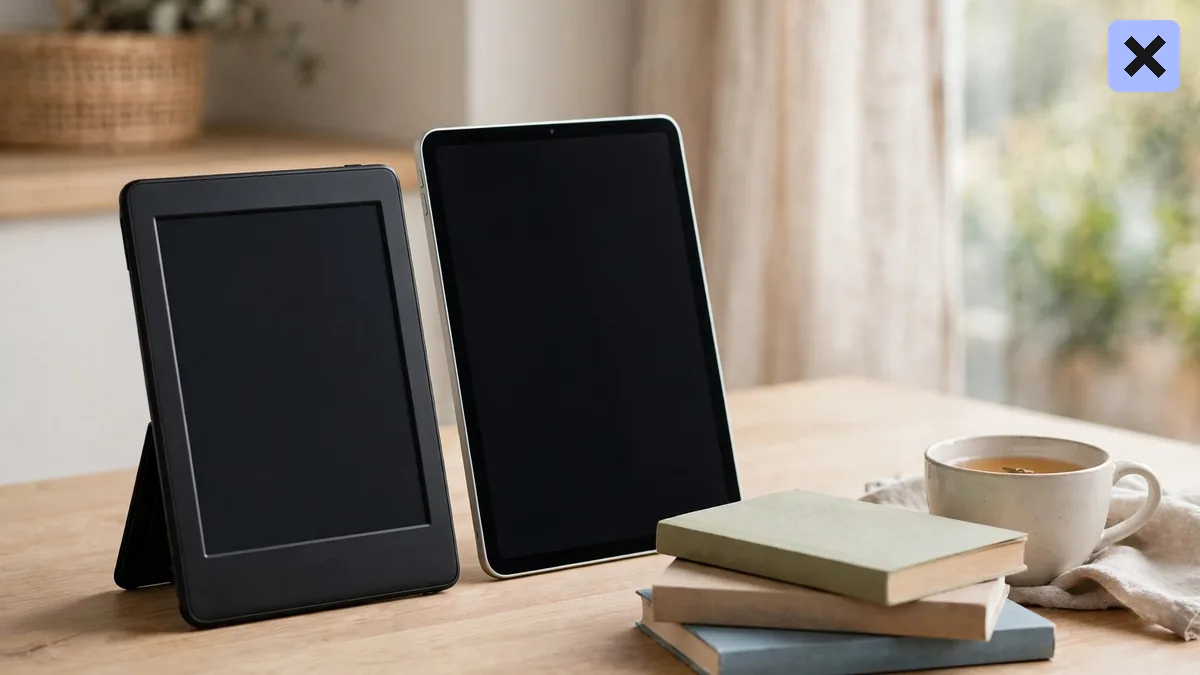
Kindle vs iPad for reading is a question that sounds simple until you try to answer it. Both devices will open a book, turn a page, and let you read in bed, on a train, or in a sunny garden. Both have large libraries, adjustable text, and loyal fans who insist their choice is the only sensible one. Yet the experience of reading on a Kindle and reading on an iPad is so different that choosing between them is really about choosing how, where, and how much you read.
The Kindle is a single-purpose device built around one job. Its e-ink screen looks and behaves more like paper than a screen, its battery lasts for weeks rather than hours, and it weighs so little you can hold it one-handed for a whole chapter. The iPad is the opposite: a powerful general-purpose tablet that happens to be a very good reader, with a bright colour display, access to every reading app ever made, and the ability to switch from a novel to email to a film.
That difference matters because reading is a habit, not a specification. The best device for reading is the one you will actually pick up every day, the one that feels right at midnight and at noon. This comparison looks at comfort, battery, library, price, and everyday practicality, so you can decide with confidence rather than guesswork.
Key takeaways
- The Kindle wins on eye comfort, glare-free daylight reading, and weeks of battery life.
- The iPad wins on colour, comics, PDFs, and access to every reading app in one place.
- For pure long-form book reading, most heavy readers will be happier with a Kindle.
- For students, researchers, and anyone who reads illustrated material, the iPad is the stronger choice.
- Price favours the Kindle by a wide margin, especially once cases and accessories are counted.
Kindle vs iPad at a Glance
| Feature | Kindle | iPad |
|---|---|---|
| Screen | E-ink, paper-like, matte | LCD or OLED, bright colour |
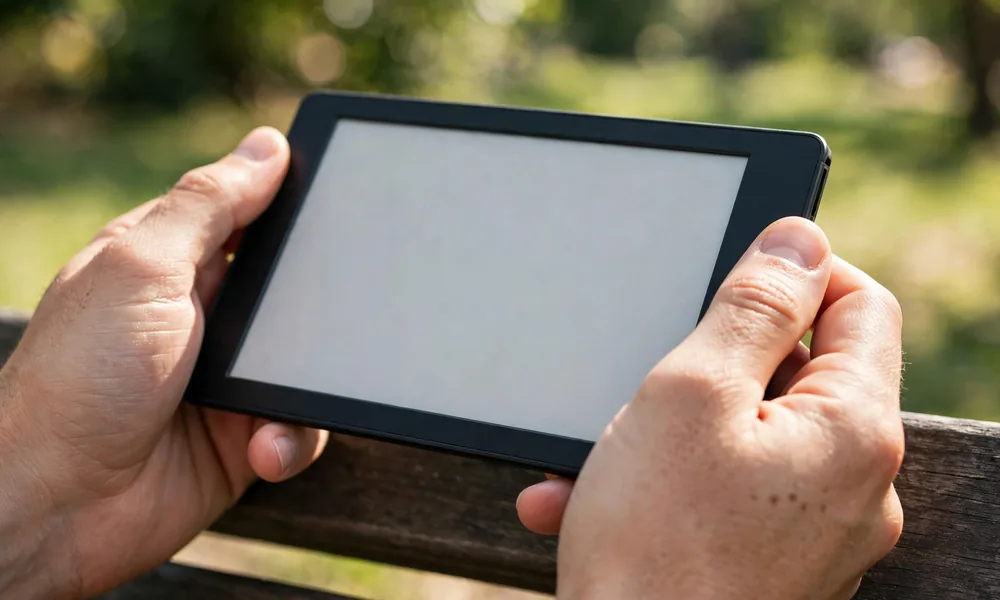
| Reading in sunlight | Excellent, no glare | Good, but reflective |
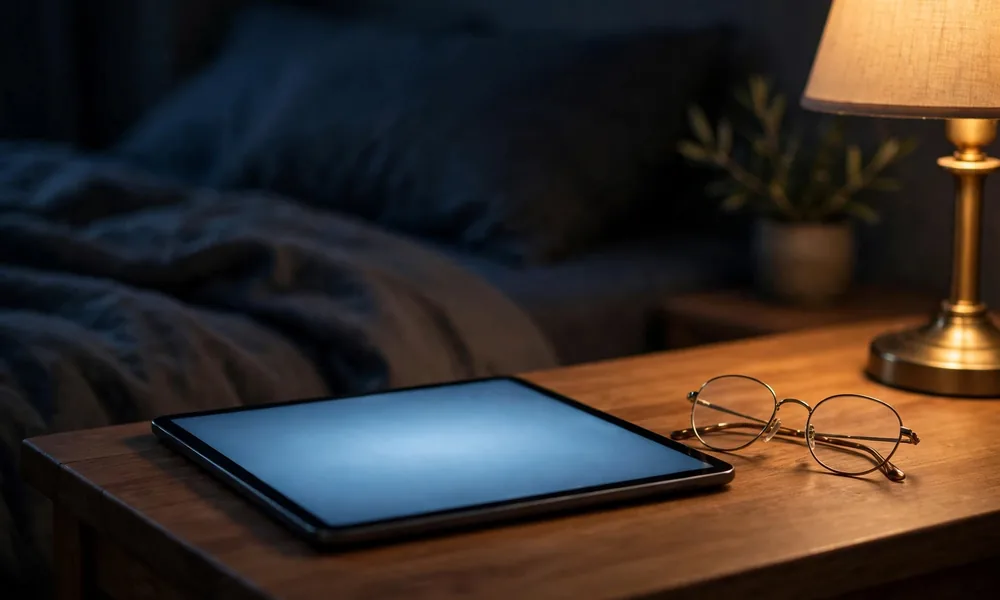
| Night reading | Warm front light, gentle on eyes | Bright backlight, can feel harsh |
| Battery life | Weeks of reading | Around 10 hours |
| Weight | About 150 to 200 grams | About 460 to 680 grams |
| Colour content | Mostly greyscale | Full, vivid colour |
| Reading apps | Kindle store, mainly | Kindle, Apple Books, Libby, and more |
| Other uses | Reading only | Web, email, video, work, games |
| Starting price | Low | Several times higher |
The Core Difference: E-Ink vs LCD
The heart of this comparison is the screen. A Kindle uses e-ink, a technology that forms text from tiny capsules of black and white particles, much like ink on paper. The screen is matte, it reflects ambient light instead of shining light into your eyes, and it only uses power when the page changes. Once a page is drawn, it stays there, still and calm, until you turn it. That is why a Kindle feels restful to read for hours: your eyes are looking at a stable, paper-like surface.
An iPad uses a backlit LCD or OLED display, the same kind of screen as a phone or a laptop. It is bright, sharp, and colourful, and it refreshes constantly. That brightness is a strength for video and photos, and it makes text crisp and vivid, but it is also the reason long reading sessions on an iPad can feel more tiring. Your eyes are working against a light source rather than resting on a reflective surface, and even with brightness turned down, the screen is still emitting light.
Neither technology is bad. If you read novels for an hour or two at a time, the Kindle’s e-ink display is the more comfortable tool. If you read in short bursts, or mostly read articles and illustrated material, the iPad’s screen is perfectly pleasant and brings colour e-ink cannot match.
Reading Comfort and Eye Strain
Comfort is where the Kindle earns its reputation. The combination of a light body, a matte screen, and a gentle front light means you can read for a long session without the dry eyes and fatigue that backlit screens can cause. Many readers finish books faster on a Kindle simply because nothing about the device nags at them: no notifications, no glare, no weight pulling at their wrist.
The iPad is heavier, and that weight becomes noticeable during a long read. Holding a tablet with one hand while lying down or standing on a train is a small workout, and most iPad readers end up propping it on a pillow or a stand. The Kindle, by contrast, disappears in your hand, which is exactly what a reading device should do.
Battery Life and Portability
Battery life is not a close contest. A Kindle lasts for weeks on a single charge with regular reading, because e-ink only draws power when the page changes. You can take it on a two-week holiday, read every day, and come home with charge to spare. There is no nightly charging routine, no battery anxiety on a long flight, and no need to pack a cable for a weekend away.
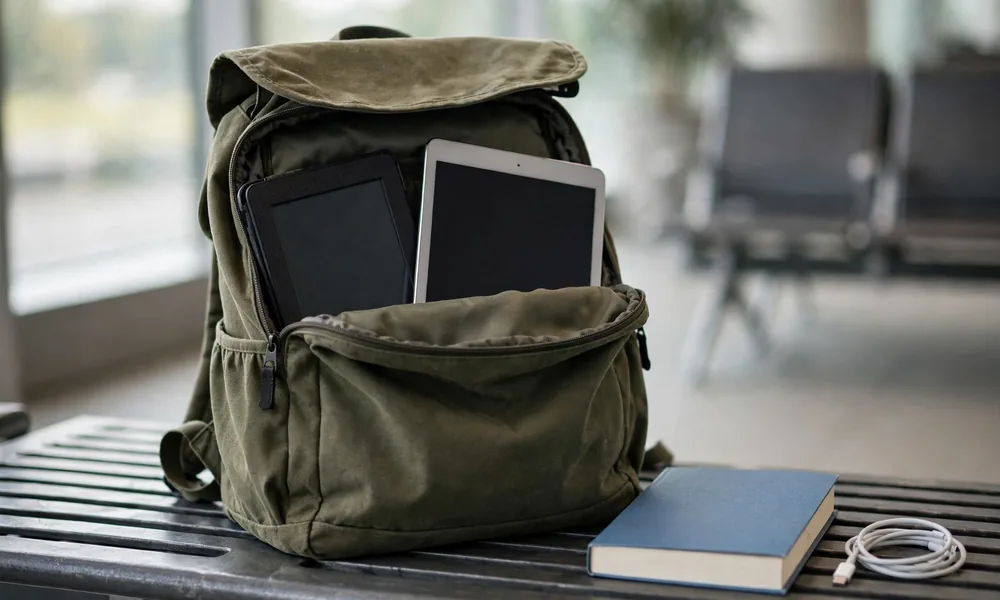
An iPad lasts around ten hours of mixed use, and heavy reading will drain it faster. That is plenty for a day, but it means the iPad joins the daily charging queue alongside your phone and laptop. The Kindle is also lighter and slimmer, slipping into a coat pocket or a small bag, while the iPad needs a bag of its own and a protective case.
Books, Apps and the Library Question
The Kindle is tied closely to the Kindle store, the largest ebook store in the world. Buying a book takes seconds, the selection is enormous, and prices are often lower than print. What it does not do is run other bookshops’ apps. If your library lives in Apple Books or another app, the Kindle will not open it, and that lock-in is the Kindle’s biggest weakness for some readers.
The iPad has no such restriction. It runs the Kindle app, Apple Books, Libby, Kobo, Google Play Books, and every other reading app, so your whole library can live on one device regardless of where you bought each book. For readers who borrow from libraries, collect books from several stores, or read academic PDFs, that flexibility is decisive. The iPad is also the better device for audiobooks, especially with headphones that actually matter for long listening sessions, since it pairs easily with wireless headphones and keeps your audiobook and ebook progress in sync.
There is a quieter point here too. Some of the reading trends readers are tired of spread fastest on devices that are always connected and always suggesting something new. The Kindle’s relative simplicity can be a feature: it shows you your books, not an endless feed of recommendations, and many readers find they finish more of what they start because of it.
Beyond Reading: What Else Each Device Does
The iPad’s greatest strength is that it is not just a reader. It is a web browser, an email machine, a video player, a note-taking device, and a light work computer, all in one slim slab. You can read a chapter, check a map, reply to a message, and watch a film without changing devices. For many people, that versatility justifies the higher price on its own, because the iPad replaces several other gadgets.
The Kindle’s greatest strength is the opposite: it does almost nothing else. There is no email to check, no social feed to fall into, and no video to autoplay. That single-mindedness is a genuine advantage for readers who want to focus, and it is why the Kindle is so cheap and so long-lasting. A Kindle bought today will still be a perfectly good reader in five years.
It is worth remembering that tablets are not all equal for reading. Some of the tablets that disappoint for reading and work fail precisely because they try to be everything at once and end up mediocre at both. The iPad avoids that trap by being genuinely good at most things, but the Kindle avoids it differently, by refusing to try at all.
Price and Value Over Time
A Kindle costs a fraction of an iPad. The basic model is inexpensive, the mid-range Paperwhite adds waterproofing and a better screen for a modest premium, and even the largest Kindle is far cheaper than the cheapest iPad. Add a case and you are still well below the price of a tablet, with no need for a keyboard, a stylus, or a screen protector.
The iPad is a bigger investment, and its true cost includes accessories: a case is essential, a screen protector is sensible, and many owners add a stylus or keyboard. On the other hand, the iPad replaces other devices, so its value depends on how much of its versatility you actually use. The Kindle is also cheaper to run: it uses almost no electricity and its battery degrades slowly because it is charged so infrequently.
Who Should Buy Which?
Both devices are excellent, and the wrong choice is usually a matter of buying the wrong strengths for your habits. A heavy novel reader who buys a tablet for reading alone will pay more, charge more often, and read less comfortably than on a Kindle. A student who buys a Kindle for illustrated textbooks will struggle with PDFs and colour diagrams that an iPad handles easily. Think about your last ten books: if most were novels or narrative non-fiction, the Kindle is the better buy. If most were textbooks, comics, cookbooks, or PDFs, the iPad is.
Checklist: Choose the Kindle If You
- Read novels or non-fiction for an hour or more at a time.
- Read outdoors, on holiday, or in bright sunlight.
- Want weeks of battery life and no daily charging.
- Prefer a light device you can hold one-handed in bed.
- Want the cheapest way into a huge ebook library.
- Find notifications and apps distracting when you read.
Frequently Asked Questions
Can I read Kindle books on an iPad?
Yes. The free Kindle app gives you access to the whole Kindle store and syncs your progress, highlights, and bookmarks with any Kindle device.
Is the Kindle better for your eyes than the iPad?
For most people, yes. The Kindle’s matte e-ink screen reflects light like paper and does not shine into your eyes, which makes long sessions feel more comfortable than a backlit screen.
Can a Kindle replace an iPad?
No, and it is not meant to. A Kindle is a dedicated reader with a web browser that is barely usable. If you need email, video, apps, or work tools, you still need a phone, tablet, or laptop alongside it.
Is an iPad too heavy for reading in bed?
It can be. The lightest iPad is more than twice the weight of a Kindle, and holding it one-handed for a long chapter becomes tiring. Most iPad readers prop it on a pillow or use a stand.
Which is better for students?
The iPad, in most cases. Students read PDFs and textbooks, take notes, and switch between apps, all of which the iPad handles far better. The Kindle is a useful second device for novels, but not a study tool.
Do I need both a Kindle and an iPad?
Not necessarily, but many keen readers end up with both. If you can only buy one, choose based on what you read most, not on which device looks more impressive.
The Bottom Line
For pure reading, the Kindle is the better device: lighter, easier on the eyes, glare-free outdoors, and able to run for weeks on a charge. For everything around reading, the iPad is the better device: colour, comics, PDFs, every bookshop app, and a whole computer in the same slab. If your reading life is mostly novels, buy the Kindle. If it is mostly illustrated, academic, or work-related material, buy the iPad. The best device is the one that gets you reading more, and now you know which one that is.