The best game controllers in 2026 are the ones you forget you are holding. A good gamepad disappears into the game: the sticks move smoothly, the buttons fall under your fingers without a stretch, and the grips sit in your palms for a three-hour session without cramping. A bad one never lets you forget it: it drifts, it clicks, and it dies halfway through a boss fight.
That is why choosing a controller deserves more care than grabbing whatever matches your console. Controllers differ in shape, weight, stick quality, trigger feel, battery life and price, and the right one depends on your hands, your games and how long you play. This guide compares the main types and explains what to test before you buy.
Key Takeaways
- Comfort decides more than any specification, because a controller that cramps your hands in an hour will sit in a drawer no matter how good its sticks are.
- Hall-effect sticks resist drift far longer than standard potentiometer sticks, so they are the single most important durability feature to look for.
- Trigger stops and remappable back buttons help competitive players most; casual players rarely use them enough to justify the price.
- Battery life varies from about eight hours to more than forty, so check the real figure for your model instead of trusting the box.
- Match the controller to your platform first, because a gamepad made for one console may lose features or need workarounds on another.
Game Controllers at a Glance
| Pick | Best For | Battery | Standout Strength |
|---|---|---|---|
| Best Overall Wireless | Most players | Around 40 hours | Comfortable shape, reliable connection, long battery |
| Best Pro Controller | Competitive play | Around 30 hours | Hall-effect sticks, back buttons, trigger stops |
| Best Budget Wired | Second pads and kids | No battery needed | Zero lag, no charging, very low price |
| Best for Small Hands | Children and smaller grips | Around 20 hours | Compact body, lighter weight, shorter reach |
| Best Retro Pad | Classic and 2D games | Around 18 hours | Superb D-pad, light body, simple layout |
How to Judge a Game Controller
A controller is judged by the worst hour you will spend with it, not the best. The test is simple: play for a full session, in the games you actually play, and notice what hurts, what misses and what runs out. A good controller survives that test quietly. The sticks return to centre every time, the triggers feel the same on the hundredth press as the first, and the battery is still going when you stop for the night.
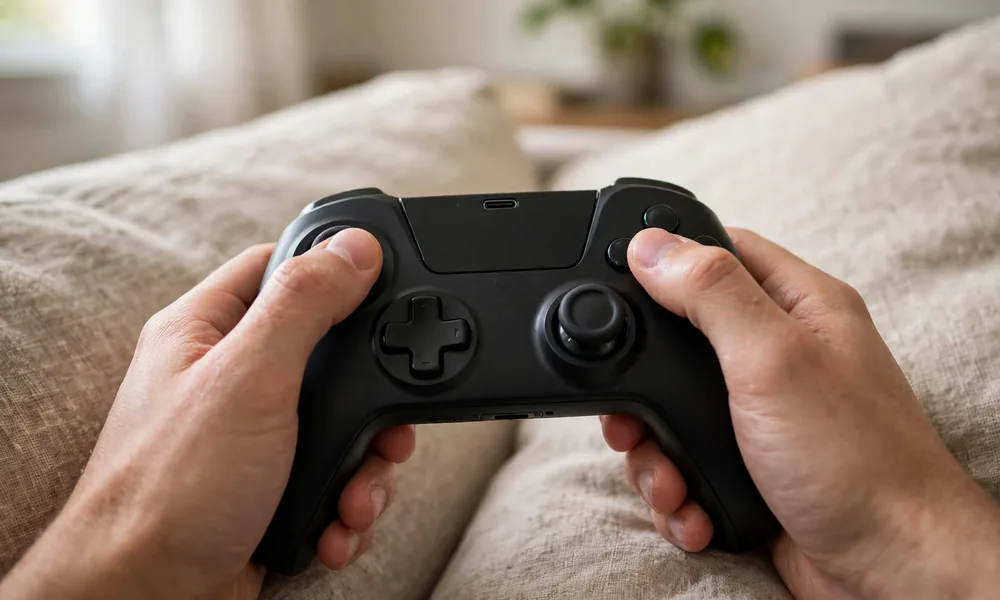
Start with the shape. Hold the controller the way you play, thumbs on the sticks, fingers on the triggers, and check three things: your thumbs reach both sticks without stretching, your index fingers rest naturally on the bumpers, and the grips fill your palms without forcing your fingers open. If any of those fail in the shop, they will fail worse at home. Weight matters too: a pad around 200 to 250 grams feels solid without tiring your wrists.
Then check the connection. A wireless controller should pair in seconds, stay connected across the room, and wake instantly from sleep. Bluetooth is convenient for phones and computers, while a dedicated wireless dongle usually gives a steadier link for a console or PC. Wired play removes lag and charging entirely, which is why many competitive players still plug in. If you play on more than one platform, check that the controller works fully on each of them, because some features only work on the home platform.
The Main Types of Game Controller
Most controllers fall into a few clear types, and each one suits a different kind of player. Knowing which type you are buying stops you paying pro prices for features you will never touch, or buying a budget pad that cannot keep up with the games you love.
Standard Wireless Controllers
The standard wireless controller is the default choice, and for most people it is the right one. It is the pad designed for its console: balanced shape, decent sticks, vibration, a built-in battery and a wireless link that just works. It handles every genre competently, from shooters to racers to platform games, and it is the controller every other type is measured against.
Pro and Elite Controllers
Pro controllers add the features competitive players ask for: remappable back paddles, adjustable trigger stops, swappable sticks and D-pads, and finer tuning through software. The best of them now use hall-effect sticks, which sense movement with magnets instead of wearing parts, so they resist drift for far longer. These pads cost roughly twice a standard controller, and the extra money buys speed and durability rather than comfort.
Wired Budget Controllers
A wired budget controller trades wireless freedom for price and simplicity. It plugs in with a cable, so there is no battery to charge, no pairing to fail and no input lag from a wireless link. The shape is usually close to the standard pad, though the sticks and triggers are often simpler. These are the best second controllers for a guest, the best pads for children who lose things, and the best choice for a PC desk where a cable is no bother at all.
Compact and Small-Hand Controllers
Compact controllers shrink the body, shorten the stick spacing and lighten the weight for smaller hands. They are made for children and for adults whose hands cramp on a full-size pad. The trade-off is real: smaller sticks can feel twitchier, and the buttons sit closer together, so big hands will find them cramped. Buy one for the person who will actually hold it.
Retro and Specialist Pads
Retro pads recreate the controllers of older consoles, with a strong D-pad, a light body and a simple button layout. They shine in 2D platform games, fighting games and anything where the D-pad does the steering. Arcade sticks are a step further: a big base with a joystick and large buttons, built for fighting games and arcade collections. Both are specialist tools, so buy them as a second controller, not your only one.
Comfort: The Test That Matters Most
Comfort is not a luxury in a controller; it is the feature you use every second. The shape of the grips, the texture of the plastic, the spacing of the sticks and the weight of the whole pad decide whether a long session feels easy or ends with aching thumbs. Textured grips help sweaty hands hold on, while smooth glossy plastic gets slippery after an hour.
Stick layout matters more than most buyers expect. Some controllers put the sticks side by side at the bottom, others offset one stick higher. Neither layout is objectively better; it depends on what your thumbs are used to. Switching layouts feels strange for a week and then disappears, so do not reject a good controller only because the sticks sit differently from your last one.
Sticks, Triggers and Buttons
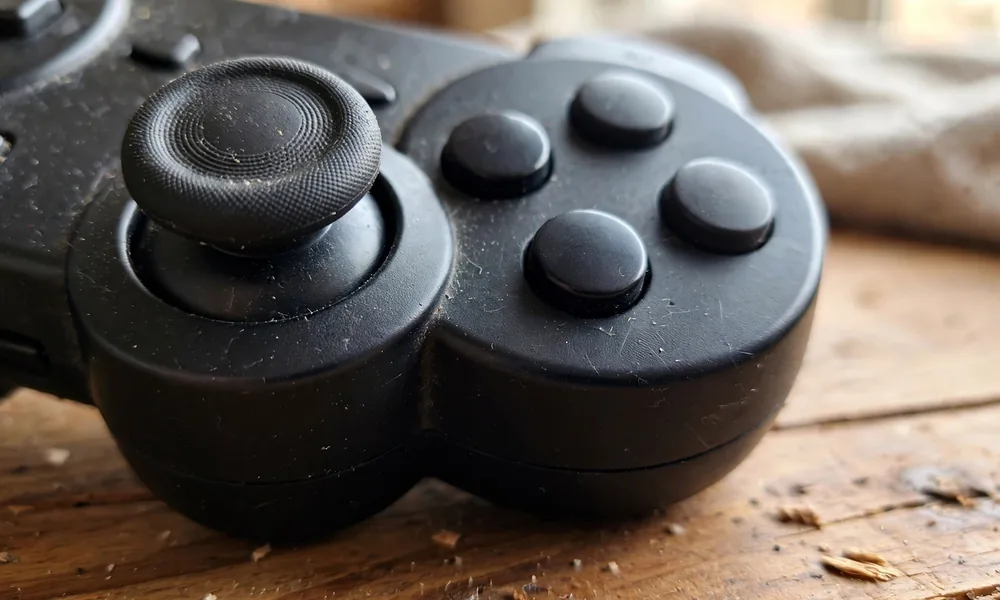
The sticks are the part that fails first, so they deserve the closest look. Stick drift, where the character moves without you touching anything, is the most common controller fault, and it comes from wear inside standard sticks. Hall-effect sticks avoid the problem by using magnets, and they are worth seeking out if you play daily. Test a stick by moving it slowly in a circle: it should move smoothly with no grinding or sticking.
Triggers and bumpers come next. Shooters and racers live on the triggers, so they should travel smoothly and stop cleanly. Adjustable trigger stops shorten the travel for faster shooting, which competitive players love and everyone else can ignore. The face buttons should click firmly without wobbling, and the D-pad should give a clear click in each direction without registering diagonals by accident.
Battery Life and Charging
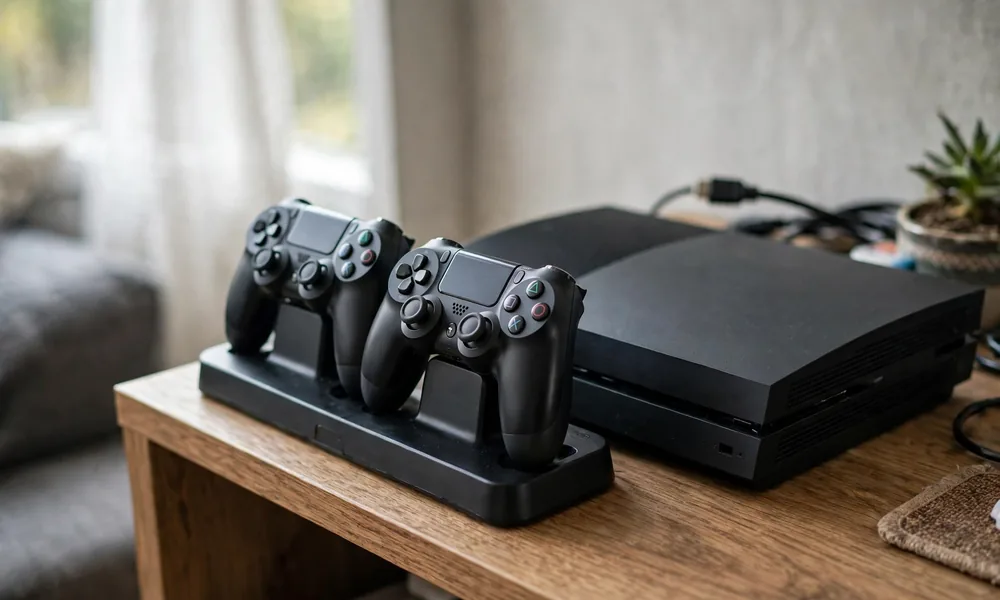
Battery life is the least exciting specification and the one that ruins the most evenings. A controller that lasts eight hours needs charging every other session, while one that lasts forty hours can go a week between charges. The real figure depends on vibration and lighting: heavy rumble and glowing lights drain a battery far faster than the headline number suggests. Our guide to the best controller chargers that keep your gamepads ready explains docks and charging routines that stop a flat battery ending a game night.
What to Avoid
The worst controllers share a few warning signs. The first is a price far below every other pad, which usually means thin plastic, loose sticks and buttons that fail within months. The second is a controller that promises every feature at once: dozens of modes, lights everywhere and a shape copied from three different designs. Jack-of-all-trades pads are usually masters of none.
Also avoid controllers with no clear support or warranty, especially no-name pads sold only through marketplaces. If the sticks drift in three months, you need a seller who will replace the pad, not a listing that has already disappeared. Finally, be wary of a controller that needs special software just to work properly on your platform.
Before You Buy: A Six-Point Checklist
- Hold it first, or buy from a shop with easy returns, because comfort cannot be judged from a photograph.
- Confirm it works fully on your console or PC, including vibration and any special features you care about.
- Look for hall-effect sticks if you play daily, since they resist the drift that kills standard pads.
- Check the real battery life for your games, not the headline figure, and plan how you will charge it.
- Count the buttons you actually use, and do not pay for back paddles and trigger stops you will never touch.
- Buy from a seller with a real warranty, so a drifting stick in three months is a replacement, not a loss.
Frequently Asked Questions
How long should a game controller last?
A good controller should last two to three years of regular play, and often longer. The sticks are usually the first part to fail, through drift or wear, followed by the battery.
Are expensive pro controllers worth it?
For competitive players, yes: the back buttons, trigger stops and hall-effect sticks make a real difference in fast games. For casual players, a standard controller is the better buy, because the extra features sit unused while the price stays high.
Do wireless controllers have input lag?
Modern wireless controllers have very little lag, and most players cannot feel it. Wired play is still slightly faster and more consistent, which matters in competitive shooters, but for most games the difference is too small to notice.
Can I use one controller on several platforms?
Often, yes, but with limits. Many controllers work across a console, a PC and a phone, yet features such as advanced vibration, touchpads and gyro aiming may only work on the home platform. Check the full feature list for each platform before you buy.
What causes stick drift?
Stick drift is wear inside the stick mechanism: dust, worn contacts and tired springs make the stick report movement when it is centred. Hall-effect sticks avoid the worn-contact problem entirely, which is why they last longer.
Should I buy a charging dock?
A dock is worth it if you play regularly and hate cables. It keeps the controller charged and stored in one place, so you never start a session with a flat battery. If you play rarely, a cable is enough.
The Bottom Line
The best game controller is the one that fits your hands, matches your platform and survives your play habits. For most players, a standard wireless controller with a comfortable shape and a long battery is the right answer, and it is worth paying a little more for hall-effect sticks if you play every day. Competitive players should look at a pro pad with back buttons and trigger stops, while a wired budget pad is the smart second controller. Our guide to the top console stands that keep your games console cool and steady and the best gaming headsets in 2026 complete the setup.