Key Takeaways
- A handlebar-mounted bike computer gives you speed, distance, navigation and ride data at a glance, without taking your hands off the bars or your eyes off the road for long.
- Most riders are best served by a mid-range GPS bike computer with turn-by-turn navigation, around 20 hours of battery life and a clear screen that stays readable in bright sun.
- Do not confuse a bike computer with a fitness tracker or a smartwatch: the computer is built for the bike, with a bigger screen, a bar mount and sensors for speed, cadence and power.
- Mapping matters more than raw features on long rides, so check that your chosen model offers proper route navigation and not just a breadcrumb line to follow.
- Buy for the riding you actually do, not the riding you dream about: a commuter needs reliability and simplicity, while a long-distance rider needs battery life and maps.
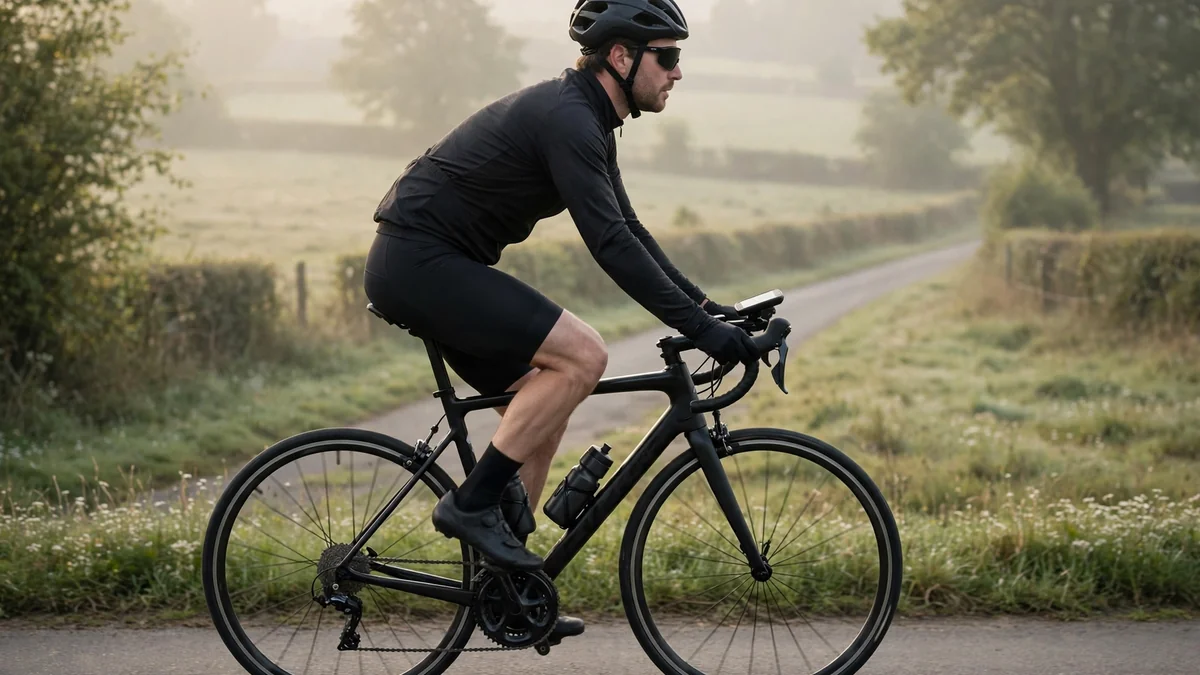
The best bike computers in 2026 turn a handlebar into a small cockpit. A good one shows your speed, distance, heart rate and route on a screen you can read at a glance, in rain and in bright sun, while your phone stays safe in a pocket. This guide compares the models that earn their place on the bars, explains what each feature really does on the road, and helps you spend the right amount for the riding you actually do.
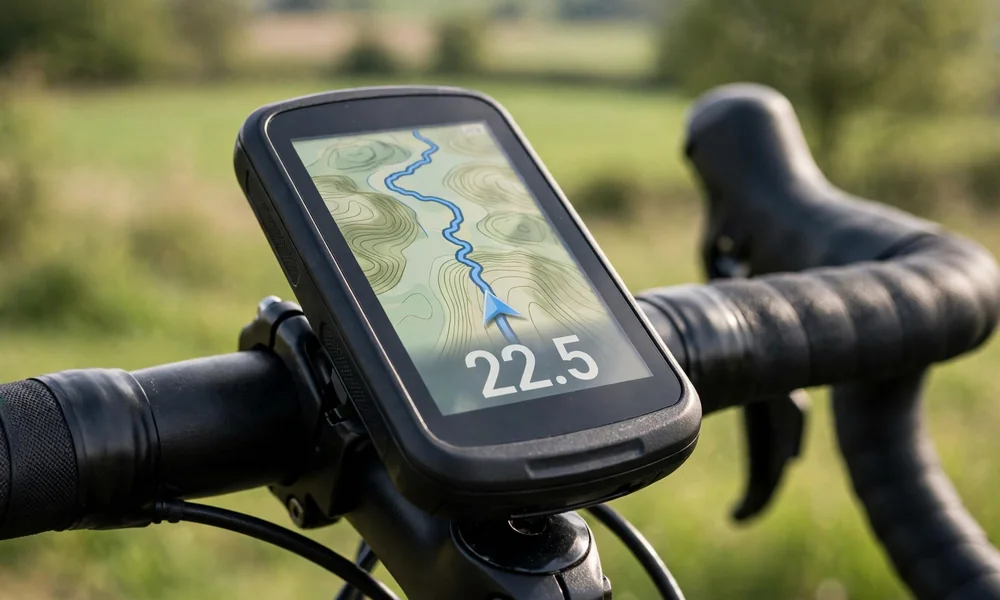
A bike computer is a small device that mounts on your handlebars or stem and records your ride. At its simplest it shows speed, distance and time, using GPS to track where you have been and how fast you are going. The best bike computers do all of this with physical buttons or a responsive touchscreen, a battery that lasts a full day in the saddle, and a mount that holds firm over rough roads.
What Is a Bike Computer, and How Is It Different From a Watch?
A bike computer is not a smartwatch, and it is not your phone strapped to the bars. It is a dedicated cycling device, designed around one job: giving a rider useful information while riding. The screen is larger than a watch face, so you can read it without slowing down or squinting. A fitness tracker or a smartwatch can record a ride, and the wrist-worn options are covered by fitness tracker guides, but a watch screen is small, its battery drains fast with GPS running, and checking it means taking a hand off the bars. A bike computer keeps both hands where they belong.
Your phone can do navigation and record rides too, but it is a poor bike computer in practice. A phone screen washes out in sun, its battery fades fast when GPS and the screen stay on together, and one pothole can send it bouncing across the tarmac. If you ride for three hours, follow a route through unfamiliar lanes, or train with power and heart rate, a bike computer earns its place quickly.
The Three Types of Bike Computer
Basic computers are the simplest and cheapest option, usually costing under £60. They use GPS to show speed, distance, ride time and average speed, and sometimes altitude. They suit riders who want numbers without navigation: commuters, leisure riders and anyone who rides familiar roads and just wants to know how far and how fast they went. Their weakness is obvious on an unfamiliar route, where they can tell you where you are but not where to turn.
Mid-range GPS computers are the sweet spot for most riders, and most of the models in our comparison table fall into this group. They cost roughly £150 to £300, offer a colour screen, full turn-by-turn navigation with maps, heart rate and cadence support, and structured workouts.
Premium computers cost £350 and more, and they add larger, sharper screens, more detailed maps, climb profiles, advanced training metrics, solar charging on some models, and deeper integration with power meters and smart trainers.
How We Judged Them
We judged each bike computer on the things that matter on a real ride, not on a spec sheet. Screen readability came first: a screen that washes out in sun or smears in rain is useless, however clever its software. Battery life came next, measured on real rides with navigation running, because a claimed 30 hours often means 30 hours with the screen dimmed and navigation off. Navigation quality followed: clear turn prompts, sensible rerouting when you miss a turn, and maps that show the lanes and trails you actually ride. We also weighed ease of use, because a device you have to learn like a new language will stay in a drawer, and sensor support, mount quality, weight and price.
Comparison Table
| Model | Screen | Battery | Navigation | Best for | Price |
|---|---|---|---|---|---|
| Garmin Edge 540 | 2.6-inch colour | 26 hours | Full maps | Training and racing | Around £350 |
| Wahoo ELEMNT Bolt v2 | 2.2-inch colour | 15 hours | Turn-by-turn | Simple, reliable riding | Around £250 |
| Hammerhead Karoo 2 | 3.2-inch colour | 12 hours | Full maps | Big-screen navigation | Around £350 |
| Bryton Rider 750 SE | 2.8-inch colour | 40 hours | Turn-by-turn | Long rides on a budget | Around £200 |
| Lezyne Mega XL | 2.7-inch monochrome | 48 hours | Breadcrumb | Endurance and simplicity | Around £150 |
The Best Bike Computers in 2026
Garmin Edge 540: Best All-Rounder
The Garmin Edge 540 is the bike computer most riders should buy first. Its 2.6-inch colour screen is sharp and readable in direct sun, its buttons work with gloves, and its battery lasts around 26 hours with navigation running. It offers full maps with turn-by-turn directions, climb profiles that show what is coming, and training features that genuinely help you improve, including suggested workouts and recovery advice. At around £350 it is not cheap, yet it covers commuting, training, racing and touring in one device, and it holds its value well.
Wahoo ELEMNT Bolt v2: Easiest to Live With
The Wahoo ELEMNT Bolt v2 is the friendliest bike computer here, and the one we recommend to riders who hate menus. Setup happens on your phone, where the app is clear and fast, and the device itself is controlled by simple buttons and a clear screen. Its turn-by-turn navigation is excellent, with bright LED strips across the top that flash for turns and warn you about efforts ahead. Battery life is around 15 hours, which is shorter than the Garmin, so very long rides need a top-up or a power bank. At around £250 it is a strong buy for riders who want navigation and training data without a learning curve.
Hammerhead Karoo 2: Best Screen and Maps
The Hammerhead Karoo 2 has the best screen in this group: a large 3.2-inch colour display that looks more like a phone than a bike computer, with maps that are genuinely pleasant to follow. The trade-off is battery life, at around 12 hours, and a slightly heavier body. If you ride in unfamiliar places and want the clearest possible map, this is the computer to choose. At around £350 it competes directly with the Garmin, and it wins on screen quality while losing on endurance.
Bryton Rider 750 SE: Best Value for Long Rides
The Bryton Rider 750 SE is the quiet bargain of this group. It offers a 2.8-inch colour touchscreen, turn-by-turn navigation, and a remarkable 40 hours of battery life, all for around £200. That combination makes it ideal for long-distance riders, bikepackers and anyone who hates charging devices.
Lezyne Mega XL: Best for Simplicity and Endurance
The Lezyne Mega XL takes a different approach: a large monochrome screen, enormous 48-hour battery life, and navigation by breadcrumb trail rather than full maps. It will not show you a pretty colour map, but it will guide you along a loaded route for two days without charging, and its screen is superb in bright sun. It suits endurance riders, commuters who ride the same routes, and anyone who values battery life above all else.
Battery Life, Maps and Sensors Explained
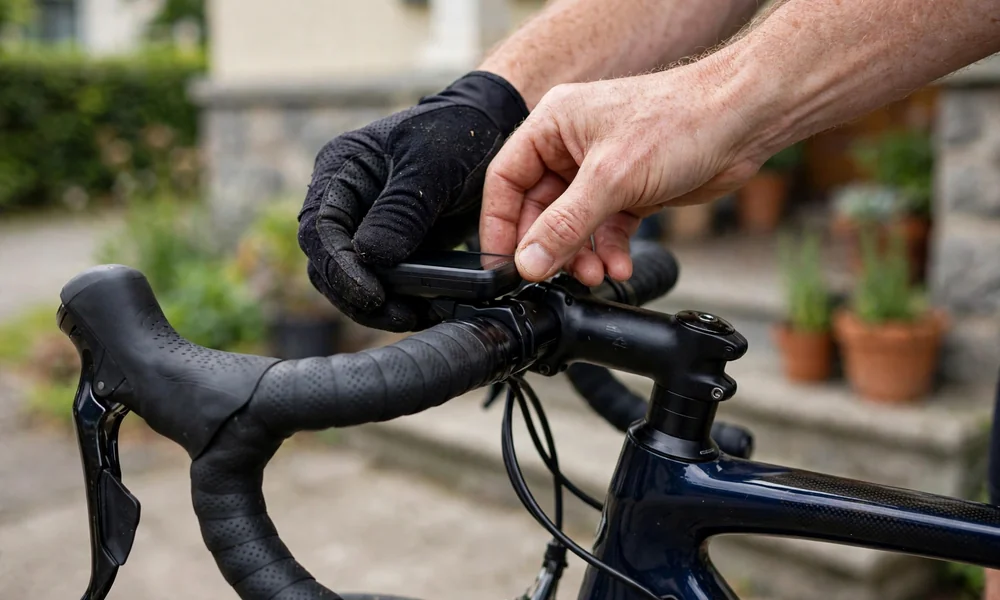
Battery claims are optimistic: with maps and navigation running, expect roughly two-thirds of the headline figure, and less in cold weather. For rides under three hours almost any modern computer is fine, but for a full day look for a claimed 30 hours or more, or carry a small power bank. Maps come in two flavours: full mapping shows roads and reroutes you when you go wrong, while breadcrumb navigation shows only a line to follow, so a missed turn means stopping to work out where you are. For exploring new lanes, full mapping is worth paying for. Start with heart rate, and make sure the computer supports Bluetooth and ANT+ so you can add sensors later.
What to Check Before You Buy
- Screen readability in bright sun, not just screen size on the box.
- Real battery life with navigation running, for the length of your longest ride.
- Full maps with rerouting, or breadcrumb only, depending on where you ride.
- Bluetooth and ANT+ support for heart rate, cadence, speed and power sensors.
- A solid mount in the box, and buttons you can use with winter gloves on.
- Wireless syncing to your phone and to the training app you actually use.
Frequently Asked Questions
Do I need a bike computer if I already have a smartwatch?
Not necessarily, but a bike computer is better on the bike. Its screen is larger and easier to read, its battery lasts far longer with GPS running, and it mounts where you can see it without taking a hand off the bars.
How long should a bike computer battery last?
For most riders, 15 to 20 hours of real use is plenty, covering a week of commuting or a long weekend ride. If you ride all day, tour, or bikepack, look for 30 hours or more, or carry a small power bank.
Can a bike computer navigate without a phone signal?
Yes. A GPS bike computer uses satellites, not mobile signal, so it works in remote areas with no phone coverage. Maps are stored on the device, which is why you should download the maps for your area before a trip.
Are bike computers waterproof?
Good ones are. Most are rated to survive heavy rain and splashes, and many will survive a brief dunk. Check the water resistance rating in the specification, and be wary of very cheap models that do not state one.
Do I need sensors, or is GPS enough?
GPS alone is enough to start with: it gives you speed, distance, route and altitude. Sensors add accuracy and training detail. A speed sensor keeps your speed steady under trees, a cadence sensor helps your pedalling, and a heart rate monitor shows effort.
Which bike computer is best for beginners?
The Wahoo ELEMNT Bolt v2 is the easiest starting point, because its phone app makes setup simple and its buttons are straightforward. The Bryton Rider 750 SE is the best value choice if your budget is tighter. Either will serve a beginner well for years, and both pair with the sensors you might add later.
The Bottom Line
The best bike computer for most riders in 2026 is the Garmin Edge 540, because it combines a readable screen, long battery life, full maps and every sensor you are likely to want, at a price that is fair for what it does. If you want the simplest setup, buy the Wahoo ELEMNT Bolt v2. If your rides are long and your budget is tight, the Bryton Rider 750 SE is hard to beat. Pair it with a good helmet and lights, as covered in our guides to the best cycling helmets and the best vs worst bike lights, and with shoes that fit, in our guide to the best cycling shoes, and your cockpit is complete.