Cable Testers That Find the Fault Fast in 2026
Cable testers that find the fault fast in 2026 turn a dead network socket or a silent speaker wire from a mystery into a five-minute fix. A tester checks a cable end to end: whether every conductor is connected, whether wires are crossed or shorted, and often exactly how far along the cable the fault lies.
The value is speed. Without a tester, a faulty cable means swapping parts and guessing; with one, you plug in both ends and read the result in seconds. This guide covers the types of tester, what each can and cannot tell you, and how to pick one for the cables you actually have.
Key Takeaways
- A cable tester checks continuity, wiring order and shorts: it answers whether the cable itself is good, the first question in any network or audio fault.
- A basic continuity tester suits most homes; a length-measuring one pays for itself the first time a cable fails inside a wall.
- Testers and multimeters do different jobs: a multimeter measures voltage and resistance, a cable tester maps every wire in a cable at once.
- Test a cable before installation and again after: most faults are made during fitting, not use.
- Keep the remote terminator with the tester: without it, a two-ended test is a one-ended guess.
What a Cable Tester Actually Does
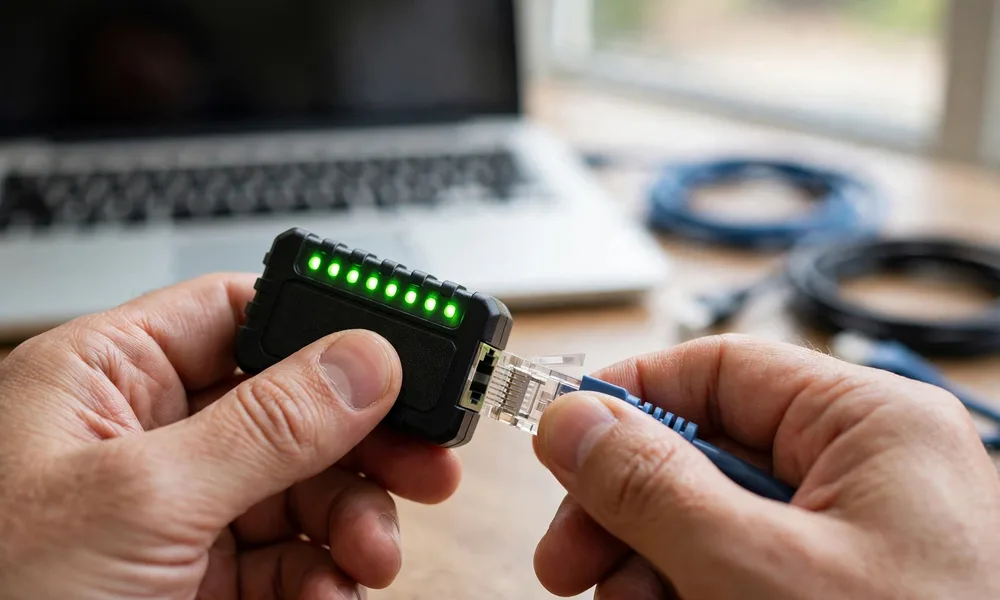
A cable tester sends a small signal down each conductor and watches what comes back. The simplest testers light a row of LEDs in sequence: the right order means the cable is wired correctly, a missing light means that wire is broken, two lights together mean a short, and the wrong order means miswiring.
More capable testers add length measurement, timing how long the signal takes to return. Since the signal travels at a known speed along copper, the tester calculates the cable length and, more usefully, the distance to a break. That turns a pass-or-fail checker into a fault finder: instead of knowing only that a cable is broken, you know the break is about nine metres from the socket, which is usually enough to find it.
The most advanced testers add tone generation, sending an audible signal a probe can follow through a wall or bundle, and shield testing for the metal screen in shielded cable. For most home use, continuity, wiring order and length are the features that matter.
Cable Testers vs Multimeters: Different Tools
A multimeter and a cable tester look similar but answer different questions. A multimeter measures a live circuit: voltage, current and resistance, asking whether a battery is charged or a socket is live. Our guide to multimeters that read true every time covers that job in detail.
A cable tester asks whether a cable is wired correctly end to end. A multimeter can answer that only one wire at a time, which is slow and error-prone on an eight-wire network cable. A cable tester checks all eight at once and shows the wiring order. Keep both: the multimeter for live circuits, the cable tester for cables.
The Main Types of Cable Tester
Four types cover everything from one home network cable to a whole house of wiring; the right choice depends on how much fault-finding you expect to do.
Basic Continuity Testers
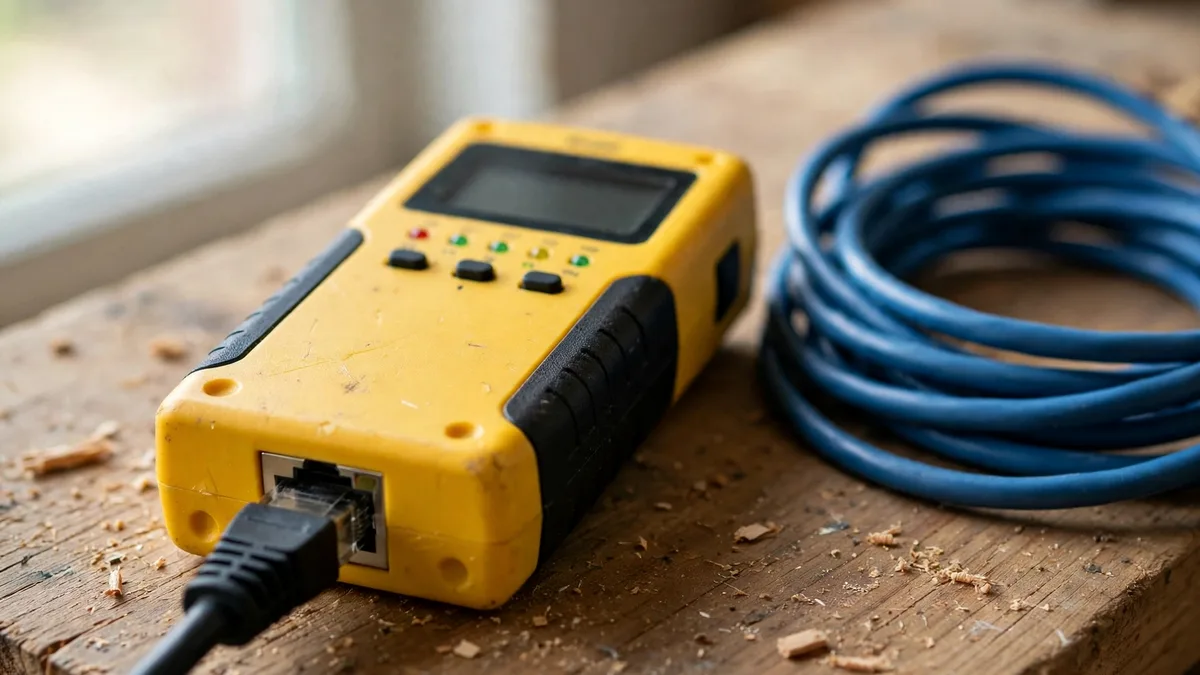
A basic continuity tester is a small two-part unit: a main tester and a remote terminator for the far end. It checks Ethernet, telephone and sometimes coax cables, lighting LEDs to show the wiring order and flagging opens, shorts and crossed wires. It costs the least, runs on a small battery and fits in a pocket: enough for checking a cable after making it or finding why one socket is dead.
Length-Measuring Testers
A length-measuring tester does everything a basic tester does, plus cable length and distance to a fault on a small screen. Buy it if you have cables in walls, under floors or in a loft: a cable that fails inside a wall cannot be replaced by eye, and you need to know where the break is before opening things up.
Tone Generator and Probe Kits
A tone generator sends a warbling signal down a wire, and a probe picks it up through insulation, plaster or a bundle of cables: the combination traces which cable goes to which socket. Many mid-range testers include a tone generator built in, and a separate probe turns a tester into a tracing tool.
Coax and Multi-Cable Testers
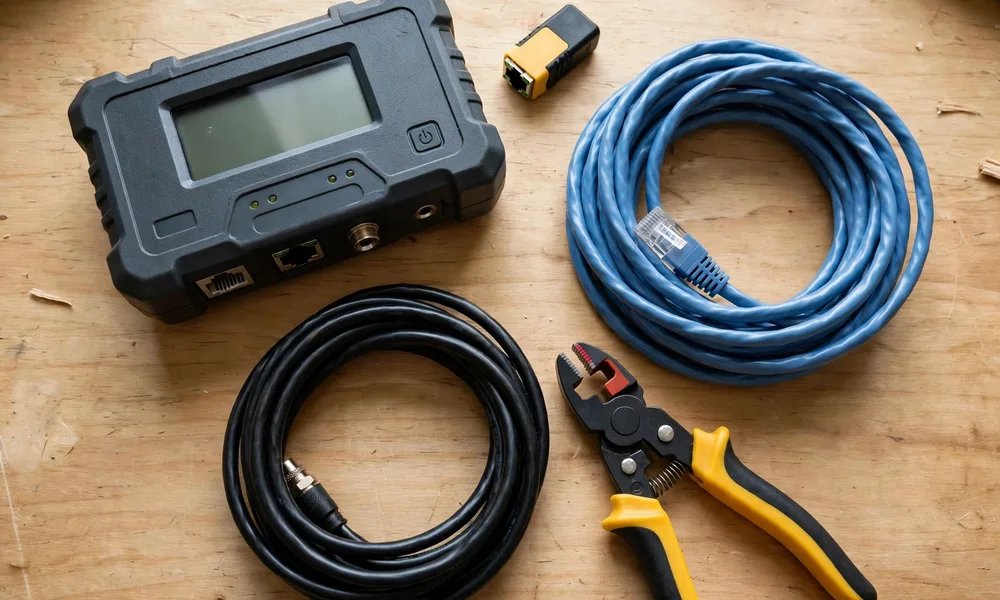
A coax tester checks the centre conductor and shield of television and satellite cable, and multi-cable testers add USB, HDMI and audio sockets to the same unit: worth having for a mix of network, television and speaker wiring. The trade-off is size and price: larger than a basic network tester, and roughly twice the cost.
Cable Testers Compared
The table compares the four types on the features that decide which to buy. A home with a few network cables needs only the first row; a house with buried cables needs the second.
| Tester type | Checks | Length measurement | Best for | Typical price |
|---|---|---|---|---|
| Basic continuity | Opens, shorts, crossed wires | No | Checking patch leads and new sockets | Budget |
| Length-measuring | Opens, shorts, crossed wires | Yes, distance to fault | Cables in walls, floors and lofts | Mid-range |
| Tone generator kit | Continuity plus tracing | Sometimes | Finding cables in bundles and walls | Mid-range |
| Coax and multi-cable | Network, coax, USB, HDMI | Sometimes | Mixed network, TV and audio wiring | Mid-range to premium |
How to Test a Cable Properly
Start by testing the cable before installation: a new patch lead can be faulty from the factory, and a cable you have just crimped can have a wire that missed its pin. Plug one end into the tester and the other into the remote terminator. A pass now means any later fault is in the installation, not the cable.
Then test again after installation, from the socket to the far end, where most faults appear: a cable pulled too hard through a joist, a staple driven through it, or a connector crimped badly in an awkward corner. If one wire shows open, check the connectors first: a poorly seated wire is the most common cause and the easiest to fix.
If the fault is mid-cable, a length-measuring tester tells you how far along it is. Measure from the end you can reach, mark the distance, and look for the cause at that point: a nail, a staple, a tight bend or a junction box. When you find it, cut back past the damage and rejoin it properly: a repair that leaves damaged copper inside will fail again.
Preparation matters as much as the tester: a cable with a nicked conductor tests badly no matter how good the tester is, so strip carefully before crimping. Our guide to wire strippers that cut clean without nicking covers the tool that makes that possible, and a clean strip is the difference between a connector that tests perfectly and one that fails on a single wire.

Reading the Result: What the Lights Mean
On a basic LED tester, the lights follow the wiring order, usually one to eight for Ethernet. A correct cable shows them in order, one after another. A missing light means that wire is open: broken, unconnected, or unseated in the plug. Two lights at once mean a short, often a strand of copper bridging two pins in a connector.
Lights in the wrong order mean miswiring: the wires are in the wrong pins at one end. This causes the most confusion, because a miswired cable can still carry a signal badly, giving slow or intermittent speeds rather than no connection. If a cable works but is slow, test it: a swapped pair is the usual cause.
On a screen tester, the result is a wiring map: each wire marked good, open, shorted or crossed, plus the measured length. Read the map rather than just the pass light, because a cable can pass continuity and still be miswired in a way only the map shows.
Mistakes That Waste a Tester’s Time
The most common mistake is testing with the wrong remote terminator, or none at all. A tester needs both ends: without the remote it can only check for shorts, not opens or crossed wires, and the result misleads. Keep the remote clipped to the tester, and check the battery first, because a flat battery gives dim LEDs that look like a fault.
The second mistake is testing a cable still connected to a live network: a live switch or router at the other end confuses the tester and can damage it, so unplug both ends first. The third is blaming the cable when the fault is the socket: test the cable alone, then the socket with a known-good patch lead, and the faulty part identifies itself.
Finally, a tester cannot fix a bad crimp: if a connector fails, cut it off and crimp a new one rather than squeezing the old one tighter. And if a repair involves soldering, use the right iron: our guide to soldering irons that heat up fast covers the tools that make a clean joint, and a clean joint tests perfectly the first time.
Checklist: Before You Test a Cable
- Unplug both ends of the cable from any network equipment before testing.
- Check the tester battery and keep the remote terminator with the tester.
- Test the cable before installation, then again after it is fitted.
- Read the full wiring map, not just the pass or fail light.
- Check the connectors first when a wire shows open: a poorly seated wire is the most common fault.
- Use the length reading to find a break inside a wall before opening anything up.
Frequently Asked Questions
What is the difference between a cable tester and a multimeter?
A cable tester checks all the wires in a cable at once and shows the wiring order, opens, shorts and crossed wires. A multimeter measures voltage, current and resistance in a live circuit, and tests only one wire at a time for continuity. They are complementary tools, not substitutes.
Can a cable tester find a break inside a wall?
Yes, if it measures length: it times the signal and reports the distance to the break, usually accurate enough to find the fault without opening up more wall than necessary. A basic LED tester can only say the cable is broken, not where.
Do I need the remote terminator?
Yes: the tester sends a signal down each wire and the remote returns it, so without the remote it cannot check for opens or crossed wires. Keep it clipped to the tester.
Why does my network cable test fine but run slowly?
A cable can pass continuity and still be miswired, with a pair swapped, giving slow or intermittent speeds. Read the full wiring map, and check the cable is the right category for the speed you expect.
Can I test a coax cable with a network cable tester?
Only if the tester has a coax socket: many basic network testers do not, so check before you buy. A coax or multi-cable tester covers television, satellite and network cable.
Should I test a cable before I install it?
Yes, always. A new cable can be faulty from the factory, and a cable you have just crimped can have a wire that missed its pin. Testing before installation means any later fault is in the fitting, not the cable.
The Bottom Line
A cable tester answers the first question in any wiring fault: is the cable good? A basic continuity tester is enough for patch leads and new sockets, while a length-measuring tester pays for itself the first time a cable fails inside a wall. Test every cable before and after installation, keep the remote terminator with the tester, and read the full wiring map rather than just the pass light. The fault is almost always a connector, a staple or a swapped pair, and the tester shows you which in seconds.