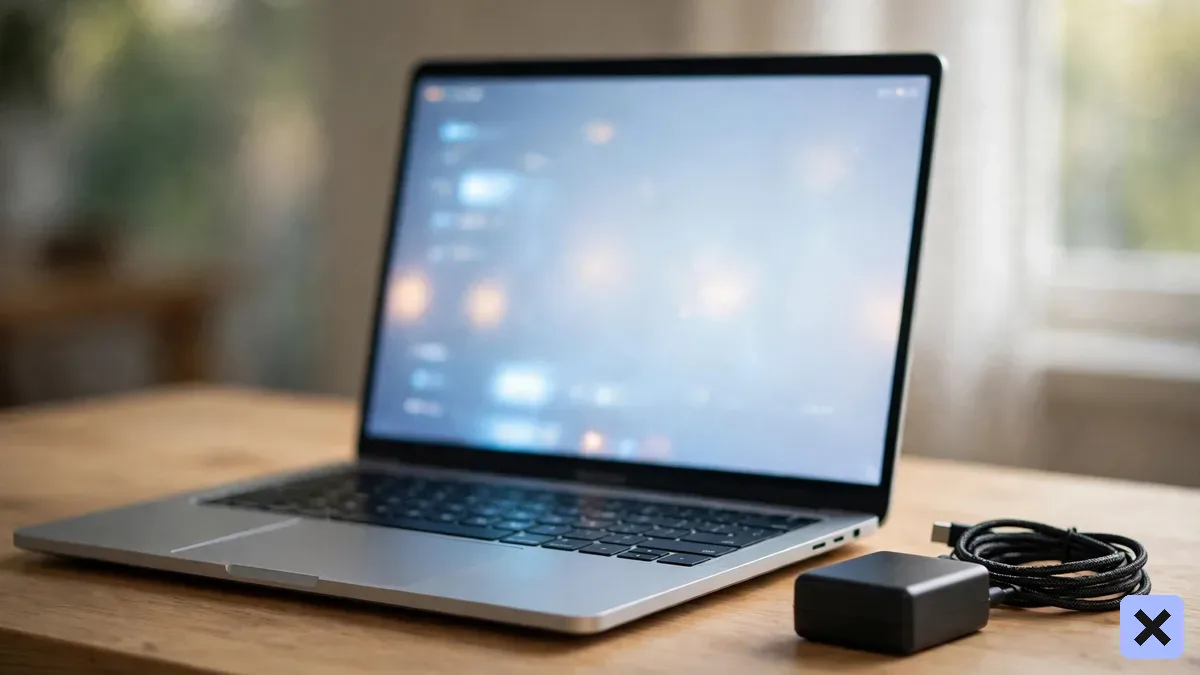
The best laptop chargers of 2026 are smaller, cooler and far more capable than the bulky bricks most laptops still ship with. A modern gallium nitride charger can power a laptop, a tablet and a phone from a single compact brick.
Choosing the right one is not as simple as grabbing the highest wattage on the shelf. Laptops are picky about power in ways phones are not. A charger that is too weak will leave a laptop slowly draining even while it is plugged in, while the wrong connector simply will not fit.
This guide compares the best laptop chargers of 2026 by wattage, connector compatibility, heat, size and reliability. Whether you need a replacement for a lost original, a second charger for the office, or a travel brick for every device you own, the right pick is below.
Key takeaways
- Match wattage to your laptop: 45W covers light ultrabooks, 65W covers most everyday laptops, 100W covers large laptops, and gaming machines often need 140W or more.
- USB-C Power Delivery is now standard on most new laptops, but older machines and gaming laptops still need barrel or proprietary plugs.
- GaN chargers run cooler and pack more power into a smaller body than older silicon bricks, and by 2026 they cost about the same.
- The cable matters as much as the brick: a cable rated below your charger’s wattage caps charging speed.
- Buy from a reputable maker with recognised safety certifications, and skip no-name bricks.
Best Laptop Chargers of 2026 at a Glance
| Charger type | Output | Connector | Best for | Typical price |
|---|---|---|---|---|
| Compact 45W GaN | 45W | USB-C | Ultrabooks and Chromebooks | $20–$30 |
| Dual-port 65W GaN | 65W total | USB-C | Most everyday laptops | $30–$45 |
| Triple-port 100W GaN | 100W total | USB-C | Large laptops and workstations | $45–$65 |
| High-power 140W GaN | 140W | USB-C | 14- and 16-inch pro laptops | $60–$90 |
| Gaming laptop brick 240W | 180–240W | Barrel or proprietary | Gaming and creator laptops | $70–$120 |
| OEM replacement charger | Matches original | Matches original | Exact-fit replacement | $40–$90 |
How Much Wattage Does Your Laptop Actually Need?
Wattage is the first number to get right. A laptop draws power in two ways at once: it runs the machine and it charges the battery. A charger that can only do one of those jobs will leave the battery draining slowly while you work.
As a rough guide, a light ultrabook draws 30 to 45 watts, a mainstream 13- or 14-inch laptop draws 45 to 65 watts, and a larger 15- or 16-inch machine draws 65 to 100 watts. Creator and gaming laptops can draw 140 watts or more. The safest check is the wattage printed on the charger your laptop shipped with: match it. Our roundup of the best laptops of 2026 lists each model’s power needs.
Buying more wattage than you need is not harmful, because a laptop only draws what it asks for, but it is wasteful if the extra power never gets used. A 140-watt charger costs and weighs more than a 65-watt one. The sweet spot for most people is 65 watts: it charges an everyday laptop at full speed and still fits in a jacket pocket.

Connector Types: USB-C, Barrel and Proprietary Plugs
Most laptops made in the last few years charge over USB-C with the Power Delivery standard, so one cable type works across brands. Older laptops and many gaming machines still use round barrel connectors or proprietary plugs.
USB-C is the easy case. Any charger that supports USB Power Delivery at your laptop’s wattage will work, and the same brick can charge a phone or tablet too. The one detail to check is the cable: USB-C cables carry a wattage rating, and a cable rated at 60 watts will cap a 100-watt charger. Our guide to the best USB-C chargers of 2026 covers multi-port bricks and cable ratings in detail.
Barrel and proprietary connectors need more care. The plug must match your laptop’s exact model, not just its brand, because the same maker often uses different barrel sizes across its range. Universal laptop chargers solve this with interchangeable tips, but a tip that fits loosely can arc and damage the port. For a proprietary magnetic connector, the original maker’s charger is almost always the better buy.
The Best Laptop Chargers of 2026
Best Overall: Dual-Port 65W GaN Charger
The dual-port 65-watt GaN charger is the pick for most laptop owners. It charges an everyday laptop at full speed through one port while fast-charging a phone through the other. GaN switches faster and wastes less energy as heat than the silicon in older bricks, which is why it can be this small.
What sets the best examples apart is how they handle two devices at once. The better designs deliver a full 65 watts to a lone laptop, then split to 45 watts plus 20 watts when a phone joins. Cheaper models sometimes split evenly or drop the laptop port too low, so check the split table before you buy. Expect to pay 30 to 45 dollars, and look for foldable prongs if you travel.
Best for Large Laptops: Triple-Port 100W GaN Charger
If your laptop is a 15- or 16-inch machine or a workstation, a 100-watt charger is the right call. It keeps a large laptop charging at full speed even while you work.
The best 100-watt designs use three ports: two USB-C and one USB-A. The first USB-C port delivers the full 100 watts on its own, while the second handles a tablet at lower power. Heat management matters more at this wattage, so look for good ventilation. Size is the trade-off: a 100-watt charger is roughly the size of a deck of cards.
Best for Pro Laptops: 140W GaN Charger
Some 14- and 16-inch pro laptops now support 140-watt charging over USB-C, and a 140-watt GaN charger feeds them at full speed. With the right cable, it tops up a big battery noticeably faster than a 100-watt brick.
Two details matter. First, 140-watt charging needs a cable rated for 240 watts with the newer extended power range standard, and many cables sold as high-power do not meet it. Second, not every laptop accepts 140 watts over USB-C, so confirm your model supports it first. Expect to pay 60 to 90 dollars.
Best for Gaming Laptops: 240W Replacement Brick
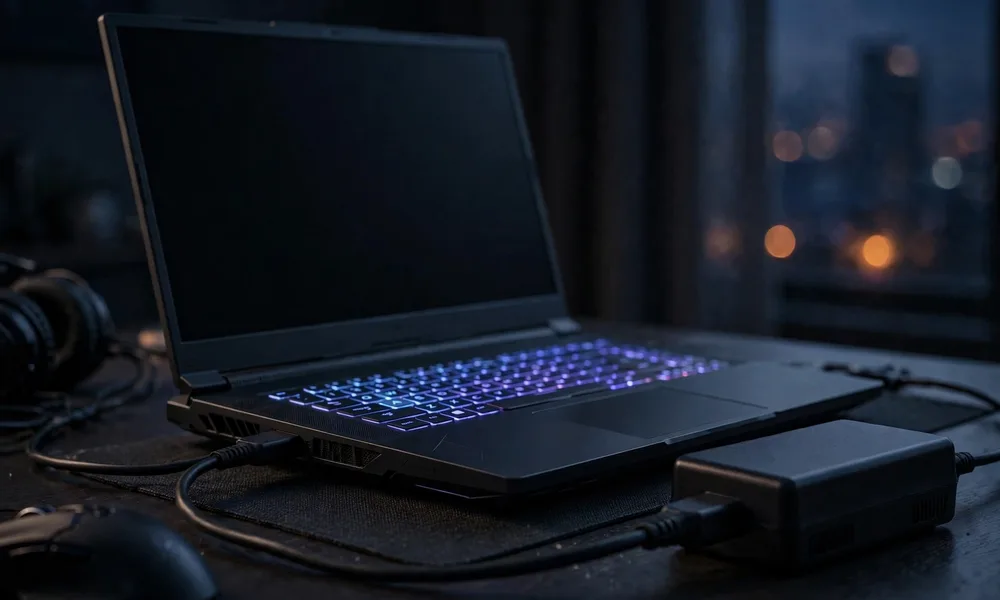
Gaming laptops are the exception to the USB-C rule. Most still charge through a barrel or proprietary connector at 180 to 240 watts, and they need their full wattage to run the graphics chip at full speed. A weaker charger will throttle performance in games.
For these machines, the original maker’s charger is the safest choice, and a well-made third-party replacement from a reputable brand is the next best thing. Match the voltage, wattage and connector exactly, and be wary of cheap replacements that run hot under load. A 240-watt brick is heavy, so many gamers keep it at the desk and carry a 65-watt USB-C charger for light work on the road.
Best Travel Charger: Compact 45W GaN Charger
For trips where a heavy laptop stays home, or for a light ultrabook that sips power, nothing beats a small 45-watt charger. It fast-charges modern phones, tops up tablets well, charges an ultrabook at full speed, and is barely larger than the plug itself.
The best travel chargers have foldable prongs and a body that stays cool in a warm bag. Some add a second low-power port for a watch or earbuds. The trade-off is obvious: 45 watts will not keep a large laptop charged under heavy load, so this is a second charger for travel, not a replacement for the main brick.

Best Budget Charger: Single-Port 65W GaN Charger
If you need one charger and one only, and every dollar counts, a single-port 65-watt GaN charger is the best value in this guide. It does the one job that matters, charging a laptop at full speed, for around 25 to 35 dollars from a reputable maker.
The trap to avoid is the no-name brick that looks identical but costs half as much. Cheap chargers cut corners on safety components, and a failing charger can damage a laptop worth many times its price. Stick to brands with a track record.
OEM vs Third-Party: Which Should You Buy?
The original charger from your laptop’s maker is the safe default. It is guaranteed to match the voltage, connector and wattage. The downsides are price and size: original chargers often cost twice as much as a good third-party equivalent and are usually bulkier than a modern GaN brick.
Third-party chargers make sense when your laptop charges over USB-C, because the standard is the same across brands. A well-made GaN charger is smaller, cheaper and often better built than the original. For barrel-connector laptops, third-party replacements are fine when the voltage, wattage and tip match exactly.
Charging Habits That Protect Your Battery
A good charger helps your battery last longer, but habits matter too. Keeping a laptop plugged in at 100 percent all day wears the battery faster than charging it in the 20 to 80 percent range. Many laptops offer a battery-care setting that caps charging at 80 percent: turn it on if yours has one.
Heat is the other enemy. A charger that runs hot, a laptop baking in sunlight, or a blocked vent all shorten battery life. Give the brick some airflow, and let the laptop breathe. A raised stand helps here as well as with ergonomics, and our roundup of the best laptop stands of 2026 covers airflow-friendly options. Finally, replace a frayed cable before it fails.
Checklist: Before You Buy a Laptop Charger
- Check the wattage on your original charger and match it or go slightly higher.
- Confirm the connector type: USB-C, barrel size, or a proprietary plug for your exact laptop model.
- Check the cable rating and buy a cable rated at or above your charger’s wattage.
- Look for GaN construction for a smaller, cooler brick at the same price.
- Verify safety certifications from a brand you recognise.
- Think about use: foldable prongs and a second port for travel, more ports and higher wattage for a desk.
Frequently Asked Questions
Can I use a higher-wattage charger than my laptop came with?
Yes. A laptop only draws the power it asks for, so a higher-wattage charger will not damage it. The exception is a charger with the wrong voltage on a barrel connector.
Can I use a lower-wattage charger than my laptop came with?
Usually yes, but with limits. A lower-wattage charger will charge the laptop more slowly, and under heavy load the battery may still drain while plugged in.
Can I charge my laptop with a phone charger?
Only if the phone charger delivers enough watts over USB-C Power Delivery and your laptop charges over USB-C. Most phone chargers are 20 to 30 watts, which is far too little for a larger laptop under load.
Why does my laptop charge slowly with a new charger?
The usual causes are a cable rated below the charger’s wattage, a charger splitting power across ports, or a laptop drawing near full power while working.
Are third-party laptop chargers safe?
Reputable third-party chargers with recognised safety certifications are safe and often better built than the original. The risk comes from no-name bricks with no certification marks.
How long should a laptop charger last?
A well-made charger should last five years or more. The cable usually fails first, especially at the strain relief near the plug. If a charger buzzes or only works at certain angles, replace it.
The Bottom Line
The best laptop charger for most people in 2026 is a dual-port 65-watt GaN charger: small, cool, affordable, and powerful enough for an everyday laptop plus a phone. Large laptops deserve 100 watts, pro machines benefit from 140 watts, and gaming laptops still need their big original-style bricks. Match the wattage and connector to your laptop, buy a properly rated cable, and choose a reputable brand.