
Best Memory Cards for Cameras and Drones in 2026
The best memory cards for cameras and drones in 2026 are faster, tougher and cheaper per gigabyte than ever, and that matters more than most photographers admit. A brilliant camera with a slow card stalls on bursts and drops frames in 4K video. A drone with the wrong card can corrupt a whole flight of footage before you land. The card is the smallest, cheapest part of your kit, and it decides whether your photos actually come home with you.
This guide cuts through the alphabet soup on the packaging: which format your camera or drone takes, what the speed classes mean, how much capacity you need, and which cards are worth your money in 2026.
Key takeaways
- Match the card to the slot: SD for most cameras, microSD for drones and action cameras, CFexpress for high-end bodies.
- For 4K video, look for V30 as a minimum; for high-bitrate 4K or 8K, step up to V60 or V90.
- 128GB is the sweet spot for a day of stills; 256GB suits a full day of 4K video.
- Buy two medium cards instead of one huge one, so a single failure never takes a whole trip with it.
- Counterfeits are common: buy from a reputable retailer and test every new card before a real shoot.
Why the card matters as much as the camera
Every photo and video has to pass through the memory card before it exists anywhere else. If the card cannot keep up, bursts stutter after ten frames and video can stop without warning, sometimes leaving a file that will not open.
Drones make the problem sharper: they record high-bitrate video while flying, vibrating and heating up, with no second chance at the shot. A card that is too slow drops frames or stops recording mid-flight, and you only find out at home. A cheap card can fail outright in heat or cold. The good news is that you do not need the most expensive card on the shelf, just the right one for your device, and the difference is printed on the label if you know how to read it.
The formats, explained
Memory cards come in a handful of physical formats, and they are not interchangeable. Getting this wrong is the most common buying mistake.
SD cards: the standard for cameras
Full-size SD cards are what most mirrorless and DSLR cameras use (SDXC for 64GB and up). UHS-I cards top out around 104MB/s, while UHS-II cards use a second row of pins and can reach around 300MB/s. A UHS-II card works in a UHS-I slot, but only at UHS-I speeds, so check your camera’s slot before paying the premium. Many mid-range cameras have only UHS-I slots, and for those a fast UHS-I card is the sensible buy.
microSD cards: small cards for drones and action cameras
microSD is the format for drones, action cameras and some compact cameras: the same technology as SD in a much smaller shell, usually with an adapter for full-size SD slots. Drones almost always take microSD, and they are demanding about it, as the card sits in a tiny slot with little airflow and must sustain high write speeds for the whole flight. A card that is fine in a phone can be hopeless in a drone, so check the manufacturer’s recommended list before buying.
CFexpress: the high-end option
CFexpress Type A and Type B are the standard on flagship mirrorless cameras: far faster than SD, with write speeds that make 8K video and long bursts routine, and far more expensive. They only fit CFexpress slots. Cameras that take CFexpress almost always take SD in a second slot too, so many photographers run CFexpress as the main card and SD as backup.

Speed labels, decoded
Only a few numbers on a card actually matter, and they describe sustained write speed, which is what recording video depends on.
Video Speed Class: V30, V60, V90
The Video Speed Class is the single most useful number on the card: V30 sustains at least 30MB/s of writes, V60 means 60MB/s, and V90 means 90MB/s. That sustained figure is what counts, because video is a continuous stream. V30 is enough for ordinary 4K; V60 or V90 is for high-bitrate 4K, slow motion or 8K. A card with no V rating is unsuitable for serious video.
Read speed versus write speed
Packaging shouts about read speed because it is always the bigger number, yet it matters least in the field: it only affects how fast files copy to your computer afterwards. Write speed decides whether your camera keeps up while shooting. Always check the write speed in the small print, and be suspicious of any card that only advertises a read speed.
The best memory cards of 2026 at a glance
| Card type | Best for | Speed rating | Capacity sweet spot |
|---|---|---|---|
| Fast UHS-I SDXC | Everyday mirrorless and DSLR stills | U3, V30 | 128GB |
| UHS-II SDXC | High-end mirrorless, fast bursts | U3, V60 or V90 | 128GB to 256GB |
| High-endurance microSD | Drones and action cameras | U3, V30 | 128GB to 256GB |
| CFexpress Type B | Flagship cameras, 8K video | 1,700MB/s writes and up | 256GB to 512GB |
Best for mirrorless cameras
For most mirrorless cameras, the right card is a UHS-II SDXC card rated V60 or V90, in 128GB or 256GB. V60 covers high-bitrate 4K comfortably; V90 gives headroom for the most demanding settings. The UHS-II bus clears the buffer quickly, so bursts stay responsive.
If your camera only has UHS-I slots, do not waste money on UHS-II: a fast UHS-I card rated U3 and V30 performs identically there, and the saving buys a second card. Check your manual for the slot specification.
For a day of stills, 128GB is the sweet spot: thousands of raw files, cheap enough to own two or three, and if one fails you lose a third of a day, not the whole trip. For a day mixing stills and 4K video, step up to 256GB. Either way, carry a spare.
Best for drones
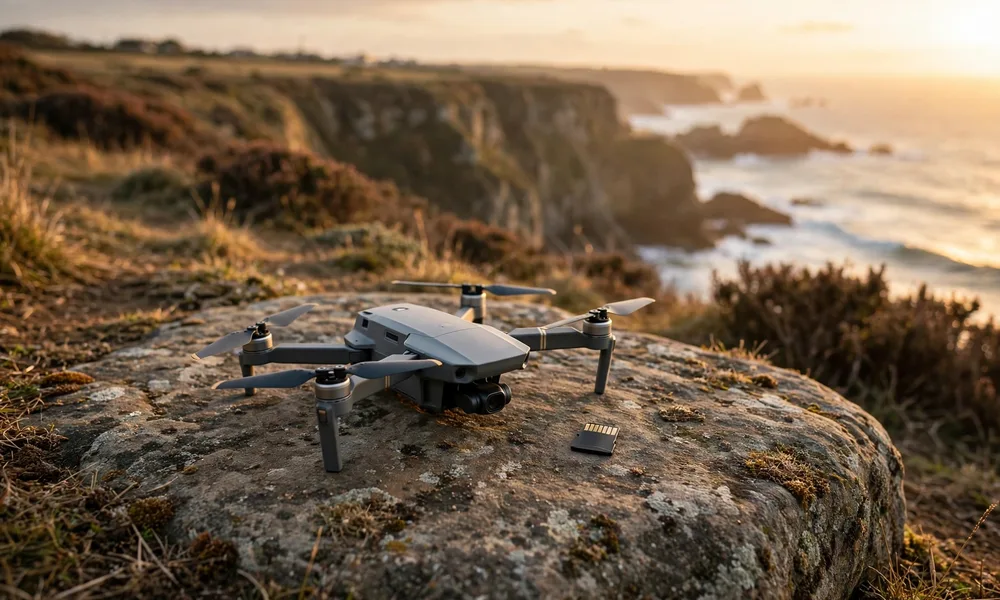
Drones need microSD cards, and they need the tough kind: look for a card labelled high endurance or designed for continuous recording, rated U3 and V30 at minimum. These cards survive constant rewriting, heat and vibration, and are rated for far more write cycles than a standard card. They cost a little more, and they are worth it.
A 128GB card holds several hours of 4K footage at typical drone bitrates, more than most pilots shoot in a day; 256GB suits long sessions or the highest quality settings. Format the card in the drone before every flying day, not on a computer: the drone formats it exactly as its firmware expects.
Swap the card after each flying day and copy footage to a drive the same evening: a spare card costs less than a takeaway. If you are still choosing the aircraft, our guide to the best drones of 2026 covers the models these cards pair with.
Best for action cameras and video
Action cameras work memory cards harder than anything else, recording continuously in heat, cold, water and dust while being shaken around. The same high-endurance microSD cards that suit drones are the right choice, rated U3 and V30 as a minimum, and V60 for 4K at high frame rates. Our roundup of action cameras that survive the rough stuff in 2026 looks at the cameras themselves, and every one of them deserves a card that can keep up.
For video work, sustained write speed is everything: a card that benchmarks well in short bursts can throttle under a twenty-minute continuous recording as it heats up, dropping frames or stopping altogether. V60 and V90 cards are tested for sustained performance, not peak speed. If you shoot video professionally, V60 is your floor.
How much capacity do you really need?
Capacity is the easiest part of the decision once you know your file sizes. A 24-megapixel raw file is roughly 25 to 30MB, so a 128GB card holds around 4,000 raw stills; a 45-megapixel raw file is roughly 50MB, so the same card holds around 2,500. For video, 4K at 100Mbps uses about 45GB per hour, so 128GB holds close to three hours; at 400Mbps it needs 256GB for a single hour.
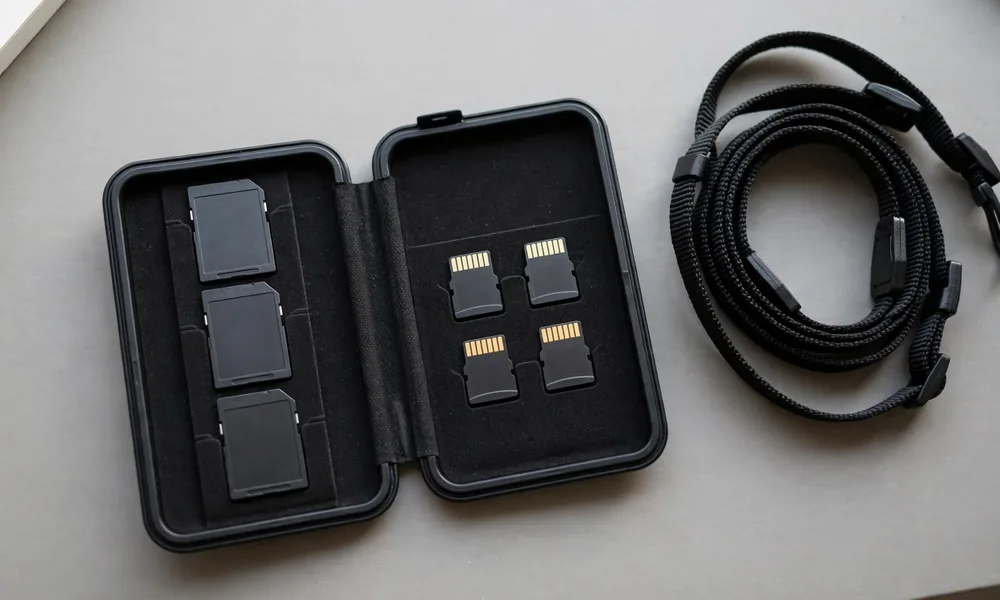
The rule is simple: buy the smallest card that covers a day of shooting, and buy two of them. Two 128GB cards beat one 256GB card for the same money, because they split your risk: the cheapest insurance in photography. Cards are transport, not storage, so copy footage to a proper drive as soon as you are home. Our guide to external SSDs that are fast, tough and worth carrying in 2026 covers the drives that make that backup routine painless.
The mistakes that kill cards
Most card failures are not bad luck but avoidable habits. Removing a card while the camera is still writing is the classic mistake: wait for the access light to go out, then switch the camera off before opening the card door. Filling a card to the last megabyte is another: cards slow down and corrupt more easily when nearly full, so swap in a fresh card at around 90 percent. Always format in the device that will use the card, not in a computer.
Counterfeit cards are a real problem. A fake card reports a large capacity and a fast speed on its label, then fails or silently corrupts files once you write past its real, much smaller capacity. Buy from a reputable retailer, and run a full write-and-verify test on every new card before trusting it with a real shoot.
Finally, treat cards as consumables with a limited life. A card written and erased thousands of times owes you nothing, and one that has started throwing occasional errors should be retired immediately, not given one more chance on a job that matters. Cards are cheap. Lost photographs are not.
Checklist: before you buy a memory card
- Check your manual for the exact format and slot type.
- V30 minimum for 4K; V60 or V90 for high-bitrate 4K and 8K.
- Pick 128GB for a day of stills, 256GB for a full day of 4K video.
- Buy two medium cards, not one large one.
- Choose high-endurance cards for drones and action cameras.
- Buy from a reputable retailer and test the card fully before your first real shoot.
Frequently asked questions
Do I need a V90 card for 4K video?
Usually not. V30 covers standard 4K, and V60 covers high-bitrate 4K. V90 is only needed for the most demanding settings, such as 8K or very high frame rate 4K.
Can I use a microSD card in a camera that takes SD?
Yes, with the adapter that usually comes in the box. Performance matches a full-size card of the same rating, but adapters add a point of failure, so use a native SD card in a camera when you can.
How long do memory cards last?
A good card lasts for years of normal use, often thousands of write cycles. Heavy video users who fill and erase cards daily wear them out faster. Retire any card that shows errors or slows down noticeably.
Is a bigger card always better?
No. A bigger card puts more eggs in one basket: two 128GB cards are safer than one 256GB card for about the same money. The exception is video, where one long take can fill a small card mid-shot.
Should I format my card after every shoot?
Yes, format in the camera after backing up. It keeps the file system clean and matched to the device. Never format before verifying the backup.
Are cheap no-name cards worth the risk?
No. Unknown brands often overstate speed and capacity and use lower-grade flash that fails sooner. The price difference is small, while the cost of lost photos is far higher. Buy a known brand from a reputable seller.
The bottom line
The best memory card for your camera or drone in 2026 matches your slot, carries the right video speed class, and comes from a brand you trust. For most photographers that means a UHS-II SDXC card rated V60 in 128GB or 256GB; for drone and action camera users, a high-endurance microSD card rated V30 or better. Buy two, test them, back up the same day, and the smallest part of your kit will never be the reason a shoot goes wrong.


