
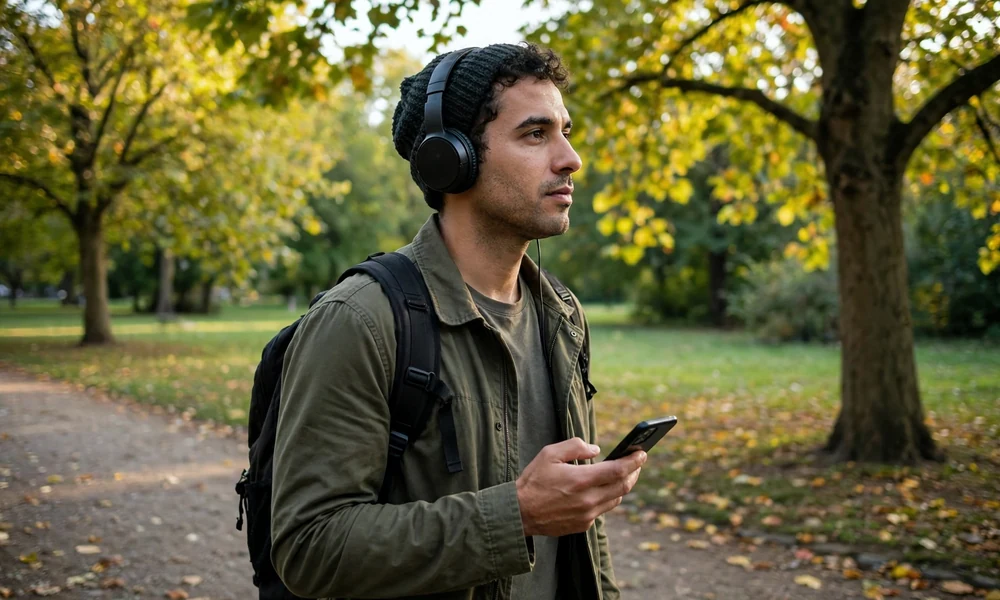
A podcast app turns a phone into a radio station, a library and a classroom all at once. It finds new shows, downloads episodes for later, remembers where you stopped, and plays everything back at the speed you like. But a bad app loses your place, buries the shows you love, and eats your battery and your data. The best podcast apps of 2026 are the ones that get out of the way and let the listening take over, whether you listen for ten minutes on a walk or for three hours on a long drive.
What Makes a Podcast App Good
The first test is finding something worth hearing. A good app opens on the shows you follow, makes new episodes easy to spot, and offers search that understands what you typed. You should be able to type a show, a host or a subject and land on the right result in seconds. Discovery matters too: the best apps suggest shows that fit what you already enjoy, without pushing the same few big names at everyone.
The second test is playback. A podcast app lives or dies on its player, and the good ones get the small details right. Playback speed should be easy to change, silence trimming should cut gaps without clipping words, and a sleep timer should be one tap away. Volume boost helps quiet recordings, and a clear skip-back button saves you when your mind wanders.
The third test is downloads and offline listening. Many people listen where the signal is weak, on a train, on a plane or in a gym basement, and an app that only works online fails at the exact moment you need it most. The best apps download episodes automatically on Wi-Fi, delete finished episodes to save space, and let you choose how many episodes of each show to keep. Storage controls should be plain, telling you how much space downloads use and letting you clear old episodes in one tap.
The Main Types of Podcast App
The big all-in-one apps are the most familiar choice. They combine music, podcasts and sometimes audiobooks in one place, which suits people who want a single app for all their listening. The advantage is convenience: one library, one set of downloads, and recommendations that mix music and spoken word. A podcast can feel second-class inside a music app, with fewer podcast features and a player built first for songs. For someone who listens to a little of everything, the all-in-one app is often enough.
Dedicated podcast apps are the choice for serious listeners. They do one job, and they do it properly. Their libraries are built around shows rather than songs, their search understands episodes and hosts, and their players carry the features heavy listeners rely on: smart speed, silence trimming, chapter support and queues that actually behave. They handle large libraries better, with filters that keep hundreds of episodes tidy. The downside is that you may need a second app for music, but for anyone who listens to podcasts every day, that is a small price. If you already enjoy music apps and want to see how the two kinds of listening fit together, our guide to the best music apps of 2026 is a useful companion, because it shows where an all-in-one app shines and where a dedicated podcast app takes over.
Free podcast apps are the third group, and they are better than many people expect. Most podcast apps are free to download, with the cost carried by adverts or by an optional paid tier that removes them and adds a few extras. A free app can be excellent if the adverts stay out of the player and the core features, downloads, speed control and a proper queue, are not locked behind a paywall. The apps to avoid are the ones that charge for basics, or that fill the home screen with sponsored shows you cannot dismiss.
Playback Features That Matter Most
Smart speed and silence trimming sound like small touches, but they change how much you can listen. Smart speed shortens silences without making voices sound rushed, and over a long series it can save hours without losing a word. Neither feature suits every show: a slow interview or a drama with careful pauses can feel hurried when silences are removed, so the best apps let you turn these features on and off per show, not just for the whole library.
The queue is the other feature that separates good apps from frustrating ones. A good queue lets you line up episodes in the order you want, add a new episode to the front without losing your place, and clear finished episodes automatically. A bad queue plays the newest episode when you wanted the oldest, or starts a different show entirely when one episode ends. Look for an app that lets you build a playlist of episodes from different shows, because that is how most people really listen: news in the morning, a story in the afternoon, and something light in the evening.
Discovery, Search and Recommendations
Finding new shows is half the pleasure of podcast listening, and the best apps make it feel like browsing a good bookshop rather than scrolling an endless feed. Categories should be clear and honest, with real genres rather than vague labels, and a good search finds episodes by subject, not just by show title, so you can look for a topic such as gardening, space or true crime and find individual episodes worth hearing from shows you have never tried.
Recommendations work best when they learn from what you finish, not just what you start. An app that notices you always finish history shows and abandon business shows should suggest more history, and it should explain briefly why it suggested something. The worst recommendations push the same famous shows to everyone, or mix in episodes you have already heard. Follow three shows you love, listen for a week, and see whether the suggestions start to feel chosen for you. If they do, the app understands its job.
Downloads, Storage and Data
Downloads are where a podcast app earns its keep on the move. Set your app to download new episodes only on Wi-Fi, and to keep only the latest few episodes of each show, and you will rarely run out of space or data. The best apps show each episode’s size before you download it, and resume interrupted downloads rather than starting again.
Listening on the Move, at Home and at Work
Commuters need an app that starts quickly, resumes exactly where it stopped, and works well with car controls and voice commands. The best apps hand over cleanly to car systems, show the episode title on the dashboard, and let you skip forward or back from the steering wheel. They also keep playing when the screen locks, and they do not stop when a notification arrives. If your commute involves a train or a bus, offline downloads matter even more, because tunnels and dead spots are part of the journey.
At home, a podcast app should play nicely with speakers and with the rest of the household. Casting to a speaker, handing over to a smart speaker, or simply playing through the phone while you cook should all work without a fuss. Some apps remember where you stopped on one device and pick up on another, which is handy if you start an episode on your phone and finish it on a tablet. The right headphones make a real difference to long listening sessions, and our guide to the best headphones of 2026 covers comfortable pairs for podcasts, music and calls.

Free, Paid and What Is Worth Paying For
Most podcast apps cost nothing to download, and most podcasts cost nothing to hear, which makes it tempting to assume that paying is never worthwhile. In practice, a paid tier is worth it when it removes adverts from the app itself, unlocks the features you use every day, or supports the makers who keep the player improving. It is not worth it when it only unlocks a handful of exclusive shows you may never hear, or when the free version already does everything you need. Work out which features you actually use in a normal week, then pay for those and nothing else.
Mistakes to Avoid When Choosing
The most common mistake is choosing an app for its looks rather than its player. A beautiful home screen means nothing if the player loses your place, if the queue misbehaves, or if downloads fail without telling you. Spend your first week with a new app testing the player: listen to a long episode in parts, skip back and forward, download an episode on Wi-Fi and play it with mobile data off, and see whether everything still works.
Podcast Apps and Radio: What Is Different
Podcasts and radio share a history, and many listeners enjoy both, but they work in different ways. Radio is live: you tune in, you hear what is on, and if you miss a moment it is gone. A podcast is on demand: you choose the episode, you pause it, you come back tomorrow, and it waits for you. A good podcast app leans into that difference, with downloads, queues and bookmarks that radio never needed. If you enjoy both, keep both kinds of app on your phone, and let each do what it does best. Our guide to the best radios of 2026 is a good place to start if you want a dedicated radio for the kitchen or the workshop, while a podcast app remains the better choice for shows you want to hear on your own schedule.
How to Choose in Ten Minutes
Start by listing how you listen. Do you follow a handful of shows or dozens? Do you listen mostly at home, on a commute, or while exercising? Do you need offline downloads, transcripts, or a way to share clips? Write down the three features that matter most to you, then try two or three apps for a few days each, using the same shows. The right app will feel calm within an hour: episodes are easy to find, the player does what you expect, and you stop thinking about the app at all.
Frequently Asked Questions
Do I need to pay for a podcast app? No. Most good podcast apps are free, and most podcasts are free to hear. Pay only if the paid tier removes adverts you find annoying or unlocks a feature you use every day, such as advanced playback or cloud sync, and try the free version first.
Can I move my shows to a new app? Yes, in most cases. Most podcast apps can export your subscriptions as a file and import them into another app, and the process usually takes a few minutes. You may need to rebuild your place in long episodes, but your followed shows should transfer cleanly.
The Verdict
The best podcast app of 2026 is the one that fits how you actually listen, not the one with the longest feature list. For most people that means a clean home screen, a player with smart speed and a sleep timer, reliable downloads, a queue that behaves, and recommendations that feel personal. Try two or three apps, give each a fair week, and keep the one you stop noticing. When the app disappears and only the show remains, you have found the right one, and your listening will be better for it every single day.


