The best smart locks for apartments in 2026 solve a problem every renter knows well: keys get lost, copied, and handed to people who never return them. A dog walker needs access on Tuesday and a cleaner on Friday. A traditional lock turns each visit into a copy of a key floating around the city, and there is no way to take one back. A smart lock changes that, because access becomes a code you can create, share, and delete in seconds.
Apartment living adds its own rules. Most renters cannot drill new holes, replace the outside of the door, or change anything the landlord would notice on move-out day. The door is often a standard rental-grade slab with a basic deadbolt, the hallway Wi-Fi can be weak, and the building may already have its own entry system. The right lock has to respect all of that.
This guide compares the locks that work best in rented flats and explains what to check before you buy. Every pick below installs with a screwdriver and can be removed without a trace when the lease ends.
Key takeaways
- Retrofit locks that keep your existing deadbolt are the safest choice for renters.
- Keypad entry matters most in apartments, since codes are easy to share and delete.
- Wi-Fi built into the lock beats a separate hub in small flats, but Bluetooth-only locks still work well nearby.
- Look for at least six months of battery life and a physical key backup.
- Always check your lease and tell your landlord before installing, even when the lock leaves no permanent marks.
Why Apartments Need a Different Kind of Smart Lock
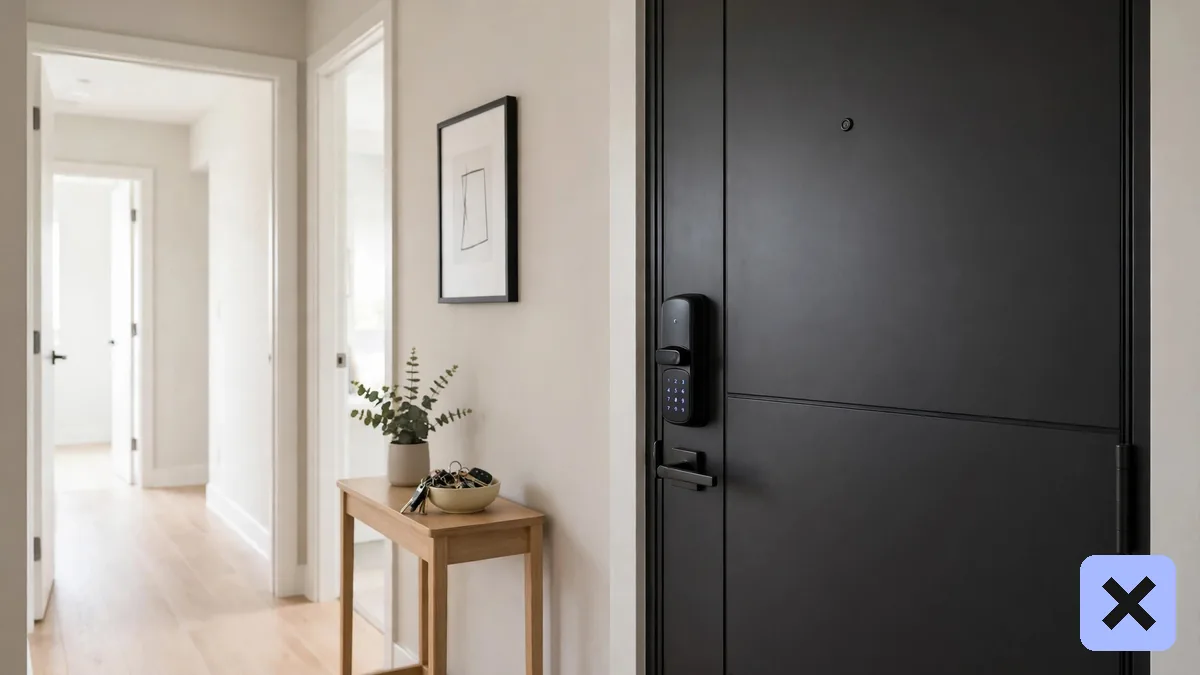
A house owner can replace a whole door or fit a lock that needs a new hole drilled through solid wood. A renter cannot. That single difference shapes every recommendation in this guide. The best apartment lock adapts to the door you already have, and retrofit designs that clamp onto the inside of your existing deadbolt are the clearest example. From the hallway, nothing looks different at all.
Shared access is the second reason apartments benefit more than houses. In a rented flat, the cast changes constantly: a cleaner, a maintenance worker, a pet sitter, and a guest staying for a week all need to get in. A smart lock gives each person their own code with its own schedule, so the cleaner’s code works on Friday afternoons only and the guest code stops working the day they leave.
Security in an apartment block works differently too. Neighbours, couriers, and strangers pass your door all day, so auto-locking is a genuine safety feature: it removes the most common mistake of all, which is simply forgetting to lock up. Activity logs matter as well, because you can see exactly when the door was opened and by which code. If you have already fitted smart thermostats made for apartments, a lock from the same ecosystem can share the same app.
The Best Smart Locks for Apartments in 2026
Four locks stand out for apartment living this year. Each one installs without permanent changes, fits the doors found in most rental buildings, and covers the basics of codes, app control, and auto-locking.
1. August Wi-Fi Smart Lock (4th Generation) — Best Overall for Renters
The August Wi-Fi Smart Lock remains the default recommendation for renters, because it keeps your existing deadbolt and keys completely intact. The unit fits over the thumb turn on the inside of the door, so the outside hardware never changes and your landlord keeps their key. Installation takes about ten minutes with a screwdriver, and removal is just as quick. Wi-Fi is built in, so there is no extra hub. You can lock and unlock from anywhere, hand out temporary codes, and check the activity log.
2. Yale Assure Lock 2 — Best Keypad Lock
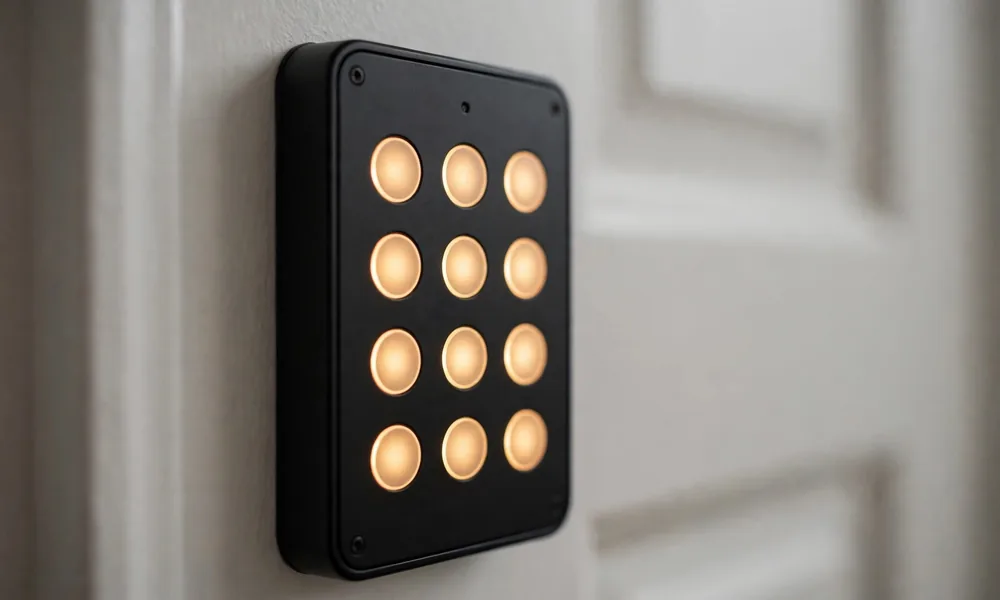
If you want a proper keypad on the door, the Yale Assure Lock 2 is the strongest all-round choice. The slim touchscreen looks neat on any door, the numbers light up clearly at night, and the lock comes in versions with Wi-Fi, Bluetooth, or a keyway. Yale’s app makes code management easy, with permanent codes for family, scheduled codes for regular visitors, and one-time codes for a single entry. Installation is a standard deadbolt swap, so renters should confirm with their landlord first.
3. Schlage Encode Plus — Best for Apple Households
The Schlage Encode Plus is the lock to buy if your household runs on Apple devices. It is one of the few locks with full Home Key support, so you can unlock the door by holding your iPhone or Apple Watch near it, even when the phone battery is nearly dead. Beyond Apple integration, this is a solid, well-built lock: the touchscreen keypad is responsive, Wi-Fi is built in, and the app handles codes and schedules without fuss. The lock replaces your existing deadbolt, so renters will want landlord approval first.
4. Wyze Lock Bolt — Best Budget Pick
Smart locks do not have to cost a fortune, and the Wyze Lock Bolt proves it. For a fraction of the price of the premium options, you get a fingerprint reader, a backlit keypad, a physical key backup, and auto-locking that works without any internet connection. The fingerprint sensor is fast and accurate, which matters when your hands are full, and the keypad is a reliable fallback for guests. The trade-off is connectivity: the Lock Bolt is Bluetooth-only, so there is no remote unlocking from across town.
Smart Lock Comparison Table
The table below puts the four picks side by side.
| Lock | Best For | Entry Methods | Power | Install Type |
|---|---|---|---|---|
| August Wi-Fi Smart Lock | Renters overall | App, auto-unlock, key | 3–6 months | Retrofit |
| Yale Assure Lock 2 | Keypad entry | Keypad, app, key | About 6 months | Full replacement |
| Schlage Encode Plus | Apple households | Keypad, Home Key, app, key | About 6 months | Full replacement |
| Wyze Lock Bolt | Budget buyers | Fingerprint, keypad, key | 8–12 months | Full replacement |
How to Choose the Right Smart Lock for Your Apartment
Choosing well means matching the lock to your door, your lease, and your habits. The fanciest lock is the wrong one if it does not fit your deadbolt, and the cheapest is the wrong one if it cannot reach your Wi-Fi.
Check Your Lease First
Start with the paperwork, not the product page. Many leases allow lock changes as long as the original hardware is restored before you leave, and some require the landlord to hold a key at all times. Read the clause, then message your landlord explaining that the lock either keeps the existing deadbolt or can be fully reversed. Most landlords say yes, especially when you offer them a code of their own.
Renter-Friendly vs. Full Replacement
Retrofit locks are the safest path for renters. They attach to the inside of your current deadbolt, leave the outside untouched, and come off without a trace. Full replacement locks swap the whole deadbolt, which gives you a keypad on the outside and usually a neater finish, but means storing the original lock and refitting it on moving day. If your lease is strict, or you move often, choose retrofit. If you plan to stay for years and your landlord agrees, a replacement lock opens up the best keypad options.
Connectivity That Survives Apartment Wi-Fi
Apartment Wi-Fi is rarely ideal. The router may sit two rooms away, behind thick walls, with dozens of neighbouring networks competing for the same channels. A lock with built-in Wi-Fi is the most convenient option, but check the signal strength at your front door before you commit. If the connection is weak, a Bluetooth lock with a bridge near the door, or a lock that works happily offline, may serve you better.
Battery Life and Backup Entry
Every smart lock runs on batteries, and every battery runs out eventually. Look for locks that warn you weeks in advance, through the app and with sounds or lights on the lock itself. Keep a physical key somewhere safe outside the flat, with a trusted neighbour or in a lockbox. A lock that leaves you stranded on the landing has failed at its one job, so treat backup entry as a requirement. Pairing your lock with smart plugs for home automation also helps, letting one routine switch on the hallway lamp as you arrive.
Installation Checklist
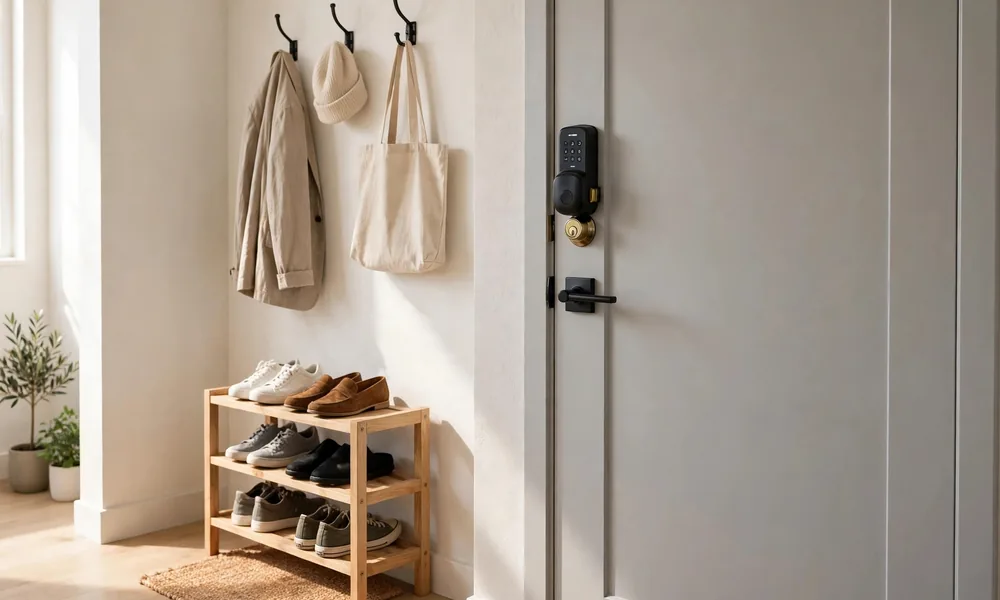
Most apartment smart locks install in under half an hour with a single screwdriver. Follow this checklist in order.
- Read your lease and get landlord approval in writing before you touch the door, even for a retrofit lock that leaves no marks.
- Photograph the existing lock from both sides and keep every screw and part in a labelled bag, so the original can be refitted exactly as it was.
- Measure the backset, door thickness, and deadbolt size, then check them against the lock’s requirements before opening the box.
- Fit the lock with the door open first, test the bolt by hand, and only then close the door to test locking and unlocking.
- Create your own code, a guest code, and a temporary code, then test each one from outside before you rely on the lock.
- Turn on auto-lock, set the delay to thirty seconds, and check the activity log in the app to confirm every entry is recorded.
Frequently Asked Questions
Can I install a smart lock in a rental apartment?
In most cases, yes, as long as your lease allows it and you can restore the original lock when you move out. Retrofit locks are the easiest option because they do not change the outside of the door. Always ask first and keep the approval in writing.
Do smart locks work without Wi-Fi?
Yes. Keypad codes, fingerprints, and Bluetooth unlocking all work without an internet connection, because they are stored on the lock itself. Wi-Fi only adds remote control and alerts when you are away.
What happens when the batteries die?
Good locks warn you weeks before the batteries run out, through the app, with a light, or with a sound. If they do die, most locks still accept a physical key, and many have a USB port that powers the lock just long enough to enter a code.
Will my landlord have access to my flat?
Your landlord’s rights depend on your lease and local law, and a smart lock does not change them. What it does change is how access is managed. You can give your landlord their own code and see exactly when it is used in the activity log.
Are smart locks safe from hacking?
No connected device is completely immune, but the risk is small with basic habits: choose a known brand with regular firmware updates, use a strong and unique password, and turn on two-factor authentication.
Can I take my smart lock with me when I move out?
Yes, and this is one of the best reasons to buy one. Retrofit locks come off in minutes and leave the original deadbolt exactly as it was. Full replacement locks take a little longer, because you need to refit the original lock first. Keep the box and the screws, and your lock can move with you to the next flat.
Security at the front door is only part of the picture. A smart doorbell for homes adds a camera and two-way talk at the same entrance, so you can see who is there before you unlock.
The Bottom Line
The best smart lock for apartments in 2026 is the August Wi-Fi Smart Lock for most renters, because it keeps the existing deadbolt, installs in minutes, and removes without a trace. If you want a keypad on the door, the Yale Assure Lock 2 is the strongest all-round choice, while the Schlage Encode Plus is the one to buy for an Apple household. Budget buyers should look at the Wyze Lock Bolt. Whichever you choose, check your lease, measure your door, and keep a physical key as backup.