A monitor is the part of a desk you stare at for hours, and it is the part most people buy with the least thought. The laptop gets the research, the chair gets the test sit, and the monitor gets picked because it is the right size and the price looks fair. A good monitor disappears into the work. A bad one nags at you from nine to five, day after day, year after year.
This comparison puts the best monitors of 2026 head to head against the worst, judged the way you would actually live with them: for office work, for creative work, for study, and for everyday use at home. Gaming is only one corner of the story here, and our separate guide to gaming screens covers that world in full. Here the tests are the ones that matter at a desk: whether text stays crisp through a long day, whether colours stay honest, whether the screen is bright enough for a real room, and whether the stand and ports suit the desk it sits on. The right stand makes even a good screen easier to live with, and our guide to the monitor arms that fix your posture shows what a proper mount can do when the bundled stand falls short.
Key Takeaways
- Size and resolution belong together: 27 inches needs 1440p, and 32 inches needs 4K, or text will look soft no matter what the box promises.
- A bright, matte screen you can read in daylight matters more than any HDR badge, because most monitors are used in bright rooms, not dark ones.
- Panel type decides colour and viewing angles: IPS is the safe all-rounder, VA gives deeper blacks, and a cheap panel hides its flaws in still photographs.
- Height adjustment is not a luxury: a stand that only tilts will force your neck into a compromise every single day.
- Check the ports before you buy, because a monitor with the wrong connections will need a dongle on day one and a replacement sooner than it should.
How Monitors Actually Work
A monitor is three things at once: a panel that makes the picture, a backlight that lights it, and a stand that holds it where your eyes need it. The panel decides sharpness, colour and viewing angles. The backlight decides brightness and how evenly the screen is lit. The stand decides whether the screen sits at eye level or whether you spend the day looking down at it. When a monitor feels wrong, the fault is usually in one of those three, and the box rarely tells you which one was built to a price.
Resolution is the number of pixels, and it only means something next to the size of the screen. A 24-inch screen at 1080p looks crisp because the pixels are packed tightly. Stretch the same 1080p across 27 inches and the pixels spread out, so text grows jagged and photographs lose their fine detail.
Brightness is measured in nits, and it decides whether the screen holds up in a real room. A monitor that reaches 300 to 400 nits stays readable beside a window, while one stuck below 250 nits looks grey and tired by mid-afternoon. A matte coating helps just as much, because it scatters reflections instead of mirroring the window behind you.
What the Best Monitors Get Right
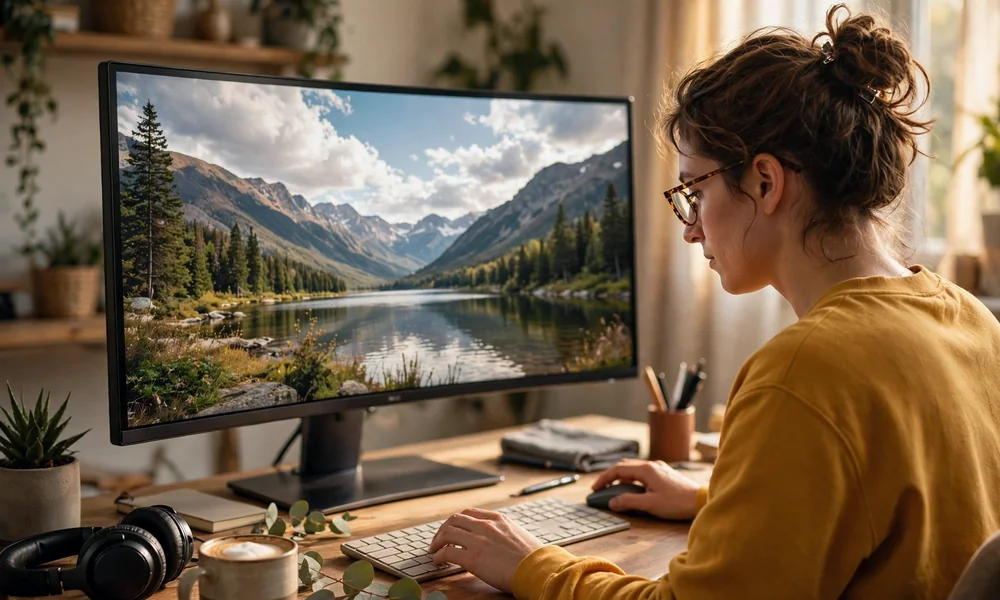
The best monitors of 2026 start with the right pairing of size and resolution, and they do not ask you to compromise on it. A 27-inch 1440p screen is the sweet spot for most desks: sharp enough for small text, roomy enough for two documents side by side, and undemanding enough that any modern laptop can drive it without fuss. A 32-inch 4K screen suits people who work with photographs, video or large spreadsheets, and who have the desk depth to sit far enough back. A 24-inch 1080p screen still has a place on a small desk or as a second screen, and it is honest about what it is. The best monitors never pretend a stretched resolution is a feature.
Panel quality is where the best screens earn their price. A good IPS panel gives accurate colours, wide viewing angles and a picture that stays steady when you shift in your chair.
Brightness and eye comfort come next, and the best monitors treat them as seriously as sharpness. A bright screen with a matte finish stays readable all day, and a flicker-free backlight with a low blue light mode makes long sessions easier on tired eyes.
Then there is the part buyers forget until the monitor is on the desk: the stand and the ports. The best stands adjust in height, tilt and swivel, and many rotate into portrait for long documents, so the screen meets your eyes instead of your neck meeting the screen. The best monitors also give you the connections you will actually use: HDMI and DisplayPort for a desktop, USB-C with power delivery for a laptop, and a USB hub for a keyboard and mouse.

What the Worst Monitors Get Wrong
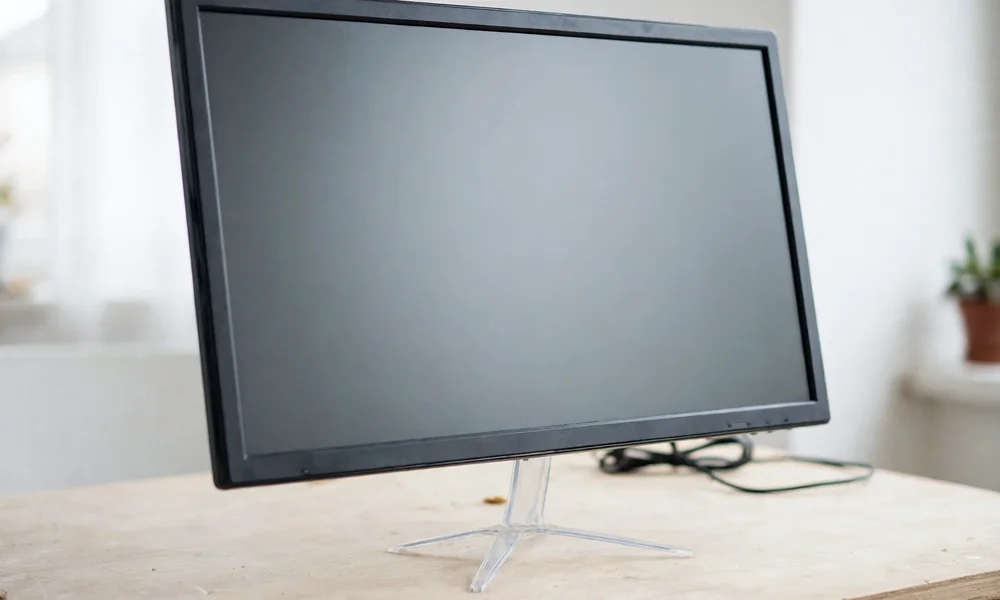
The worst monitors of 2026 fail in the same places, and the pattern is easy to spot once you know it. The first trap is the stretched resolution: a 27-inch screen sold at 1080p, or a 32-inch screen sold at 1440p, with a low price that looks like a bargain.
The second trap is fake brightness and fake HDR. Many budget monitors carry an HDR badge and a brightness figure that only exists in a test mode nobody uses, while the real picture sits below 250 nits and looks grey in daylight. The HDR badge changes nothing, because the backlight is too weak to show bright highlights and dark shadows in the same scene.
The third trap is the panel nobody names. The worst monitors hide their panel type, or use the cheapest VA or TN panels they can find, then dress the result up with a slim bezel and a bright box. A cheap TN panel shifts colour the moment you move your head, so the picture changes every time you lean. A cheap VA panel smears in dark scenes, so films and video calls look muddy.
The fourth trap is the stand that does not stand up to the job. The worst stands only tilt, with no height adjustment at all, so the screen sits too low and your neck pays for it. They wobble when you type, they sag over months, and they take up more desk than they should because their feet splay wide.
The final trap is the gaming number on an office screen. Some everyday monitors shout about a high refresh rate or a one-millisecond response time, numbers that matter for competitive gaming and barely matter for documents, email and video calls. A 144Hz office screen is pleasant, but it is no substitute for sharpness, brightness and a good stand, and the worst monitors use the big number to distract from a dim panel and a wobbly base. Judge an office monitor by the working day it will serve, not by the game it will never play.
Best vs Worst Monitors at a Glance
| Test | Best monitors | Worst monitors |
|---|---|---|
| Size and resolution | Matched pairs: 27-inch 1440p, 32-inch 4K | Stretched: 27-inch 1080p, 32-inch 1440p |
| Brightness | 300 to 400 nits, matte, even across the screen | Below 250 nits, glossy, cloudy corners |
| Panel | Named IPS or good VA, steady colour at any angle | Unnamed cheap panel, colour shifts as you move |
| Stand | Height, tilt, swivel and portrait rotation | Tilt only, wobbles, sags within months |
| Ports | HDMI, DisplayPort, USB-C with power delivery | One HDMI, a VGA port nobody needs |
| Warranty | Three years, reachable support | One year, hard to reach |
Which Monitor for Which Desk
For office work and study, a 27-inch 1440p IPS screen is the answer for most people. It is sharp, bright, honest in colour, and big enough for two windows side by side without dominating a normal desk.
For creative work with photographs or video, step up to a 32-inch 4K screen with a good IPS or OLED panel and check that it covers the colour range your work needs. Vivid is not accurate, and a screen that flatters a photograph will betray it when the file is printed or published, so look for factory calibration rather than shop-floor sparkle.
For a small desk or a shared home, a 24-inch 1080p screen is still a sensible buy, provided it is bright, matte and height adjustable. It fits where a 27-inch screen would crowd the room, and it costs far less, which leaves money for a decent stand or a better chair. For video calls, the monitor matters less than the camera on top of it, and our guide to the webcams that make you look sharp on calls covers that side of the setup. For a laptop-first desk, choose a monitor with USB-C power delivery, so one cable carries the picture and charges the laptop, and a hub keeps the keyboard and mouse connected without a tangle of wires. Our guide to the docking stations that tidy a laptop desk covers the hub side of that choice.
One more check costs nothing and saves the most regret: measure the desk before you order. A 32-inch screen on a shallow desk sits too close to be comfortable, and a 27-inch screen on a deep desk can feel lost. Leave room for the stand feet, for a notebook, and for the laptop that will sit beside the screen, and remember that a monitor arm can reclaim the space a wide-footed stand wastes. The right size is the one that fits the desk you own, not the one that looked impressive in the shop.
The Verdict
The best monitors of 2026 are the ones that get the unglamorous things right: the right resolution for the size, a bright matte screen, honest colour, and a stand that puts the picture at eye level. They cost more than the cheapest screens, but the difference is spread across thousands of hours of use. The worst monitors spend their budget on the box instead of the panel: stretched resolutions, fake HDR, unnamed panels and tilt-only stands. They look like bargains on the shelf and feel like mistakes within a month. Buy the screen you will stare at, not the specification you will boast about, and check it hard during the return window.
Test It Before the Return Window Closes
Open a plain white page and look at the corners, then a document with small text, then a photograph you know well. If the white page looks cloudy, the text looks soft, or the photograph looks wrong, send the monitor back. Lean left and right while you watch the colours, type firmly and watch for wobble, and plug in everything you own to check the ports. A monitor that passes those tests in the first week is one that will still be earning its place on your desk in five years.