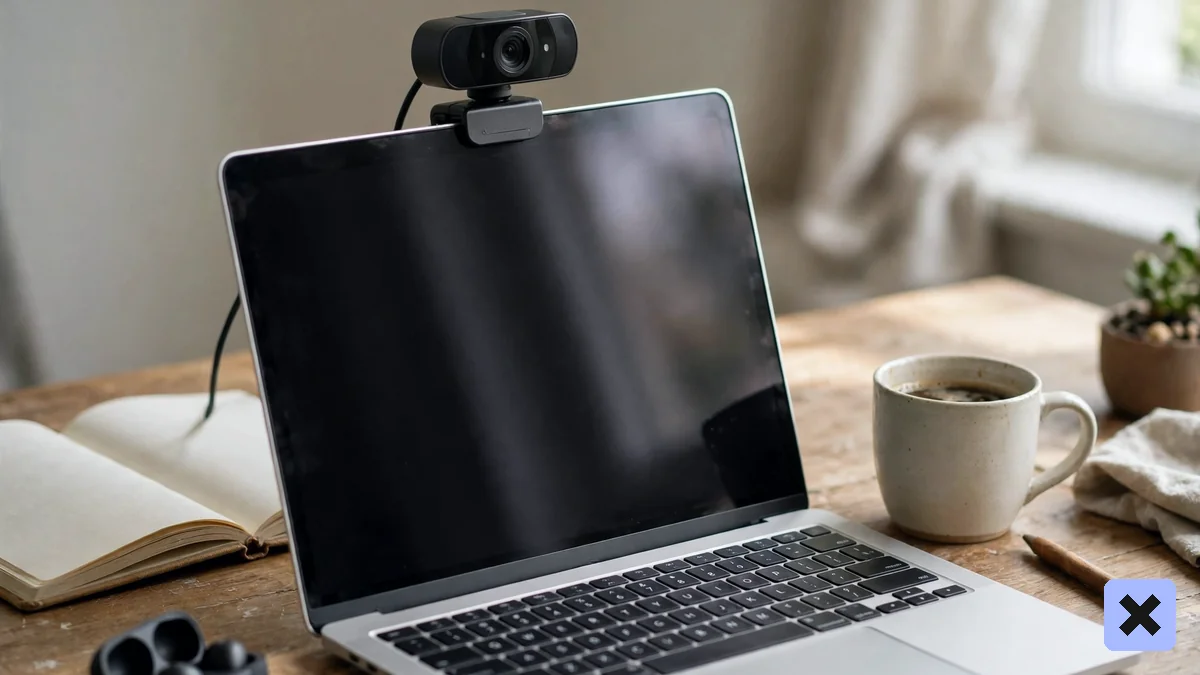
A webcam is the smallest camera you own and the one that decides how the world sees you every working day. A good one makes you look sharp, well lit, and easy to follow on every call, stream, and online lesson. A bad one leaves you soft, shadowy, and hard to hear, and nobody on the call will tell you, because nobody wants to be rude. They will simply work a little harder to follow you, and quietly form a worse impression. The difference between the best and the worst webcams in 2026 is not about price or a big number on the box. It is about the sensor, the lens, the autofocus, and the microphone.
This head-to-head comparison puts the two sides against each other properly, instead of listing good cameras on one page and bad ones on another. On one side, the webcams that earn their place on a monitor: sharp 1080p workhorses, 4K creator cameras, and clever low-light performers. On the other, the ones that disappoint call after call: fake 4K bargain cameras, hunting autofocus, tinny microphones, and tired built-in laptop cameras. By the end, you will know which kind belongs on your desk and which kind should never have been bought.
Key Takeaways
- A good 1080p webcam with a decent sensor beats a cheap 4K camera almost every time, because the sensor and lens matter more than the resolution number.
- Autofocus and automatic light correction make the biggest visible difference day to day, far more than extra megapixels ever will.
- For work calls, 1080p at 30 frames per second is enough; for streaming and recording, aim for 60 frames per second or true 4K.
- Weak microphones cause more daily complaints than bad video, so budget for a separate microphone if your calls matter.
- Test any webcam in your own room light before the return window closes, because shop lighting flatters every camera.
What Makes a Great Webcam
A great webcam is judged by three things: how sharp the picture looks, how well it copes with your light, and how it sounds. Sharpness comes from the sensor and the lens together. A larger sensor gathers more light and produces a cleaner image with less grain, while a glass lens holds detail across the frame instead of going soft at the edges. That is why a well-made 1080p camera can look far better than a cheap camera that claims 4K on the box but hides a tiny sensor and a plastic lens behind the claim.
Light is the test most buyers overlook. Most of us sit with a window to one side and a ceiling light above, which is a hard scene for any small camera. The best webcams handle it with automatic exposure and white balance that adjust smoothly, so your face stays bright without the window blowing out behind you. A privacy shutter, a solid clip that fits thick and thin monitors, and a cable long enough to reach your computer without pulling complete the picture.

The Best Side: Webcams That Earn Their Place
The best webcams of 2026 share one quality: they disappear. You set them up once, and then you forget about them, because the picture is steady, the focus stays where it should, and your voice comes through clearly. They are not all expensive, and they are not all 4K. What they share is honest engineering: a sensor big enough for your room, a lens that holds focus, and software that corrects light without turning your skin into wax.
Sharp 1080p Workhorses
For most people, a sharp 1080p webcam is the best buy of all. It costs far less than a 4K camera, it works with every video app without fuss, and at the distance you sit from your screen, nobody on the other end can tell the difference between good 1080p and good 4K. The best of these workhorses offer a wide but not distorted field of view, smooth autofocus that locks on and stays locked, and a dual microphone that picks up your voice without picking up every keystroke. If your days are mostly meetings, lessons, and interviews, this is the category to shop in, and the best webcams of 2026 show how strong this middle ground has become.
4K Creator Cameras
For streamers, teachers who record lessons, and anyone who presents to a large audience, a true 4K camera earns its price. The extra resolution gives you room to crop and reframe without the picture falling apart, and the better sensors in this class handle mixed light far more gracefully. Look for 4K at 30 frames per second as a minimum, and 60 frames if you move around or demonstrate things with your hands. The best creator cameras also offer manual controls for exposure and focus, so you can lock the look you want instead of letting the camera hunt every time you lean forward.
Low-Light and Smart Framing Stars
Some of the most impressive webcams of 2026 are not the sharpest on paper but the cleverest in a real room. Low-light stars use larger sensors and gentle noise reduction to keep your face clear when the sun goes down, which matters for evening calls and winter afternoons. Smart framing cameras follow you gently as you move, keeping you centred without jerky jumps, which suits teachers and presenters who stand and move. Buy the low-light performance if your room is dim, or the framing if you move, and let the other features stay simple.
The Worst Side: Webcams That Waste Your Money
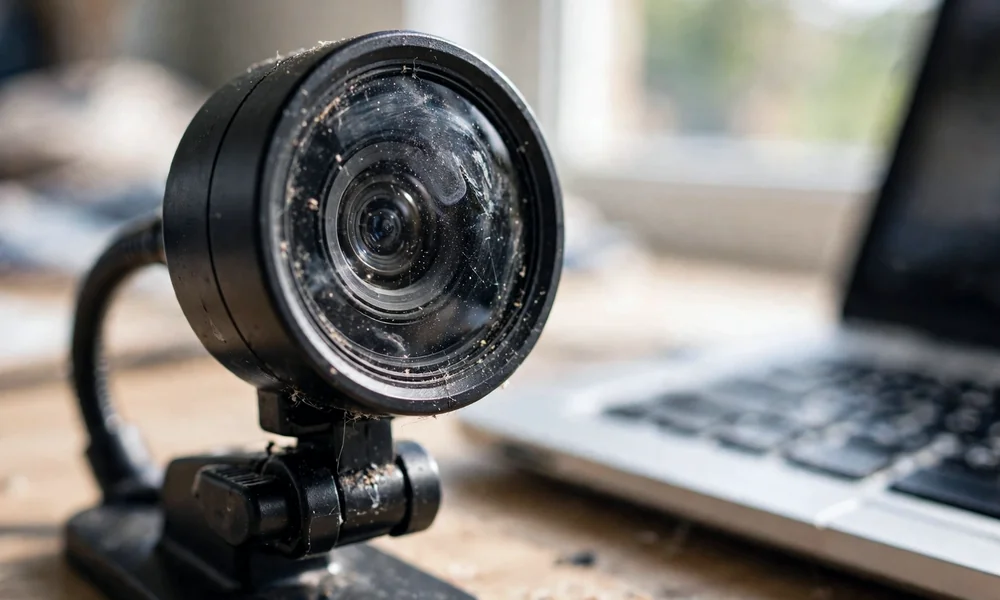
The worst webcams do not look like bad products. They arrive in neat boxes, promise crisp 4K video and studio sound, and cost just little enough to feel like a bargain. Then the first meeting starts, and the picture is soft, the colours are wrong, and your voice sounds as if it is coming from the next room. The failure is quiet and repeated, call after call, until looking unprofessional becomes your normal.
Fake 4K Bargain Cameras
The classic trap of 2026 is the bargain camera that shouts 4K on the box and delivers a soft, noisy image that looks worse than a good 1080p camera. The trick is simple: a tiny sensor records a small image and the camera upscales it, inventing detail that was never there. The result is a picture that looks smeared, with skin tones that drift orange or grey and edges that shimmer whenever you move. The worst webcams of 2026 are full of this type, and the lesson is plain: a resolution number without a decent sensor behind it means nothing at all.
Hunting Autofocus and Tinny Microphones
Some cameras have a fair sensor but ruin the experience with autofocus that never settles. You lean in to make a point and the picture pulses in and out of focus, drawing every eye to the blur instead of your words. Others pair a decent picture with a microphone that makes you sound distant, hollow, or buried under room noise. On a work call, bad audio is worse than bad video, because people can forgive a soft picture but they cannot follow words they cannot hear. A separate microphone almost always sounds better than a webcam microphone, and the best microphones of 2026 are a cheaper upgrade than a whole new camera.
Tired Built-In Laptop Cameras
Most laptops still ship with a basic built-in camera, and for many people it is the weakest link in their whole setup. It sits in a thin lid with no room for a proper sensor, it looks up your nose from a low angle, and it falls apart the moment the light drops. If you are on video all day, an external webcam is one of the cheapest upgrades you can make, and it pays for itself in the first week of meetings where people can actually see you clearly.
Head-to-Head: Best vs Worst
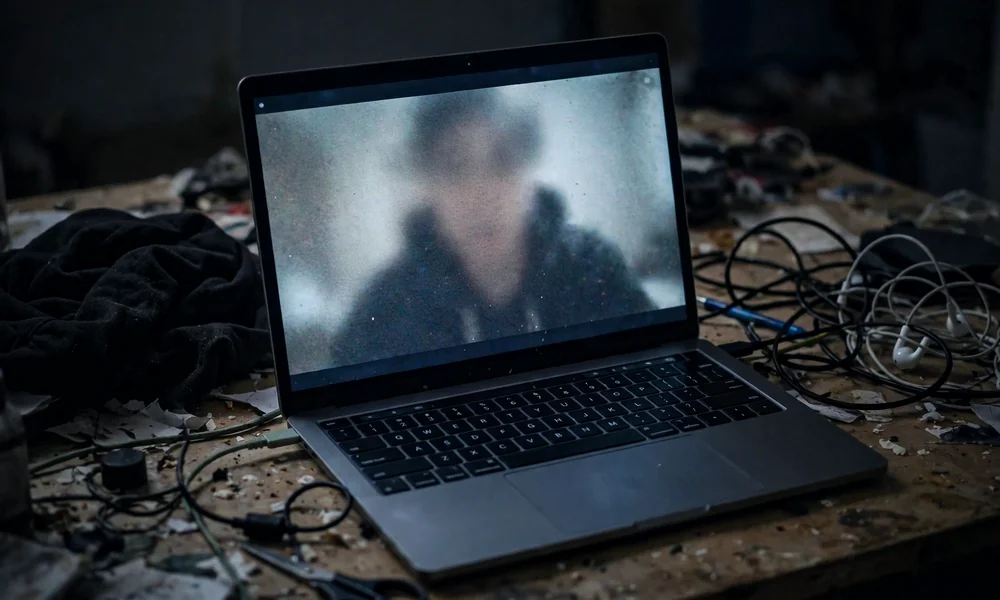
Put the two sides next to each other in the same room and the gap is obvious within seconds. The best webcam holds your face sharp as you lean in and sit back, keeps your skin tone natural as the light changes, and lets your voice sit clearly above the room. The worst drifts in and out of focus, turns grainy as the evening comes, and makes you sound far away. The best is ready the moment you plug it in, with a clip that fits and a cable that reaches. The worst needs fiddling, propping up, and apologies to the people on the call.
The Verdict
The best webcams of 2026 win this head-to-head by a wide margin, and the win is not about spending more. A good 1080p workhorse costs little more than a bargain camera and delivers a visibly better picture on every single call. Spend more only when you have a clear reason: true 4K for recording, a larger sensor for dim rooms, or smart framing because you move while you present. Avoid anything that promises 4K at a suspiciously low price, anything with fixed focus, and anything whose microphone nobody praises. Your face and your voice are your presence on a call, and a webcam is the cheapest way to protect them.
Who Each Side Is For
The best side is for anyone whose work happens on camera: remote workers, teachers, interview candidates, streamers, and founders pitching over video. If your income or your reputation depends on how you come across in a small rectangle on someone else’s screen, a good webcam is not a luxury, it is part of your work kit. The worst side, frankly, is for nobody, but if you already own a bad camera, it can survive as a spare for the rare call where nobody needs to see you well. Just do not let it be the camera that introduces you to a new client, a new employer, or a new audience, because first impressions on video are made in seconds and a bad camera spends them badly.
How to Test a Webcam Before You Keep It
Buy from somewhere with a proper return window, and test the camera where you will actually use it. Record a short clip in your normal daytime light and again in the evening, then watch it back on a big screen and listen with headphones. Check the focus as you lean in and sit back, check your skin tone against a window and against a lamp, and ask a friend how you sound. Clean the lens first, because a smeared lens makes even a good camera look bad, and keep the box until you are sure. If the picture looks soft, the colours drift, or your voice sounds distant, send it back. There are too many good webcams in 2026 to settle for one that makes you look worse than you are.
A webcam will never make you smarter, funnier, or better prepared, but the right one makes sure nothing stands between you and the people you are talking to. Choose the sharp, steady, honest camera, skip the bargain that promises everything, and let your work speak for itself.