A USB hub is the most boring box on your desk until the day it fails. A good one quietly turns a single laptop port into a whole workspace: monitor, keyboard, mouse, hard drive, and phone charger, all connected through one cable, all working every time you sit down. A bad one drops your drive in the middle of a file transfer, stutters your mouse, charges your phone at a crawl, and runs hot enough to worry you. The difference between the best and the worst USB hubs in 2026 is not about how many ports are printed on the box. It is about the speed those ports really deliver, the power they can share, and whether they keep working when everything is plugged in at once.
This head-to-head comparison puts the two sides against each other properly, instead of listing good hubs on one page and bad ones on another. On one side, the hubs that earn their place on a desk: fast USB-C hubs, powered desktop hubs, and slim travel hubs that actually work. On the other, the ones that disappoint day after day: unpowered port multipliers, fake-speed bargain hubs, and overheating plastic boxes. By the end, you will know which kind belongs in your setup and which kind should never have been bought.
Key Takeaways
- A hub is only as fast as its slowest link, so match the hub to your laptop port: a 10 Gbps hub on a 5 Gbps port gains you nothing.
- Powered hubs beat unpowered ones the moment you connect a hard drive, because spinning drives and fast SSDs need more power than a laptop port shares.
- More ports are not better if they share one slow connection.
- Heat is a warning sign, not a quirk: a hub that runs hot under normal use is cutting corners on its chips or its case.
- Count your real devices before you buy, including the monitor, and leave one spare port for the thing you will add next month.
What Makes a Great USB Hub
A great USB hub is judged by three things: speed, power, and reliability. Speed means the hub moves data at the rate it claims, not just in a short burst but through a whole file transfer. A hub that claims 10 gigabits per second should move a large video file at close to that rate, and it should keep every port usable while it does so.
Power is the part most buyers miss. Every port on a hub draws from the same supply, and a laptop port on its own can only share a small amount. That is why unpowered hubs struggle with hard drives and fast SSDs, which need a proper feed to spin up and stay connected. Reliability is the sum of the two: a good hub is boring, and boring is exactly what you want from the box everything else depends on.
The Best Side: Hubs That Earn Their Place
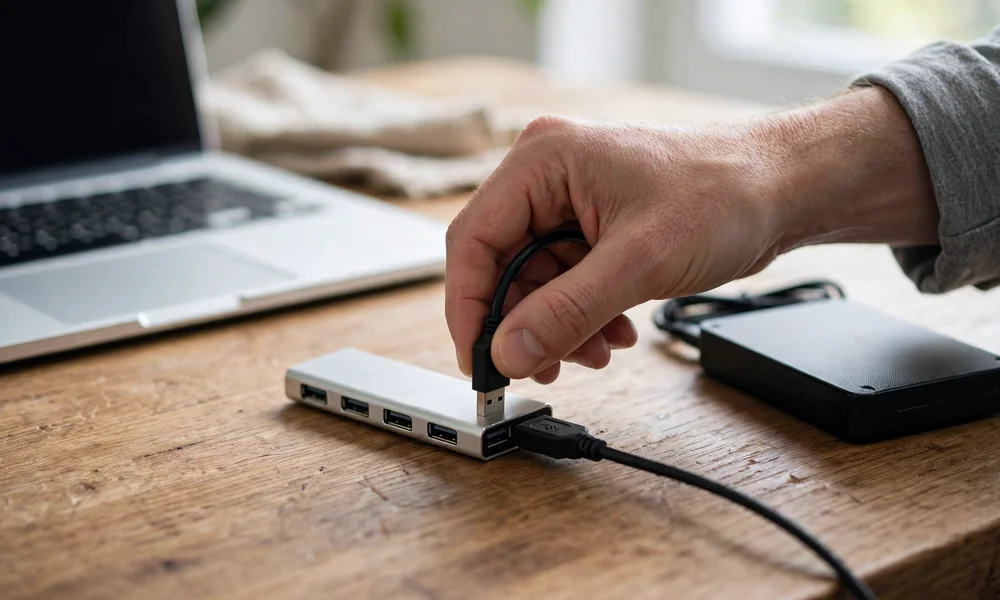
The best USB hubs of 2026 share one quality: they disappear into your routine. You plug everything in once, and then you forget the hub exists, because the monitor wakes when the laptop opens, the drive stays connected all day, and the phone charges while you work. What they share is honest engineering: a fast connection to the laptop, enough power for every port, and a case that sheds heat instead of trapping it.
Fast USB-C Hubs
For most laptop owners, a fast USB-C hub is the best buy of all. It connects with a single cable and gives you back the ports your laptop left out: a couple of fast USB-A ports for older devices, a USB-C port for a modern drive, an HDMI port for a monitor, and a card slot for a camera. The best of them support 10 Gbps data, pass through enough power to charge the laptop while you work, and drive a 4K monitor at 60 frames per second without flicker. They pair naturally with a proper desk setup built around the best laptops of 2026. If your laptop has only one or two ports, this is the category to shop in first.
Powered Desktop Hubs
For a fixed desk with many devices, a powered desktop hub is the strongest choice. It sits on the desk with its own power supply, so every port gets the full power it needs, and it can run a hard drive, an SSD, a keyboard, a mouse, a webcam, and a phone charger all at once without complaint. The best powered hubs offer seven or more ports, individual switches for devices you want to turn off, and a heavy case that stays put when you plug things in. If your work depends on a drive that must never disconnect, this is the hub to choose.
Slim Travel Hubs That Actually Work
Some of the most useful hubs of 2026 are the small ones made for bags and hotel desks. A good travel hub is barely bigger than a matchbox, draws its power from the laptop, and gives you just enough: two USB ports, an HDMI output, and a charging pass-through. The trick is honesty about limits: a travel hub is for a mouse, a presentation clicker, and a monitor in a meeting room, not for a hard drive and four accessories at once.

The Worst Side: Hubs That Waste Your Money
The worst USB hubs do not look like bad products. They arrive in neat boxes, promise ten ports, gigabit speeds, and 4K video, and cost just little enough to feel like a bargain. Then you plug in a hard drive and it disconnects, you plug in a monitor and it flickers, and the hub itself grows warm to the touch. The failure is slow and repeated, day after day, until you stop trusting your own desk.
Unpowered Port Multipliers
The classic trap of 2026 is the unpowered hub that multiplies one port into eight and powers none of them properly. Plug in a keyboard and a mouse and it seems fine. Add a hard drive and the drive clicks, vanishes, and reappears, and your file transfer fails halfway through. Add a phone and everything slows down, because the hub is sharing a tiny power budget between devices that each expect a full feed. If a hub has no power supply and promises to run drives and chargers, treat the promise as fiction.
Fake-Speed Bargain Hubs
Some hubs claim speeds they cannot deliver, and the claim is easy to miss because it hides in the fine print. A hub labelled USB 3.0 should move data at 5 gigabits per second, but a bargain hub may use an older, slower chip inside and still print the faster number on the box. The result is a transfer that crawls, a backup that takes all night, and a monitor that drops to a low refresh rate. The best monitors of 2026 deserve a hub that can actually feed them, and a cheap hub that throttles your display is a false economy that costs you a screen you already paid for.
Overheating Plastic Boxes
Heat is the warning sign that separates a bad hub from a merely slow one. A hub that runs hot under normal use is wasting power, stressing its chips, and shortening its own life, and in the worst cases it can damage the devices plugged into it. Cheap plastic cases trap heat instead of shedding it, and tiny hubs with no ventilation are the worst offenders. If a hub is too hot to hold comfortably after an hour of ordinary use, unplug it and send it back. The same care applies to everything on the desk, and a hub that cannot stay cool has no business sitting next to the best keyboards of 2026 and the rest of your kit.

Head-to-Head: Best vs Worst
Put the two sides next to each other on the same desk and the gap is obvious within a day. The best hub connects everything at once, moves a large file at full speed, keeps the monitor steady, and stays cool while it works. The worst drops the drive when the phone starts charging, slows the transfer when the mouse moves, and grows warm enough to make you nervous. The best is ready the moment you sit down, with ports that grip and a cable that reaches. The worst needs unplugging, replugging, and patience, and it teaches you to distrust the desk you work at.
The Verdict
The best USB hubs of 2026 win this head-to-head by a wide margin, and the win is not about spending more. A good USB-C hub costs little more than a bargain box and delivers full speed, proper power, and a stable connection on every single day. Spend more only when you have a clear reason: a powered desktop hub for a fixed desk full of devices, or a slim travel hub because you live out of a bag. Avoid anything unpowered that promises to run hard drives, anything whose speed claim hides in the fine print, and anything that runs hot in normal use. Your files, your monitor, and your time all pass through this one small box, and it is the cheapest place in your setup to buy reliability.
Who Each Side Is For
The best side is for anyone whose desk depends on one laptop port: remote workers, students, creators with drives full of footage, and anyone who docks and undocks every day. If your work flows through a hub, a good one is not a luxury, it is part of your work kit. The worst side, frankly, is for nobody, but if you already own a bad hub, it can survive as a spare for a mouse and a keyboard and nothing more. Just do not let it carry a hard drive, a backup, or a monitor you depend on, because the day it fails will be the day you needed it most, and a cheap hub always picks the worst moment to give up.
How to Test a Hub Before You Keep It
Buy from somewhere with a proper return window, and test the hub with everything plugged in at once. Copy a large file to a drive through the hub and time it, then copy the same file plugged in directly and compare the two. Plug in the monitor and watch for flicker, plug in the phone and check it charges properly, and leave the hub running for an hour and feel how hot it gets. If a drive disconnects, a transfer crawls, or the case grows too hot to hold, send it back. There are too many good USB hubs in 2026 to settle for one that makes your desk less reliable than it was before you bought it.
A USB hub will never make your work better on its own, but the right one makes sure nothing stands between you and the work you are doing. Choose the fast, powered, honest hub, skip the bargain box that promises everything, and let your desk do its job without complaint.