Webcam Covers Worth Using: The Best Privacy Slides of 2026
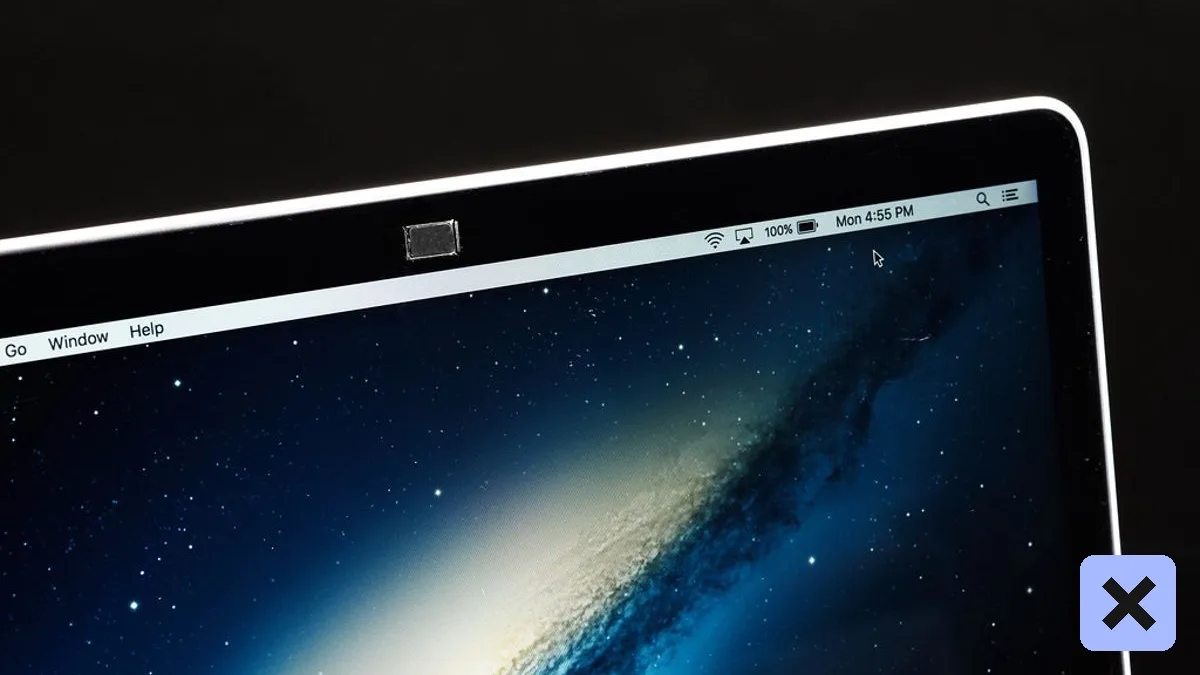
A webcam cover is the smallest privacy upgrade you can buy for a laptop. The camera above your screen is always there, pointed at your face and your room, and its little green light is the only warning if it switches on unnoticed. A webcam cover removes that worry entirely: a tiny sliding shutter, sticker or built-in flap that physically blocks the lens when you are not on a call. It costs less than a coffee and takes ten seconds to fit. This guide compares the covers worth using in 2026, and how to pick one thin enough for your laptop.
Key Takeaways
- A sliding cover is the best choice for most people: it opens in a second and lasts for years.
- Thickness matters most. A cover thicker than 1 millimetre can press on a thin laptop screen when the lid closes.
- Metal slides last longest; plastic ones cost less and suit shared laptops.
- Stickers are cheapest, but need replacing every few weeks and can leave a sticky ring.
- A built-in privacy shutter is worth having on your next webcam, but it does nothing for the laptop camera you own now.
Why a Webcam Cover Is Worth Having
Most of us never think about the camera above our screen until something makes us think about it: a call that joins with the camera already on, or software asking for camera permission at the wrong moment. A physical cover depends on nothing. When the shutter is closed, the camera sees darkness — no update or hacked account can change that.
A cover is also a visible signal: when the slider is shut, anyone nearby can see at a glance that you are not on camera. If you are choosing a camera as well as a cover, our guide to the best webcams of 2026 compares the models that hold up best on real calls.
Webcam Cover Types Compared
Covers fall into four types. Sliding covers are a tiny plate that sticks to the bezel and slides sideways. Stickers are thin adhesive dots that peel on and off. Built-in shutters come with the webcam, and magnetic covers clip on and off for external webcams and monitors. The table compares them on the points that decide whether a cover survives daily use.
| Type | Thickness | How it opens | Lasts | Best for |
|---|---|---|---|---|
| Sliding cover | 0.6–1.0 mm | Slide sideways | Years | Everyday laptops, best all-round choice |
| Sticker cover | 0.2–0.4 mm | Peel off and on | Weeks | Thin laptops, short-term cover |
| Built-in shutter | None extra | Slide on the camera | Life of the camera | New external webcams |
| Magnetic cover | 1.0–1.5 mm | Lift off | Years | External webcams, thick monitor bezels |
The trade-off: thinner covers wear out sooner, while sturdier ones need more bezel room. Measure your laptop first.

Sliding Covers: The Best All-Round Choice
A sliding cover is a small metal or plastic plate that sticks to the bezel and slides a few millimetres to one side. Push it one way and the lens is open; push it back and it is covered. It becomes a habit within a day.
Metal slides are best. A steel or aluminium plate, 0.6 to 0.8 millimetres thick, slides smoothly for years without bending, and its adhesive holds firmly yet peels off cleanly. Plastic slides cost half as much but flex under a fingernail and can crack after a year. For a laptop you open daily, metal is worth the small premium.
Check the bezel first. A slide needs about 12 millimetres of flat space beside the lens: a curved bezel or a camera in a notch will not hold it square. Most recent laptops have room, but ultra-thin models with a keyboard camera or a pop-up camera have nowhere to stick one.
Sticker Covers: Cheap, Thin and Disposable
Stickers are the simplest option: a thin adhesive dot, sold in packs of six or ten, that you press over the lens and peel off to be seen. At 0.2 to 0.4 millimetres thick, they fit every laptop, including the thinnest ultrabooks. They cost almost nothing, and a pack lasts months.
The catch: stickers are disposable. The adhesive weakens after a few dozen peels, the edge curls and picks up dust, and some leave a sticky ring that attracts dirt. Reusable gel stickers wash clean under a tap and stick again: they last for months, leave no residue, and cost only a little more. Buy those, and keep a spare in your laptop bag.
Stickers suit someone who rarely uses the camera and wants it covered nearly all the time. If you join three calls a day, peeling a sticker on and off becomes a chore within a week, and a slide is the better buy.
Built-In Shutters: The Feature to Look For Next Time
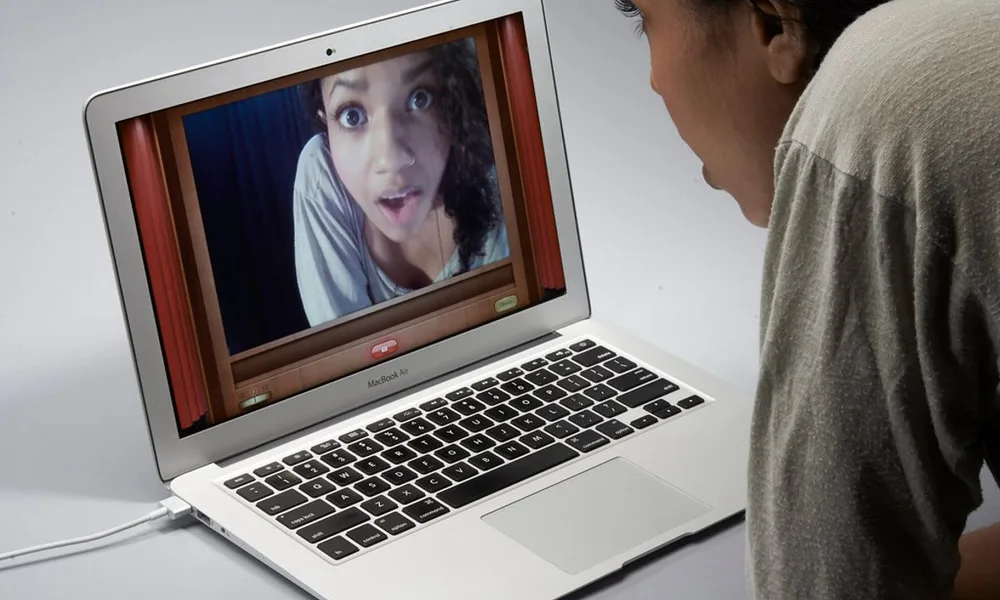
Many external webcams now ship with a built-in privacy shutter: a small flap, part of the camera body, that slides across the lens. It adds no thickness, cannot fall off, and is always where you expect it. Our head-to-head of the best vs worst webcams of 2026 treats a built-in shutter as a genuine mark of quality.
But a built-in shutter only helps the camera it is built into. It does nothing for the laptop camera above your screen — the one most people use and the one most likely to catch you by surprise. Most consumer laptops still have a bare lens, so treat the shutter as a buying point for your next external webcam, not a fix for the laptop you own.
Fit and Thickness: The Measurement That Decides Everything
Thickness is the most important specification, and the one most people skip. A laptop lid closes to a gap of about 1 millimetre. A cover thicker than that presses on the display every time you shut the lid, and over weeks that pressure can leave a mark or crack a thin panel. Repair shops see it every year, usually on the thinnest laptops with the most expensive screens.
The safe rule: for a laptop, buy a cover no thicker than 0.8 millimetres, and test it — fit it, close the lid slowly, and watch for resistance in the last few millimetres. If the lid stops short, the cover is too thick; take it off. For a monitor or external webcam, thickness barely matters. For a tablet, check that the cover does not stop a folio case closing flat.
Width matters too. A cover wider than the flat bezel overhangs the edge and peels off within days. Measure the flat strip around your lens — most are 8 to 12 millimetres tall — and buy a cover that fits inside it with a millimetre to spare. If your lens sits beside a sensor, measure the whole cluster.
The Best Webcam Covers to Buy in 2026
The picks below are types, judged on thickness, durability and ease of use — shop by specification, not by brand.
Best Overall: Thin Metal Slide Cover
The thin metal slide is the best cover for most people. A steel plate about 0.7 millimetres thick, with a smooth sliding tab, sticks firmly to the bezel and opens with one finger. It fits almost every laptop, lasts for years without bending, and comes away without a mark when removed. Buy a pack of three: laptop, monitor, and one spare.
Best Budget: Reusable Gel Sticker Pack
If your laptop is too thin even for a 0.7-millimetre slide, a pack of reusable gel stickers is the answer. At under half a millimetre thick, they fit every laptop, and the gel adhesive washes clean and sticks again, so a pack of six lasts months. They leave no trace when removed — ideal for a work laptop you do not own.
Best for Monitors and External Cameras: Magnetic Cover
A magnetic cover suits a desktop monitor or external webcam, where thickness does not matter and the bezel is wide. A small magnetic plate snaps over the lens and lifts off in one motion, with no adhesive at all, so nothing wears out. It suits a shared desk or family computer. Keep a spare — a cover with no adhesive is easy to misplace.
Good lighting matters too once the camera is open: our roundup of the best ring lights for video calls in 2026 covers lights that flatter without washing you out.
How to Fit a Webcam Cover Properly
Fitting takes a minute, but doing it properly decides whether a cover lasts years or falls off in a week. Clean the bezel first: wipe around the lens with a microfibre cloth and a drop of screen cleaner, then let it dry. Any dust or grease under the adhesive becomes a weak spot.
Line it up before sticking it. Hold it in place, open your camera app, and slide it open: the lens should be fully clear, with no edge in frame. Slide it closed and check the picture goes fully dark. Then press down firmly for ten seconds. If it is slightly off, peel it up at once — most adhesives allow one or two repositionings.
Webcam Cover Buying Checklist
- Measure your bezel: buy a cover that fits the flat strip around your lens with a millimetre to spare.
- Keep it under 0.8 millimetres on a laptop, and test the lid closes without resistance.
- Metal slide for daily use, gel sticker for the thinnest laptops, magnetic cover for monitors.
- Check slide travel: the lens must be fully clear when open and fully covered when closed.
- Clean the bezel before fitting, and press the cover down firmly for ten seconds.
- Keep a spare in your laptop bag.
Frequently Asked Questions
Do webcam covers damage laptop screens?
Only if too thick. A cover under 0.8 millimetres is safe on almost every laptop, since the lid gap is about 1 millimetre. A thicker one can press on the display and leave a mark. Test that the lid closes freely after fitting.
Will a webcam cover fit my laptop?
Almost certainly, if you measure first. Most laptops have a flat bezel strip 8 to 12 millimetres tall, which fits a standard slide. Exceptions are pop-up cameras, keyboard cameras and notched displays, where a thin sticker is the only option.
Are stickers or sliding covers better?
Slides are better for daily use: they open in a second, last for years, and never need replacing. Stickers suit laptops too thin for a slide, or cameras you rarely use.
Can I use a webcam cover on a phone or tablet?
Yes, with the same thickness rule. A thin sticker works on a tablet, but check it does not stop a folio case closing flat. On a phone, a cover is rarely needed — the front camera is usually off unless an app is open.
Does a webcam cover block the microphone?
No. The microphone sits in a separate hole, a millimetre or two from the lens, and a lens-sized cover does not reach it. Check the mic hole position first: if your cover reaches it, buy a narrower one.
What about tape over the camera?
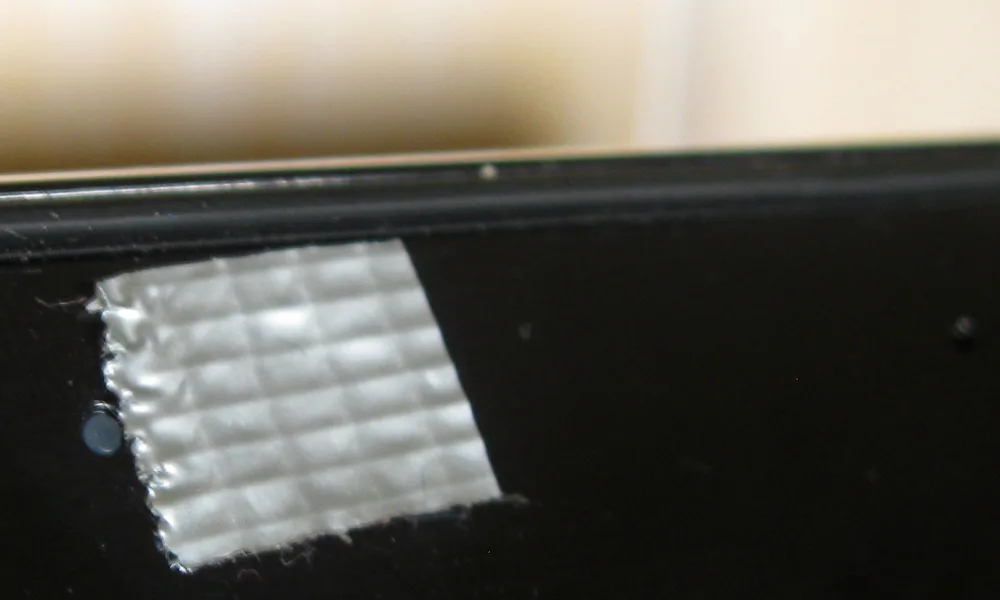
Tape works — it is the oldest webcam cover there is. But it leaves residue, looks untidy, and needs replacing when it loses its stick. A slide costs about the same as a roll of tape and does the job properly for years.
The Bottom Line
The best webcam cover of 2026 is the thin metal slide: cheap, durable, and thin enough for almost every laptop. Measure your bezel, keep it under 0.8 millimetres, and fit it on a clean surface, and you will have privacy you can check with a fingertip for years. The camera is there when you need it, and gone when you do not — for less than the price of a coffee.


