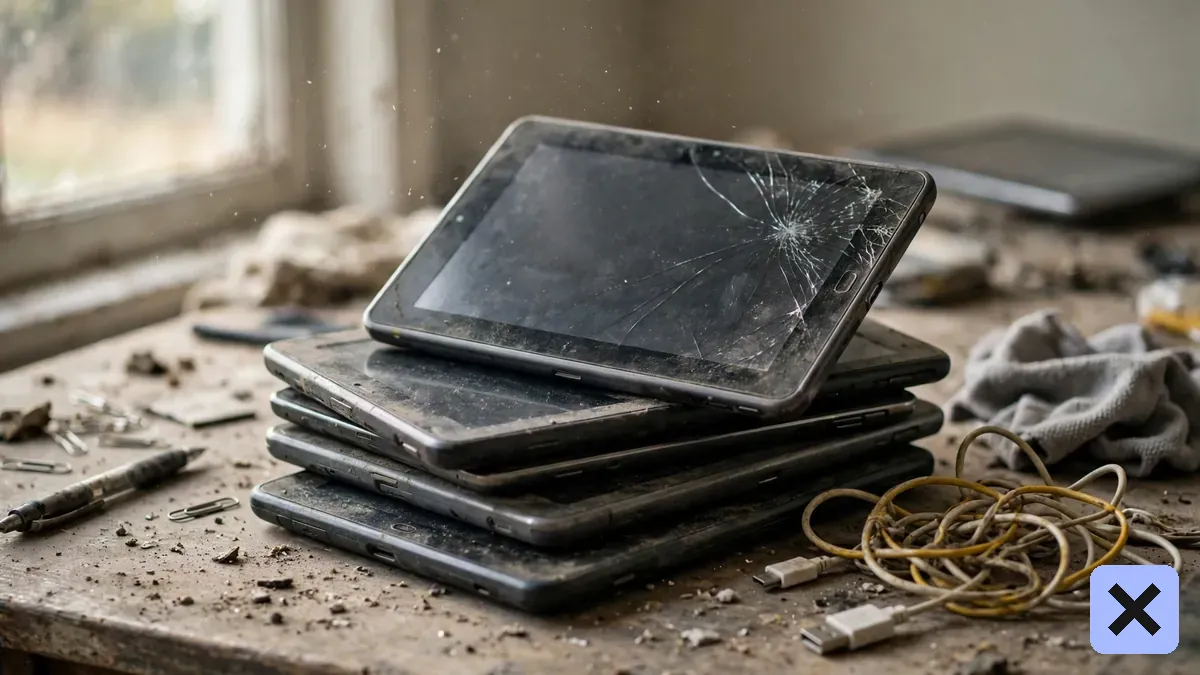
The worst tablets of 2026 rarely look bad in the shop. They promise big screens and long battery life, and cost far less than the tablets beside them. The trouble only shows up later, when a video buffers, an app stutters, or the battery gives up halfway through a film. By then the return window has closed.
Worst Tablets 2026 is a warning about the patterns that make a tablet a bad buy, whatever name is on the box. Some fail because their processors were already old when sold. Others have screens too dim to read near a window, storage that fills up in weeks, or software that stops receiving security fixes after a year. A few fail quietly: they work, but only just, and every task takes twice as long as it should.
This guide covers the types most likely to disappoint in 2026, the warning signs to spot before you pay, and the checks that separate a genuine bargain from a false economy. A good tablet should feel quick, look clear, hold a charge, and still be supported in two years.
Key Takeaways
- The worst tablets of 2026 usually fail on the same four things: a slow chip, a dim screen, too little storage, and short software support.
- 32GB of storage or 2GB of memory will feel cramped and slow within months.
- Old clearance tablets are often the worst value, because their batteries are tired and updates have stopped.
- Check the brightness, processor, storage, and update promise before you buy, not after.
- If a deal looks far cheaper than every similar tablet, something important has usually been cut.
Why So Many Tablets Disappoint in 2026
Tablets are easy to get wrong. A phone can hide a weak chip behind a small screen, and a laptop can hide a poor display behind a keyboard. A tablet has nowhere to hide: you stare at its screen, wait for its apps, and hold it for hours. Every compromise is right in front of you, every day.
New tablets arrive constantly, older models stay on sale for years, and sellers use the same words for very different machines. A tablet described as fast might have a chip that was mid-range five years ago. Learn to recognise a slow chip, a dim screen, a tired battery, and a dead software promise, and you can avoid most of the worst tablets of 2026.
The Slow-Chip Trap
The most common reason a tablet becomes unusable is a processor that was never fast enough. Cheap tablets often use chips designed for low-cost phones, then pair them with a large screen. The result takes seconds to open a browser, stutters when you scroll, and freezes when two apps run at once. With only 2GB of memory, it also closes apps in the background, so returning to a book means reloading it.

Look up the exact chip name before you buy. If it is several generations old, or the seller hides its name, walk away. In 2026, 4GB of memory is the sensible floor.
The Dim-Screen Problem
A tablet is a screen you carry everywhere, so screen quality matters more than almost anything else. The worst tablets in 2026 often pair a large display with a dim, washed-out panel that looks fine under shop lights and terrible elsewhere. Near a window, text fades, colours flatten, and video looks grey. A screen can have plenty of pixels and still look poor if it cannot get bright enough.
Check the brightness figure if one is published, and be suspicious when it is not. Try a tablet in person if you can: open a colourful photo, tilt the screen towards the light, and a bad screen gives itself away in seconds.
The Worst Tablets of 2026: The Types to Avoid
Most disappointing tablets fall into a handful of recognisable types. What matters is the combination: old hardware, thin software support, and a price that only makes sense if you ignore what is missing.
Ultra-Cheap No-Name Tablets
The cheapest tablets are tempting, especially as a first tablet or a gift. Many come from brands you have never heard of, with names that change every few months. They promise large screens, long battery life, and the latest software, all for a fraction of the price of a known tablet. In practice, they often deliver a slow chip, a dim screen, a fading battery, and software already out of date. Worse, when something goes wrong, there may be no clear warranty, no repair network, and no one to answer a question.
Tablets With Too Little Storage
Storage is the quietest way a tablet fails. A tablet with 32GB sounds workable until you count what lives on it: the system takes a large share, apps take more, and photos, books, and films fill the rest. Within weeks you are deleting apps to make room for an update. A memory-card slot does not solve this: many apps cannot move to a card, and cards are slower. In 2026, 64GB is the bare minimum for light use, and 128GB is the sensible choice.
Tablets That Promise Laptop Work and Cannot Deliver It
Some tablets are sold as laptop replacements, complete with a keyboard cover and a stylus in the photos. Many cannot do the job: their chips struggle with large documents, their keyboards are cramped, and their apps lack desktop features. Writing a long essay or taking notes on a video call becomes a slow exercise. The same promise-and-shortfall problem shows up in our guide to the worst laptops of 2026. A device that claims to replace a laptop should be judged like one: can it handle several apps at once, keep up with typing, and last through a working day? If not, it is a media tablet with a keyboard attached.
Tablets With Dying Batteries and Slow Charging
Battery life is easy to promise and hard to deliver. The worst tablets of 2026 often quote a big number that only applies to a dim screen playing a local video with wireless off. In normal use they fade far faster, and a tablet that needs charging by lunchtime is not portable. Slow charging makes it worse: some cheap tablets take four or five hours to fill up.

A good tablet should manage a full day of mixed use, charge in a reasonable time, and lose little charge overnight. Batteries age, and a weak one only gets weaker.
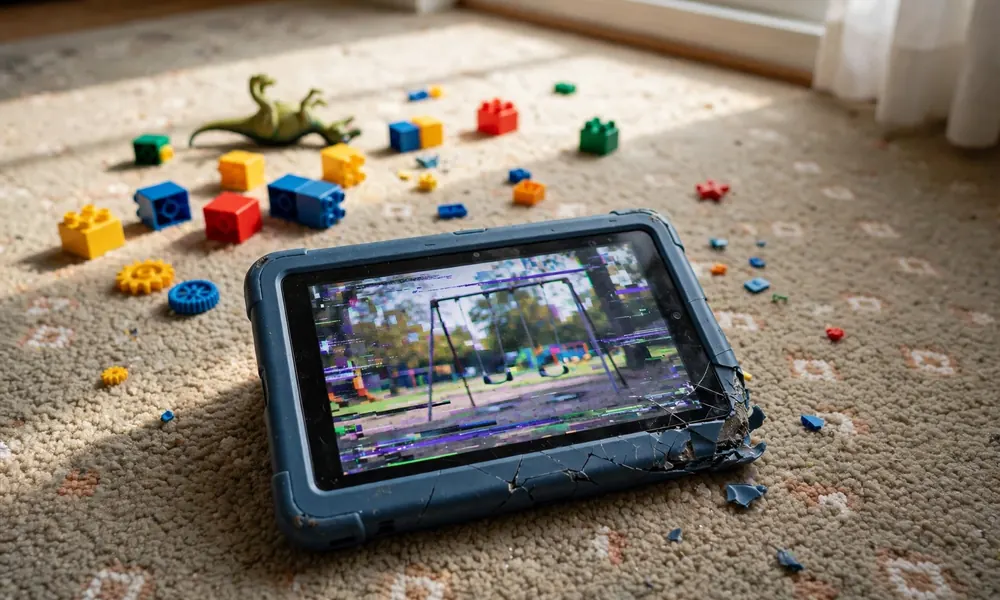
Tablets for Children That Break Too Easily
A tablet for a child needs to survive drops, spills, and sticky hands. The worst ones fail at exactly that: cases crack at the corners, screens shatter from a short fall, and handles snap off within weeks. Some also lock you into a small, outdated app store or hide parental controls. Check drop protection, the damage warranty, and parental controls before you buy. A tougher tablet usually costs less over two years than a cheap one you replace twice.
Tablets With Abandoned Software
Software support is invisible until it disappears. A tablet that stops receiving updates becomes a security risk: flaws go unpatched, browsers fall behind, and apps gradually stop working. Before you buy, check how long a tablet will receive security updates. A maker with a clear promise is worth more than a slightly faster chip from a maker with none.
How to Spot a Bad Tablet Before You Buy
| Warning sign | What it usually means | Walk away if |
|---|---|---|
| Chip name hidden or very old | Slow performance that worsens with updates | You cannot find the exact chip and its age |
| Only 32GB storage or 2GB memory | Constant space warnings and apps closing | 128GB costs only a little more elsewhere |
| Dim screen, no brightness figure | Unreadable near windows and outdoors | You cannot test it in bright light |
| No update promise | Security fixes stop early | The last update was over a year ago |
| Unknown brand, no warranty | No support or repairs if it fails | You cannot find a real service contact |
| Too-good-to-be-true price | Key parts have been cut to hit the price | Similar tablets cost far more |
Use the table as a quick filter. One warning sign alone might be acceptable; two or three together mean look elsewhere. The best tablets name their chip, publish their figures, and state how long they will be supported. If a listing hides those details, keep shopping.
What to Buy Instead
Avoiding the worst tablets is only half the job. Start with the basics: a current chip, at least 4GB of memory, at least 128GB of storage, a bright screen, and a clear update promise. Those five checks rule out most of the worst tablets of 2026. The safest route is usually a well-reviewed tablet from a known maker. Our guide to the best tablets of 2026 compares the strongest choices across budgets and uses.
Ecosystem matters too: a tablet that shares your phone, photos, and subscriptions is easier to live with. Our guide to the best iPads of 2026 shows what a polished, well-supported tablet should offer.
Checklist: Before You Buy Any Tablet
- Check the exact chip name and age, and confirm it is current enough for your apps.
- Confirm at least 4GB of memory and 128GB of storage, or 64GB only for very light use.
- Check the screen brightness and read it in daylight if you can test it in person.
- Confirm how long the tablet will receive security updates, and when it last got one.
- Check the battery life in mixed use, the charging speed, and what charger is included.
- Read recent owner reviews about speed, breakage, and support after three months of use.
Frequently Asked Questions
What is the worst tablet to buy in 2026?
There is no single worst model: the worst tablets share traits rather than a name. The poorest buys combine an old chip, 2GB of memory, 32GB of storage, a dim screen, and no clear update promise. Avoid that combination.
Are cheap tablets always bad?
No. Some affordable tablets from known makers are genuinely good. The problem is a low price achieved by cutting the chip, the screen, the storage, and the support all at once.
How much storage should a tablet have in 2026?
For most people, 128GB is the sensible minimum. Light users who mainly stream can manage with 64GB, but 32GB fills up too quickly. Storage cannot usually be upgraded later.
Is an old clearance tablet a good deal?
It can be, but only if it still has years of software support left and a fresh battery. With support ending soon, even a discounted older tablet is often poor value. Check the launch date and update promise first.
Can a tablet really replace a laptop?
A strong tablet with a good keyboard can handle notes, email, and light editing, but many cheaper ones cannot. Judge it like a laptop: several apps at once, comfortable typing, and a full day on one charge.
How long should a good tablet last?
A good tablet should feel quick and stay supported for at least three years. That means a current chip, enough memory and storage, a battery that holds up, and security updates throughout. If it is likely to feel slow or unsupported within a year, it is not good value.
The Bottom Line
The worst tablets of 2026 are not hard to spot once you know what to look for. They hide an old chip behind a big screen, offer too little storage and memory, go dim in daylight, drain their batteries too fast, and stop receiving updates far too soon. Together, they turn a bargain into a device you stop reaching for. Check the chip, the screen, the storage, and the update promise before you buy. A quick, clear, supported tablet is worth a little more, because it is the one you will still be glad to use next year.


