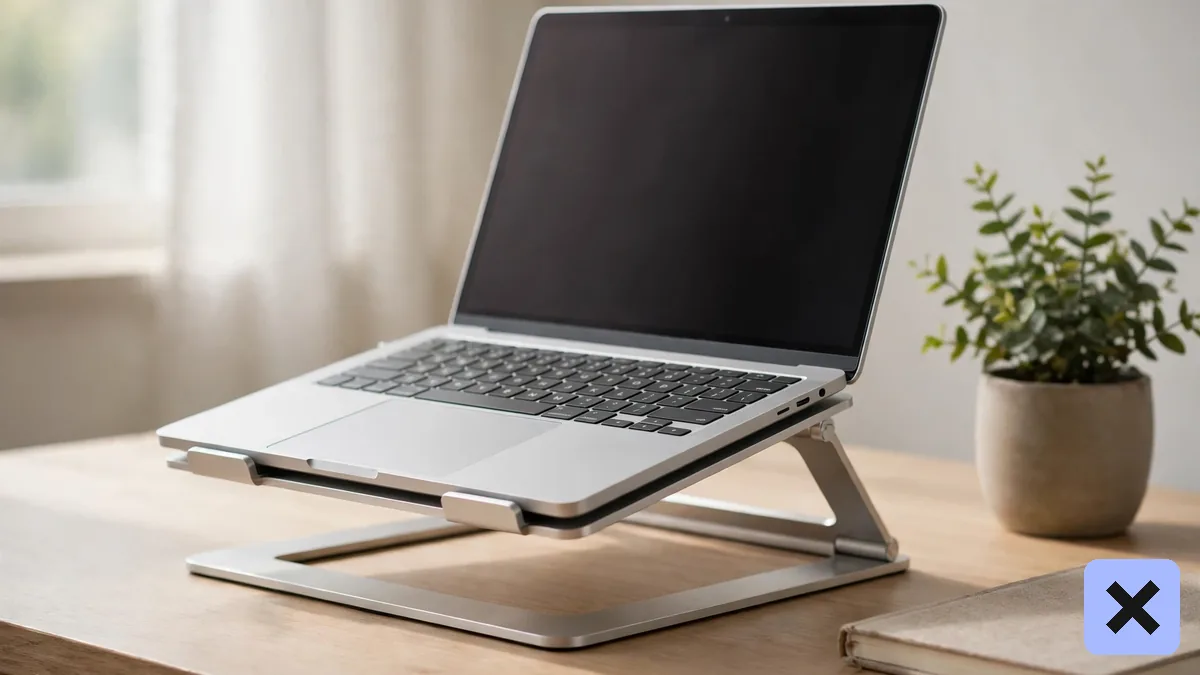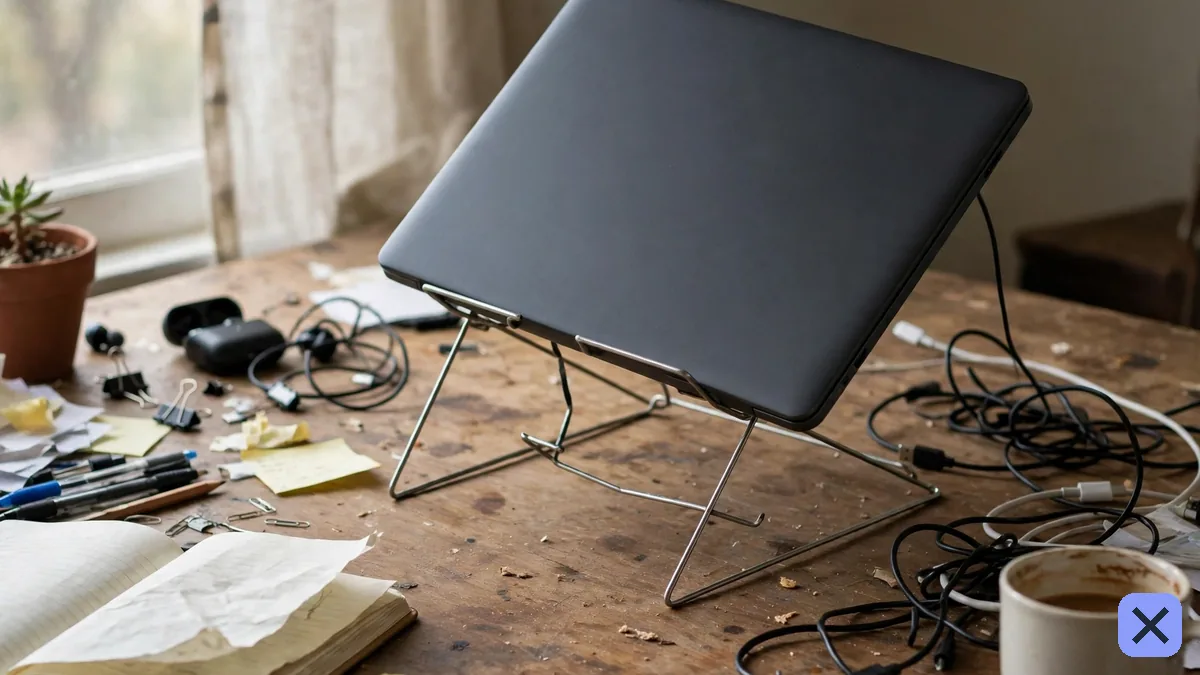
The worst laptop stands for your desk look like a simple fix for a sore neck and a hot laptop. A thin piece of metal or plastic promises a better viewing angle, cooler air flow, and a tidier workspace, all for very little money. In practice, the cheapest stands often make the desk worse, because they wobble, slide, or tilt at the wrong angle.
A laptop stand is not a decoration. It holds an expensive machine above a hard surface for hours each day while you type and scroll. When the stand is badly designed, the laptop can slip off the front lip, or the hinge can collapse under its weight. The result is neck strain, wrist pain, and a desk that feels smaller and messier than before.
This guide looks at the worst laptop stands for your desk and how to spot a bad one before you pay for it. It does not recommend a single perfect stand, because the right choice depends on your laptop, your desk, and how you work.
Key takeaways
- The worst laptop stands are flimsy, unstable, or fixed at one uncomfortable angle.
- A stand that is too tall or too steep forces your wrists to bend upward and your shoulders to hunch.
- Thin wire and cheap plastic stands often flex, slide, or collapse under a normal laptop.
- Built-in fans and extras on cheap stands usually add noise and clutter without cooling the laptop.
- Before buying, check the weight limit, angle range, grip, and whether the stand fits your laptop and desk.
Why So Many Laptop Stands Disappoint
A laptop stand has a simple job. It should lift the screen closer to eye level, keep the laptop stable while you type, and let air move underneath the machine. The worst stands fail at one or more of these jobs, and the failure is usually obvious within the first week.
The problem starts with price pressure. Stands are sold as cheap accessories, so many makers cut corners on materials, hinges, and testing. A very cheap stand is often made from thin aluminium, brittle plastic, or wire that was never meant to hold a kilogram of laptop for hours.
A stand also changes the geometry of your desk. Raising the laptop raises the keyboard, which changes the angle of your wrists. If you type directly on the raised laptop, your wrists must bend back further than they would on a flat desk.
The Worst Types of Laptop Stand
Not every bad stand fails in the same way. Some are too weak, some are too tall, and some are loaded with features that nobody needs.
Flimsy Folding Wire Stands
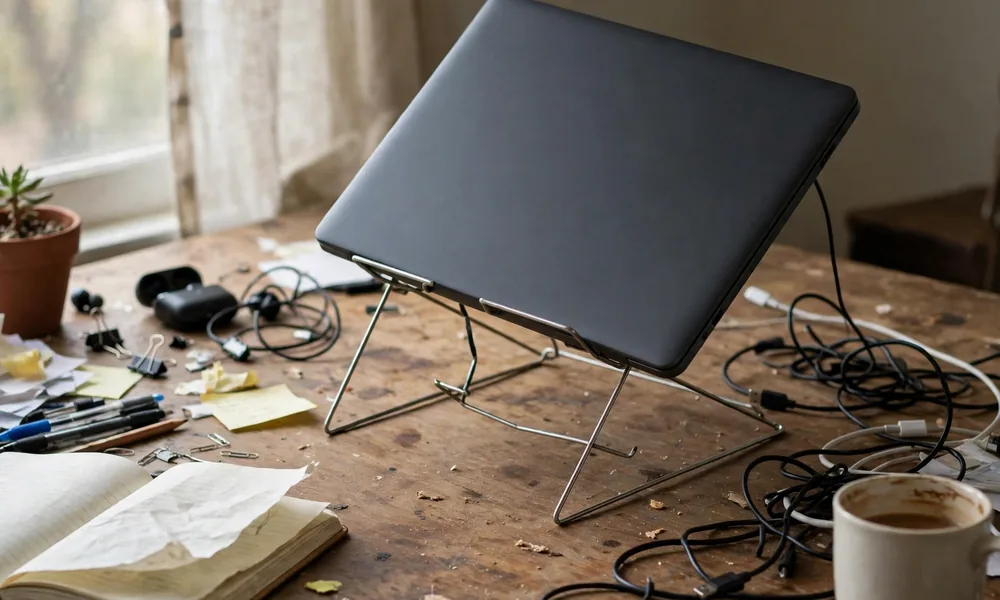
Thin wire stands are among the most common laptop stands, and among the worst. They fold flat, weigh almost nothing, and cost very little, which makes them easy to sell. The wire arms flex under the laptop, the front lip is often too small to stop it sliding off, and the hard metal edges can scratch the base of the machine. A solid folding stand with a wide base is far better, and it is worth avoiding the home office setups that hurt focus that often start with a wobbly stand and a cluttered desk.
Fixed-Angle Plastic Stands
Fixed-angle plastic stands come in one height and one angle, and you must hope that angle suits you. Too low, and the screen is still too far below eye level to help your neck. Too high, and your wrists must reach up to the keyboard at an angle that quickly becomes uncomfortable. Many are made from smooth, hard plastic, so the laptop slides on the surface and the whole stand slides across the desk.
Over-Tall Stands That Ruin Your Wrists
Some stands lift the laptop far higher than is sensible, often ten centimetres or more above the desk. The screen height looks impressive, but the keyboard is now so high that typing on it directly is awkward and tiring. Your wrists bend back, your forearms have no support, and your shoulders rise toward your ears. If you plan to type on the laptop keyboard, the stand should raise the back of the laptop by only a few centimetres.
Cheap Adjustable Stands With Slipping Joints
Adjustable stands sound like the answer to the fixed-angle problem, because you can change the height and tilt to suit your desk. The cheapest adjustable stands, however, use weak friction joints or plastic notches that do not hold their position. You set the angle, start typing, and the stand slowly sinks under the weight of the laptop. If a stand cannot hold its angle with a laptop on it, it is not adjustable in any useful sense.
Stands With Built-In Fans and Useless Extras
Some laptop stands come with built-in fans, phone holders, cup holders, and extra USB ports, all designed to make the stand look like better value. In practice, the fans on cheap stands are small, noisy, and poorly placed, and they move very little air where it matters. A laptop cools itself through vents on its base and sides, and a small fan blowing at the wrong spot does little to help.
How a Bad Stand Hurts Your Body and Your Laptop
Neck and Shoulder Strain
When a laptop sits flat on a desk, the screen is well below eye level, so you look down at it all day. A stand should fix this by lifting the screen, but a stand that is too low does not lift it enough, and one that is too high forces you to look up. The goal is a screen top roughly at eye level, with your head in a neutral position.
Wrist and Hand Pain
Wrist pain is the most common complaint from people who use a tall laptop stand and keep typing on the laptop keyboard. When the keyboard tilts steeply upward, your wrists must extend backward to reach the keys, which compresses the tendons and nerves in the wrist. It is also worth avoiding keyboards that make typing uncomfortable when you choose a separate keyboard for a raised laptop.
Heat, Noise, and a Shorter Laptop Life
Laptops need air. The vents on the base and sides draw in cool air and push out hot air, and blocking those vents makes the machine run hotter. A stand that covers the vents, or holds the laptop so close to the desk that air cannot move underneath, can make the fan run louder and more often. Over time, sustained heat can shorten the life of the battery and other components.
What to Check Before You Buy a Laptop Stand
Before you buy a laptop stand, check the weight limit and the laptop size it is designed for, and make sure your laptop fits within both. A stand made for a light 13-inch laptop may not hold a heavier 16-inch machine safely, much like the laptop upgrades that are not worth the price that promise more than they deliver. Check the height and angle range, and think about whether you will type on the laptop keyboard or use a separate keyboard. If you will type on the laptop, the stand should be low and gently tilted.
| Stand type | Main problem | Who it hurts most | Better choice |
|---|---|---|---|
| Flimsy folding wire | Flexes, slides, laptop slips off | Anyone typing for long hours | Solid folding stand, wide base |
| Fixed-angle plastic | One angle that may not suit you | Shared desks, different laptops | Adjustable stand, locking joints |
| Over-tall stand | Wrists bend back, shoulders rise | People typing on the laptop | Low tilt stand, separate keyboard |
| Cheap adjustable | Joints slip, stand sinks | Heavier laptops, daily use | Metal hinge, stepped locks |
| Fan and extras stand | Noisy, bulky, blocks vents | Small desks, quiet rooms | Simple open stand, good airflow |
Next, look at the materials and the grip. A good stand uses metal or strong, thick plastic, with rubber feet that stop it sliding and rubber pads that stop the laptop sliding. Check the front lip as well. It should be high enough to stop the laptop sliding forward, but smooth enough not to dig into your wrists.
Checklist: Spotting a Bad Laptop Stand
- It wobbles or rocks when you type, or the laptop shifts position during normal use.
- It has only one height and angle, and that angle leaves your neck or wrists uncomfortable after an hour.
- The front lip is too low or too sharp, so the laptop slides forward or your wrists feel sore.
- The joints slip, sink, or loosen within weeks, and the stand no longer holds its position.
- It blocks the laptop vents, traps heat underneath, or makes the fan run louder than before.
- It takes up too much desk space, adds cables and clutter, or cannot be moved easily when you need the desk.
Frequently Asked Questions
Are cheap laptop stands always bad?
Not always, but the cheapest stands are the most likely to be bad. A low price usually means thin materials, weak hinges, and little testing, which cause most wobbling, slipping, and collapsing. Some simple, well-made stands are affordable, but they are usually made from solid metal or thick plastic, with rubber grip and a sensible angle.
What is the best height for a laptop stand?
There is no single best height, because it depends on your chair, your desk, and whether you use a separate keyboard. As a guide, the top of the screen should be roughly at eye level when you sit upright, and your wrists should stay straight when you type. If you type on the laptop keyboard, a low tilt of a few centimetres is usually best.
Do laptop stands really help with neck pain?
A good stand can help, because it lifts the screen closer to eye level and reduces the need to look down all day. A bad stand can make neck pain worse, if it is too low, too high, or unstable, because you end up leaning or holding tension in your shoulders. A stand is only one part of the answer: your chair height, screen distance, and how often you take breaks matter just as much.
Should I use a laptop stand with a separate keyboard?
Yes, in most cases. Raising the laptop to a comfortable viewing height usually makes the built-in keyboard too high for comfortable typing, so a separate keyboard at desk level is better. This is one of the reasons the worst stands cause wrist pain: they are sold as a complete solution, but they are only half of one.
Do built-in fans on laptop stands actually cool the laptop?
Usually not in any meaningful way. The small fans on cheap stands move little air, and they are often placed where they do not line up with the laptop vents. A simple open stand that lets air flow freely underneath the laptop is often more effective, because it does not block the vents and adds no noise or cable.
When should I replace my laptop stand?
Replace it when it no longer holds its position, when it wobbles or slides during normal use, or when it causes wrist or neck discomfort. Cracks in plastic, loose hinges, missing rubber feet, and a front lip that no longer holds the laptop are all signs that the stand has reached the end of its useful life.
The Bottom Line
The worst laptop stands for your desk are the ones that look like a bargain and behave like a compromise: flimsy wire frames that flex and slide, fixed plastic stands stuck at the wrong angle, over-tall stands that trade neck pain for wrist pain, adjustable stands whose joints will not stay put, and fan stands that add noise and clutter without cooling anything. A good stand is simple, stable, and suited to the way you work, with a sensible height, a secure grip, and room for air to move underneath the laptop.