
How to Choose Audio Cables Without Wasting Money in 2026
Choosing audio cables should be simple, but the shelf in front of you says otherwise. One cable costs a few pounds, the one beside it costs ten times as much, and both claim to carry the same sound. What matters is matching the cable to the sockets on your equipment, buying the right length, and avoiding the few cheap cables that genuinely cause problems. Get those three things right and the cable disappears from the story.
Key Takeaways
- Match the cable to the sockets you actually have: AUX, RCA, optical, XLR and speaker wire are not interchangeable, and the right choice starts at the back of your equipment.
- For digital audio, any cable that meets the standard sounds identical to any other; spend on length and build, never on claimed sound quality.
- For analogue audio, shielding and solid connectors matter more than the metal inside; a well-made budget cable beats a flashy expensive one.
- Buy the shortest cable that reaches comfortably, with a little slack; long analogue runs pick up hum, and long digital runs can drop out.
- The only honest test is plugging the cable in at home and listening for hum, crackle or silence.
What an Audio Cable Actually Does
Every audio cable carries a signal from a source to a destination: from a phone to a speaker, from a television to a soundbar, from an amplifier to a pair of floor-standing speakers. The signal is either analogue, a varying electrical voltage that mirrors the sound wave, or digital, a stream of ones and zeros. Analogue cables care about shielding and connector quality. Digital cables care about carrying the data intact. No cable can add detail that was never in the recording.
Analogue signals are fragile in a specific way. They are low-voltage waves, and anything that disturbs them shows up as hum, buzz or hiss. A cable beside a power cable can pick up a mains hum, and a loose connector can crackle. Digital signals fail differently: they either arrive intact or they do not. A digital cable that works sounds exactly like every other digital cable that works, because the same ones and zeros reach the same destination.
The Main Types of Audio Cable Compared
There are five audio cables most homes actually need. Everything else is a variation, an adapter, or a specialist cable for a studio. Learn these five and you can connect almost anything.
AUX cables: the 3.5 mm jack
The AUX cable is the small headphone-style plug with a 3.5 mm jack at each end. It carries stereo analogue sound from a phone, laptop or tablet to a speaker, a car stereo or a pair of headphones. It is the most common audio cable in the world, and also the one most often replaced, because the thin plug bends and the cable frays where it meets the connector. Buy one with a reinforced strain relief where the cable meets the plug, and a braided jacket if it will travel in a bag. One metre suits a desk; half a metre keeps a car cable out of the gear stick.
RCA cables: red and white plugs
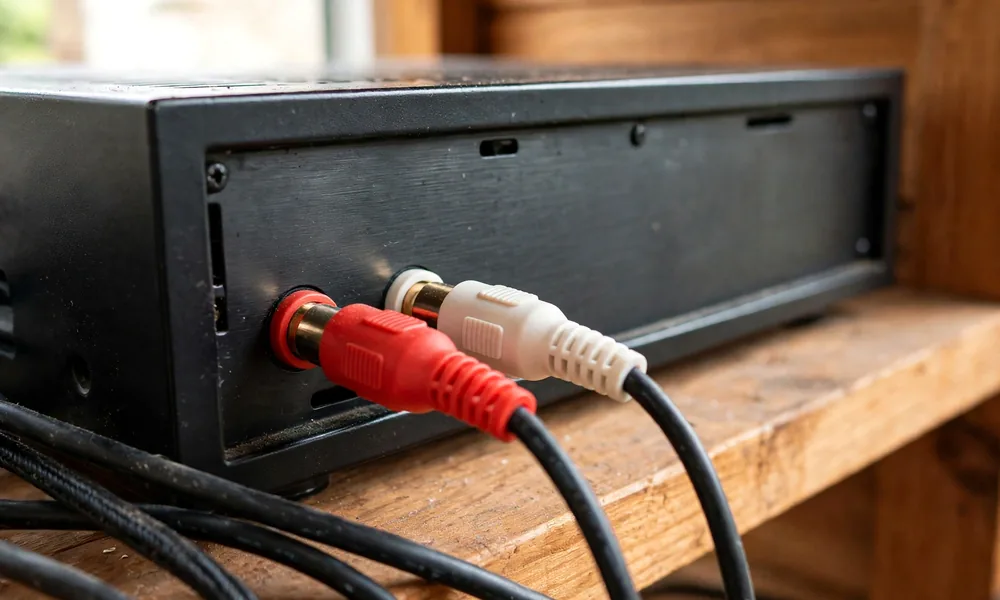
RCA cables are the paired red and white plugs found on the back of televisions, amplifiers, record players and older games consoles. Red carries the right channel and white carries the left. RCA is analogue, so shielding matters. A well-shielded RCA cable resists the hum that comes from running beside power cables, which is exactly where RCA cables usually live, behind a television stand. Keep the cable away from power bricks, and do not coil the spare length into a tight loop.
Optical cables: light instead of electricity
An optical cable, also called TOSLINK, carries digital audio as pulses of light down a thin fibre. It connects a television to a soundbar or an amplifier, and it has one great advantage: because it carries light, not electricity, it cannot pick up electrical hum at all. Optical cables are delicate at the ends. The connector has a small lens, and a scratched or dusty lens is the most common reason an optical connection fails. Keep the protective caps on until you plug the cable in, do not bend it sharply, and check that the plug clicks fully home; a half-seated optical plug is silent, not quiet. Optical carries stereo and compressed surround sound, but not the newest uncompressed formats, so check what your soundbar needs first.
XLR cables: the professional standard
XLR cables are the chunky three-pin connectors used by microphones, powered speakers and studio equipment. They carry a balanced signal: the cable sends the sound twice, once normal and once inverted, and the receiving equipment subtracts one from the other. Any interference picked up along the way appears in both copies and cancels itself out. That is why a fifty-metre XLR cable in a concert hall stays clean while a five-metre unbalanced cable in a living room can hum. Most homes do not need XLR, but if you own a microphone, a mixer or powered studio monitors, it is the right cable; buy metal connectors and check the latch clicks.
Speaker wire: the last link in the chain
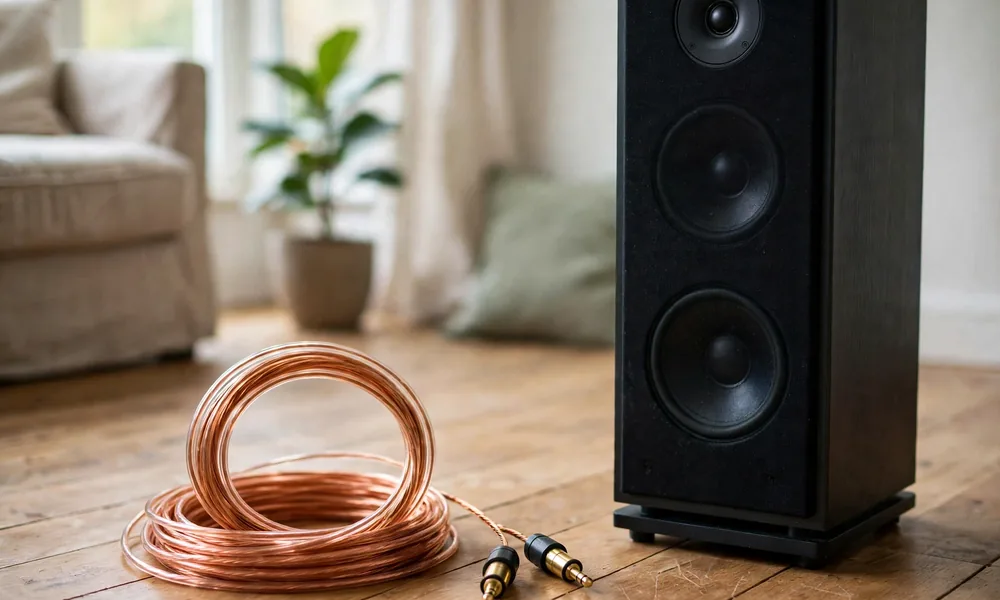
Speaker wire is the plain two-core cable that runs from an amplifier to passive speakers. It carries far more power than any other cable on this list, and that changes the buying rule: thickness matters. Thin wire over a long run wastes power as heat and can dull the bass, so the longer the run, the thicker the wire should be. For runs under three metres, 16-gauge wire is enough. For runs up to ten metres, step up to 14-gauge. Beyond that, use 12-gauge. Keep the two cores clearly marked so you connect positive to positive at both ends; reversed polarity does not damage anything, but it makes the bass sound thin and strange. If wires would run across a room, a pair of computer speakers with short built-in cables may be simpler than a long speaker-wire run.
Audio Cables Compared at a Glance
| Cable type | Signal | Best for | Watch out for |
|---|---|---|---|
| AUX 3.5 mm | Analogue stereo | Phones, laptops, cars | Fraying at the plug |
| RCA | Analogue stereo | TVs, amplifiers, turntables | Hum near power cables |
| Optical TOSLINK | Digital | TV to soundbar | Delicate lens, no uncompressed surround |
| XLR | Balanced analogue | Microphones, studio monitors | Overkill for most homes |
| Speaker wire | High-power analogue | Amplifier to passive speakers | Too thin over long runs |
| HDMI | Digital audio and video | TV to soundbar or receiver | Needs the right port version |
Analogue vs Digital: What Actually Changes the Sound
The cable changes the sound far less than the room, the speakers and the recording. A good pair of speakers in a bare room with hard floors will sound worse than an average pair in a furnished room, whatever cable connects them. Spend your money in that order: speakers first, room second, cable last.
Digital cables either work or they do not, and the symptoms are obvious: silence, dropouts, or a soundbar that switches on and off. There is no such thing as a digital cable that sounds slightly better. Our guide to HDMI cables makes the same point: a certified cable that meets the bandwidth you need performs identically to one costing ten times as much.
How to Choose in Five Steps
Step 1: Read the sockets, not the shelf
Turn your equipment around and look at the sockets. A television usually offers optical and HDMI, sometimes RCA. A phone offers a 3.5 mm jack or nothing at all, in which case a USB adapter is the answer, and our round-up of USB-C cables explains which adapters carry audio. Note the sockets on both ends before you shop.
Step 2: Choose digital when you can
If both devices share a digital connection, use it. Optical from a television to a soundbar, or HDMI where surround sound matters, removes hum from the equation entirely. Analogue is the fallback for older equipment, for turntables, and for anything with only a headphone socket.
Step 3: Get the length right
Measure the route the cable will actually take, including the drop behind the furniture and the slack needed to pull a device out for cleaning. Then add about half a metre; a cable under tension fails at the connector.
Step 4: Judge the build, not the brand
Pick the cable up. The connector should feel solid, with no wobble where it meets the cable. The strain relief should be thick and flexible, not a thin collar that bends at one point. Braided jackets survive bags and pets better than smooth rubber, and gold plating resists corrosion but does not change the sound.
Step 5: Test it at home
Plug the cable in, play something you know well, and listen for hum, crackle or dropouts at normal volume. Most cable faults show up in the first few days, when a connector that seemed firm works loose, so keep the receipt for a week.
Common Mistakes That Ruin the Sound
The most common mistake is buying the wrong cable entirely, usually by guessing the socket from memory instead of looking. The second is buying a cable that is too long and coiling the excess, which invites hum in analogue cables and looks untidy in every kind. The third is forcing a plug: an optical plug that will not click is probably upside down.
Checklist: Before You Buy an Audio Cable
- Write down the exact sockets on both devices before you shop.
- Choose a digital connection where both devices offer one.
- Measure the real cable route and add half a metre of slack.
- Check the connector feels solid and the strain relief is thick.
- Match speaker wire thickness to the run: 16-gauge short, 14-gauge medium, 12-gauge long.
- Keep the receipt and test the cable at home for a week before deciding.
Frequently Asked Questions
Do expensive audio cables sound better?
For digital cables, no: the same data arrives either way. For analogue cables, a well-made cable can sound better than a faulty or poorly shielded one, but beyond a modest price the differences vanish. You pay for build and shielding, not sound.
What is the best audio cable for a television and soundbar?
HDMI is best where your soundbar supports surround sound, because it carries the newest formats. Optical is the next best choice, and it is immune to electrical hum. RCA is the fallback for older equipment.
How long can an audio cable be before it causes problems?
Analogue cables start to pick up hum beyond about five metres, especially unbalanced ones like RCA and AUX. Digital optical cables cope well up to ten metres, and balanced XLR cables can run much further.
Why does my audio cable buzz or hum?
Hum usually comes from interference picked up by an analogue cable, or from two earthed devices connected together. Move the cable away from power cables, check the plugs are fully seated, and try a different socket.
Can I use a headphone cable as an AUX cable?
Yes, in most cases: a cable with a 3.5 mm plug at each end carries the same stereo signal. Check that the plugs match, since some headphone cables have a microphone ring a simple speaker input may not expect.
Is speaker wire the same as an audio cable?
Not quite. Speaker wire carries a high-power signal from an amplifier to passive speakers, while other audio cables carry low-level signals between sources and amplifiers. Speaker wire needs to be thicker for long runs, and it uses bare ends or banana plugs rather than RCA or 3.5 mm connectors.
Bottom Line
Audio cables are a solved problem, and the solution is cheap. Match the cable to your sockets, prefer digital where you can, buy the shortest comfortable length, and judge the build with your hands rather than the price with your wallet. Do that and the cable disappears, which is exactly what a good cable should do.


