
The best cloud storage in 2026 is the service you never have to think about. Your photos appear on your laptop minutes after you take them, a document you started on your phone is waiting on your desktop, and a file you shared with a friend opens without a frantic search through email attachments. When it works, cloud storage feels invisible.
Choosing a cloud storage service is less about the brand name and more about how you actually use your files. Some people need a safe home for a decade of family photos. Others need fast syncing between a work laptop, a home computer, and a phone. Some need to share large files with clients, while others only want a backup in case a hard drive fails. The best cloud storage for a photographer is not the best cloud storage for a student.
This guide looks at cloud storage by what it really does in daily life: how much space you get, how well it syncs, how easy sharing is, how safe your files are, and what you actually pay over a year.
Key Takeaways
- The best cloud storage is the one that matches how you use files, not the one with the biggest headline number.
- Free plans are fine for documents and a few photos, but they fill up fast once you start backing up a phone.
- Fast, reliable syncing matters more than raw storage space for most people.
- Check encryption, two-factor sign-in, and recovery options before you trust a service with irreplaceable files.
- Pay for the storage tier you will need in a year, not the one that only just fits today.
What Makes a Cloud Storage Service Good
A good cloud storage service starts with the basics: your files go up quickly, come down quickly, and are exactly the same on every device. A service that works well should handle all of this quietly, in the background, without asking you to babysit it.
Reliability matters just as much as speed. The service should keep your files safe even if your laptop is stolen or your phone is dropped in a puddle. Look for version history that lets you recover an older copy of a file, and a trash folder that holds deleted files for at least a month.
How Much Space Do You Really Need
Most people underestimate how much storage they use, because the number grows quietly. A phone full of photos and short videos can hold tens of gigabytes before you notice, and a few years of documents and downloads add up fast.
If the total is under 50 gigabytes, a modest paid plan will probably cover you for a while. If it is already over 100 gigabytes, you need a plan with room to grow. People who shoot a lot of video or work with large design files should think in terabytes rather than gigabytes.
Families should count everyone’s files together. If two people back up their phones to the same plan, the space disappears twice as fast, and a shared family plan usually works out cheaper than two separate ones. The same goes for a small business: a shared folder full of client work grows steadily, so a plan that fits today may feel tight by next spring.
Free Tiers: What You Actually Get
Almost every cloud storage service offers a free tier, and for light use it can be genuinely useful.
The limits show up sooner than most people expect. Free plans usually offer somewhere between a few gigabytes and a couple of dozen gigabytes, which sounds generous until a phone backup eats most of it in a week. Treat a free tier as a trial, and move to a paid plan when your files matter enough that losing them would hurt.
The Main Types of Cloud Storage Compared
Cloud storage services fall into a few broad types, and the differences matter more than the marketing. Some are built into a phone or computer system, so they work beautifully with one set of devices and less well with others. Some are independent services designed to work the same way everywhere.
| Type | Best for | Strengths | Watch out for |
|---|---|---|---|
| Built-in system storage | Phone and laptop users in one ecosystem | Automatic backup, deep device integration | Awkward on other platforms |
| Independent sync services | People with mixed devices | Works everywhere, strong sharing tools | Features vary between plans |
| Privacy-focused storage | Sensitive personal files | Strong encryption, minimal data collection | Fewer sharing features |
| Backup-focused services | Protecting a whole computer | Automatic full backups, large capacity | Not ideal for daily sharing |
| Photo-focused storage | Large photo and video collections | Smart albums, easy searching | Quality and storage limits vary |
The built-in option is often the easiest starting point, because it is already there and usually turns itself on. Independent services are the better choice when your household uses a mix of phones, tablets, and computers from different makers.
Syncing That Works on Every Device
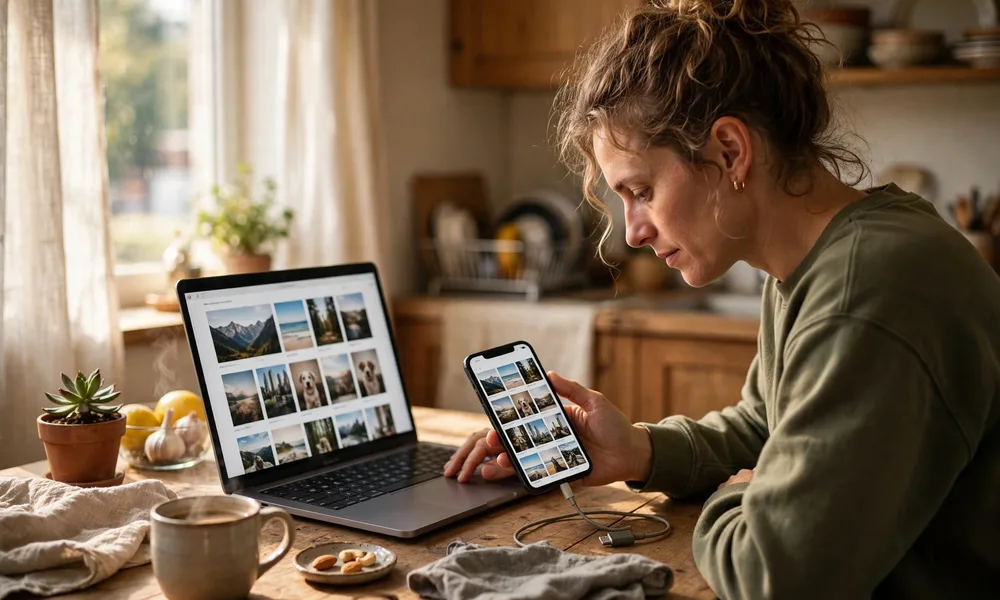
Syncing is the heart of cloud storage. It is what turns a folder on a server into something useful: the same files, kept up to date, on every device you own. Good syncing is fast, quiet, and selective.
Selective sync is one of the most useful features a service can offer. It lets you keep a huge library in the cloud while only downloading the folders you actually use to a laptop with limited space. If you work across a phone, a tablet, and a computer, these small details separate a service you trust from one you fight with.
Sharing and Collaboration
Sharing is where cloud storage earns its keep for families, students, and small teams. A shared folder can replace a long chain of email attachments, and a link can give someone access to a single file without handing over your whole library.
Good sharing controls are worth paying attention to. You should be able to set a link to expire, protect it with a password, and stop sharing it at any time. Check the permissions every time you share something important.
Shared albums are a good example of sharing done well. Everyone in the family can add their own photos to one album, so a holiday or a birthday is gathered in a single place instead of being scattered across four phones. The same idea works for a team: a shared folder for a project keeps the latest version in one place, and nobody has to ask who has the newest file.
Security and Privacy
Security is not a feature to check after you have moved your files in; it is the reason you can trust a service with them at all. At a minimum, a service should encrypt your files while they travel to its servers and while they sit there. Two-factor sign-in should be available and easy to turn on, because a password alone is a thin line of defence.
End-to-end encryption goes a step further: your files are locked on your device before they are uploaded, so only you hold the key. Your own habits matter as much as the service you choose. A strong, unique password for your storage account is essential, and it is far easier to manage with a good password manager. Our guide to the best password managers 2026 explains how to keep that password safe across all of your devices.
Photos and Large Files
Photos are the most common reason people run out of cloud storage, and they are also the files people most regret losing. A good service should back up photos automatically, keep them in their original quality if that is what you choose, and make it easy to find a picture from three years ago without scrolling through thousands of thumbnails.
Video is where the limits really show. A few minutes of high-quality phone video can be larger than a whole year of documents, and a single project file from video editing software can be bigger still. Our roundup of the best video editing software 2026 is a useful companion if large video files are part of your workflow.

Pricing and Value
Cloud storage pricing looks simple until you compare plans properly. Most services charge by the month or by the year, with a discount for paying annually, and the price rises in steps as you add storage.
The number to compare is not the monthly price but the yearly cost for the amount of space you actually need. Watch for the extras that change the value of a plan: some services include version history, advanced sharing, or extra security features only on higher tiers. A service that lets you download everything easily is one you can leave without fear.
How to Choose: A Simple Checklist
- Count your current photos, videos, and documents, then add room for a year of growth.
- Check that the service has good apps for every device you use, including your phone.
- Turn on two-factor sign-in and check how file recovery works before you upload anything important.
- Test uploading and downloading a large file to see how fast and reliable the service really is.
- Try sharing a folder with a friend or family member and check the permission controls.
- Compare the yearly price, not the monthly teaser, and check what happens if you cancel.
If you use your devices to take notes, plan projects, or keep research in one place, the storage choice connects closely to the apps you use every day. Our guide to the best note-taking apps 2026 looks at tools that keep your notes synced across devices,
Frequently Asked Questions
Is cloud storage safe for important files?
Yes, for most people it is safer than keeping a single copy on one device. Reputable services encrypt your files and keep copies in more than one location.
How much cloud storage do I need?
Light users with documents and a modest photo collection can manage with under 100 gigabytes. People who back up a phone full of photos and videos usually need at least 200 gigabytes, and heavy video users should plan for one or two terabytes.
Can I use cloud storage on more than one device?
Yes, that is the point. Most services work on phones, tablets, and computers, and your files stay in sync between them. Check that the service supports every device you use, and that selective sync is available if one of your devices has limited space.
What happens to my files if I stop paying?
Most services give you a grace period to download your files or move to a smaller plan, and they usually keep your files read-only for a while rather than deleting them immediately.
Is a free cloud storage plan enough?
It can be enough for documents and a small number of photos, and it is a good way to test a service. It is rarely enough for a full phone backup or a large photo library.
Should I choose a service from my phone maker or an independent one?
A service from your phone maker is usually the easiest to set up and works best with that maker’s devices. An independent service is often better if your household uses a mix of devices from different makers, or if you want features such as stronger encryption or more flexible sharing.
The Bottom Line
The best cloud storage in 2026 is not the service with the biggest number on its pricing page. It is the one that quietly keeps your files safe, synced, and easy to find on every device you own, at a price you are happy to keep paying. Start with how much space you really need, test how the service handles syncing and sharing, turn on two-factor sign-in, and choose a plan with room to grow. Get those four things right and your photos, documents, and memories will be there whenever you need them.


