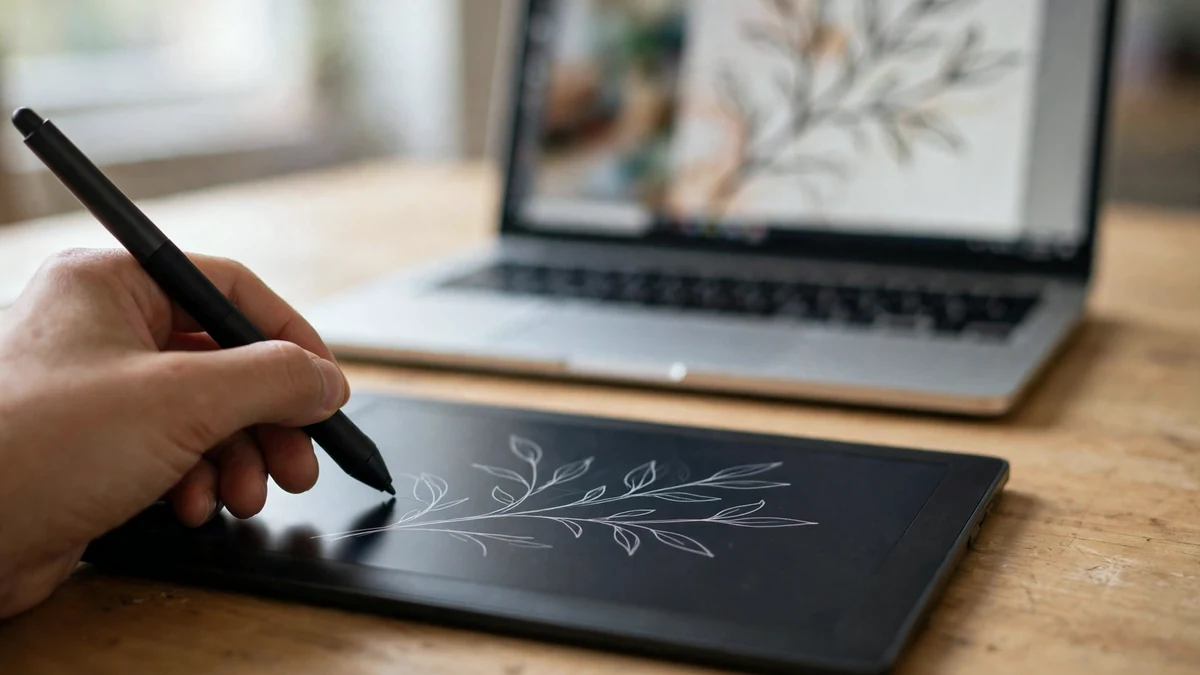
A drawing tablet turns a computer into a sketchbook. Instead of drawing with a mouse, which feels stiff and unnatural, you draw with a pen on a flat surface, and the lines appear on the screen exactly where your hand moves. For illustrators, designers, photo editors, students and anyone who likes to draw, that change is enormous. A mouse can point and click, but it cannot sketch, shade or sign a name with any grace. A drawing tablet can, and the best ones feel so natural that you forget the technology and simply draw.
The best drawing tablets of 2026 are not the ones with the longest list of features. They are the ones that feel right in the hand, respond the moment the pen touches the surface, and keep working through long sessions without fuss. A good tablet disappears into the drawing. A bad one keeps reminding you it is there: the pen lags behind your hand, the lines come out wobbly, the surface feels too slick or too rough, and your wrist aches after an hour. This guide explains what to look for, the two main types of tablet, and how to choose one that fits the way you draw.
What Makes a Drawing Tablet Good
Pressure sensitivity is the feature that makes a drawing tablet feel like real drawing. It measures how hard you press, so a light touch makes a thin, pale line and a firm press makes a thick, dark one, just as a pencil or brush behaves on paper. Most modern tablets offer thousands of levels of pressure, and beyond a certain point the exact number matters less than how smoothly the tablet moves between light and heavy pressure. What matters is control: you should be able to draw a faint sketch line and a bold stroke without thinking about it, and the tablet should never jump suddenly from thin to thick.
The Two Main Types of Drawing Tablet
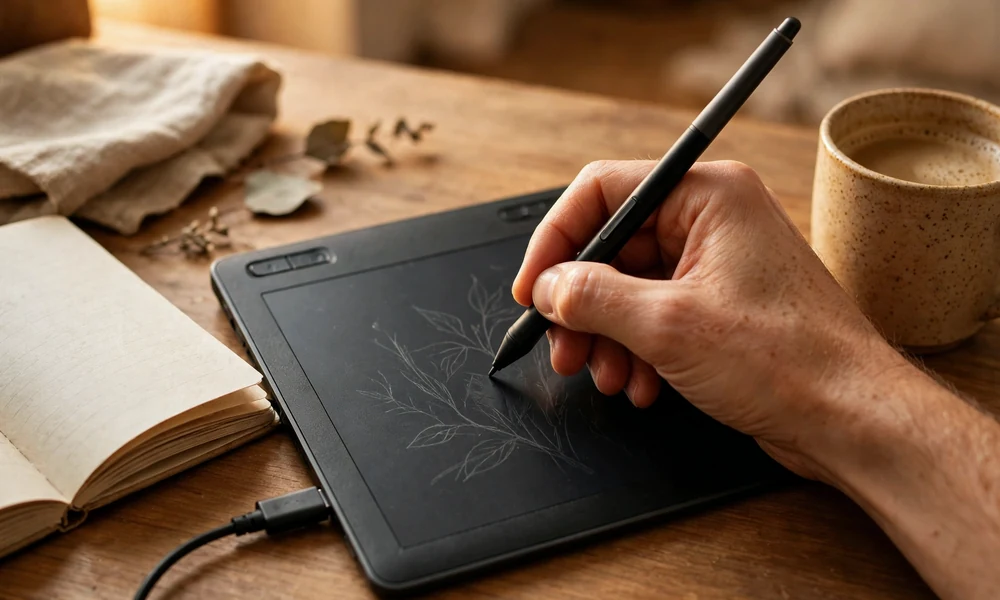
Screenless tablets, often called pen tablets or graphics tablets, are a flat pad with no screen. You draw on the pad while looking at your computer monitor, and your hand and eye learn to work apart, much as a mouse user already does. It feels strange for the first few days, then it becomes second nature. Screenless tablets are usually lighter, cheaper and tougher than the alternatives, and they last a long time because there is no screen to scratch or break. They suit illustrators, photo editors and anyone who works at a desk with a good monitor already in place. Our guide to the best tablets of 2026 covers the wider tablet world, from media and reading to note-taking, if you want to compare drawing tablets with the tablets most people use every day.
Pen displays have a screen built into the tablet, so you draw directly on the image, looking at your hand as you work, exactly as you would on paper. That direct connection feels natural from the first minute, and it is the main reason artists love them. The trade-off is size, weight and price. Pen displays are heavier, they need a cable or two to connect to the computer, and the screen adds cost. They also need a desk with room for the display and a comfortable viewing angle, because hunching over a flat screen for hours is hard on the neck and shoulders. For serious illustration, comics, animation and detailed photo work, though, drawing on the image itself is hard to beat.
A few tablets try to do both jobs at once, working as a standalone device with apps built in, or as a regular tablet that also accepts a stylus. These can be appealing if you want one device for drawing, reading and browsing, but they are usually a compromise. A dedicated drawing tablet is built around the pen, with better pressure response and a surface designed for drawing, while a general-purpose tablet is built around touch and apps, with the pen as an extra. If drawing is your main purpose, a dedicated tablet will serve you better. If drawing is only an occasional hobby, a tablet that does many things may be enough, and our comparison of the best vs worst tablets of 2026 shows which general tablets are worth the money and which ones disappoint.
Size Matters More Than You Think
The right size depends on your screen as much as on your hand. A tablet maps its whole drawing area onto your whole screen, so a small tablet paired with a large monitor can feel twitchy, while a large tablet paired with a small laptop screen can feel slow. As a rough guide, match the tablet to the screen you draw on: a small tablet for a laptop, a medium tablet for a desktop monitor, and a large tablet only if you draw on a big display or you like broad, arm-led strokes. If you travel with your tablet, a small or medium one that fits in your bag will get used far more than a large one that stays at home.
Pressure, Tilt and the Pen
Pen buttons are small but useful. Most styluses have one or two buttons on the barrel, usually set to undo, erase or switch tools, so you can work without reaching for the keyboard. Express keys on the tablet itself do the same job on a larger scale: a row of buttons you can set to zoom, undo, change brush size or switch layers. They sound like a luxury until you use them, and then they become part of the workflow. A touch ring or dial that zooms and scrolls is the most useful of all, because zooming is something you do hundreds of times in a drawing session.
Software and Compatibility
A drawing tablet is only as good as the software it works with. Before buying, check that the tablet works with the programs you actually use, whether that is a professional illustration program, a photo editor, a free drawing app or a note-taking tool. Most tablets work with the major drawing programs on Windows and Mac, and many now work with Android and ChromeOS as well, but the details vary. Driver software matters too: a tablet with simple, reliable drivers that update without fuss will save you hours of frustration, while a tablet with awkward drivers can turn every update into a chore.

Drawing Tablets for Beginners
If you are buying your first drawing tablet, keep it simple. A small or medium screenless tablet is the best place to start: it is affordable, it teaches you the hand-eye coordination that all digital drawing needs, and it works with every major drawing program. You do not need the highest pressure levels or the largest surface to learn. You need a pen that feels comfortable, a tablet that responds instantly, and software that does not get in your way.
Students and young artists have the same needs, with one extra consideration: durability. A tablet that travels in a school bag needs to survive knocks, and a pen that is easy to lose needs a safe place to live. A sturdy small tablet with a pen holder is a better choice than a delicate large display for a bag that gets thrown around. Families looking for a first tablet for a child should also think about the computer it will pair with, since a kids tablet and a drawing tablet serve different purposes; our guide to the best kids tablets of 2026 covers tablets built for younger users, with the controls and content that matter for them.
Drawing Tablets for Artists and Illustrators
For artists who draw every day, the priorities shift. Pressure control and tilt matter more, because shading and line variation are the heart of the work. A medium or large active area matters more too, because professional drawing uses the whole arm, not just the wrist. Colour accuracy matters if the tablet has a screen: a pen display that shows colours differently from your main monitor will make your finished work look wrong on other screens, so look for a display with good colour coverage and a matte finish that cuts glare.
Drawing Tablets for Photo Editing and Design
Photo editors and graphic designers use drawing tablets differently from illustrators. They need precision more than expression: selecting a strand of hair, masking around a subject, retouching skin, or drawing a smooth path. For this work a small or medium screenless tablet is often ideal, because the hand stays still and the pen gives far finer control than a mouse. Pressure sensitivity helps here too, letting a retouching brush fade gently at the edges instead of stamping a hard circle onto the photo.
Mistakes to Avoid
The most common mistake is buying the biggest tablet you can afford. A large tablet looks impressive, but if it does not fit your desk or your screen, it will feel awkward, and an awkward tablet gets used less. Buy the size that fits your desk and your monitor, not the size that impresses other people. The second mistake is chasing pressure levels. Beyond a few thousand levels, extra pressure sensitivity is hard to feel in real drawing, and a tablet with smooth, even pressure response beats one with a bigger number on the box and a jumpy feel.
Looking After Your Drawing Tablet
A drawing tablet lasts longer with a little care. Keep the surface clean, because dust and grit scratch the drawing area and wear nibs faster. A soft cloth is enough; harsh cleaners can damage the coating. Keep the pen in its holder when you are not drawing, and keep spare nibs somewhere you can find them. If the tablet has a screen, a screen protector will save it from scratches, and a stand or an angled riser will save your neck during long sessions.

The Bottom Line
There is no single best drawing tablet for everyone, because the best tablet depends on how you draw, where you draw and what you draw with. A screenless tablet is the most practical choice for beginners, students, photo editors and anyone who works at a desk with a good monitor. A pen display is the most natural choice for illustrators and artists who draw for hours and want to see the line appear under the pen. A small tablet suits travel and tight desks, a medium tablet suits most people most of the time, and a large tablet suits professionals with the desk space to match.
The best drawing tablet of 2026 is the one that matches your hand and your habits, responds the instant the pen touches down, and makes you want to keep drawing. Start with the size and type that fit your desk and your budget, check that it works with your software, and give yourself a week to get used to it. That tablet, whichever type it turns out to be, is your best drawing tablet. Keep the pen close, keep a spare nib handy, and enjoy drawing with a tool that finally feels like it was made for your hand.