The best photo printers in 2026 do one simple thing brilliantly: they turn the pictures stuck on your phone into prints you can hold, frame, and give away. Most of us take thousands of photographs a year and look at almost none of them twice. A good photo printer changes that habit in minutes: you pick a photo, tap print, and a minute later you are holding a small print that feels like a keepsake instead of a file.
Choosing the right photo printer is not about buying the most expensive machine. It is about matching the printer to the way you actually take and keep photographs. A pocket printer that makes small prints for a fridge door is a different purchase from a desktop printer that makes borderless A4 prints for a frame. This guide compares the best photo printers of 2026 by type and helps you pick the one that will actually get used.
Key Takeaways
- Match the printer to your prints: pocket dye-sublimation printers suit phone photos and small keepsakes, while desktop inkjet photo printers suit larger prints and framing.
- Check the real cost per print before you buy, because paper and ink packs often cost more over a year than the printer itself.
- Look for a printer with a simple phone app, Wi-Fi or Bluetooth, and borderless printing, because a fiddly setup is the main reason photo printers stop being used.
- Glossy paper makes colours pop for snapshots, while matte and fine-art paper suits portraits and prints you plan to frame.
- Print your favourites regularly instead of saving them for a special occasion, because a printer that sits unused is the most expensive kind.
Photo Printers 2026 at a Glance
| Photo Printer Type | Best For | Print Size | Cost Per Print | Standout Strength |
|---|---|---|---|---|
| Pocket dye-sub printer | Phone photos on the go | 2 x 3 inches | Higher | Tiny, battery powered, prints in under a minute |
| Instant printer | Parties and gifts | Credit-card size | Higher | Fun, instant prints with a retro look |
| Desktop inkjet photo printer | Quality prints at home | Up to A4 | Lower | Sharp detail, rich colour, borderless prints |
| Compact photo printer | Family snapshots | 4 x 6 inches | Medium | Simple, reliable, great for everyday prints |
| Wide-format photo printer | Framing and exhibitions | Up to A3 | Medium | Large, gallery-quality prints |
| All-in-one printer | Home office and photos | Up to A4 | Lower | Prints, scans and copies in one machine |
How to Choose the Best Photo Printer
Start with the size of the prints you want. If your dream is a fridge covered in small prints and a scrapbook full of holiday snaps, a pocket printer is enough. If you want a print big enough to frame above the sofa, you need a desktop printer that handles A4 or larger. Print size is the one thing you cannot upgrade later, so decide it first.
Next, think about where your photos live. Almost every photo printer in 2026 prints from a phone, but the experience varies. The best apps let you crop, add a border, adjust brightness, and print in a couple of taps, while a weak app turns every print into a chore. Check the app reviews before you buy. If you also print documents, our guide to the best printers of 2026 compares all-round machines that handle documents as well as photographs.
Then look at the cost per print, not just the price of the printer. Pocket printers use paper and cartridge packs, and each print can cost a noticeable amount. Desktop inkjet printers cost more upfront but print each photo for far less. Work out how many prints you expect to make in a year, multiply by the cost per print, and add the printer price.
Best Pocket Photo Printer: Small Prints, Big Charm
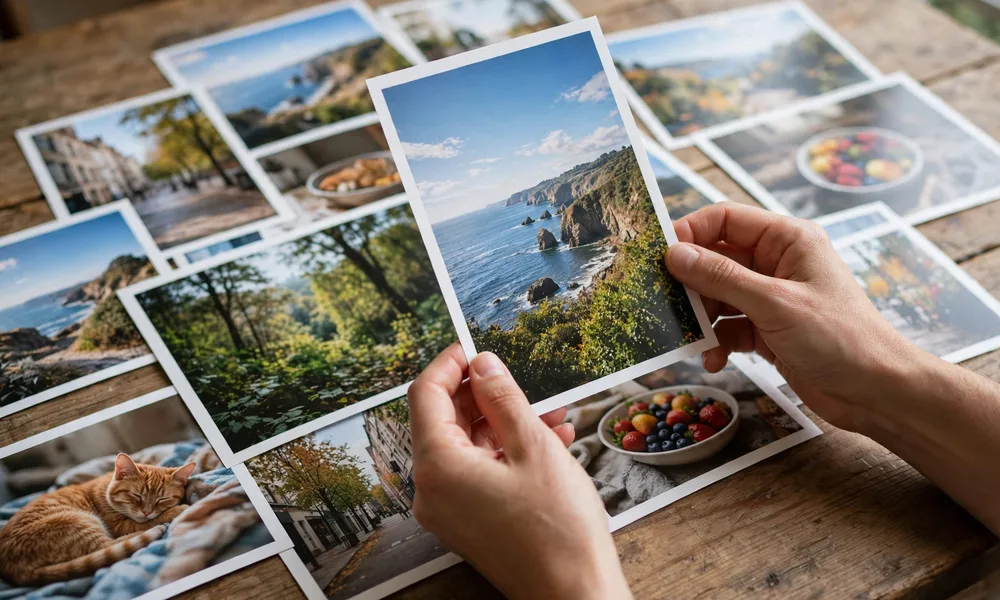
The best pocket photo printer is the one you actually carry. It fits in a jacket pocket or a small bag, runs on a battery, and connects to your phone over Bluetooth. You take a photo at lunch, print it before dessert arrives, and hand it to a friend. The prints are small, usually around two by three inches, and the colours are warm and slightly soft rather than pin-sharp.
Pocket printers use dye-sublimation printing, which layers colour onto the paper and finishes with a protective coating, so the prints resist fingerprints and fading well. The trade-off is cost: each print costs more than a desktop print, and the paper packs are proprietary. If you print a handful of photos a week, that is fine. If you print hundreds, a desktop printer will save you money.
Best Instant Printer: Fun Prints in Seconds
Instant printers are the party trick of the photo printer world. They print credit-card-sized photos with a white border, and the print appears in your hand within seconds. The image quality is deliberately soft and nostalgic, closer to a classic instant camera than to a sharp digital print. People love them because the print itself becomes part of the moment.
Instant printers pair naturally with instant cameras, and our guide to the best instant cameras of 2026 covers the cameras that shoot the same kind of small, characterful prints. An instant printer is a good companion to one of those cameras, because it lets you reprint favourite phone photos in the same format.
Best Desktop Photo Printer: Prints Worth Framing
A desktop inkjet photo printer is the serious choice for anyone who wants prints that look like they came from a lab. It uses multiple ink colours, often six or more, to reproduce skin tones, deep shadows, and bright skies with a subtlety pocket printers cannot match. It prints borderless, so your photo runs right to the edge of the paper, and it handles sizes up to A4.
What separates a good desktop photo printer from a frustrating one is the everyday detail. Look for a paper feed that handles glossy and matte paper without jamming, an app that shows ink levels clearly, and wireless printing that works from every phone and laptop in the house.
Best Compact Photo Printer: Everyday Family Prints
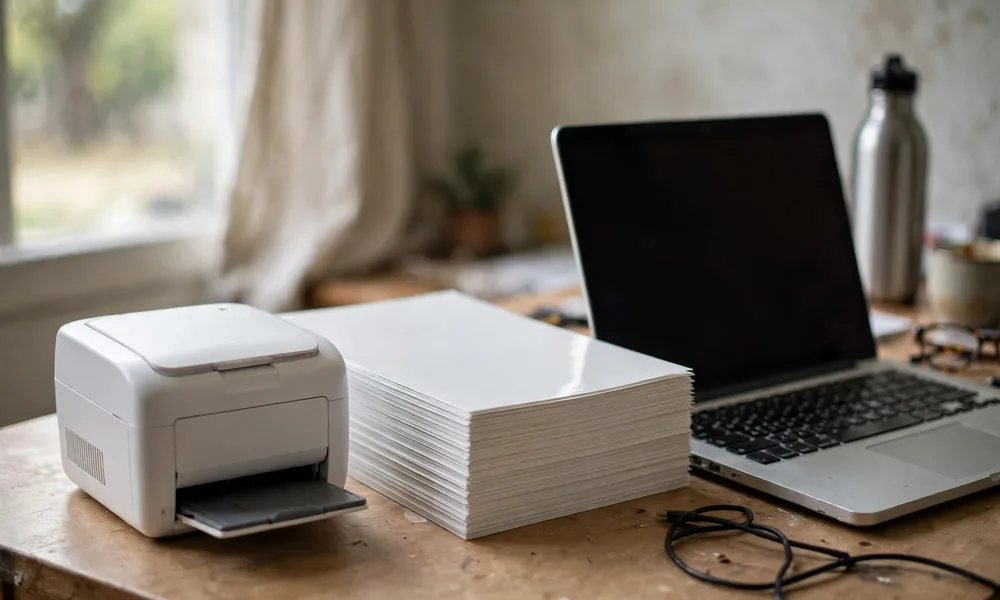
Compact photo printers sit between pocket and desktop models. They make standard four-by-six-inch prints, the size most people picture when they think of a photograph, and they do it simply and reliably. You load a paper cassette, connect your phone, and print. They use a combined paper and ink cartridge, so when the paper runs out, the ink does too, and you swap in a fresh pack.
That simplicity is the whole point. A compact photo printer is the easiest kind to live with, which makes it a good pick for a family home. The prints are sharp, the colours are accurate, and the cost per print sits between pocket and desktop printing.
Printing From Your Phone: The Workflow That Works
The best photo printer workflow is short enough that you actually do it. Pick your favourites on your phone first, because printing every photo in your camera roll wastes paper and money. Print the ten best photos from a trip, not all two hundred. Edit lightly: a small brightness lift and a slight crop usually do more than a heavy filter.
Print a test photo first when you try a new paper or printer, and keep it beside your screen so you can compare. If the print looks too dark, raise the brightness a touch and try again rather than changing five settings at once. Once you find settings you like, save them as a preset in the app, because that turns printing into a one-tap job.
What a Photo Print Really Costs
The honest cost of a photo printer is the printer plus a year of paper and ink. A pocket printer might cost little to buy but each print adds up, while a desktop printer costs more upfront and then prints cheaply for years. Before you buy, price a pack of the paper and ink your chosen printer needs and divide by the number of prints in the pack.
There are easy ways to keep the cost down. Print only your favourites, buy paper in larger packs, and use standard quality for test prints. Keep the printer in use too: inkjet printers run cleaning cycles when they sit idle, which uses ink, so printing something at least once a week is cheaper than letting the printer sleep for a month.
Old prints deserve attention too. If you have boxes of faded family photographs, a scanner can bring them back to life before you reprint them, and our guide to the best scanners of 2026 covers the machines that digitise old prints without damaging them.
Mistakes to Avoid When Buying a Photo Printer
The most common mistake is buying the cheapest printer and discovering the paper costs more than the machine within a few months. Always price the consumables first. The second mistake is buying a printer for a print size you will never use.
The third mistake is ignoring the app. A photo printer lives or dies by its phone app, so read recent reviews and check that the app is still updated. Finally, do not expect a photo printer to replace a document printer. Photo printers are slow and costly for documents, and a document printer is poor at photos.

Photo Printer Buying Checklist
- Decide your print size first: pocket size for keepsakes, four by six for albums, or A4 and larger for framing.
- Work out the real cost per print from paper and ink packs before you compare printer prices.
- Check the phone app is simple, well reviewed, and still updated for your phone.
- Choose dye-sublimation for pocket prints, inkjet for the best quality, and instant film for fun party prints.
- Confirm borderless printing and the paper types you want, glossy for snapshots and matte for framing.
- Measure your desk space and check the printer fits with room for paper to feed and prints to come out.
Frequently Asked Questions
Are photo printers worth it in 2026?
Yes, if you actually want prints rather than files. A photo printer turns phone photos into something you can hold, frame, and give away, and a pocket or compact printer makes that easy enough to do regularly.
How much does each photo print cost?
It depends on the type. Pocket and instant prints cost the most per print, compact printers sit in the middle, and desktop inkjet printers cost the least per print once you own the machine.
Can I print directly from my phone?
Yes. Almost every photo printer in 2026 prints from a phone over Wi-Fi or Bluetooth through the maker’s app, where you can crop, adjust brightness, and add borders before printing.
Do photo prints fade?
All prints fade eventually, but modern dye-sublimation and inkjet prints kept in albums or frames away from direct sunlight hold their colour for many years.
What paper should I use for photo printing?
Glossy paper makes colours look vivid and suits snapshots and holiday photos. Matte or lustre paper suits portraits and prints you plan to frame, because it avoids glare and fingerprints. Start with the printer maker’s own paper.
Is a photo printer better than a print shop?
A print shop is cheaper for a single large print or a rare order. A home photo printer wins on convenience: you print what you want, when you want, without leaving the house.
The Bottom Line
The best photo printer in 2026 is the one that turns your phone photos into prints you actually keep. For most people, that means a pocket printer for small keepsakes on the go, or a compact printer for simple four-by-six family prints at home. If you want prints worth framing, a desktop inkjet photo printer is the right buy. Pick the size you want and check the cost per print, because the printer you enjoy using is the printer that gets used.