Best Screen Cleaners for Streak-Free Displays in 2026
The best screen cleaner in 2026 is an alcohol-free spray used with a clean microfibre cloth, because it lifts fingerprints and dust without harming the coatings that keep your display clear. Every phone, laptop and television you own collects the same film: finger grease, dust, and the faint haze that appears when sunlight hits the glass at an angle. The cleaner you reach for decides whether that film comes off cleanly or gets smeared into streaks you can see for weeks.
A screen is not a window, and treating it like one is how most damage happens. Modern displays carry thin coatings that repel oil or cut glare, and the wrong liquid strips those coatings a little more with every wipe. The right screen cleaner respects the coating, evaporates evenly, and leaves nothing behind. This guide covers the three formats worth buying, how to use them on each type of display, and the mistakes that cause streaks.
Key Takeaways
- An alcohol-free, ammonia-free spray with a microfibre cloth is the safest all-round screen cleaner for phones, laptops, monitors and televisions.
- Pre-moistened wipes are the best choice for travel and quick cleans, but check the label: wipes made for glasses or household use can damage display coatings.
- Never spray liquid directly onto a screen: spray the cloth instead, so nothing seeps into edges, speakers or ports.
- Household glass cleaner, vinegar and tap water are the wrong tools for a display, because ammonia and minerals attack coatings and leave streaks.
- A clean, dry microfibre cloth does half the work on its own, and a dirty cloth causes more scratches than any cleaner ever will.
What Makes a Screen Cleaner Safe for a Display
Most phone and laptop screens wear an oleophobic coating, a microscopically thin layer that repels finger oil so smudges wipe away easily. Televisions and monitors often add an anti-glare or anti-reflective coating instead. Both coatings are delicate: strong solvents dissolve them slowly, and once they are gone the screen smudges faster and looks duller. A safe screen cleaner is therefore defined by what it leaves out. Alcohol, ammonia, acetone and abrasives are the four ingredients to avoid, and a good label says so plainly.
What a screen cleaner should contain is much simpler: purified or deionised water, a tiny amount of gentle surfactant to lift grease, and sometimes a small amount of a fast-evaporating solvent that is safe for coatings. That is why the best formulas feel almost like water. They do not need to be strong, because screen dirt is light: skin oil, dust and the odd splash, not baked-on grease.
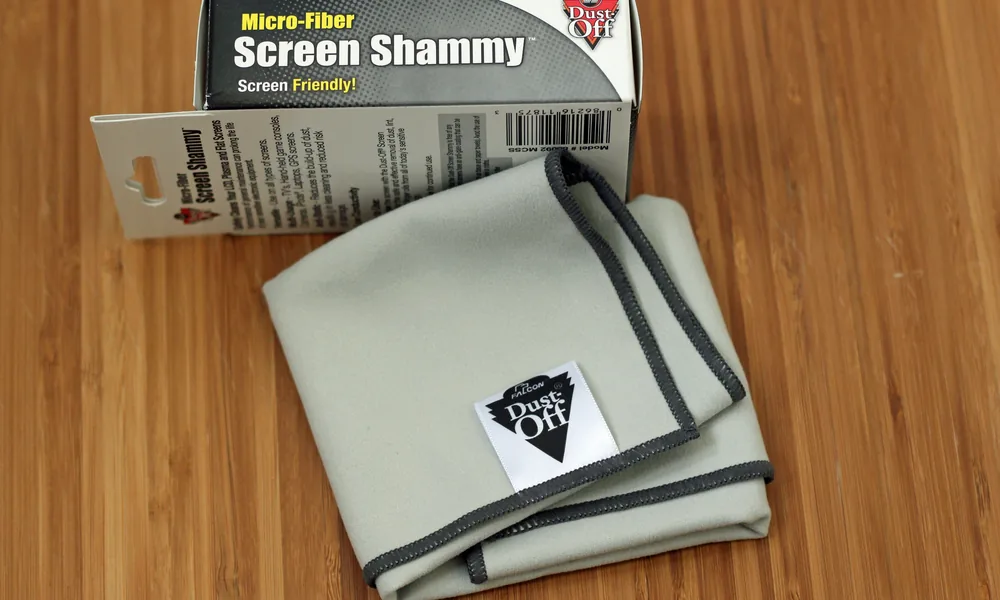
The cloth matters as much as the liquid. Microfibre works because its split fibres trap oil and dust inside the weave instead of pushing them around the glass. A paper towel, a tissue or the hem of a shirt does the opposite: rough fibres drag grit across the surface, and that is where fine scratches come from. Keep two cloths, one slightly damp for cleaning and one dry for buffing, and wash them regularly without fabric softener, which coats the fibres and kills their grip.
Spray vs Wipes vs Cloth: Which Format Wins
Screen cleaners come in three formats, and each one suits a different moment. Sprays give you the most control and the best value, because one bottle lasts months and you decide how much liquid to use. Wipes trade control for convenience: each one is pre-moistened to the right level, sealed until use, and thrown away after. A dry cloth on its own handles dust and light smudges with no liquid at all, which is all a lightly used screen needs most days.
Spray Cleaners
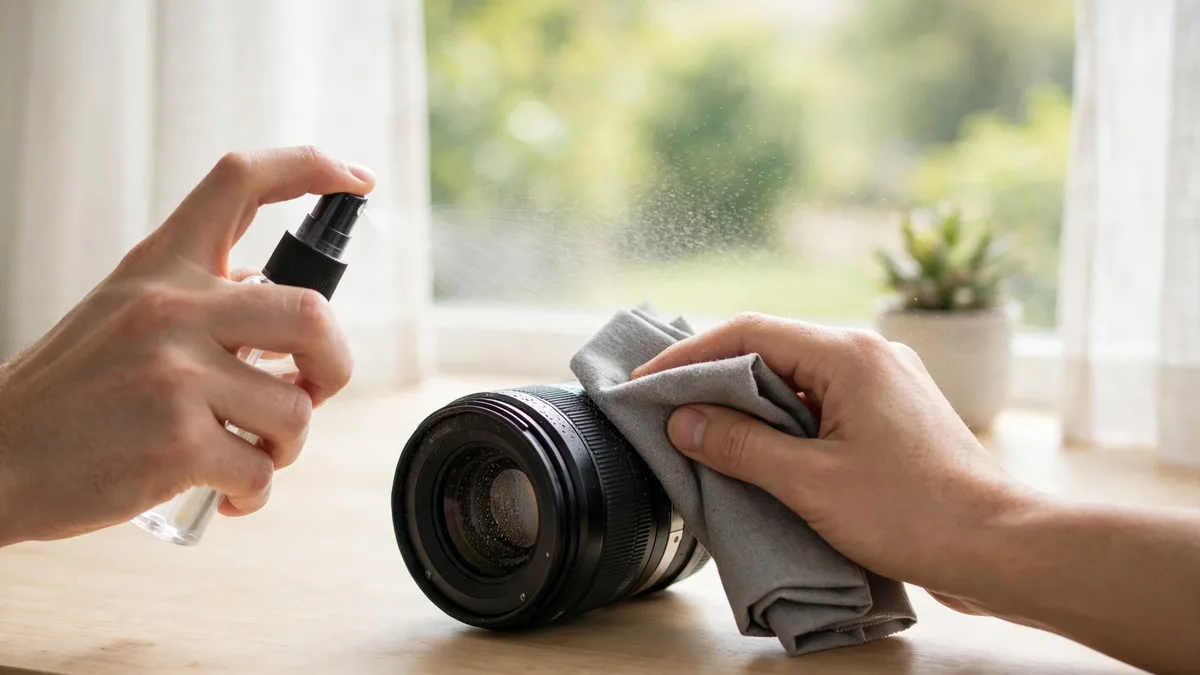
A spray is the best default for home use. You mist the cloth, not the screen, wipe in slow overlapping passes, then buff dry with the other side of the cloth. Because you control the amount, you can use barely any liquid on a phone and a little more on a large television. Look for a spray labelled alcohol-free and ammonia-free, with a fine mist nozzle rather than a jet, which soaks one spot.
Pre-Moistened Wipes
Wipes are the best format for bags, desks and travel. Each wipe carries exactly the right amount of solution, dries evenly, and leaves no bottle to leak. They are ideal for a phone that gets handled all day or a laptop that travels between meetings. The catch is the label: many wipes are made for eyeglasses or general household use, and some contain alcohol that is fine on a lens but harsh on a phone coating. Buy wipes that say they are made for screens, and skip any that leave the glass visibly damp for more than a few seconds.
Dry Microfibre Cloth Alone
A dry microfibre cloth is the most underrated screen cleaner there is. For dust and fingerprints, it is often all you need: a few slow passes lift the film without any liquid, and there is nothing to streak. The limit is sticky residue and dried splashes, which a dry cloth smears rather than removes. Keep a cloth in every room where a screen lives, and treat it as the first step, not the last resort.

Screen Cleaners Compared
| Format | Best for | Streak risk | Cost per clean | Verdict |
|---|---|---|---|---|
| Alcohol-free spray + cloth | Home, all screen sizes | Very low | A few pence | Best overall |
| Pre-moistened screen wipes | Travel, phones, quick cleans | Low | Higher per use | Best for convenience |
| Dry microfibre cloth | Dust and light fingerprints | None | Almost nothing | Best daily habit |
| Foaming screen cleaner | Large televisions | Low | Moderate | Good for big screens |
| Household glass cleaner | Windows, not screens | High | Cheap | Avoid on displays |
How to Clean Each Type of Screen
Different screens need different care, but the method is the same at its core: power off or show a black image first so you can see the dirt, work with a barely damp cloth, and finish with a dry buff. The differences are in the pressure, the amount of liquid, and the edges you must keep dry.
Phones and Tablets
Switch the phone off or lock it to a dark screen, then wipe with a dry microfibre cloth to remove dust and grit. Mist the cloth once with spray, wipe the glass in slow straight passes, and dry it with the clean side of the cloth. Pay attention to the edges near the case and the camera lens, where grease collects. Never spray the phone directly: liquid finds its way into the speaker grille and charging port, and no cleaner is worth a muffled speaker.
Laptops and Monitors
Laptop and monitor screens are larger and show streaks more easily, so work in sections and keep the cloth only slightly damp. Start at the top and wipe downwards in overlapping rows, turning the cloth to a clean section as you go. If the screen has a matte anti-glare finish, use even less liquid and almost no pressure: matte coatings mark more easily than glossy glass, and pressing hard polishes shiny spots into them.
Televisions
A television is the screen people clean least and damage most, usually with a household spray grabbed from under the sink. Use a large dry microfibre cloth first, because most of what sits on a television is dust. For fingerprints at child height, mist a cloth and wipe gently, then buff dry before the liquid evaporates on its own. If you are buying a new set and want to know what you are cleaning, our guide to buying a TV in 2026 without the jargon explains the panel types and coatings you will find on the glass. Never use a paper towel on a television: the screen is big, the towel is rough, and the scratches show up the next time the sun hits it.
The Mistakes That Leave Streaks
Streaks are rarely caused by a bad cleaner. They are caused by too much liquid drying on the glass before it is buffed away, and by cleaning in direct sunlight or on a warm screen, where the liquid evaporates in seconds. Clean screens when they are cool and out of direct sun, use less liquid than you think you need, and always finish with a dry cloth. If streaks appear anyway, the cause is usually a dirty cloth: wash it, and the next clean will be clear.
The more expensive mistakes are chemical. Household glass cleaner is the worst offender: ammonia attacks anti-reflective coatings and leaves a haze that no amount of buffing removes, and the difference between a glass cleaner and a screen cleaner is exactly that ammonia. Vinegar is no better, and tap water leaves mineral spots as it dries. If you want the full comparison of what household formulas do well and badly, our best versus worst glass cleaners of 2026 shows why they belong on windows, not on displays. And once a screen is clean, keeping it that way is half the job: a good screen protector takes the scratches and the daily finger grease so the glass underneath stays untouched.
Screen Cleaning Checklist
- Power off the screen or show a black image so every smudge is visible before you start.
- Use a clean microfibre cloth, washed without fabric softener, and keep a second dry one for buffing.
- Choose an alcohol-free, ammonia-free cleaner labelled for screens, never a household glass cleaner.
- Spray the cloth, never the screen, so liquid cannot seep into edges, speakers or ports.
- Wipe in slow, overlapping passes with light pressure, then buff dry before the liquid evaporates.
- Clean screens cool and out of direct sunlight, and wash the cloth after a few uses.
Frequently Asked Questions
Can I use a screen cleaner on all my devices?
Yes, if it is alcohol-free and ammonia-free and labelled for screens. The same spray and cloth work on a phone, a laptop, a monitor and a television.
How often should I clean my screens?
A phone benefits from a quick wipe every day, because it is handled constantly and pressed against your face. A laptop or monitor needs a proper clean every week or two, and a television once a month is usually enough.
Why does my screen still show streaks after cleaning?
Streaks usually mean too much liquid, a dirty cloth, or cleaning in sunlight. Use less spray, wash the cloth, and clean when the screen is cool. If the streaks persist after that, the coating may already be damaged by a harsh cleaner, and no amount of wiping will fix it.
Is it safe to use disinfectant wipes on a phone screen?
Occasionally, yes, but not as a daily habit. Disinfectant wipes contain chemicals that wear down the oleophobic coating over time, so the screen smudges more easily afterwards.
Can I make my own screen cleaner at home?
A mix of distilled water with a single drop of mild dish soap on a microfibre cloth works in a pinch, and distilled water alone handles dust. Avoid tap water, which leaves mineral spots, and never add vinegar, alcohol or window cleaner.
Do I need a different cleaner for a television than for a phone?
No, the same alcohol-free spray works for both. The difference is the cloth: use a larger microfibre cloth for a television so you can cover the screen in fewer passes, and work in sections so the liquid never dries before you buff it.
The Bottom Line
The best screen cleaner in 2026 is a simple one: an alcohol-free spray, a clean microfibre cloth, and the habit of spraying the cloth instead of the screen. That combination cleans a phone, a laptop, a monitor and a television without streaks and without harming the coatings that keep the display clear.