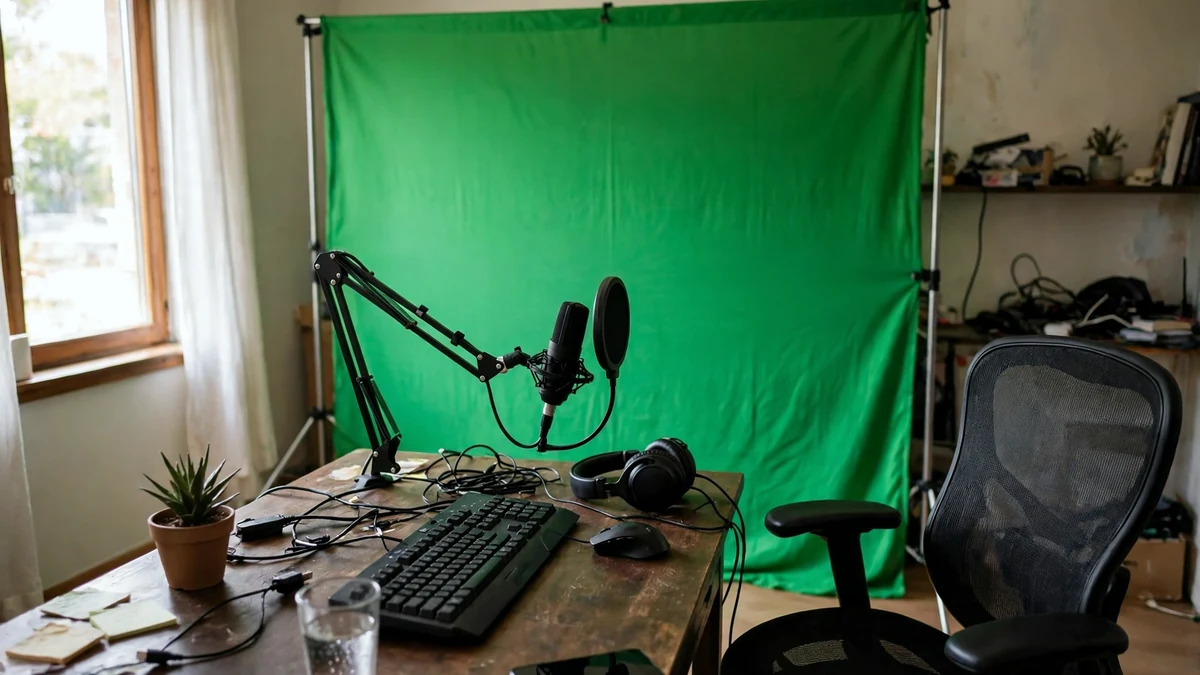
A green screen has one job: to give the camera a clean, even patch of green that the software can remove in one click, leaving you standing in any background you choose. The worst green screens of 2026 fail at it in ways that leave a creator with wrinkles in the key, green fringes around their hair, and hours of editing to fix what a good screen would have done in seconds. They crease, shine, or show the wrong colour, and the background that should have vanished stays stubbornly visible. Creators buy them hoping for a studio look from a corner of a living room. What they get is a screen that wrinkles, a screen that shines, or a screen that is never quite green enough.

Wrinkles That Will Not Key Out
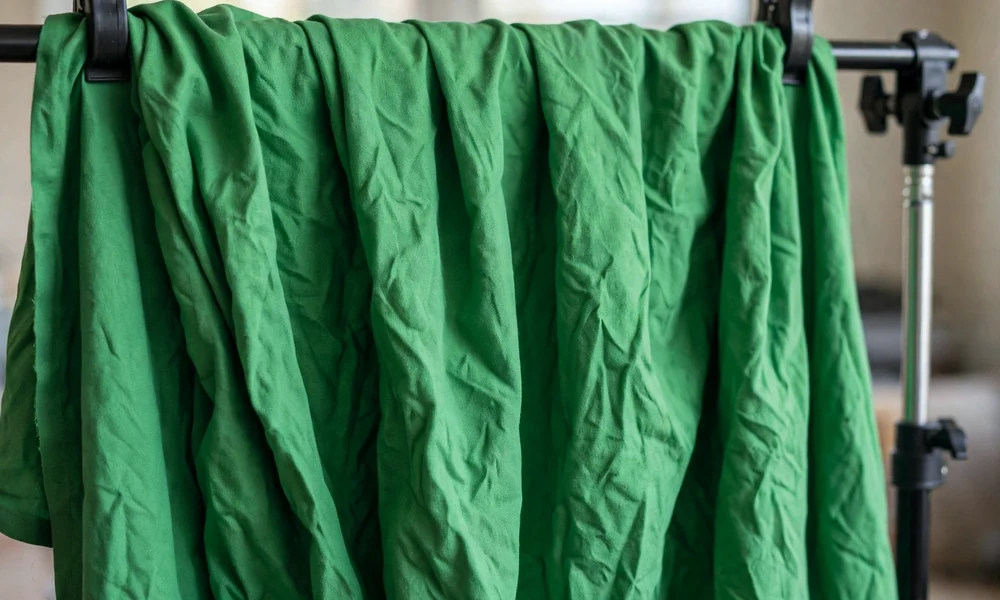
A green screen has to be flat, and the worst ones wrinkle the moment they come out of the bag. Thin fabric creases where it was folded, and the creases catch the light differently, so the software sees light green and dark green instead of one even colour, and the wrinkles stay in the shot as ghostly lines. The problem is worst on cheap fabric screens, which arrive folded tight, crease deeply, and never hang flat, however long they are left up. A screen that wrinkles is a screen that cannot be keyed cleanly, because the software cannot tell a wrinkle from a shadow, and a creator who has to fix wrinkles in editing is a creator who has bought a screen that fights them.
Look for a screen made of thick, wrinkle-resistant fabric, or a collapsible pop-up screen that springs flat and holds its shape. Hang the screen the day before you record, and let gravity pull the creases out, or steam it gently from a distance if the creases will not drop. Avoid screens that arrive folded into a small square, because the folds will be deep and hard to remove. A screen that hangs flat is a screen that keys out cleanly, and a screen that wrinkles is one that will cost you hours in editing.
Shine and Hot Spots
A green screen should be matt, and the worst ones shine. A shiny fabric reflects the lights back at the camera, creating bright hot spots that the software cannot remove, because a hot spot is not green at all, it is white. The problem is worst on cheap vinyl screens, which are glossy by nature, and on fabric screens placed too close to a bright light, where the light hits the screen at an angle and bounces straight into the lens. A screen that shines is a screen that cannot be keyed, because the hot spot stays in the picture as a bright patch, and no amount of editing will turn white back into green.
Look for a screen made of matt fabric, which scatters the light instead of reflecting it, and light the screen evenly from both sides, with the lights angled away from the camera. Check the screen on your preview before you record: it should look the same brightness all over, with no bright patches and no dark corners. Keep the screen a little further from the lights if hot spots appear, and never point a light straight at the screen. A screen that is evenly lit and matt is a screen that keys out, and a screen that shines is one that will leave bright patches in every video.
Colour That Is Not Even
A green screen has to be one even colour, and the worst ones are not. Cheap fabric fades in patches, the dye is uneven from the factory, or the screen has been washed and the colour has gone blotchy, so the software sees three different greens and removes only one of them. The problem is worst on screens bought by colour name alone, because not every green keys well, and a green that is too yellow or too blue will not separate from the subject properly. A screen with uneven colour is a screen that leaves patches of green behind the subject, and a creator who has to paint out the leftovers frame by frame is a creator who has bought the wrong screen.
Look for a screen in a proper chroma-key green, which is a bright, saturated green made for keying, and check it in the shop or on arrival by looking at it under even light: the colour should be the same from edge to edge, with no pale patches and no dark ones. Avoid screens that look yellowish or washed out, because they will not key cleanly. Test the screen with your actual software before an important recording, because the software you use is the one that has to remove it. A screen with an even, proper green is a screen that vanishes in one click, and a screen with patchy colour is one that will haunt every edit.
Spill on Hair and Clothes
A green screen reflects green light onto the subject, and the worst setups spill it everywhere. Green light bounces off the screen onto hair, shoulders, and clothes, leaving a green fringe around the person that the software cannot remove without cutting into the subject. The problem is worst when the subject stands too close to the screen, when the screen is lit too brightly, or when the subject wears anything green, which the software removes along with the background. A setup with bad spill is a setup that makes the creator look like they are glowing green, and a video with green fringes looks amateur however good the content is.
Stand at least a metre from the screen, and light the subject separately from the screen, so the green light does not wash over them. Avoid wearing green, and tie back loose hair, because flyaway hairs pick up the spill first and are the hardest to fix. Check the edges of the subject on your preview, and if you see a green fringe, move further from the screen or turn the screen lights down. A setup with the subject well clear of the screen is one that keys cleanly, and a setup with the subject pressed against it will spill green onto everything. If the lighting needs sorting, our guide to the top ring lights for video calls and content covers the lights that pair well with a screen.
Stands That Sag and Fall
A green screen hangs on a stand, and the worst stands sag and fall. A thin crossbar bends under the weight of the fabric, so the screen droops in the middle, and a tripod with a narrow base topples when the screen catches a draught. The problem is worst on cheap stands, where the poles are thin, the clamps are plastic, and the feet are too small for the screen they hold. A stand that sags is a stand that wrinkles the screen, and a stand that falls is a stand that drops the whole setup onto the floor, which is the end of the recording and possibly the end of the screen.
Look for a stand with a solid crossbar that stays straight under the weight of the fabric, metal clamps that hold firmly, and a wide base that will not topple. Check the stand in the shop by hanging the screen on it and leaving it for a few minutes: a good stand stays straight, and a bad one sags visibly. Keep the stand on a flat floor, away from doorways and draughts, and weigh the feet down with sandbags if the room is draughty. A stand that holds firm is a stand that keeps the screen flat, and a stand that sags is one that will wrinkle the screen it was bought to hold.
Sizes That Do Not Fit the Room
A green screen has to fit the room, and the worst ones do not. A screen that is too small leaves the edges of the room visible, so the background appears around the subject like a frame, and a screen that is too large cannot be hung in a small room, so it bunches up on the floor and wrinkles. The problem is worst on screens bought without measuring, because the size on the box is the size of the fabric, not the size of the space it needs, and a screen that needs a metre of clearance on every side will not fit in a corner. A screen that does not fit the room is a screen that cannot do its job, because the background has to cover the whole frame, and a screen that covers only half of it is a screen that has failed.
Measure the space before you buy, and check the width and height you need against the camera’s field of view: the screen should be wider than the shot, with room to spare on every side. A collapsible pop-up screen suits a small room, because it sets up in seconds and folds away, while a large fabric screen suits a dedicated space. Test the screen in the room before an important recording, and check the edges of the frame on your preview. A screen that fits the room is one that vanishes from the shot, and a screen that does not is one that will leave the room visible around the edges. If the lighting needs a closer look, our guide to the webcam lights that make you look sharp on calls covers the lights that suit a small streaming corner.
What to Buy Instead
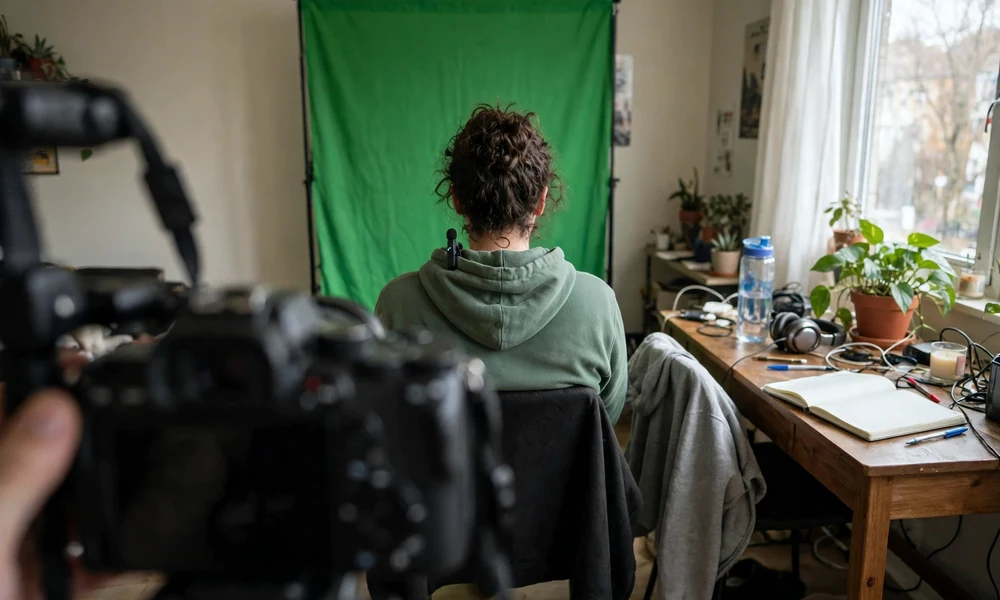
The green screens worth buying share a short list of features, and none of them is expensive on its own. Thick, wrinkle-resistant matt fabric in a proper chroma-key green, with an even colour from edge to edge. A solid stand with a straight crossbar, metal clamps, and a wide base. A size that covers the whole frame, with room to spare, and a screen that hangs flat the day after it goes up. If a screen fails any one of those checks, keep looking.
Fit matters as much as build, and the screen should suit the room in front of you rather than the room in the photograph. Measure the space, test the screen with your software, and stand a metre clear of it when you record. A screen that fits the room is one that vanishes in one click, and one that fights the room will cost you hours in editing. If the editing needs sorting, our guide to the best video editing software of 2026 covers the tools that key out a good screen cleanly.
The Bottom Line
The worst green screens of 2026 share a pattern: wrinkles that will not key out, shine and hot spots, colour that is not even, spill on hair and clothes, stands that sag and fall, and sizes that do not fit the room. Avoid those six failures and you avoid almost every green-screen regret. Hang the screen the day before, light it evenly, and stand a metre clear. Do that, and the screen you buy will be the one that vanishes in one click, not the one that leaves green fringes around your hair.