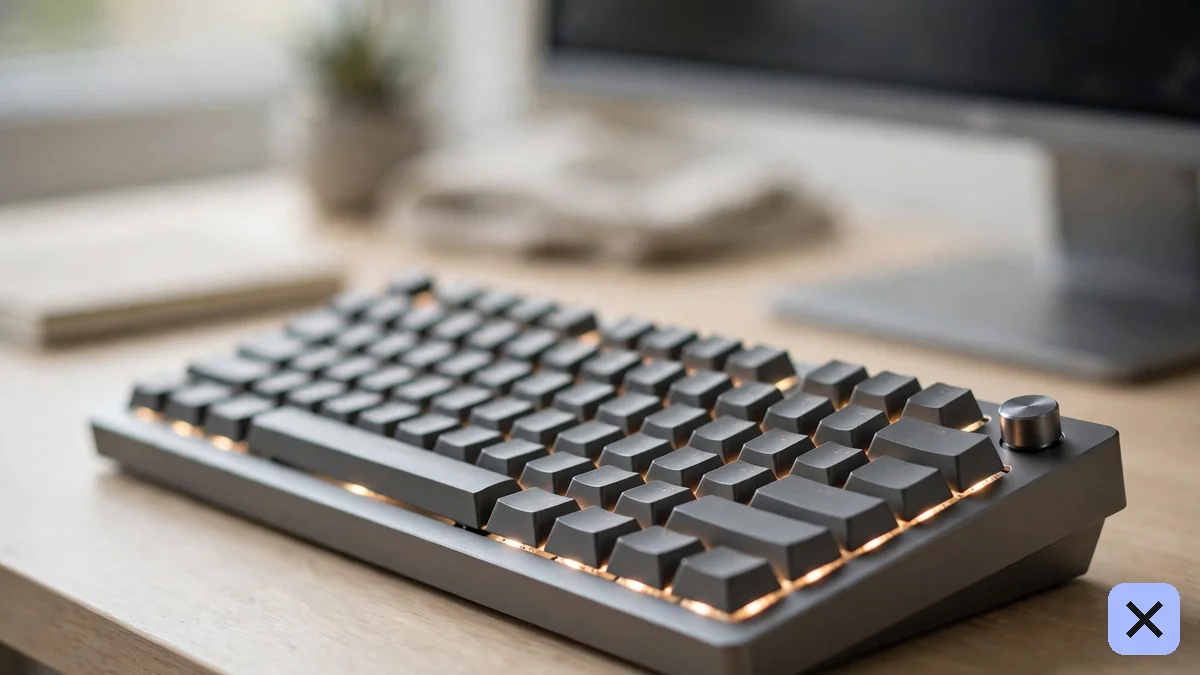
The best mechanical keyboards 2026 feel better than any generation before them. Switches are smoother, stabilisers rattle less, and even affordable boards now ship with the sound-dampening foam and factory lubrication that used to belong only to expensive custom builds.
At its heart, a mechanical keyboard is a simple idea: every key has its own switch, and that switch decides how the key feels, how it sounds, and how quickly it responds. Around that idea, the details have multiplied. Hot-swappable sockets let you change switches without soldering. Gasket-mounted plates give the board a softer, bouncier feel.
This guide rounds up the best mechanical keyboards 2026 for typing, gaming, compact desks, and quiet offices. Every pick was judged on feel, sound, build quality, layout, and value, and the comparison table lets you see the whole field at a glance.
Key takeaways
- Linear switches are the safest all-round choice, offering a smooth, quiet press.
- Hot-swappable boards are worth paying extra for, because they let you change switches later.
- A 75 percent layout gives you function keys and arrows in a compact frame, and it suits most desks better than full-size.
- Gasket-mounted keyboards feel softer and sound deeper than tray-mounted boards, and the difference is easy to notice.
- Quiet switches and dampening foam matter more than marketing claims about silence, so check both before buying for a shared office.
What Makes a Mechanical Keyboard Great
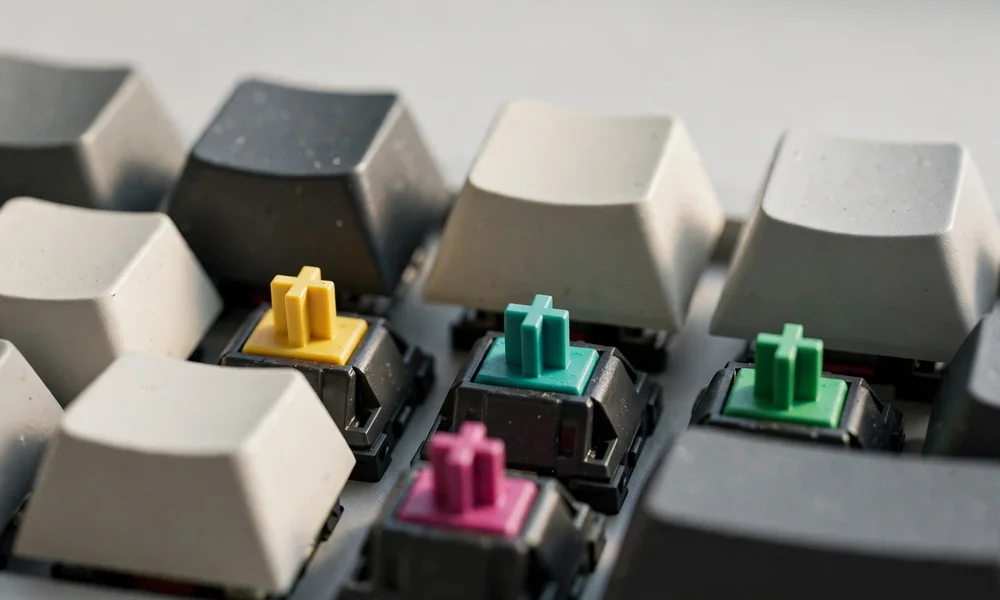
A great mechanical keyboard is the sum of several small decisions. The switch sets the feel of each press. The keycaps set the texture under your fingers. The case and mounting style set the sound and the flex. The layout sets how much desk space the board takes.
Sound matters more than most first-time buyers expect. A board that sounds hollow or rattly will annoy you within a week, however good it looks in photographs. Dampening foam, a heavier case, and well-lubricated stabilisers are the three things that most improve sound.
Switches Set the Feel
Switches come in three broad families. Linear switches travel straight down with no bump and no click,. Tactile switches add a small bump halfway through the press, which confirms each keystroke. Clicky switches add a bump and an audible click, which some people love and most colleagues do not.
If you are unsure, start with a linear switch in a medium weight, around 45 to 55 grams. It feels good for both typing and gaming and will not tire your fingers. If you write all day and want more feedback, try a tactile switch.
Keycaps, Cases, and Mounting
Keycaps are usually made from ABS or PBT plastic. ABS caps feel smooth and can develop a shine with heavy use, while PBT caps feel slightly textured and hold their appearance far longer. Double-shot keycaps, where the legend is a separate piece of plastic rather than printed ink, never fade or wear off.
The case and mounting style shape both sound and feel. Tray-mounted boards screw the plate directly to the case, which makes them rigid and sometimes harsh. Gasket-mounted boards sit the plate on soft gaskets, giving a gentle flex and a deeper sound.
Connectivity and Battery Life
Most modern boards connect three ways: wired USB-C, Bluetooth, and a 2.4 GHz wireless dongle. Wired is the most reliable and never needs charging. Bluetooth is convenient for switching between a laptop, a tablet, and a phone, though it adds a little latency. A 2.4 GHz connection is the best of both worlds for gaming, with latency close to wired and the freedom of wireless.
Battery life varies widely. A board with backlighting off can last for weeks or months, while the same board with bright RGB lighting may need charging every few days. If you work away from a charger, look for a large battery and the option to turn lighting off entirely.
The Best Mechanical Keyboards 2026
The shortlist below covers the boards that stood out across the year.
| Keyboard | Layout | Switches | Hot-Swappable | Connection | Best For |
|---|---|---|---|---|---|
| Keychron K8 Pro | Tenkeyless | Linear, tactile, clicky | Yes | USB-C, Bluetooth, 2.4 GHz | All-round typing |
| Logitech G Pro X TKL | Tenkeyless | GX linear, tactile, clicky | Yes | USB-C, Bluetooth, 2.4 GHz | Gaming |
| Razer BlackWidow V4 Pro | Full-size | Green, Yellow, Orange | Yes | USB-C, Bluetooth, 2.4 GHz | Feature-packed gaming |
| SteelSeries Apex Pro TKL | Tenkeyless | OmniPoint 2.0 adjustable | No | USB-C, 2.4 GHz | Competitive gaming |
| Epomaker TH80 Pro | 75 percent | Linear, tactile | Yes | USB-C, Bluetooth, 2.4 GHz | Value and compact desks |
| Corsair K70 RGB Pro | Full-size | Cherry MX, OPX optical | No | USB-C | Durable daily driver |
Keychron K8 Pro: The Best All-Rounder
The Keychron K8 Pro is the board to buy if you want one keyboard that does everything well. It is a tenkeyless board with a solid aluminium frame, hot-swappable sockets, and a gasket-mounted design that gives it a deep, satisfying sound straight out of the box. It connects over USB-C, Bluetooth, and 2.4 GHz, works with both Windows and macOS, and ships with keycaps for both.
Logitech G Pro X TKL: The Best Gaming Keyboard
The Logitech G Pro X TKL is built for players who want a tournament-ready board without a number pad getting in the way of the mouse. It leaves room for wide mouse movements, and its hot-swappable GX switches let you change the feel without tools. It pairs naturally with the best gaming laptops of 2026, giving you a full desktop feel wherever you play.
Razer BlackWidow V4 Pro: The Most Feature-Packed
The Razer BlackWidow V4 Pro is the board for people who want everything. It is a full-size keyboard with a command dial, dedicated macro keys, a magnetic wrist rest, and some of the brightest per-key lighting available. The switches come in clicky, linear, and tactile versions, and the board is hot-swappable, so you can tune the feel to your taste.
SteelSeries Apex Pro TKL: The Best for Competitive Play
The SteelSeries Apex Pro TKL uses adjustable OmniPoint switches, which let you set the actuation point of each key anywhere from a hair-trigger press to a deep, deliberate one. That adjustability is why competitive players love it: movement keys can trigger instantly while ability keys need a firmer press. The trade-off is that the switches are not hot-swappable and the board costs more than most tenkeyless rivals,
Epomaker TH80 Pro: The Best Value Pick
The Epomaker TH80 Pro proves how far budget keyboards have come. It is a 75 percent board with hot-swappable switches, a gasket-mounted plate, and three connection modes, and it costs far less than boards with similar specifications. The sound is deep and muted thanks to layers of dampening foam, and the keycaps are solid PBT.
Corsair K70 RGB Pro: The Durable Daily Driver
The Corsair K70 RGB Pro is the workhorse of this list. Its aluminium frame is built to last, its Cherry MX switches come in a wide range of feels, and its optical OPX variants offer very fast actuation for gaming. The board is full-size, with a volume roller and dedicated media keys, and the per-key RGB lighting is among the best on any keyboard.
Switches Explained: Linear, Tactile, and Clicky
Choosing a switch is the single most important decision in buying a mechanical keyboard. Linear switches move smoothly with no bump and no click. Tactile switches add a small bump partway down that tells your finger the key has registered. Clicky switches add the bump and a sharp click sound on top of it.
Switch weight matters as much as switch type. A light switch, around 45 grams, feels effortless and suits fast typing, but it can lead to accidental presses if you rest heavy fingers on the keys. A heavier switch, around 60 to 65 grams, feels more deliberate and suits a firm typing style.
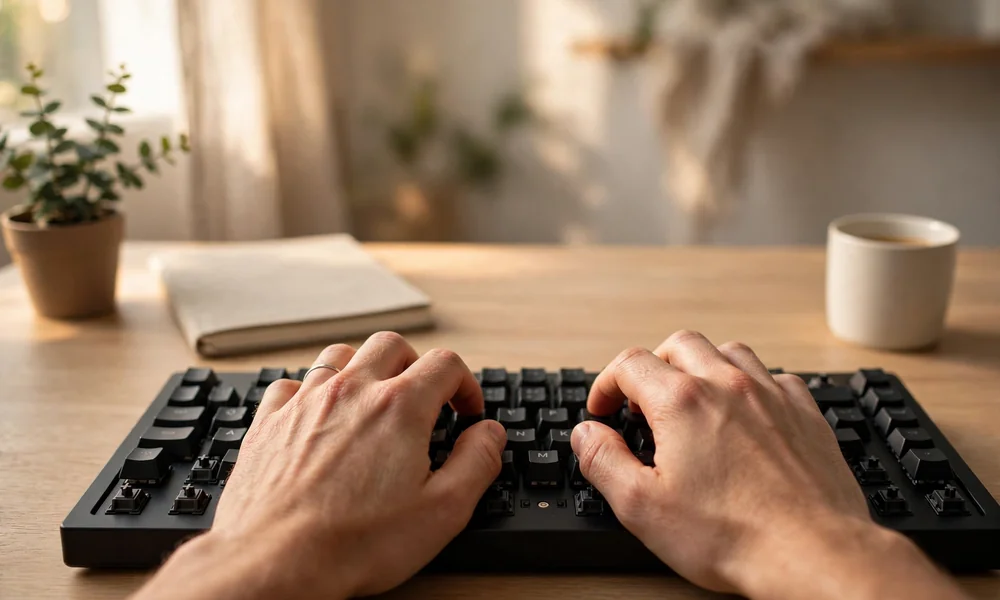
Sound is the other half of the switch question. Lubricated switches sound smoother and quieter than dry ones, and many boards now ship with factory lubrication as standard. And if you share a room, remember that the worst outcome is not a board you dislike, but a board everyone around you dislikes. See our guide to keyboards that get typing comfort wrong before you spend your money.
Layouts and Sizes: Full-Size, Tenkeyless, and Compact
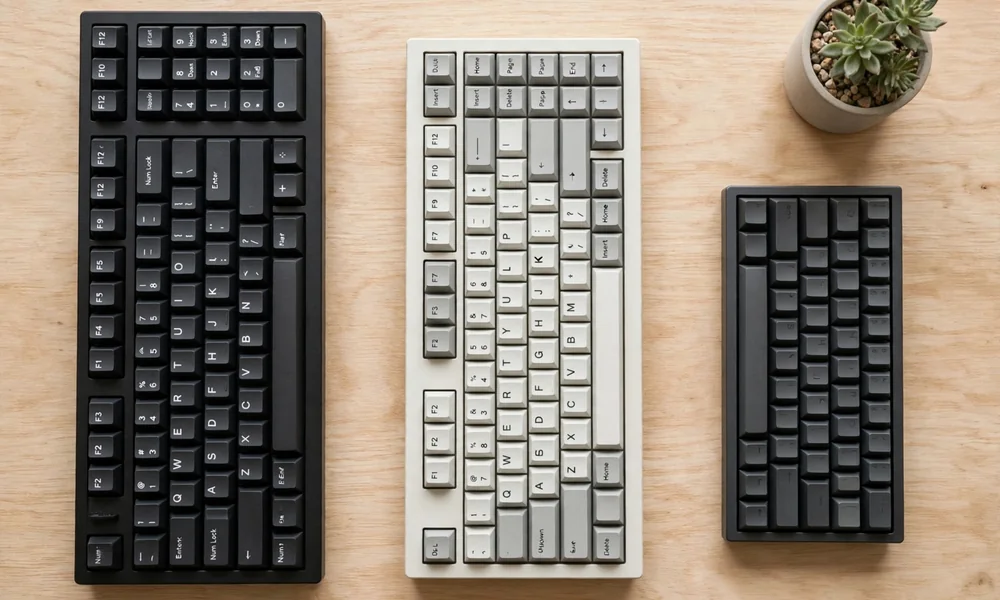
Layout is mostly a question of desk space and habit. A full-size board has a number pad, function keys, and navigation keys, and it suits people who work with numbers. A tenkeyless board drops the number pad and keeps everything else, which brings the mouse closer to your body and frees up desk space.
Smaller still are 65 percent and 60 percent boards, which drop the function row and sometimes the arrow keys as well. These look clean and take up very little space, but they ask you to learn layer shortcuts for the missing keys, which is a real adjustment if you rely on function keys for work. For most people, the sweet spot is tenkeyless or 75 percent. If you are rebuilding your workspace, see the best home office chairs of 2026.
How to Choose: A Six-Point Checklist
Use this checklist before you buy, and you will avoid the most common mistakes.
- Pick your switch first: linear for gaming, tactile for writing, clicky only for private rooms.
- Choose a layout that fits your desk: tenkeyless or 75 percent suits most people; full-size suits number work.
- Insist on hot-swappable sockets: they let you change switches later.
- Check the keycaps: PBT double-shot caps outlast thin ABS caps.
- Listen before you buy: watch a sound test, and prefer gasket-mounted designs with foam.
- Match the connection to your setup: wired for a fixed desk, Bluetooth for switching devices, 2.4 GHz for gaming.
Frequently Asked Questions
Are mechanical keyboards better than membrane keyboards?
For most people, yes. Mechanical keyboards last longer, feel more consistent, and let you choose the exact switch, layout, and keycaps you prefer. Membrane keyboards are cheaper and quieter, but their keys wear unevenly and they cannot be repaired or customised.
How long do mechanical keyboards last?
A good mechanical keyboard should last many years. Most switches are rated for 50 to 100 million keystrokes, far beyond what most people will ever reach. Keycaps and cables wear out sooner than switches, and both are replaceable on a well-designed board
Are mechanical keyboards loud?
Some are, but they do not have to be. Clicky switches are loud by design, while linear and tactile switches with dampening foam can be quieter than a typical membrane keyboard. Silent switches, lubricated stabilisers, and a gasket-mounted case all reduce noise further.
What is a hot-swappable keyboard?
A hot-swappable keyboard lets you pull switches out and push new ones in without soldering. You can try a different switch type, replace a faulty switch, or upgrade the feel of the whole board for the cost of a switch set.
Do I need a full-size keyboard?
Probably not. Most people use the number pad rarely, and a tenkeyless or 75 percent board gives you the same typing experience in less space. You only need full-size if you enter numbers regularly or use the number pad for shortcuts.
Are wireless mechanical keyboards good for gaming?
Yes, provided they use a 2.4 GHz connection rather than Bluetooth alone. Modern 2.4 GHz wireless is effectively as fast as wired for gaming, with latency of around one millisecond. Bluetooth adds a little latency and suits typing and general use better.
The Bottom Line
The best mechanical keyboards 2026 reward a simple approach: choose your switch, pick a layout that fits your desk, and buy a hot-swappable board with good keycaps and a solid case. The Keychron K8 Pro is the best choice for most people, the Logitech G Pro X TKL is the best for gaming, and the Epomaker TH80 Pro is the best value.


