The best wireless chargers for desks in 2026 turn a tangle of cables into a single clean surface where your phone simply rests and charges. Instead of hunting for a cable every time your battery dips, you set your phone down on a pad or stand and pick it up again with more power than it had a minute ago.
A good desk charger is not the same as a good travel charger. On a desk, the charger stays in one place, so it can be heavier, wider and more capable. It should hold your phone at a glanceable angle or lie flat enough to disappear under a notebook, deliver enough power to keep up with a working day, and look like it belongs next to your laptop. The best wireless chargers of 2026 are the desk-focused models that make the most sense when the charger never leaves your workspace.
This guide covers the charger types that actually work on a desk, from slim single pads to three-in-one stations that charge a phone, earbuds and a watch at once. We compare power output, footprint and everyday practicality, then finish with a checklist and answers to the questions people ask most before buying. Whether your desk is a sprawling home office or a single corner of a shared room, there is a wireless charger here that will fit it.
Key takeaways
- Choose at least 15W output so charging keeps pace with a working day, including MagSafe-compatible 15W for iPhones.
- Three-in-one stations are the best desk upgrade if you also charge earbuds and a smartwatch, replacing three cables with one.
- A stand beats a flat pad when you take calls and check notifications, since the screen stays visible and upright.
- Look for a weighted base, a non-slip surface and a case-friendly design that works through cases up to 3mm thick.
- Always use the power adapter the maker recommends, because an underpowered brick is the most common reason charging feels slow.
What Makes a Great Desk Wireless Charger
Power output is the first thing to check, and it is also the most misunderstood. Most modern phones accept 15W over the Qi standard, and iPhones reach 15W with MagSafe-compatible chargers. A desk charger that delivers a full 15W will add roughly a third of a battery in half an hour. Anything below 10W will feel sluggish on a large phone.
Alignment matters more than most people expect. Wireless charging only works when the coils in the phone and the charger line up, and a pad that lets your phone slide a few millimetres out of position will stop charging without telling you. Magnetic stands solve this by snapping the phone into exactly the right spot. Flat pads need a grippy surface and a clear sweet spot.
Heat is the hidden enemy of desk charging. A phone left on a warm pad all day will slow its charging speed and, over months, can wear the battery faster. The best desk chargers manage heat with ventilation and aluminium bodies that spread warmth, and some add a quiet fan. A charger that stays cool after an hour is doing its job properly, and one that feels hot is worth replacing.
Finally, a desk charger should earn its place on the desk. That means a footprint that does not crowd your keyboard, a cable that exits neatly from the back, and materials that match the rest of your setup.
The Best Wireless Chargers for Desks in 2026
The six charger types below cover every kind of desk, from a minimal single-device setup to a full workstation that charges everything at once. Each one is the best in its class for desk use, judged on power, practicality, build and value.
| Charger type | Best for | Power | Typical price |
|---|---|---|---|
| Single flat pad | Minimal desks, one phone | 15W | $25–$45 |
| MagSafe stand | iPhone users, video calls | 15W | $40–$70 |
| Three-in-one station | Phone, earbuds and watch | 15W + 5W + 5W | $70–$120 |
| Dual charging pad | Two phones, shared desks | 15W + 15W | $45–$80 |
| Charging desk mat | Large desks, mouse and phone | 15W | $60–$100 |
| Stand with cooling fan | Heavy users, warm rooms | 15W | $50–$90 |
Best Single Pad: The Slim Flat Charger
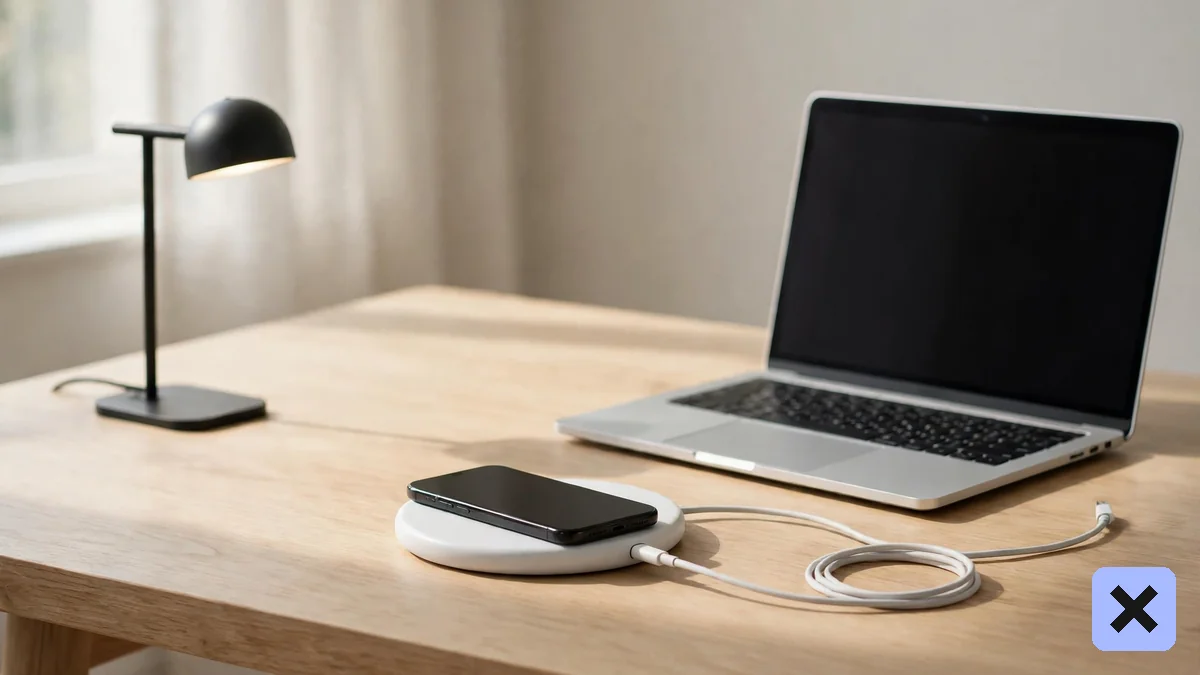
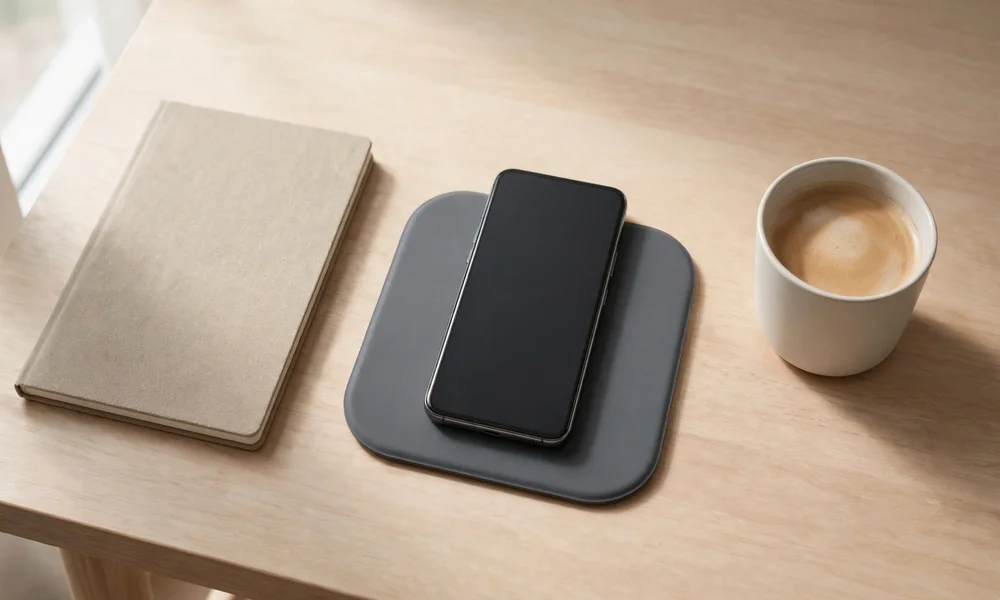
The slim flat pad is the simplest desk charger, and for many people it is the only one they will ever need. It is a thin disc that sits beside your keyboard, and you drop your phone on it whenever you sit down. The best models deliver a full 15W, work through cases up to 3mm thick, and have a soft-touch surface that stops the phone sliding. It suits small desks and costs less than any other type here.
Best for iPhone: The Magnetic Stand
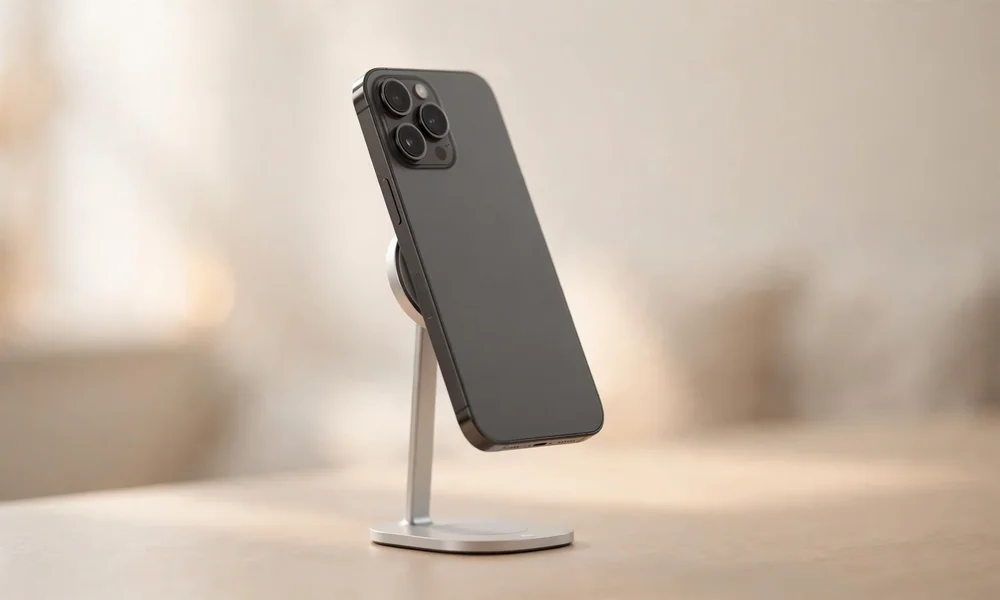
A magnetic stand holds an iPhone upright at a comfortable viewing angle, which makes it the best desk charger for anyone who takes video calls or glances at notifications all day. The magnet snaps the phone into perfect alignment every time, so charging never fails silently, and the upright position means you can read messages without picking the phone up. Look for a weighted base and an adjustable hinge.
Best All-in-One: The Three-in-One Station
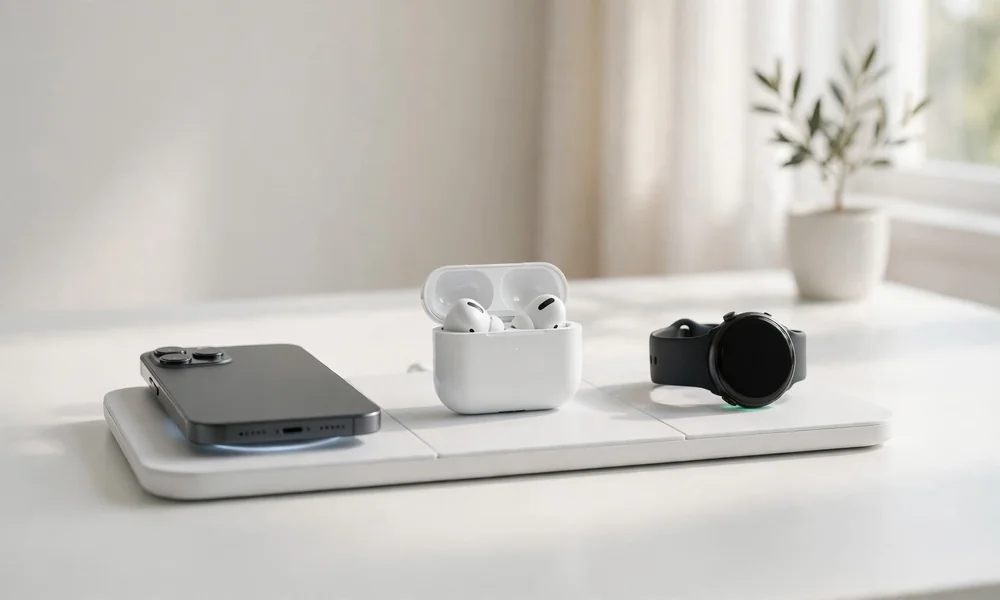
The three-in-one station is the desk charger for people whose phone, earbuds and watch all need power by the end of the day. One station charges all three devices from a single cable and a single wall adapter, which clears more clutter than any other upgrade on this list. It takes up more space than a single pad, but it replaces three separate chargers, so the desk ends up tidier overall.
Best for Couples and Shared Desks: The Dual Pad
A dual pad has two charging coils side by side, so two phones can charge at once without fighting over a single spot. It is ideal for a shared desk, a couple who both work from home, or anyone who carries a personal phone and a work phone. The better dual pads give each side a full 15W, so neither phone charges slowly.
Best for Large Desks: The Charging Desk Mat
A charging desk mat combines a large leather or fabric desk mat with a wireless charging zone built into one corner. Your mouse glides across the mat, your keyboard sits on it, and your phone charges in its corner without any extra device on the desk. It is the best choice for a large desk where a separate charger would add visual clutter. The trade-off is that the charging zone is fixed in one place, so you cannot move it.
Best for Heavy Use: The Stand With a Cooling Fan
If your phone charges for hours at a time while you stream video or play games, heat becomes a real problem, and a stand with a built-in cooling fan is the answer. The fan keeps the phone and the charging coil cool, which lets the phone hold its fastest charging speed for longer instead of slowing down as it warms up.
How to Choose the Right Charger for Your Desk
Start by counting the devices you charge at your desk every day. If it is only your phone, a single pad or a magnetic stand is all you need, and spending more buys you nothing. If earbuds and a watch join the phone, a three-in-one station pays for itself in saved cables and saved space.
Next, think about how you use your phone while it charges. If you read notifications, join video calls or watch videos at your desk, a stand is clearly better than a flat pad, because the screen stays visible. If you mostly leave your phone alone while you work, a flat pad is cheaper, lower and easier to live with. The best laptop stands for desks follow the same logic, raising the screen to a comfortable height instead of leaving it flat, and a charging stand does the same favour for your phone.
Measure your desk before you buy, especially for stations and dual pads. A three-in-one station needs roughly the width of a hardback book, and a dual pad needs more. Leave space for your keyboard and mouse, and put the charger where your hand naturally rests when you set the phone down.
Finally, check the power adapter in the box. Many desk chargers ship without one, or with a weak one, and the charger can only deliver its full speed with the adapter the maker recommends, usually 20W or higher. An underpowered adapter is the single most common reason a new wireless charger feels disappointing, and it is the easiest problem to fix.
Desk Setup Checklist
Use this checklist when you set up your new charger so it works properly from the first day.
- Place the charger on a flat, stable part of the desk where your phone naturally lands when you sit down.
- Connect it to a 20W or higher USB-C power adapter, not a laptop USB port or an old phone brick.
- Test charging with your usual case on, and remove the case if charging is slow or stops.
- Route the cable along the back edge of the desk so it never crosses your keyboard or mouse area.
- Pair the charger with the best desk organizers for small desks to keep the rest of the surface as tidy as the charging spot.
- Check after a week that the phone charges every time you set it down, and adjust the position if it ever misses.
Frequently Asked Questions
Are wireless chargers slower than wired chargers?
Yes, usually, but not by enough to matter on a desk. A 15W wireless charger adds roughly a third of a battery in half an hour, while a wired fast charger can add half. On a desk the phone charges in small top-ups all day, so the slower speed rarely makes a practical difference.
Can I use a wireless charger with a phone case on?
In most cases, yes. Wireless charging works through plastic, leather and silicone cases up to about 3mm thick. Metal cases, very thick rugged cases and cases with card holders can block charging, so test your own case first.
Is it safe to leave a phone on a wireless charger all day?
Yes. Modern phones stop drawing power once the battery is full and manage heat automatically. A quality charger with good heat management is safe for all-day use, although a phone that feels hot after an hour deserves a cooler charger or a stand with a fan.
Do wireless chargers work with all phones?
They work with any phone that supports the Qi wireless charging standard, which includes most iPhones from the iPhone 8 onwards and most mid-range and flagship Android phones. Older or budget phones without Qi need a receiver accessory or a cable.
Why does my wireless charger feel slow?
The most common cause is an underpowered wall adapter, followed by a thick case or poor alignment. Use the adapter the maker recommends, centre the phone on the coil, and remove any case thicker than 3mm to restore full speed.
Can one charger power my phone, earbuds and watch?
Yes, a three-in-one station charges all three at once from a single cable. Check that your earbuds case and watch support wireless charging first, since some watches need their own magnetic puck, which good stations include.
The Bottom Line
The best wireless charger for your desk is the one that matches how you actually work: a slim pad for a minimal setup, a magnetic stand if you live on video calls, or a three-in-one station if your phone, earbuds and watch all need power. Buy for your real devices, use a proper adapter, and place the charger where your phone already lands.